Why Playwright Tests Pass Locally but Fail in CI
The real reasons Playwright tests go green on your machine and red in CI, how to debug each one, and how to tell a genuine failure from an environment flake
Aug 2, 2026 · Updated: Aug 9, 2026
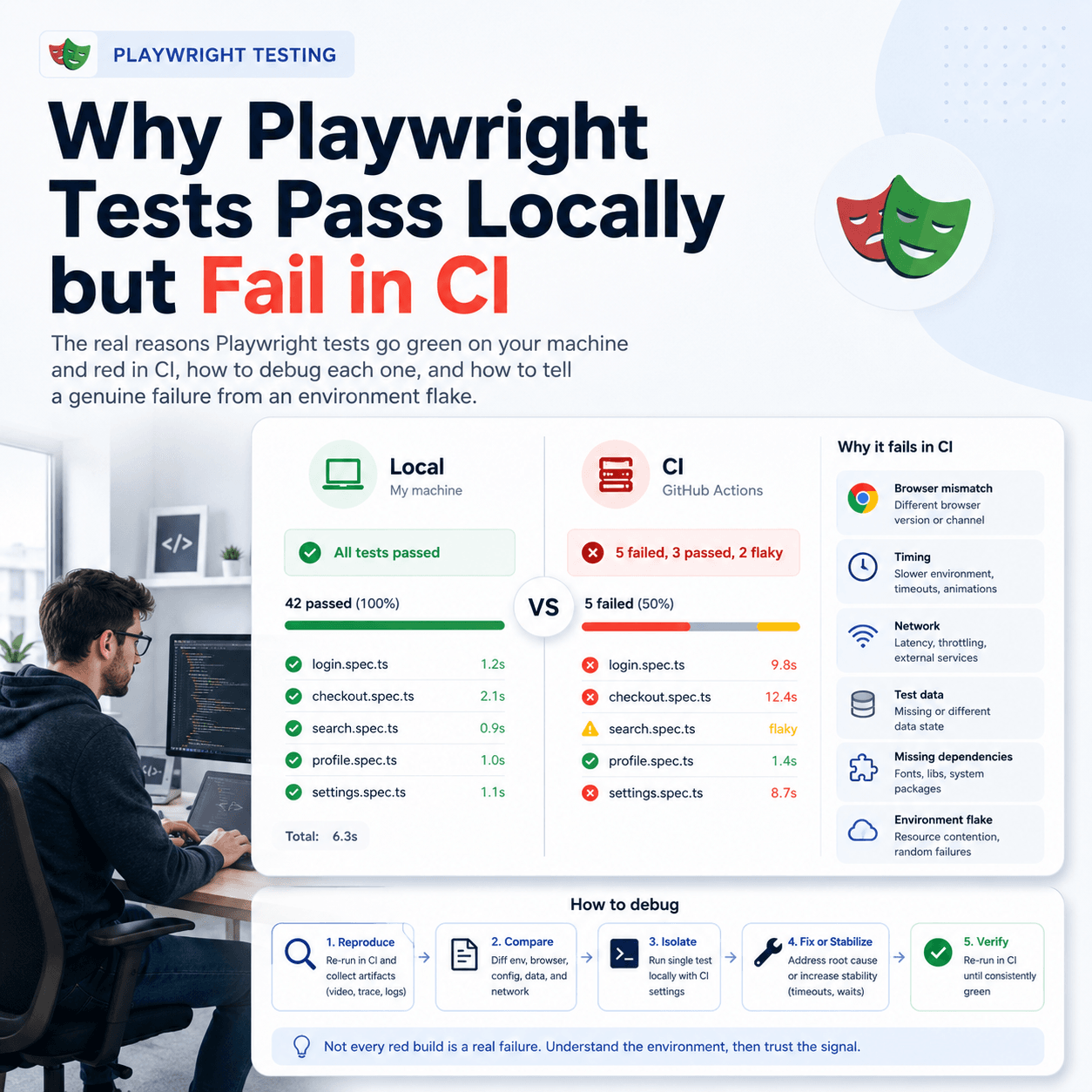
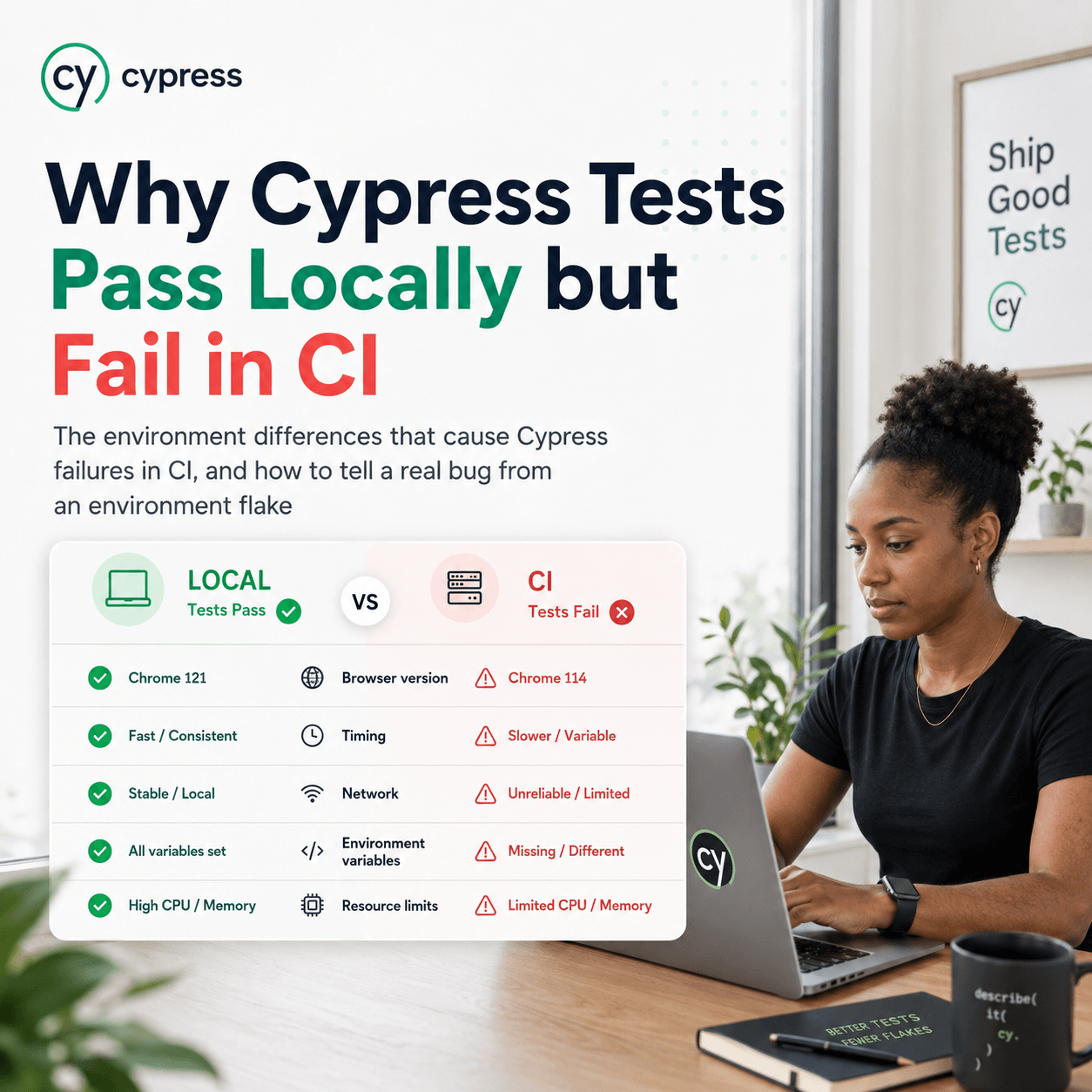
When a Playwright test passes on your machine but fails in CI, the test is almost never the whole story, the environment is. CI runs headless, on different hardware, often slower and more heavily loaded, with more parallelism and none of the incidental state your local machine has built up. Any of those differences can flip a result. The usual culprits are timing and waits that were tuned to a fast local machine, headless versus headed rendering differences, parallel execution and shared state, machine speed and resource limits, and environment or configuration that exists locally but not in CI. This post walks through each cause, how to confirm it, and how to tell a real failure apart from an environment induced flake so you fix the right thing.
Is it the test, or is it the environment?
Start here, because it determines everything you do next. A test that passes locally and fails in CI is telling you that something differs between the two environments, not necessarily that the code under test is broken. The trap is to treat the CI failure as a product bug and start changing application code, when the actual difference is that CI is headless, slower, and more parallel. Before touching the code, assume the gap is environmental until proven otherwise, and work through the causes below to find which difference is responsible.
Timing and implicit waits tuned to a fast machine
This is the most common cause by a wide margin. On your local machine an action completes quickly, so a test that waits a fixed amount of time, or that checks for an element a moment after triggering it, passes reliably. In CI the same action can take longer because the machine is slower and more loaded, so the wait expires before the thing it was waiting for happens, and the test fails.
The fix is to stop waiting for time and start waiting for state. Playwright's auto waiting and web-first assertions like expect(locator).toBeVisible() wait for the actual condition rather than a fixed duration, which is exactly what makes a test robust to a slower environment. Any fixed waitForTimeout in your suite is a candidate for the local-versus-CI gap. Confirm this cause by increasing timeouts in CI and seeing whether the failure disappears: if it does, the test was racing the clock, not finding a bug.
Headless versus headed rendering differences
Locally you often run headed, watching the browser. CI runs headless. Most of the time these behave identically, but not always: viewport size defaults can differ, some rendering and layout timing changes, and occasionally an element that is visible headed is treated differently headless. A test that depends on exact layout, on an element being in view, or on rendering having completed can pass headed and fail headless.
Confirm this one by running headless locally with npx playwright test (headless is the default) and reproducing the CI failure on your own machine. If it fails headless locally but passes headed, you have found the cause, and the fix is usually to set an explicit viewport and to assert on state rather than on assumed layout.
Parallelism and shared state
CI frequently runs more workers in parallel than your local machine does, and it often shards the suite across machines. That surfaces a class of bug that is invisible when tests run one at a time: tests that share state. If two tests touch the same user, the same record, or the same fixture, running them in parallel can make them interfere, and the failure appears only under the higher parallelism of CI. The same test in isolation passes every time.
Confirm it by running the suite locally with the same or higher worker count, for example npx playwright test --workers=4, and by running the failing test both alone and alongside its neighbours. If it passes alone and fails in company, the problem is shared state or test ordering, not the test itself. The fix is isolation: give each test its own data and avoid dependencies on execution order.
Machine speed, resources, and environment differences
Beyond timing, raw resource limits cause failures that never appear locally. CI containers often have less memory and CPU than a developer laptop, so a test that is comfortable locally can hit a limit in CI and fail in ways that look random. Environment differences do the same: a locally set environment variable, a running local service, a cached login, or a config file that exists on your machine but not in the CI runner will make a test pass locally and fail in CI because a precondition it silently relied on is missing.
Confirm resource issues by checking whether failures correlate with heavier runs or specific machines. Confirm environment gaps by listing what the test assumes exists, then checking each assumption against the clean CI environment. The fix for the second is to make every precondition explicit and set up within the test or the CI configuration rather than inherited from your local machine.
How do you tell a real failure from an environment flake?
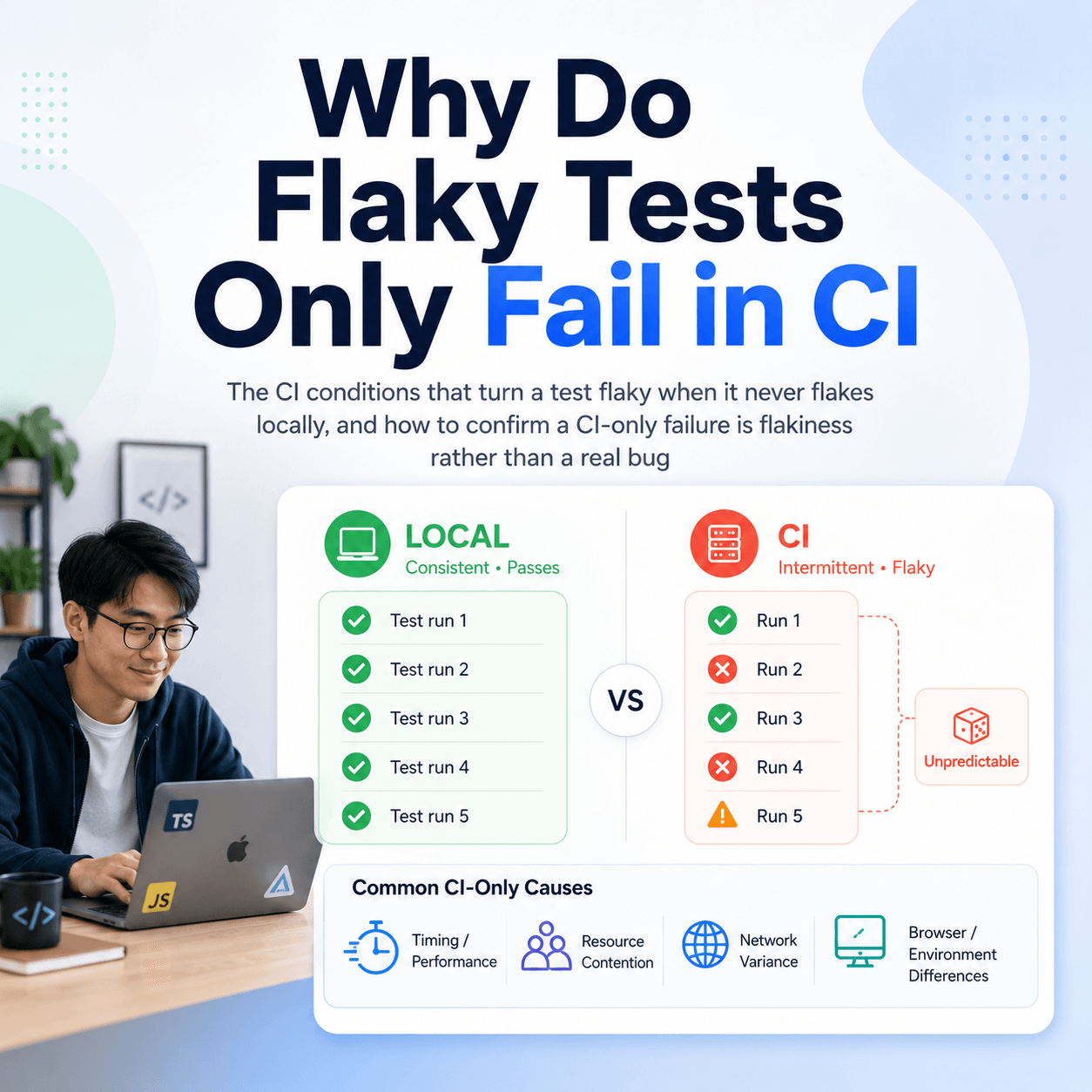
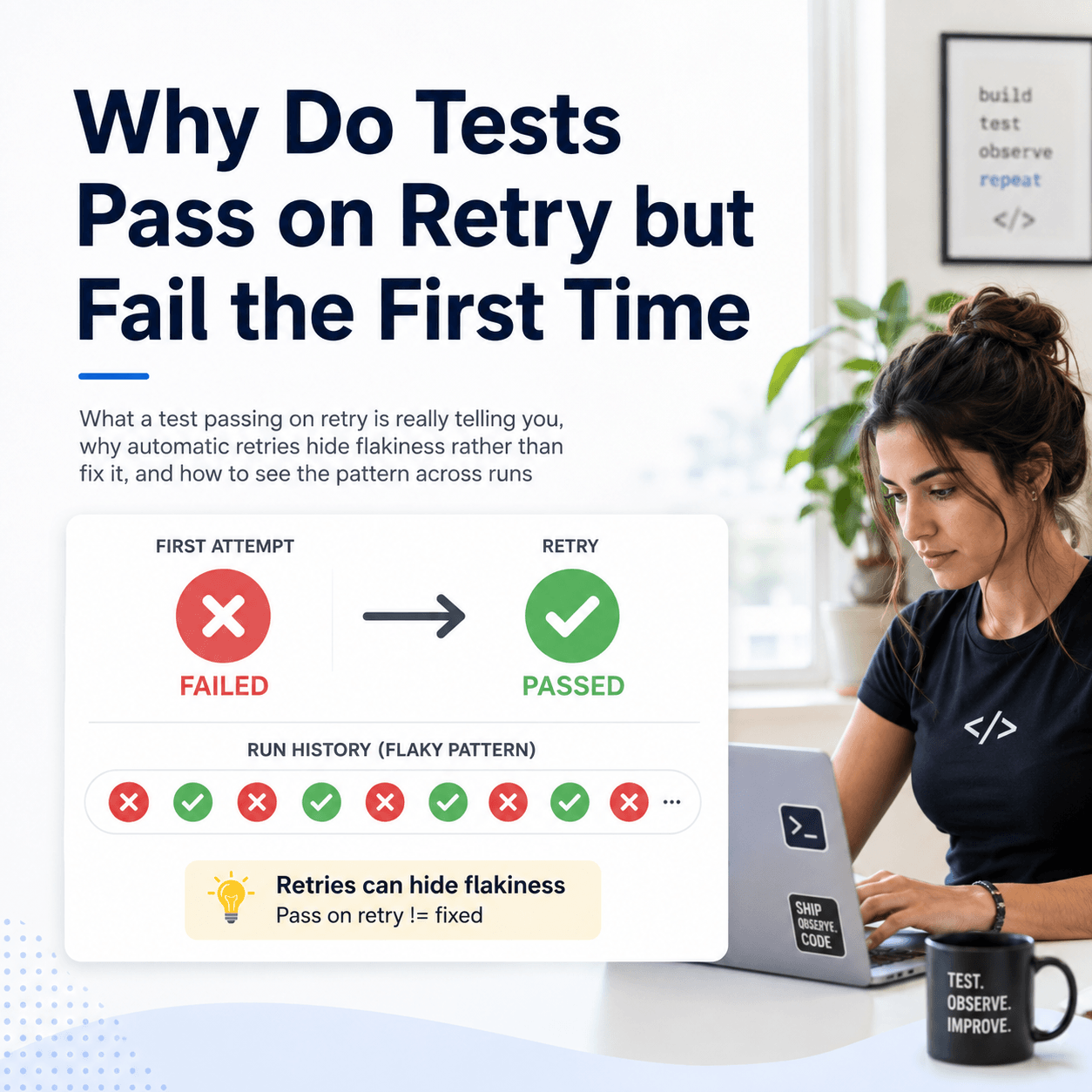
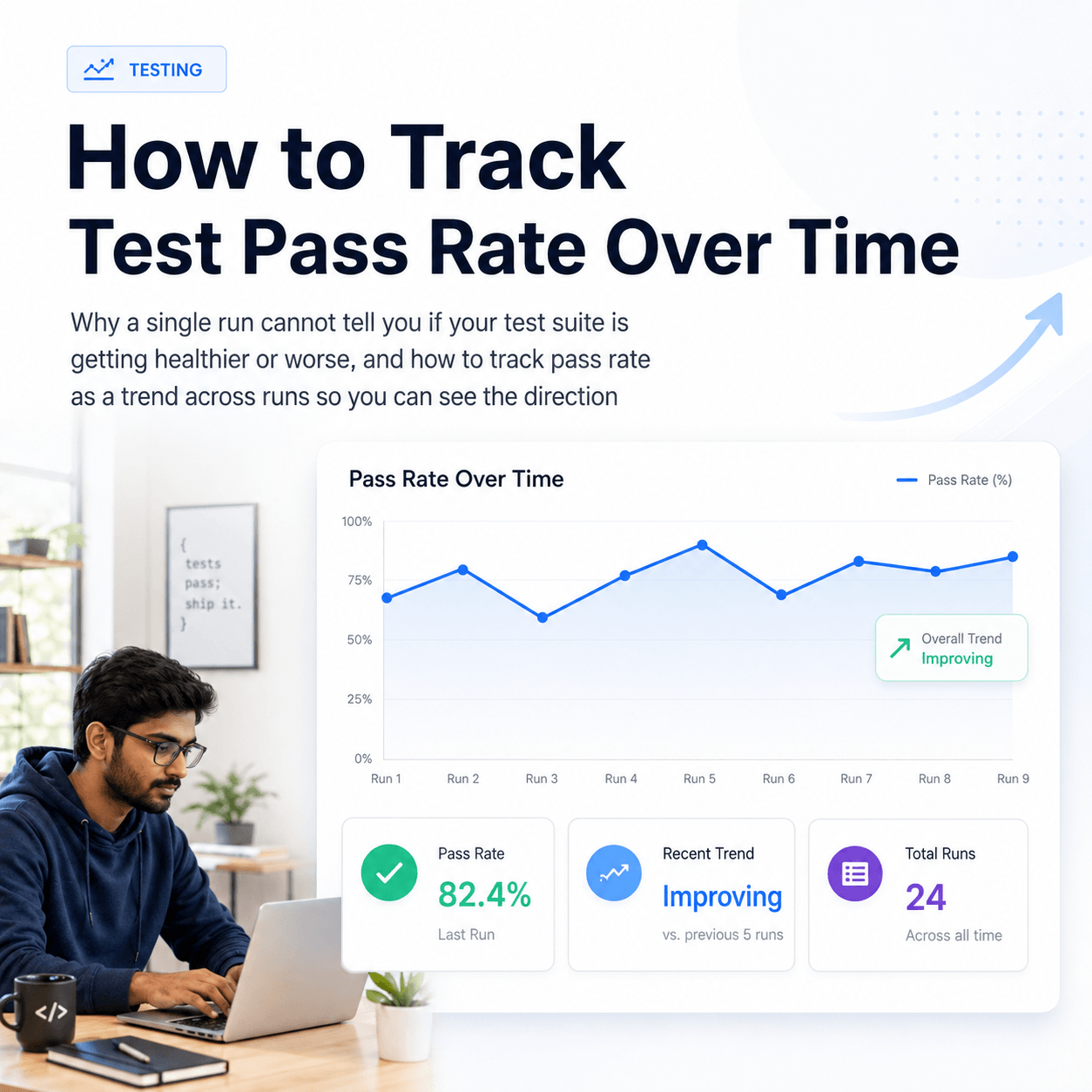
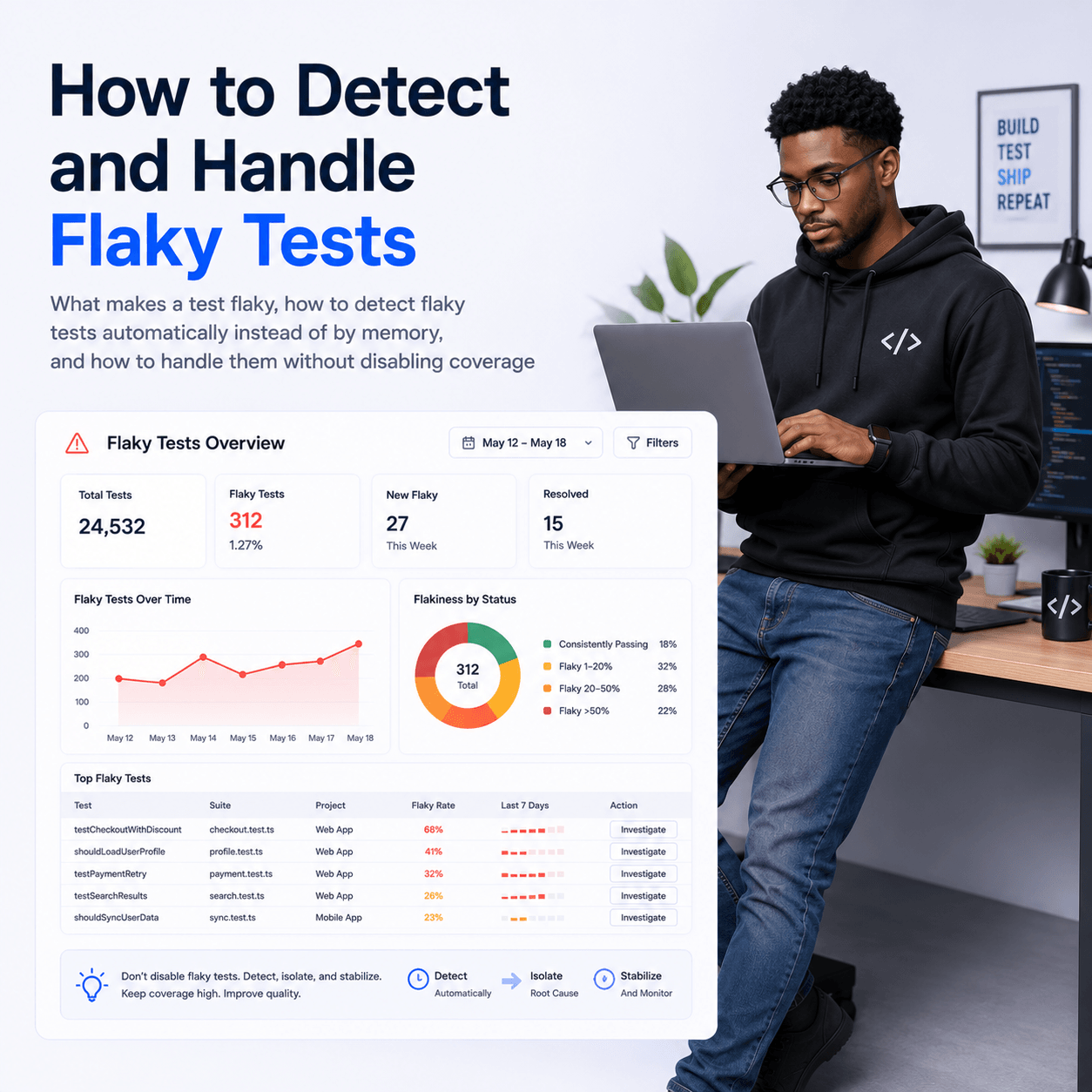
This is the question underneath all of the above, and it is the hard one, because a single CI run cannot answer it. A test that failed in CI looks identical whether it failed because of a genuine regression or because CI was momentarily slow. The information that separates the two, whether this test fails consistently under CI conditions or only sometimes, only exists across multiple runs. A test that fails every CI run is pointing at a real environmental difference you need to fix. A test that fails intermittently in CI while passing locally is flaky, and chasing it as a code bug wastes time.
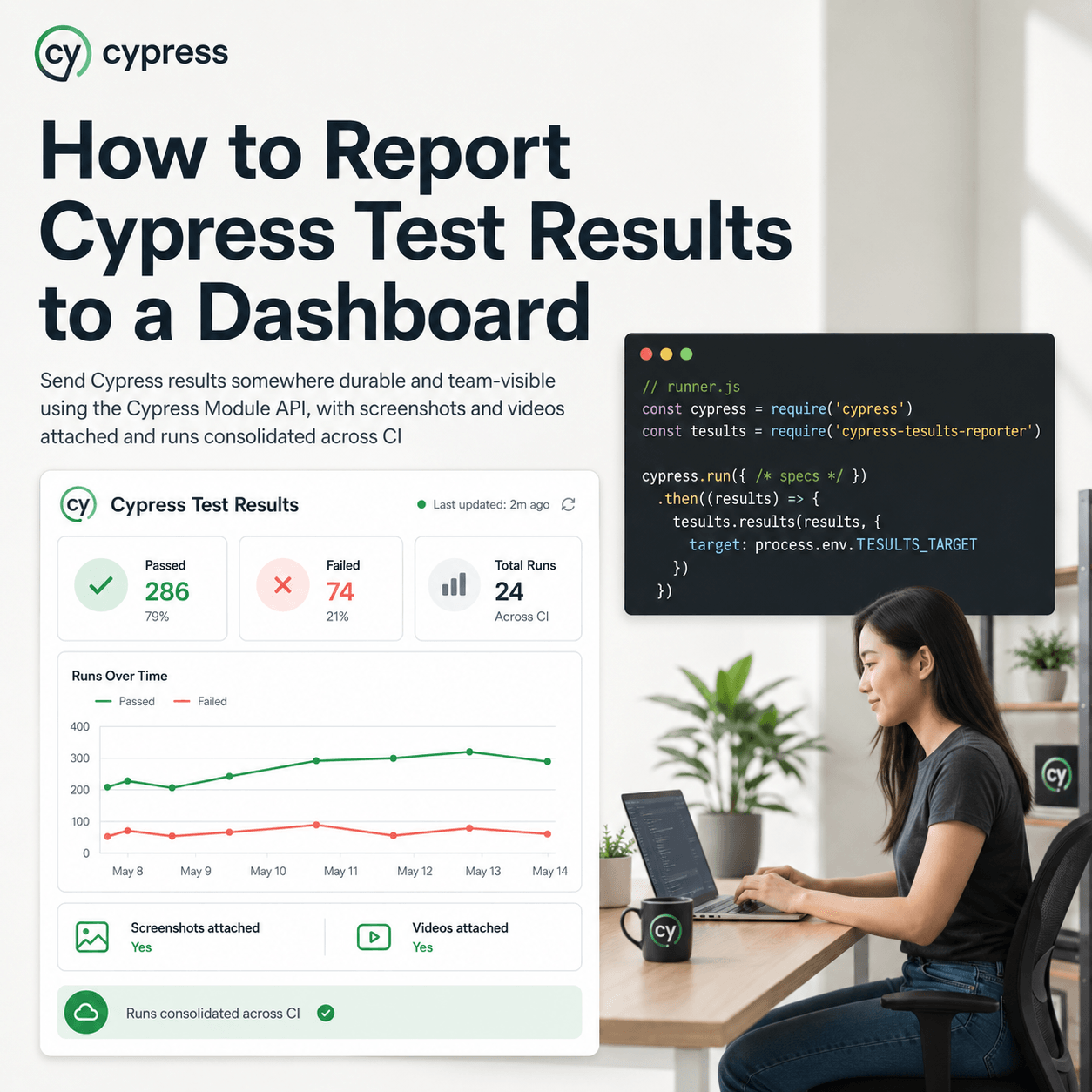
Making that distinction reliably means keeping the history of how each test behaves across runs, rather than reacting to whichever run you happen to be looking at. This is where a test reporting layer earns its place, and it is worth treating run history as a core criterion when you compare test automation reporting tools: Tesults retains every run and automatically surfaces flaky tests, the ones whose results alternate across runs, in a dedicated section, flagged with a snowflake symbol. So instead of guessing whether a local-versus-CI failure is a real problem or noise, you can see whether that test has been alternating pass and fail across recent CI runs. If it has, it is flaky and the fix is stabilisation, not a frantic hunt for a bug that is not there. The broader approach to finding and handling these is covered in how to detect and handle flaky tests.
A Playwright test that passes locally and fails in CI is a signal about the difference between two environments, most often timing, headless rendering, parallelism, or missing environment state. Work through those causes before assuming a code bug, and use the history across runs to separate a consistent environmental failure from an intermittent flake, so you spend your effort on the one that is real. The Playwright integration for retaining that run history is documented in the Tesults Playwright documentation.