Build vs Buy a Test Reporting Dashboard, the Real Cost
Free and self-hosted reporting look cheaper than a paid tool until you count engineering time. Here is the actual math, with numbers.
Aug 31, 2026
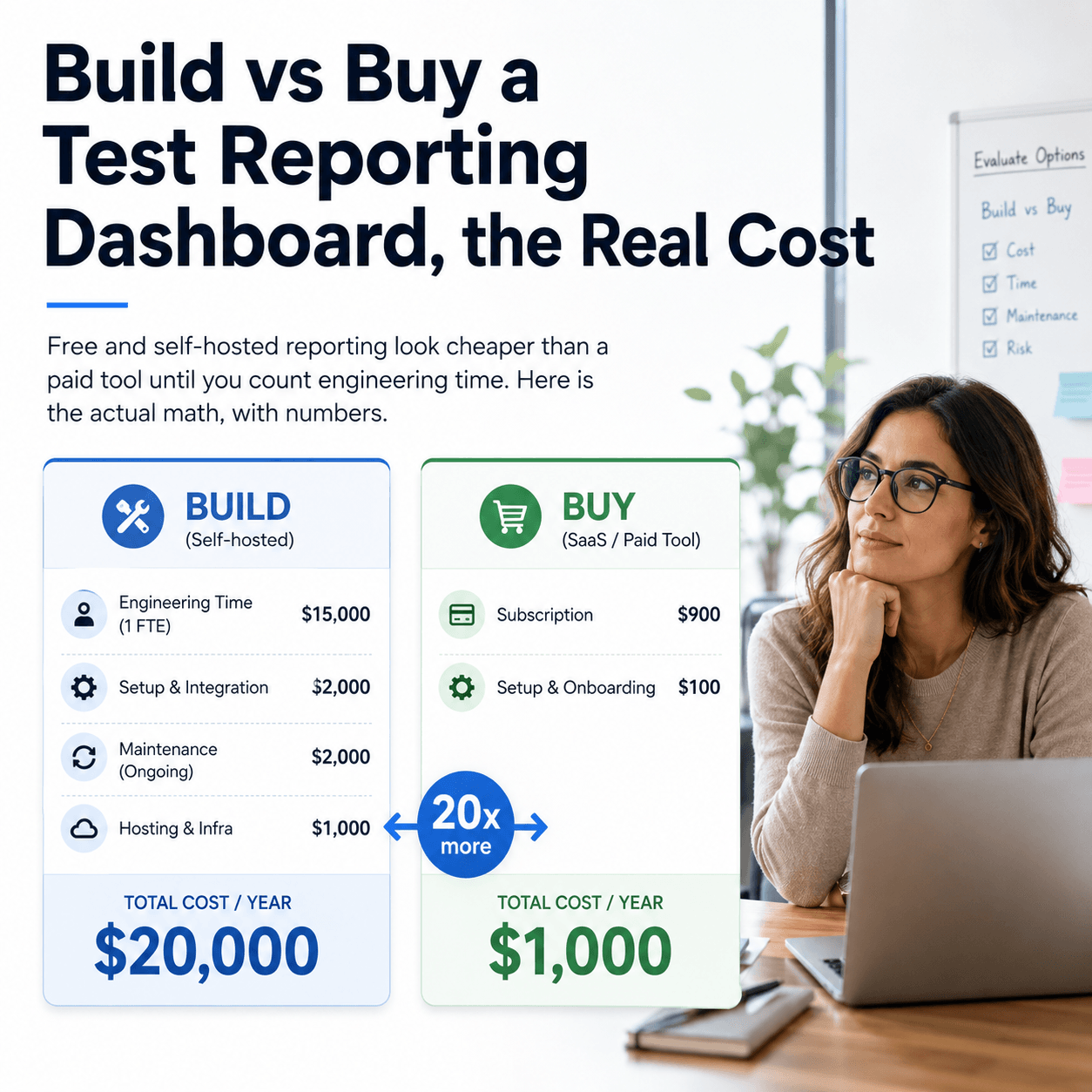
The short answer is that free and self-hosted test reporting are usually more expensive than a paid tool once you count engineering time, and for any team past one person the paid option tends to win by a multiple. The reason is that a free tool is only free of licence cost. It still consumes engineering hours to set up, to maintain, and to manually do the analysis it does not do. Priced at what an engineer actually costs, those hours dwarf a per-user subscription. Below is the real calculation, with numbers, including the cases where a free option genuinely is the right choice.
Why is the licence price the wrong number to compare?
Comparing a free tool at zero against a paid tool at twenty dollars makes the free one look like the obvious winner. But that comparison omits the largest cost in software, which is people's time. Free reporting is free of licence fees, not of the engineering hours it requires. Those hours fall into three buckets: setup, ongoing maintenance, and the manual work of doing by hand what a richer tool automates. An hour of engineering time is worth far more than a monthly per-user fee, so the honest comparison is those hours against the subscription, not zero against twenty.
To make this concrete, take a developer on a 100,000 dollar salary. At 2,080 working hours a year that is about 48 dollars an hour, and fully loaded with overhead it is closer to 67 dollars. We will use the conservative 48 dollar figure throughout, because if the argument holds at the low rate it holds at the real one.
What does a free option actually cost per year?
There are two common free approaches, and they cost differently, so it is worth separating them rather than lumping them together.
A built-in HTML report, like the one your test framework generates, is close to free to set up and needs almost no maintenance. Its cost is almost entirely manual triage, because it shows you one run at a time with no history, no failure analysis, and no flaky detection. Someone has to read the results, work out what broke and why, check whether a failure is new, and decide whether a test is flaky, by hand, every time. Call that an hour a day, which is 260 hours a year. At 48 dollars an hour that is about 12,500 dollars a year, almost all of it manual triage.
A self-hosted open-source tool flips the cost profile. It gives you more than a raw report, but you now host and run it: perhaps two days to set up and integrate, then roughly a day a month to patch, upgrade, manage storage, and fix breakage as frameworks and pipelines change. That is 16 hours of setup and about 96 hours a year of maintenance. It reduces manual triage but does not remove it, so add perhaps three hours a week, another 156 hours a year. Together that is around 12,000 dollars a year at the conservative rate, most of it in setup and maintenance rather than triage.
So both free approaches land near 12,000 to 13,000 dollars a year for a team, arrived at from opposite directions: the built-in report through manual triage, the self-hosted tool through setup and maintenance.
How does that compare to a paid tool?
Against those figures, put the cost of a hosted tool that requires no setup, no maintenance, and automates most of the triage. Tesults, for example, is 20 dollars per user per month, which for common team sizes works out as:
Approach                         Approx annual cost (at $48/hr)
--------------------------------------------------------------
Built-in HTML report             ~$12,500  (260h/yr manual triage)
Self-hosted open-source          ~$12,000  (16h setup + 96h/yr upkeep + triage)
Tesults, 1 seat                  $240
Tesults, 5 seats                 $1,200
Tesults, 15+ seats (flat)        $3,504
--------------------------------------------------------------
Even at the 15-plus seat tier, where Tesults is a flat 292 dollars a month however large the team grows, the paid tool is roughly four times cheaper than either free approach once engineering time is counted. At smaller team sizes the gap is far wider. And because setup and maintenance are one-time or recurring engineering burdens while the subscription is a flat line, the gap widens over time rather than closing.
Isn't the triage time exaggerated?
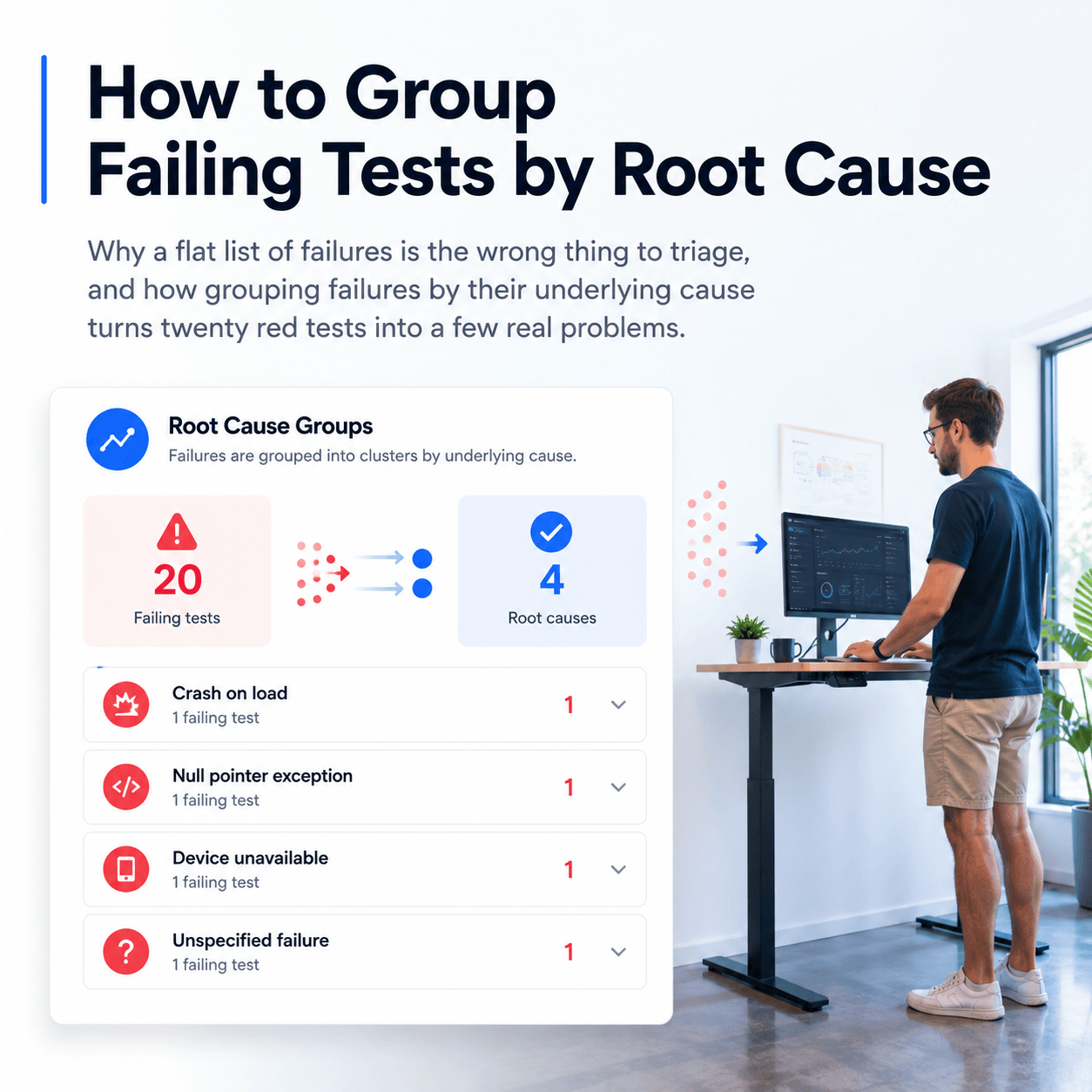
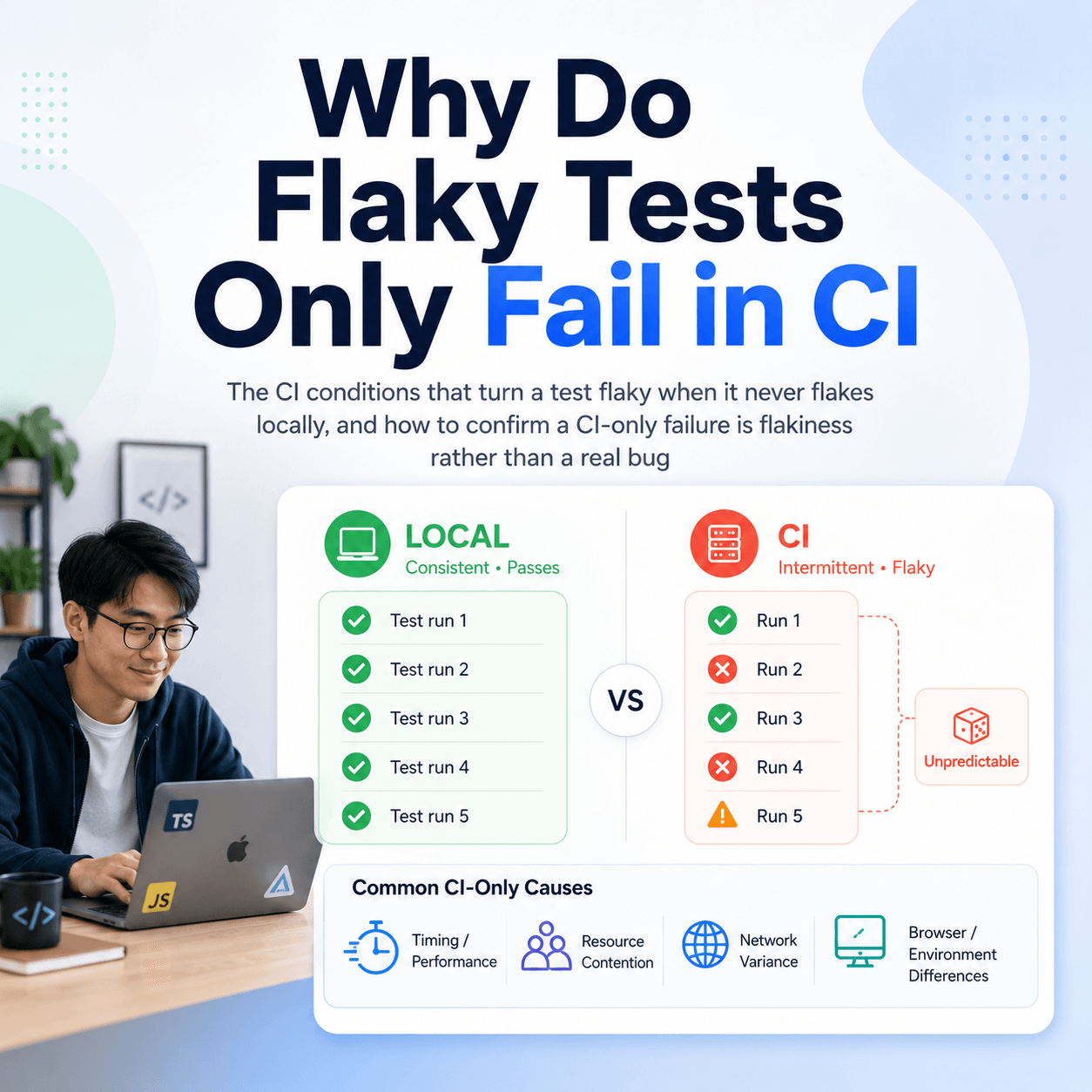
It is fair to push on the biggest number, the manual triage, since it drives much of the built-in report's cost. A hosted tool does not remove triage entirely, so being honest matters. What that manual hour actually consists of is root-cause analysis (why did these tests fail), reviewing trends (is this getting worse over time), and separating real failures from flaky ones. Those are precisely the tasks Tesults automates: AI failure analysis and root-cause grouping cluster failures by cause, flaky detection flags tests whose results alternate across runs, and history across runs surfaces trends. So most of that hour is recovered, not by magic, but because the specific work it contains is the specific work the tool does for you.
Even if you are sceptical and assume a paid tool only halves the manual triage rather than automating most of it, that saved 130 hours a year is still about 6,000 dollars at the conservative rate, which on its own dwarfs the subscription at every team size. The argument survives the conservative case, which is the point.
When does a free option genuinely win?
Buying is not always right, and pretending it is would undermine the rest of this. If you are one person running tests locally and you just need to see the last run, the built-in HTML report is perfectly good and you do not need anything more. If your needs are simple and static, a free tool you set up once and rarely touch may never accumulate enough triage or maintenance cost to matter. And if you have specific in-house requirements no external tool meets, building is justified regardless of the arithmetic. The decision should be made on true cost including time, and for the simplest single-person cases that genuinely favours free.
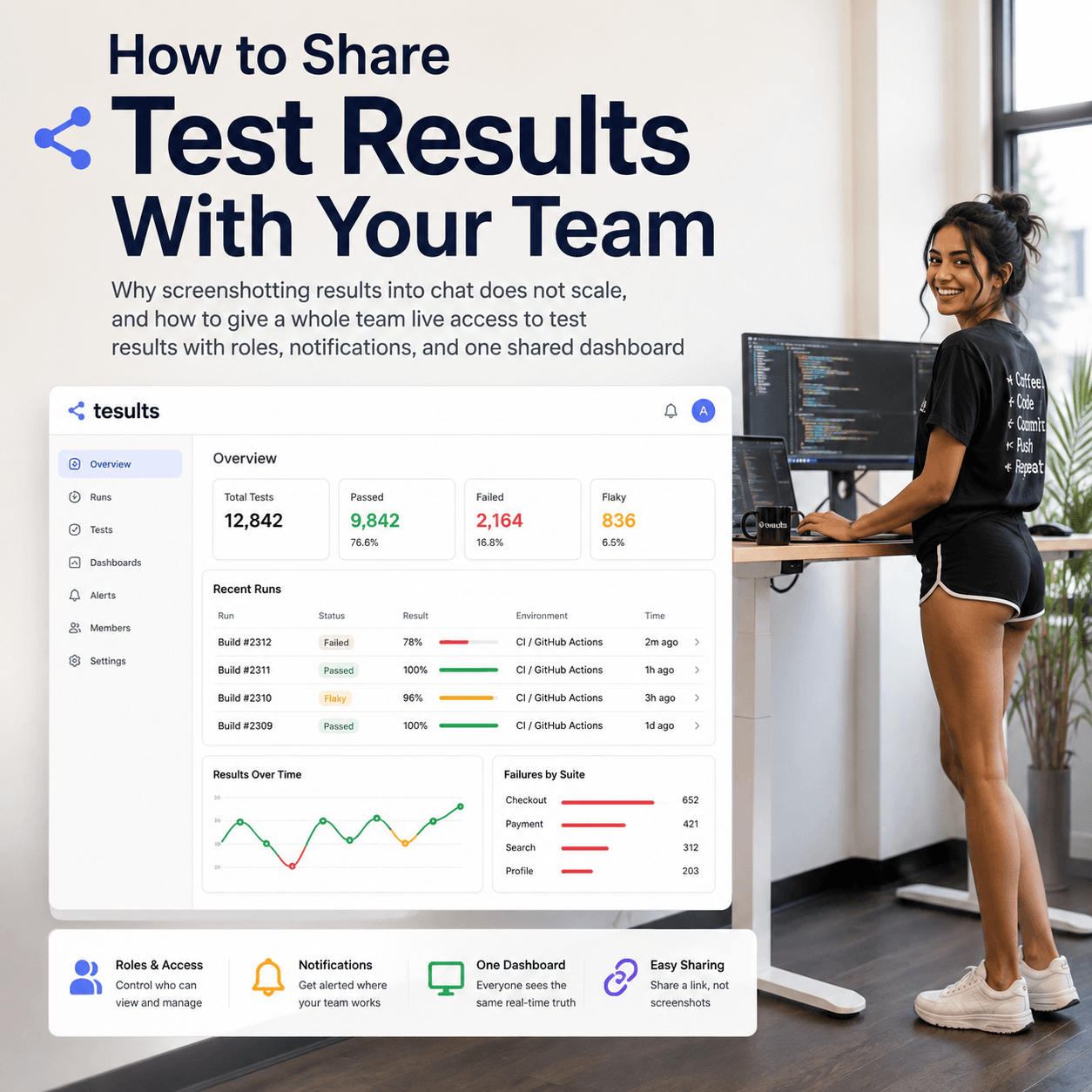
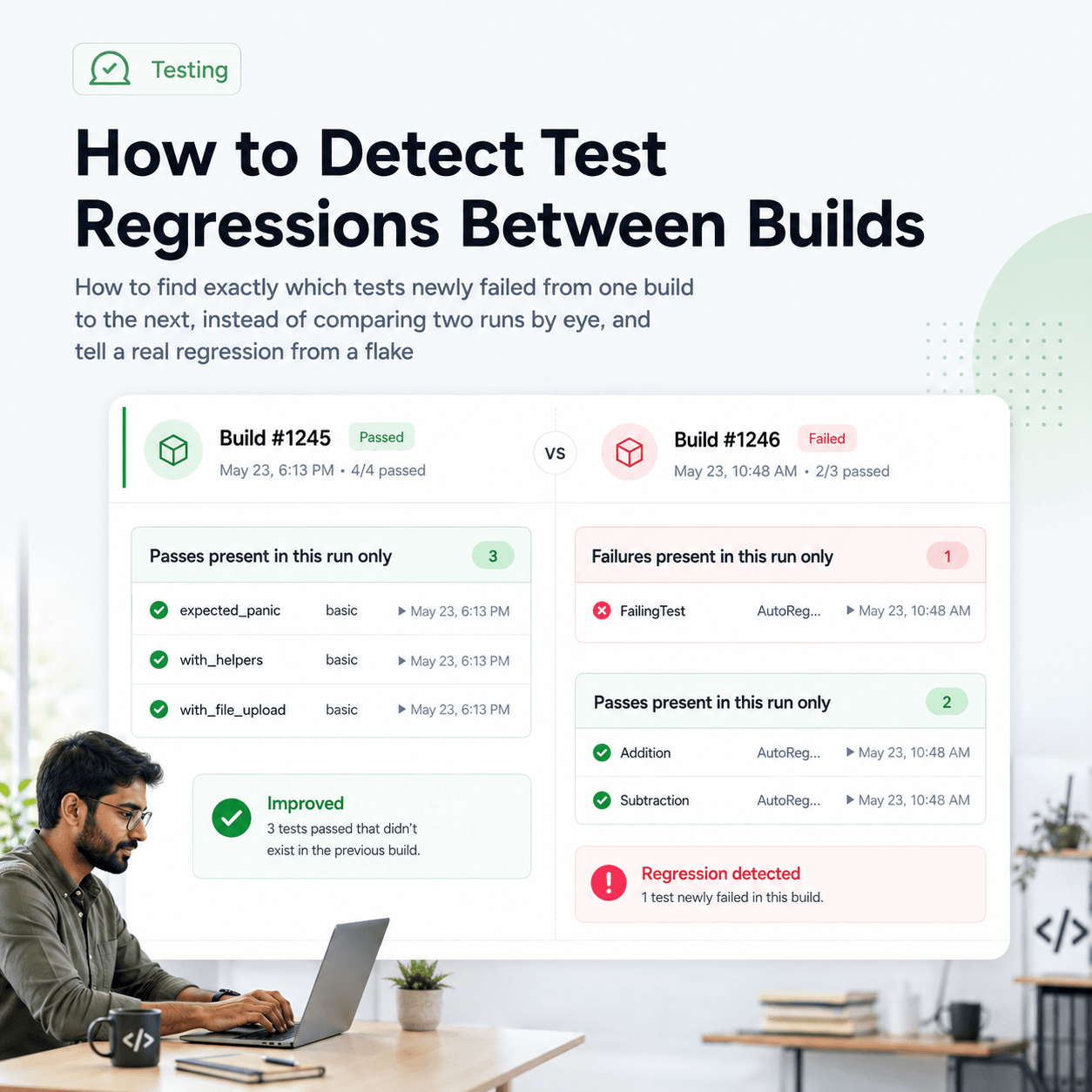
The math turns as soon as you add people, history, and the need to understand failures rather than just list them. A team needs shared visibility, which local reports do not give. Tracking pass rate over time, spotting regressions between builds, and telling flaky from real all need results retained and analysed across runs. And the manual triage that a built-in report leaves you with grows with the size of the suite. When several of those apply, the hours pile up and a maintained hosted tool becomes the cheaper option in both money and time.
Build versus buy for test reporting comes down to engineering time, not the licence price. Free and self-hosted options are free of fees but not of the hours to set up, maintain, and manually work around them, and once those hours are priced conservatively they run to roughly 12,000 dollars a year for a team, several times the cost of a hosted tool that does the setup, maintenance, and most of the triage for you. Free wins for the simplest single-person cases; a maintained tool wins as soon as team, history, and understanding-failures needs appear. What Tesults provides at that point, a shared dashboard with history, AI failure analysis, and flaky detection on your existing tests, with no setup or maintenance, is documented under the Tesults documentation.