How to Group Failing Tests by Root Cause
Why a flat list of failures is the wrong thing to triage, and how grouping failures by their underlying cause turns twenty red tests into a few real problems
Aug 14, 2026
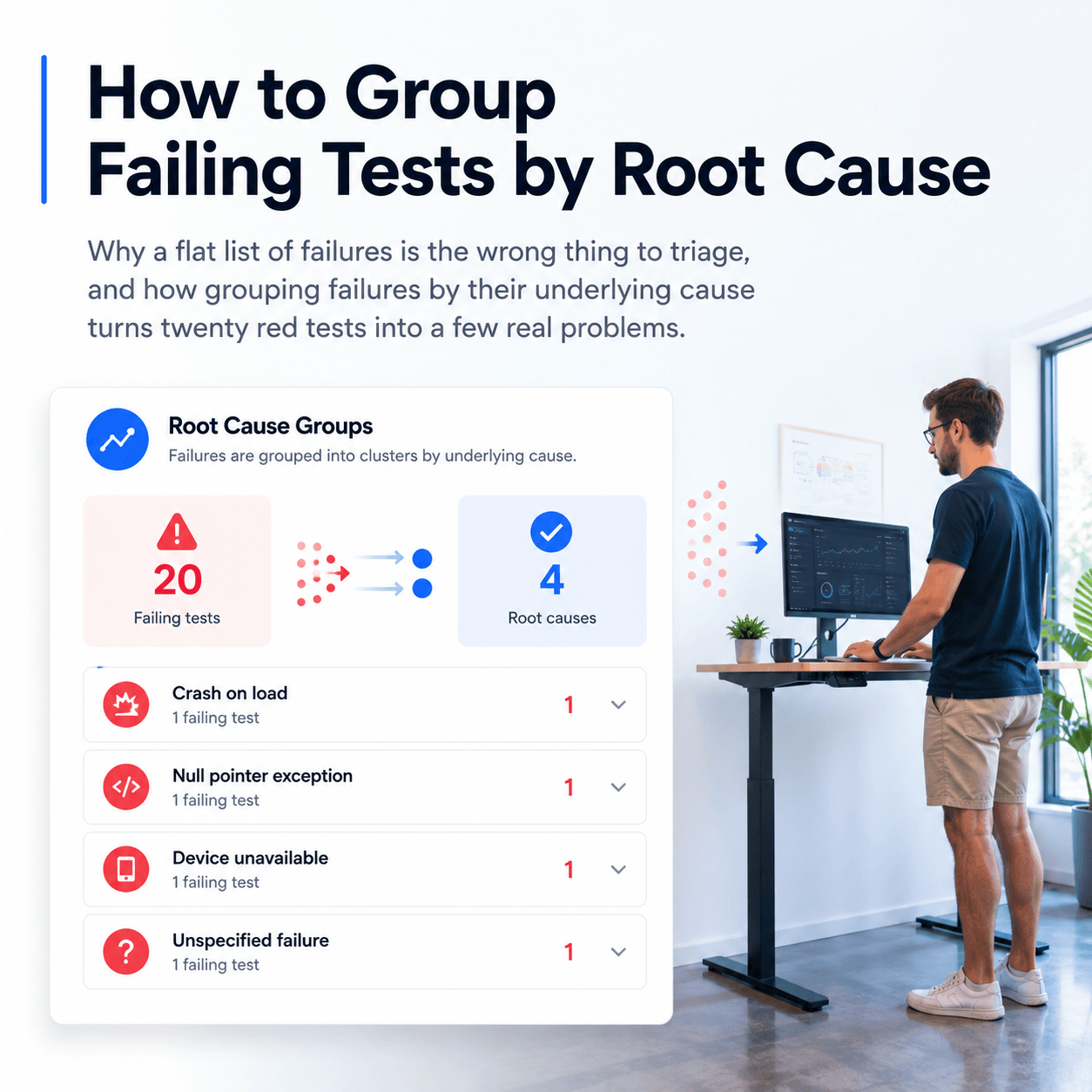
When a test run comes back with twenty failures, the number of failures is rarely the number of problems. Several tests often fail for the same underlying reason, one service that went down, one null pointer, one environment issue, so twenty red tests can be four actual causes. The mistake is triaging the flat list one test at a time, which means investigating the same root cause repeatedly and losing the shape of what actually broke. Grouping failures by root cause fixes this: instead of a list of failed tests you get a short list of causes, each with the failures it explains. This post covers why the flat list is the wrong unit to work from, and how grouping by cause turns a wall of red into a handful of real problems.
Why is a flat list of failures the wrong thing to triage?
A list of failing tests treats every failure as independent, and they usually are not. When a shared dependency breaks, every test that touches it fails, so one cause produces many red tests. Triaging that list top to bottom, you investigate the first failure, then the second, and slowly realise the third, fourth, and fifth are the same thing you already found. The list makes you rediscover one cause several times.
It also hides the scale of each problem. Twenty failures might be one large cause affecting fifteen tests and three small ones affecting the rest, but the flat list gives every failure equal weight, so you cannot see that fixing one thing clears most of the board. The unit you want to work from is not the failing test, it is the cause, and the list gives you the wrong unit.
What does grouping by root cause look like?
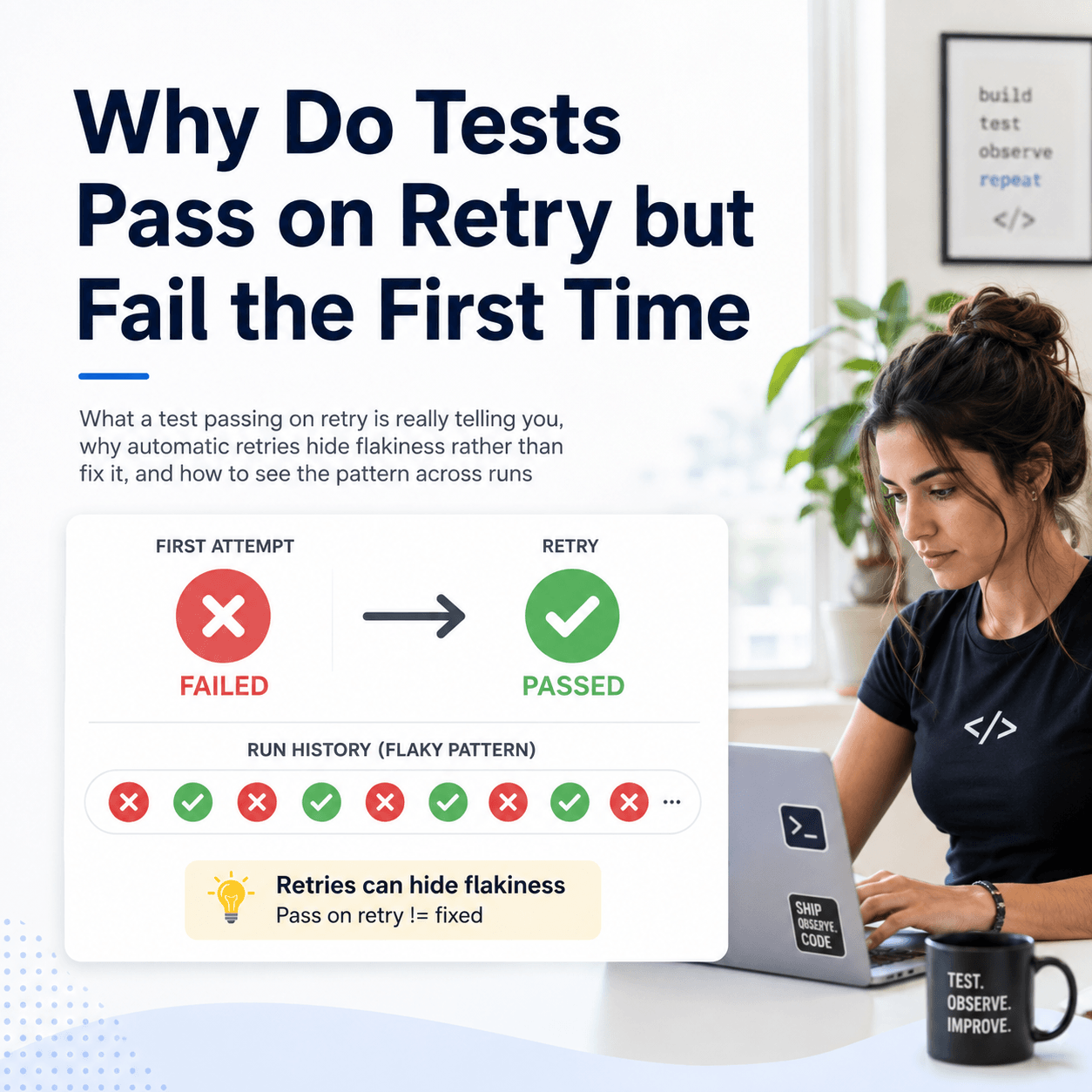
Grouping by root cause means the failures are clustered by why they failed rather than listed by which test failed. Instead of twenty rows, you see a few named causes, each with the failures it accounts for. A cluster might be a crash on load, another a null pointer exception, another a device or service being unavailable, and the failures are sorted underneath the cause that explains them.
That immediately changes what you do. You can see how many distinct problems you actually have, which cause is responsible for the most failures, and therefore what to fix first for the biggest reduction in red. A run that looked like twenty separate fires becomes, say, four problems of different sizes, which is a workload you can reason about and prioritise rather than a list you grind through.
How does Tesults group failures automatically?
Doing this by hand, reading each failure's error and message and mentally bucketing them, is exactly the tedious part, and it is what Tesults automates. Its Failure Analysis reads the failures in a run and groups them into clusters by likely root cause, naming each cluster and showing how many failures fall under it. The view leads with a plain summary, for example that the failures are grouped into four clusters, one due to crashes on load, one due to null pointer exceptions, one due to a device being unavailable, and one with unspecified reasons, and then presents each cause as its own group with the failures beneath it.
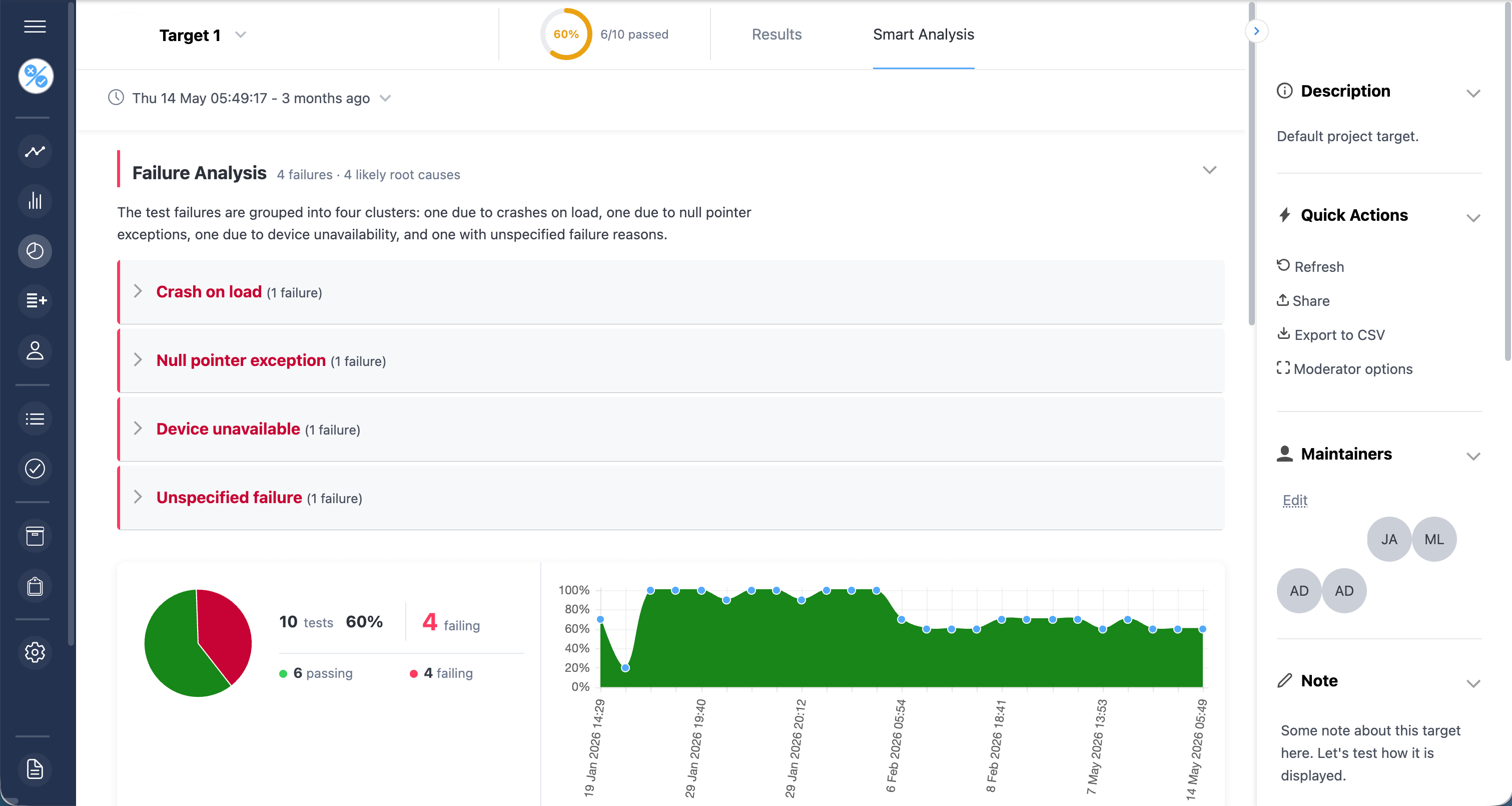
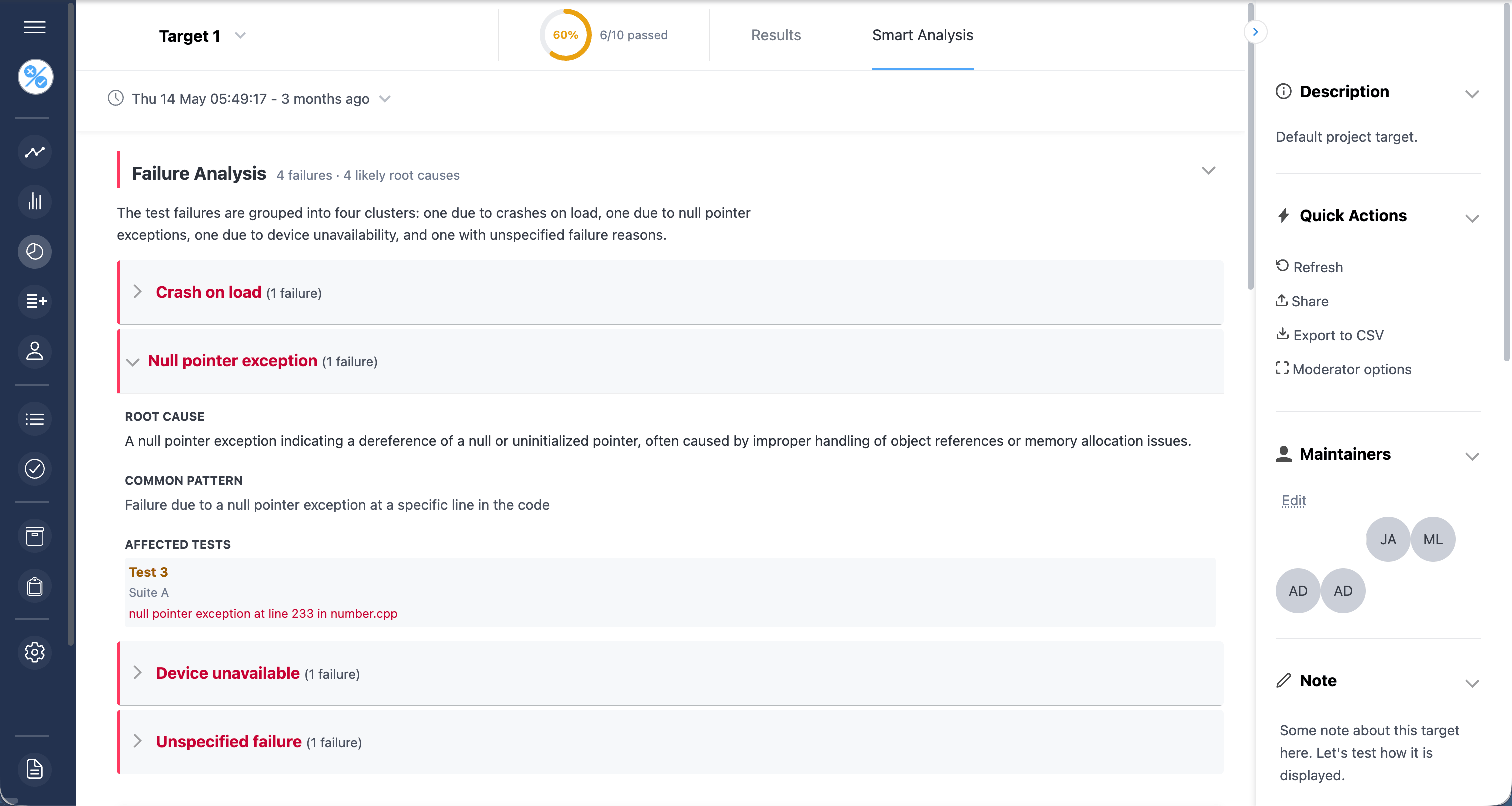
The result is that a run with several failures arrives already sorted into causes rather than as a flat list you have to cluster yourself. You open the analysis and the question has shifted from what failed to what caused the failures, which is the question you actually needed answered. Where a cause is clear from the failure it is named specifically; where it is not, those failures are grouped as unspecified rather than forced into a category, so the grouping stays honest about what can and cannot be inferred.
How does this fit with flaky tests?
Grouping by cause and detecting flakiness answer two different questions about a failure, and you want both. Root cause grouping asks, of the failures in this run, what caused them and how many share a cause. Flaky detection asks, across many runs, whether a given test's result is stable or just alternates. A failure that groups under a real cause and is not flaky is a genuine problem to fix; a failure that keeps appearing but is flagged as flaky across runs is noise to stabilise rather than a root cause to chase. Using them together, you group this run's failures by cause to know what to work on, and check each against its history to know whether it is real.
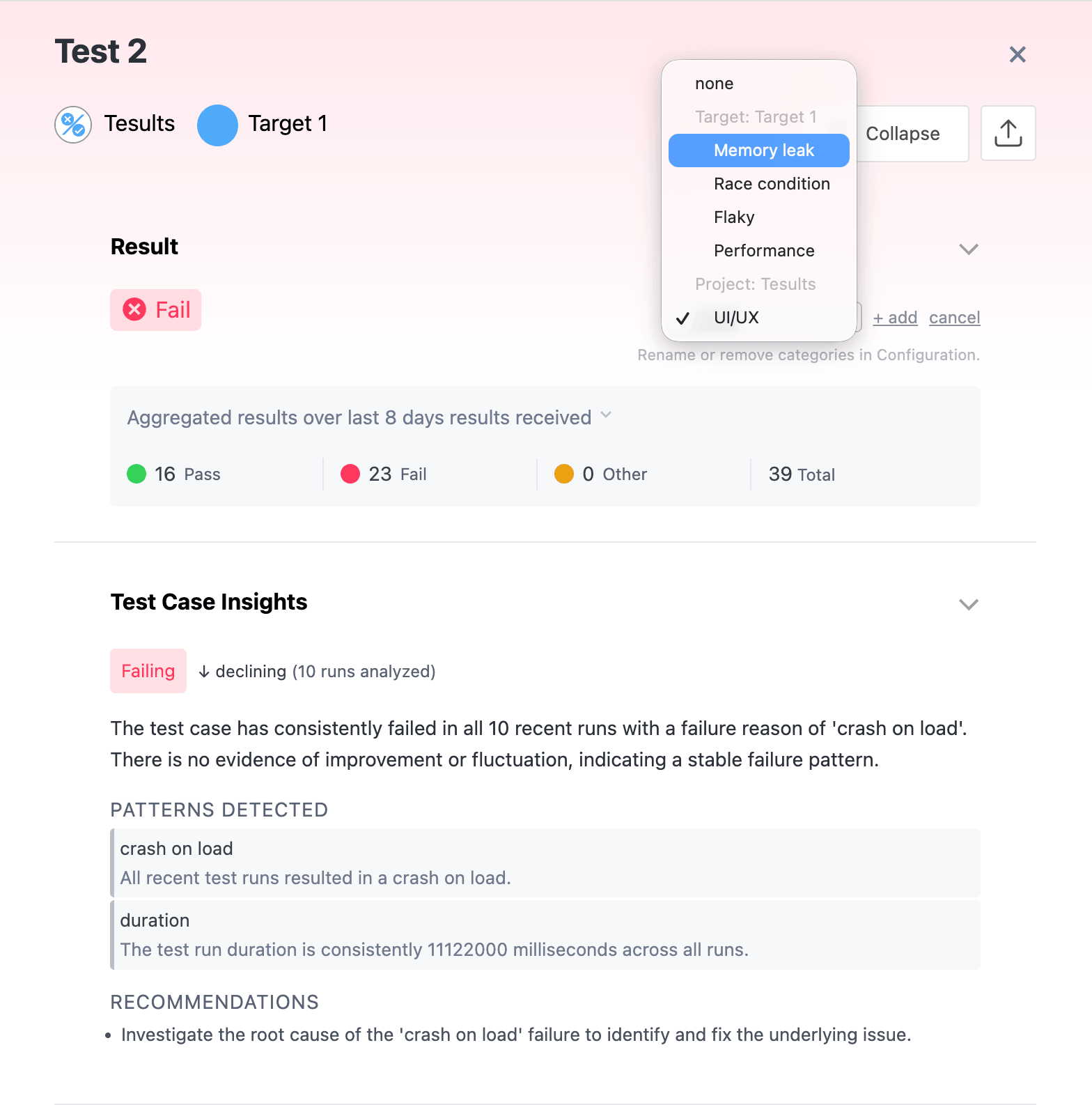
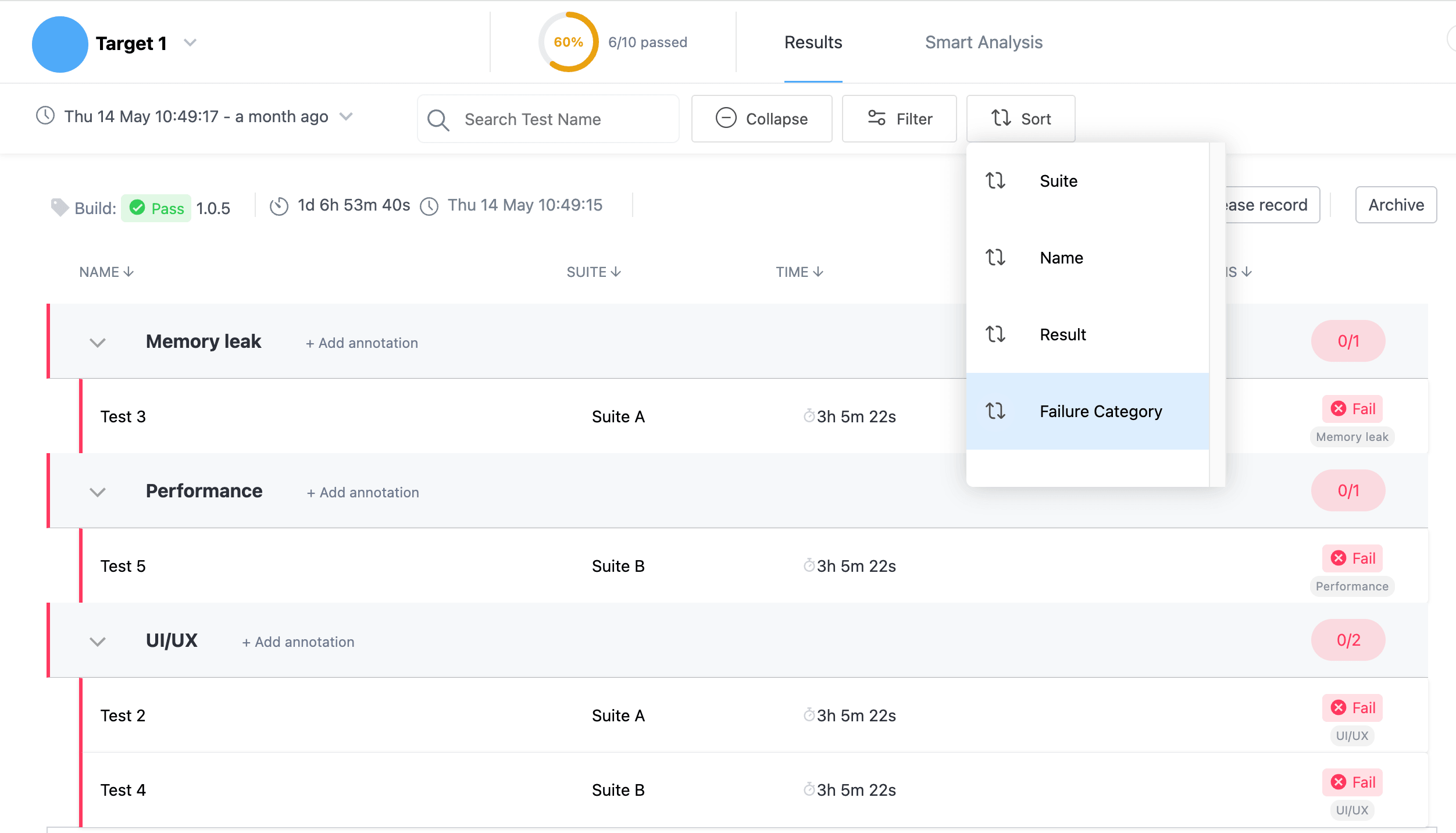
The number of failing tests is not the number of problems, and treating it as one means investigating the same causes over and over and losing the sense of which problem is biggest. Grouping failures by root cause turns a flat list into a short set of named causes with the failures each one explains, so you can see how many real problems there are and fix the largest first. Having that grouping computed for you, rather than clustering a wall of red by hand, is the difference between triaging failures and reading an answer. The analysis views described here are documented under supplemental analysis.