How to Detect Test Regressions Between Builds
How to find exactly which tests newly failed from one build to the next, instead of comparing two runs by eye, and tell a real regression from a flake
Aug 11, 2026
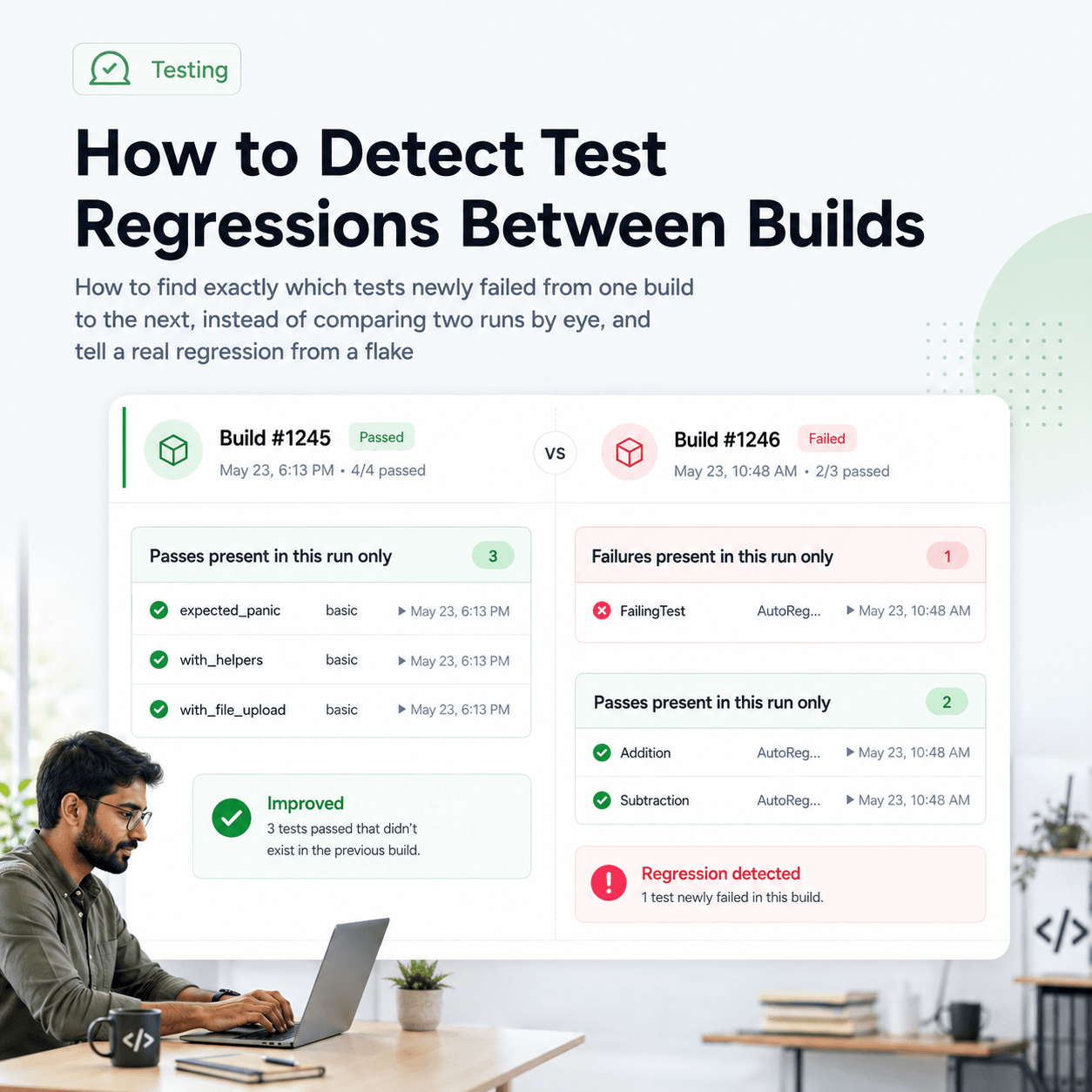
A test regression between builds is a test that passed in the previous build and fails in the new one, and the reason it is worth isolating is that it points directly at what the new build broke. The problem is that a build's test results, on their own, only tell you what failed in that build, not what changed since the last one. A test that has been failing for a week and a test that broke in this exact build look identical in a single run. To detect regressions you have to compare the new build against a baseline build and pull out the tests whose result went from pass to fail. This post covers how to do that without comparing two result lists by eye, and how to be sure a newly failing test is a real regression rather than a flake.
Why can't a single build's results show you a regression?
A regression is defined by change, and change is not visible in a single point. A build report tells you this test failed, but not whether it failed last time too. If it did, it is an existing problem, not something this build introduced. If it did not, this build is what broke it. Those are very different situations, they point at different causes, and the single build in front of you cannot distinguish them, because the distinguishing information, the previous build's result for the same test, is not in it.
This is why teams end up triaging the same long-standing failures over and over, or miss a genuine regression because it is buried in a list of failures that were already red. Detecting regressions specifically means asking a comparative question, what is failing now that was passing before, and that question can only be answered against a baseline build, not from the latest run alone.
How do you find what changed between two builds?
The manual version is to open both builds' results and compare them test by test, which is slow and error prone, especially with a large suite where the handful of newly failing tests hide among hundreds that did not change. What you actually want is for the comparison to be computed for you, so you see only the delta: the tests that went from pass to fail, and the ones that went from fail to pass.
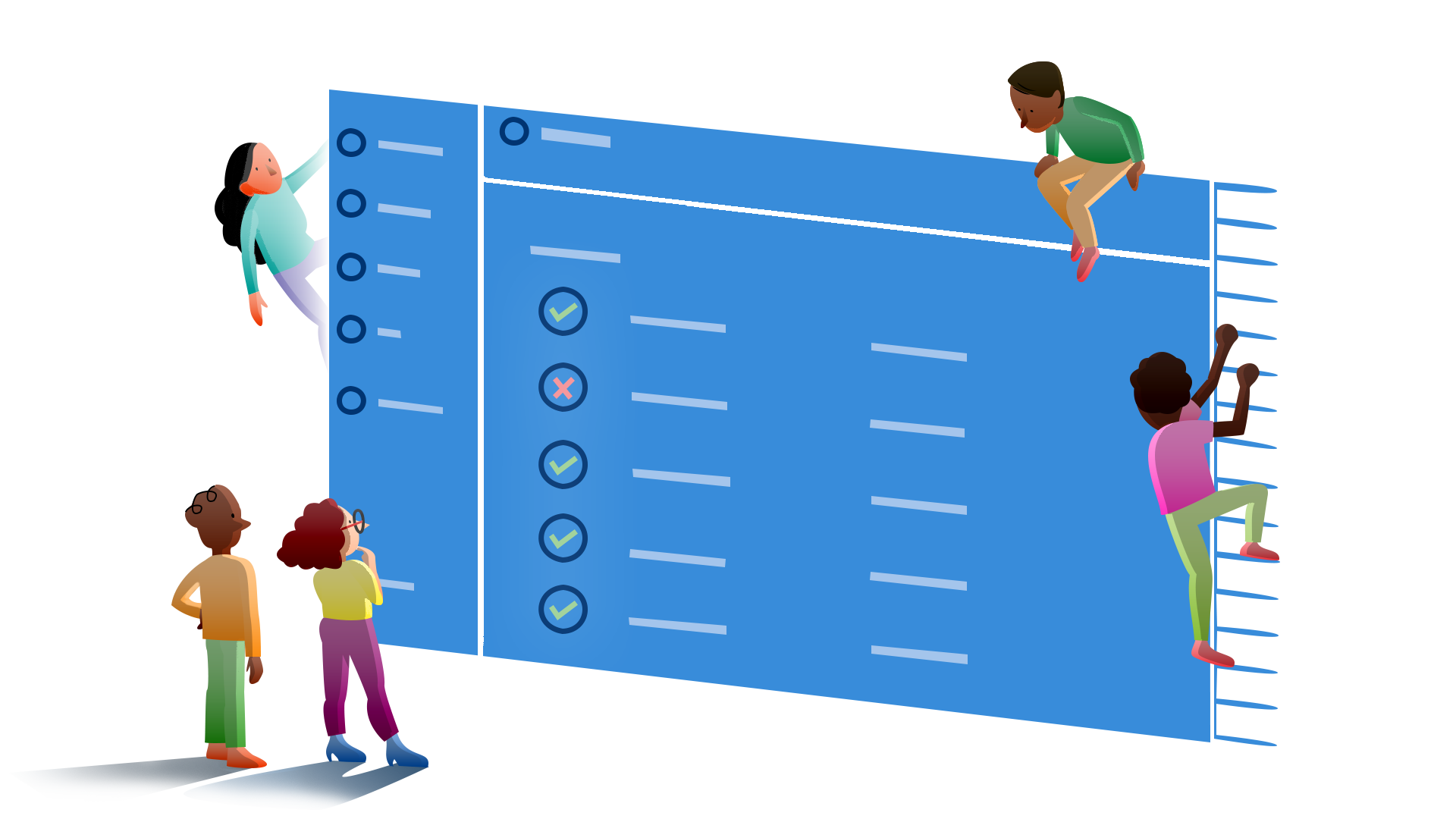
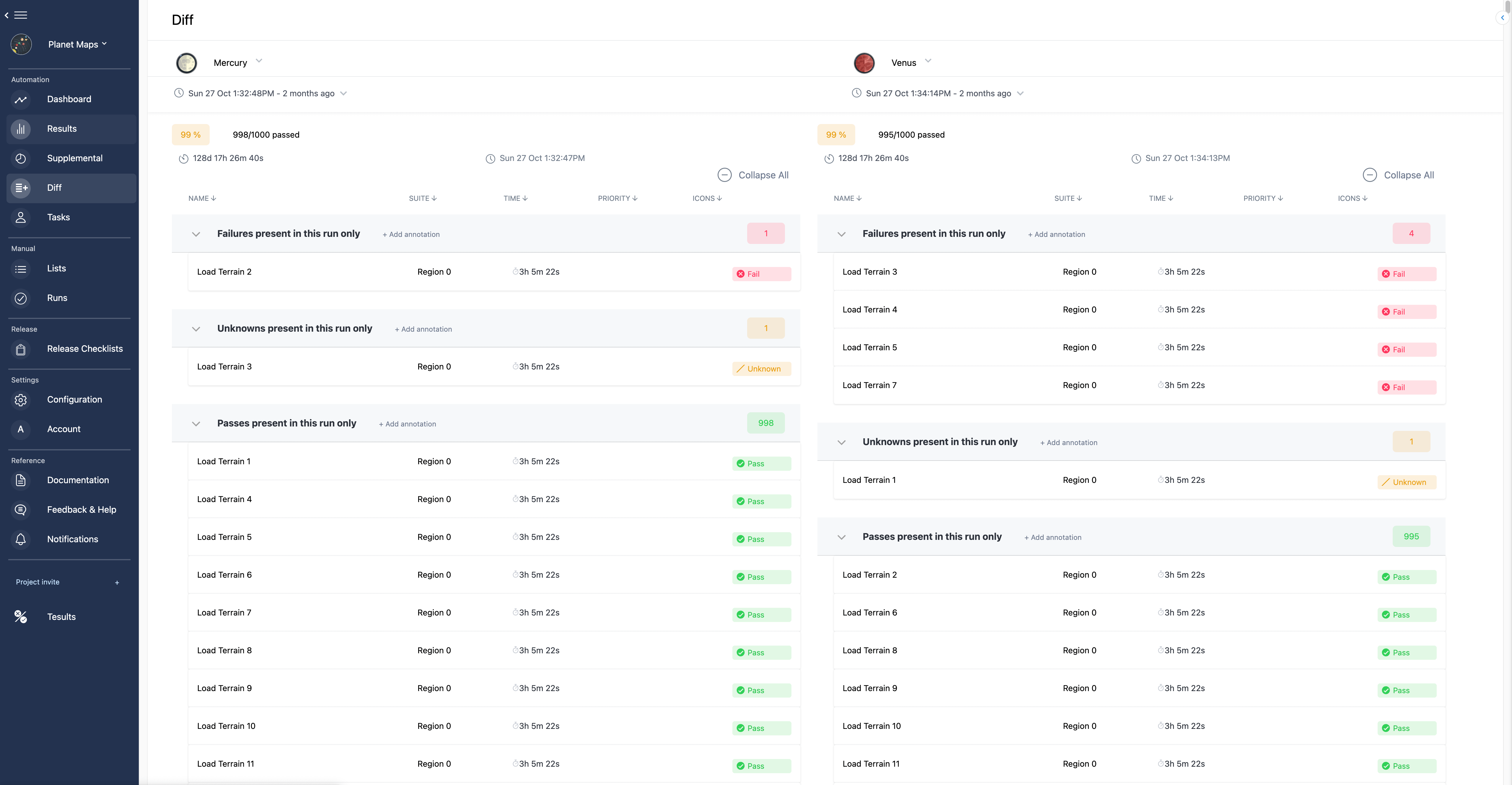
Tesults does this in the Diff view. You select two runs, the baseline build and the new one, and it places them side by side and computes the difference between them rather than leaving you to eyeball it. Each side shows its own pass rate, so a build that regressed is obvious immediately, for example one run at 100 percent next to another at 66 percent. More usefully, the view groups the differences into labelled sections rather than just listing every test.
Which section is the regression?
The section that matters for regression detection is Failures present in this run only. It contains exactly the tests that fail in the new build but did not fail in the baseline, which is the definition of a regression. If that section lists one test, this build introduced one regression, and you have its name and suite without reading anything else. There is a mirrored section, Passes present in this run only, showing tests that fail in the baseline but pass now, which is how you confirm a fix landed rather than assuming it did.
The value is that the newly failing tests are separated from the ones that were already failing and the ones that never changed. You are not scanning a full results list looking for what is different. The comparison hands you the difference directly: here is what this build broke, here is what it fixed, and everything else stayed the same.
Is a newly failing test a real regression or a flake?
This is the question to answer before you start debugging, because a flake will send you hunting for a bug that is not there. A test that shows up as failing in the new build but passing in the baseline could be a genuine regression, this build broke it, or it could be a flaky test that simply happened to fail on this run and pass on the previous one. From the two builds alone they look the same.
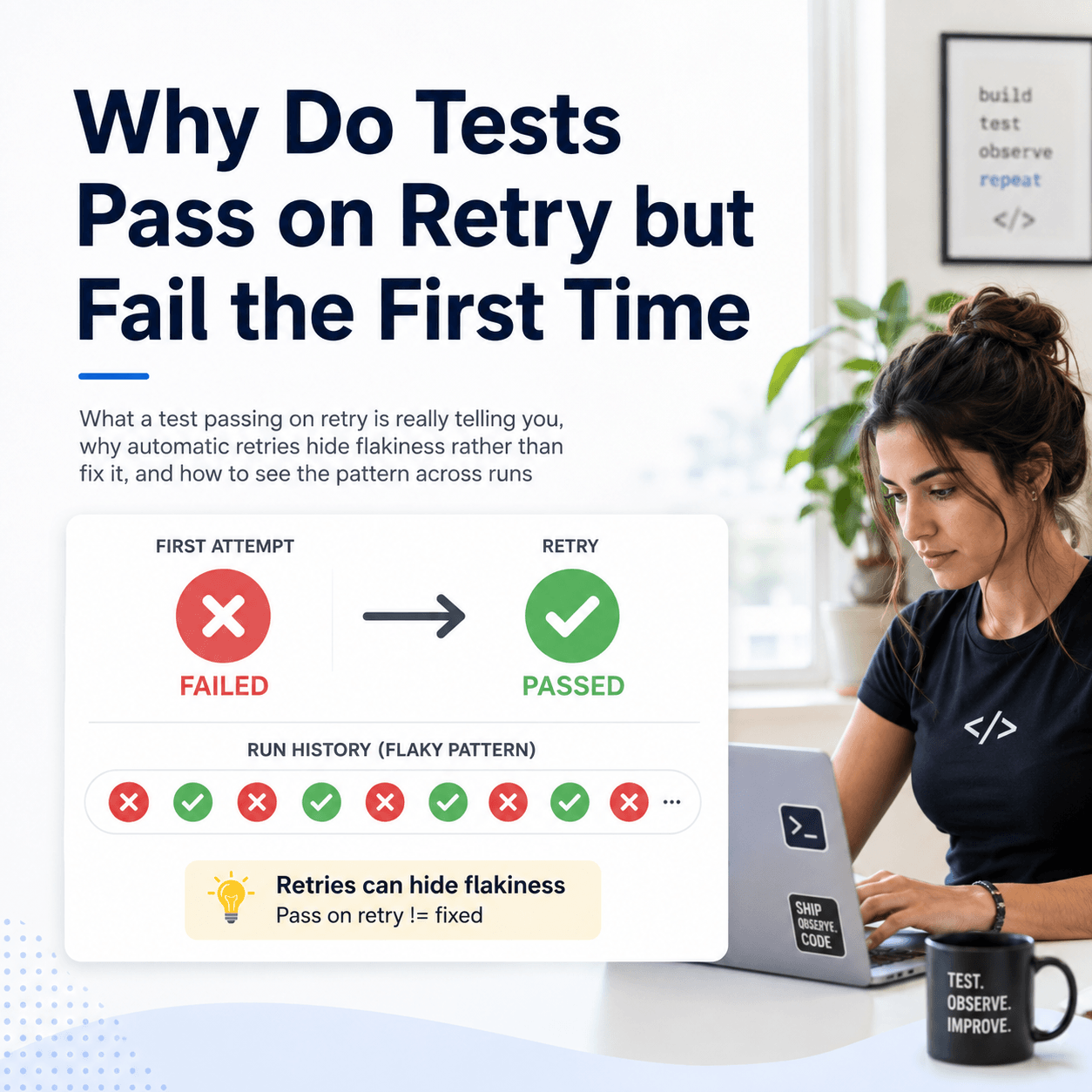
The way to separate them is the wider history, not just the two builds being compared. A test that passed consistently for many builds and fails starting from this one is a real regression pointing at this build. A test that has been alternating between pass and fail across recent builds is flaky, and its failure in this build is noise rather than signal. Tesults retains every run, so a test flagged in the diff can be checked against its own history: if it alternates pass and fail more than twice across the runs analysed it is flagged as flaky and collected in a dedicated flaky section, marked with a snowflake symbol. So a test appearing under failures present in this run only, but also flagged as flaky, is probably not a regression this build caused. This distinction is covered in more depth in how to detect and handle flaky tests, and relatedly in why flaky tests only fail in CI.
How do you make this part of every build?
Detecting regressions manually after the fact is better than not doing it, but the point is to catch them as builds happen. The prerequisite is retaining every build's results so there is always a baseline to compare against, rather than results being overwritten each run. With history in place, comparing the latest build against the previous one becomes a routine check rather than an investigation, and the diff between them is where a regression shows up as a short, specific list rather than something you have to go looking for.
Keeping that history is also what makes the flake distinction possible, since both the baseline comparison and the stability check draw on the same retained runs. The underlying requirement, not losing results after each run, is discussed in how to keep a history of test results instead of losing them after each CI run.
A regression between builds is a pass that turned into a fail, and finding it means comparing the new build against a baseline and pulling out exactly those tests, rather than reading a full failure list and hoping to spot what is new. A diff between two builds that labels failures present in this run only gives you that list directly, and checking each entry against its own run history tells you whether it is a real regression to fix or a flake to ignore. The comparison and analysis views described here are documented under supplemental analysis.