Store and View Pytest Results Over Time
Why pytest results vanish after each CI run, and how to keep a durable history you can view, compare, and track over time
Jul 5, 2026 · Updated: Jul 8, 2026
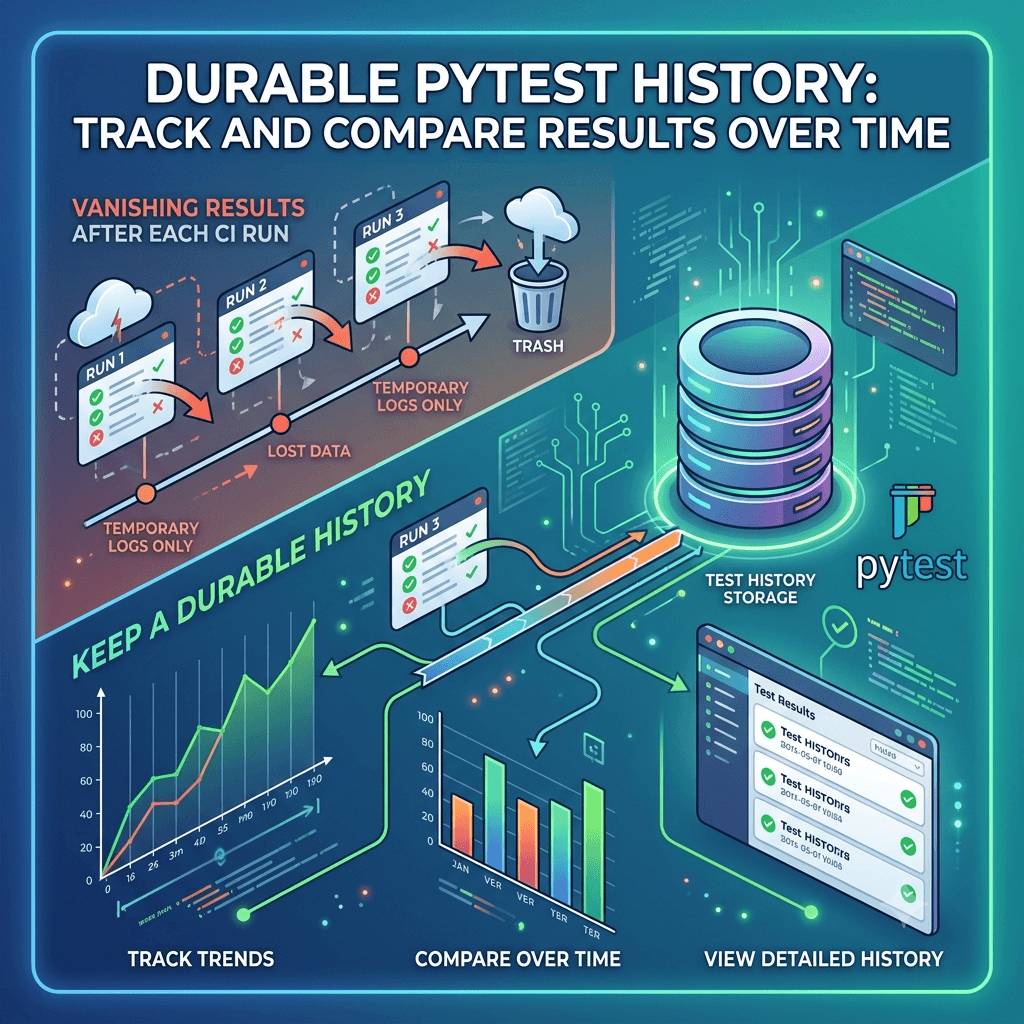
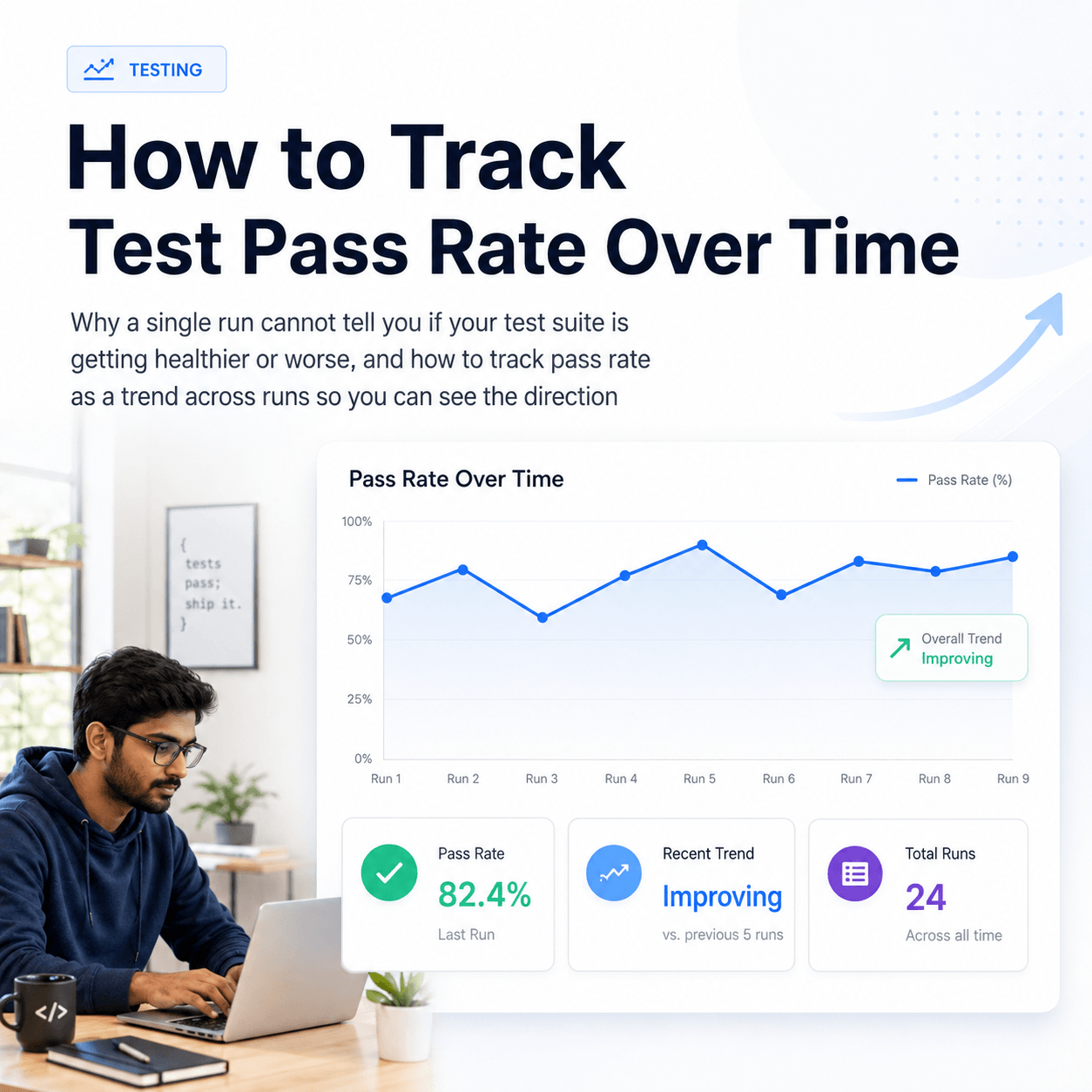
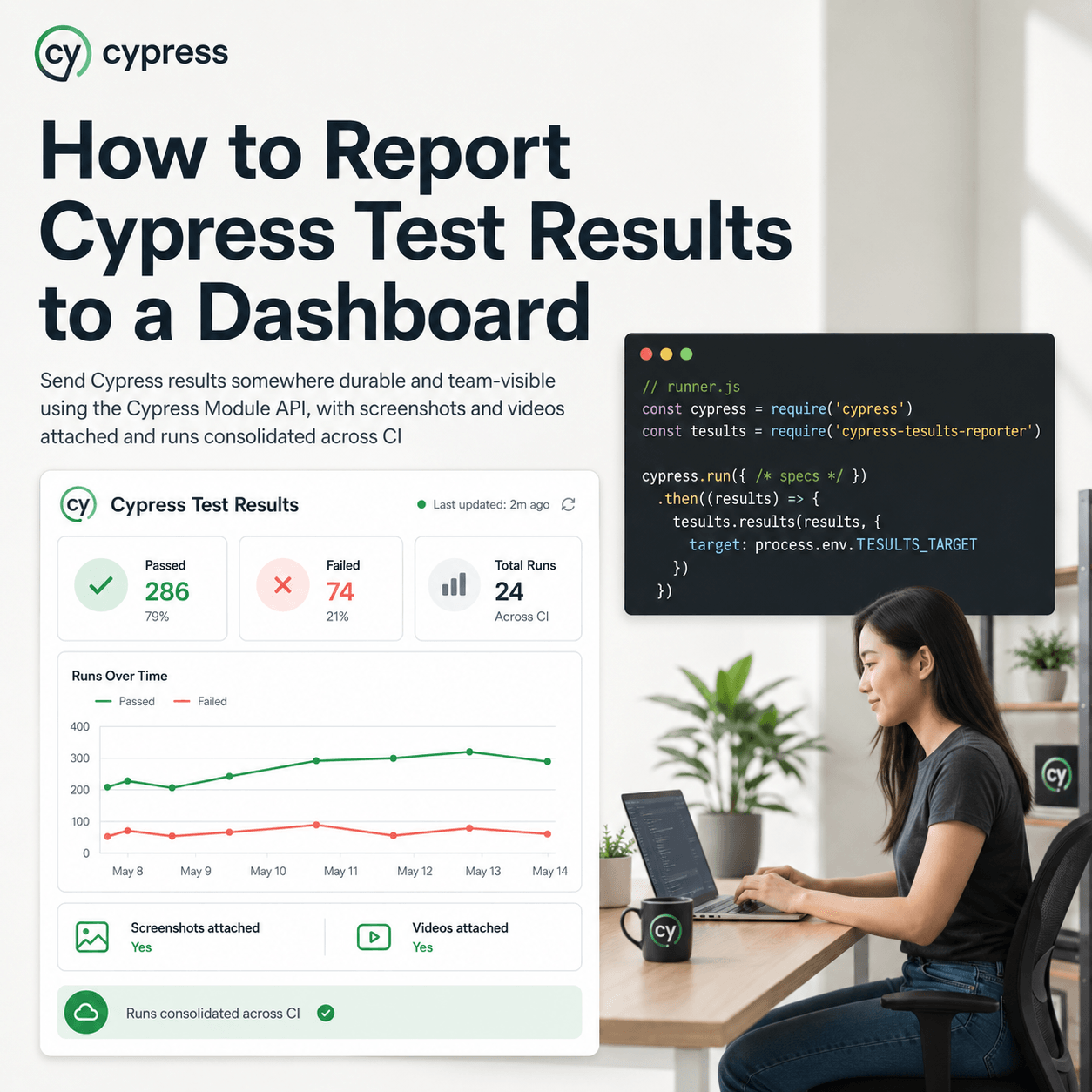
By default pytest prints results to the terminal and, in CI, to a log that rolls off after a few runs. Nothing is retained, so you cannot answer questions like when a test started failing or how a suite's pass rate has moved over the last month. To keep pytest results over time you send them somewhere durable on every run. The pytest-tesults plugin does this: each run is pushed to Tesults and stored as a test run you can reopen later. Install the plugin, pass a target token, give runs a build name so parallel shards consolidate into one result, and keep your suite and test names static so history lines up across runs.
Why do pytest results disappear after each run?
pytest's output is ephemeral by design. The terminal report exists only for that invocation. A CI provider keeps logs for a limited window and then discards them, and even while they exist they are plain text you have to scroll, not a queryable history. The moment the job finishes, the structured result is gone. If a test passed last week and fails today, there is no stored record of last week to compare against. Retaining results over time means writing them to a store that outlives the run, so every execution becomes a durable data point rather than a line in a log that will be overwritten.
How do you send pytest results somewhere durable?
Install the Tesults package and the pytest plugin that depends on it:
pip install tesults
pip install pytest-tesults
The plugin self registers with pytest. It uploads results only when you supply a target token, so installing it does not change your test runs until you opt in. Provide the token inline on the command line:
pytest --tesults-target eyJ0eXAiOiJ...
Committing a raw token to your test command is usually not what you want. The plugin can instead look the token up by key from a standard pytest configuration file. It checks pytest.ini, pyproject.toml, tox.ini, setup.cfg, and environment variables, following normal pytest configuration rules. A pytest.ini looks like this:
[tesults]
target1 = eyJ0eXAiOiJ...
target2 = ...
You can name keys after what they represent rather than using numbered defaults, which is helpful once you are pushing results from several environments:
[tesults]
web-qa-env = eyJ0eXAiOiJ...
web-staging-env = ...
web-prod-env = ...
Then reference the key instead of the token:
pytest --tesults-target web-qa-env
From this point every run pushes its results to Tesults and is stored as a test run. That is the whole mechanism for keeping pytest results: each execution becomes a persisted record instead of terminal output that disappears.
How do you group parallel or sharded runs into one result?
Many pytest suites run in parallel, either through pytest-xdist or across several CI shards. Each shard submits its results separately, so by default Tesults records several test runs for what you think of as a single run. That fragments your history and makes trends hard to read.
Give every submission for the same logical run a shared build name:
pytest --tesults-build-name 1.0.0
Then enable Build Consolidation from the Configuration menu in Tesults. With consolidation on, multiple submissions that share a build name are merged into a single test run automatically, regardless of when each shard finishes. If you do not have a natural version to use as the build name, a timestamp captured at the start of the run works well as a shared identifier. There is a related Build Replacement option for cases where you re-run individual test cases and want the latest result to replace the earlier one rather than append; it is best left off unless you specifically need that behavior.
You can also record context about the build itself, which is useful when you look back at history later:
pytest --tesults-build-name 1.0.0 --tesults-build-result pass --tesults-build-description 'added new feature'
How do you keep history aligned across runs?
Stored results are only useful over time if the same test is recognizable as the same test from one run to the next. Tesults matches test cases across runs by their suite and test name, and that matching is what powers historical views, so those identifiers need to stay stable.
Set a suite explicitly with a marker, or let the plugin default the module name as the suite:
@pytest.mark.suite("checkout")
@pytest.mark.description("applies a discount code at checkout")
def test_discount(request):
    assert apply_discount("SAVE10") == expected
The important discipline is with dynamically generated tests. If you build test names from variable data, the name changes every run and Tesults sees a brand new test each time, which breaks history, trend tracking, and failure assignment. Keep the suite and test name static and put the variable values in the description or a custom field instead. Your tests stay just as dynamic; only the identifier stays fixed. pytest parametrize is handled for reporting, so parametrized cases are captured without extra work:
@pytest.mark.parametrize(("test_input", "expected"), [("3+5", 8), ("2+4", 6)])
def test_eval(test_input, expected):
    assert eval(test_input) == expected
What can you see once results are stored over time?
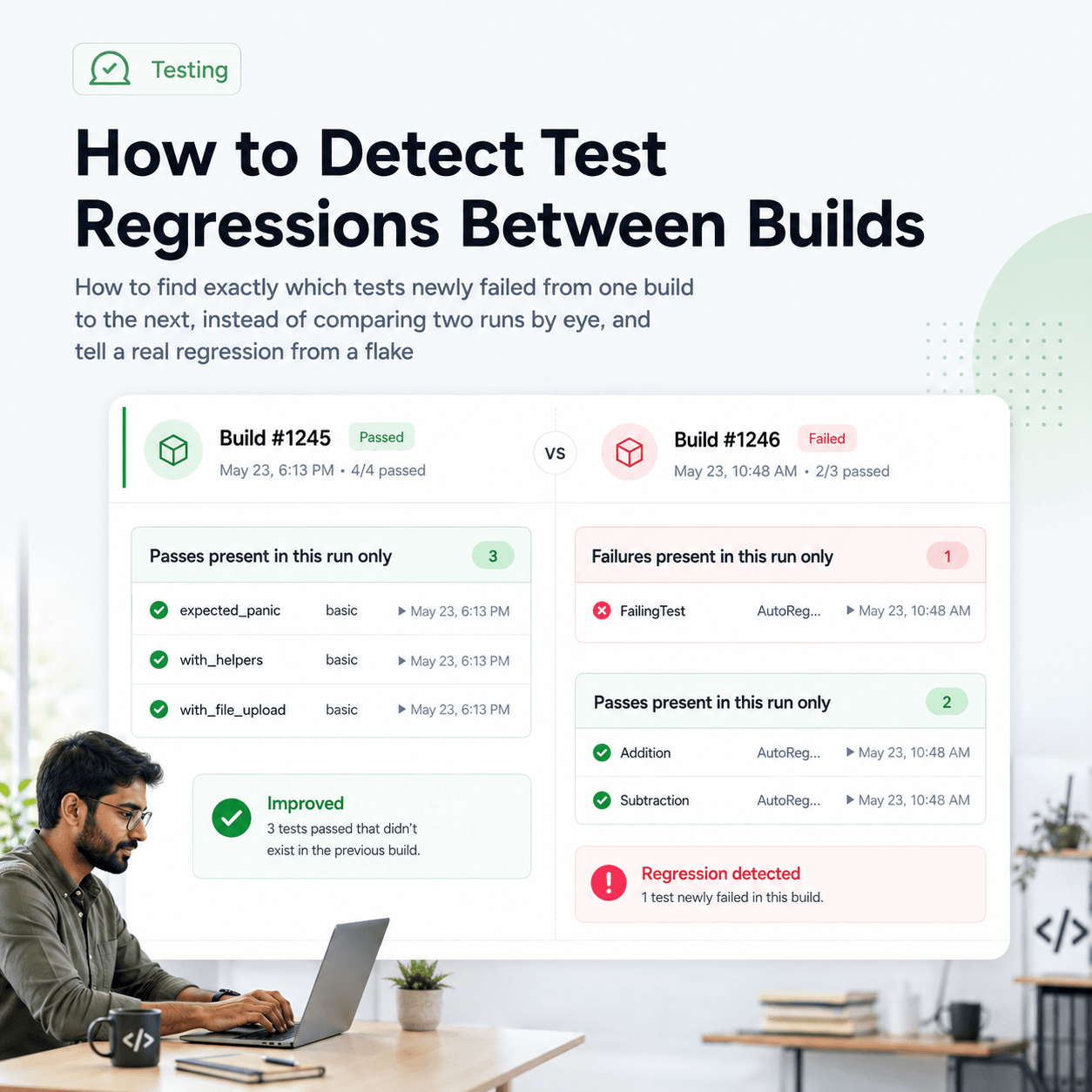
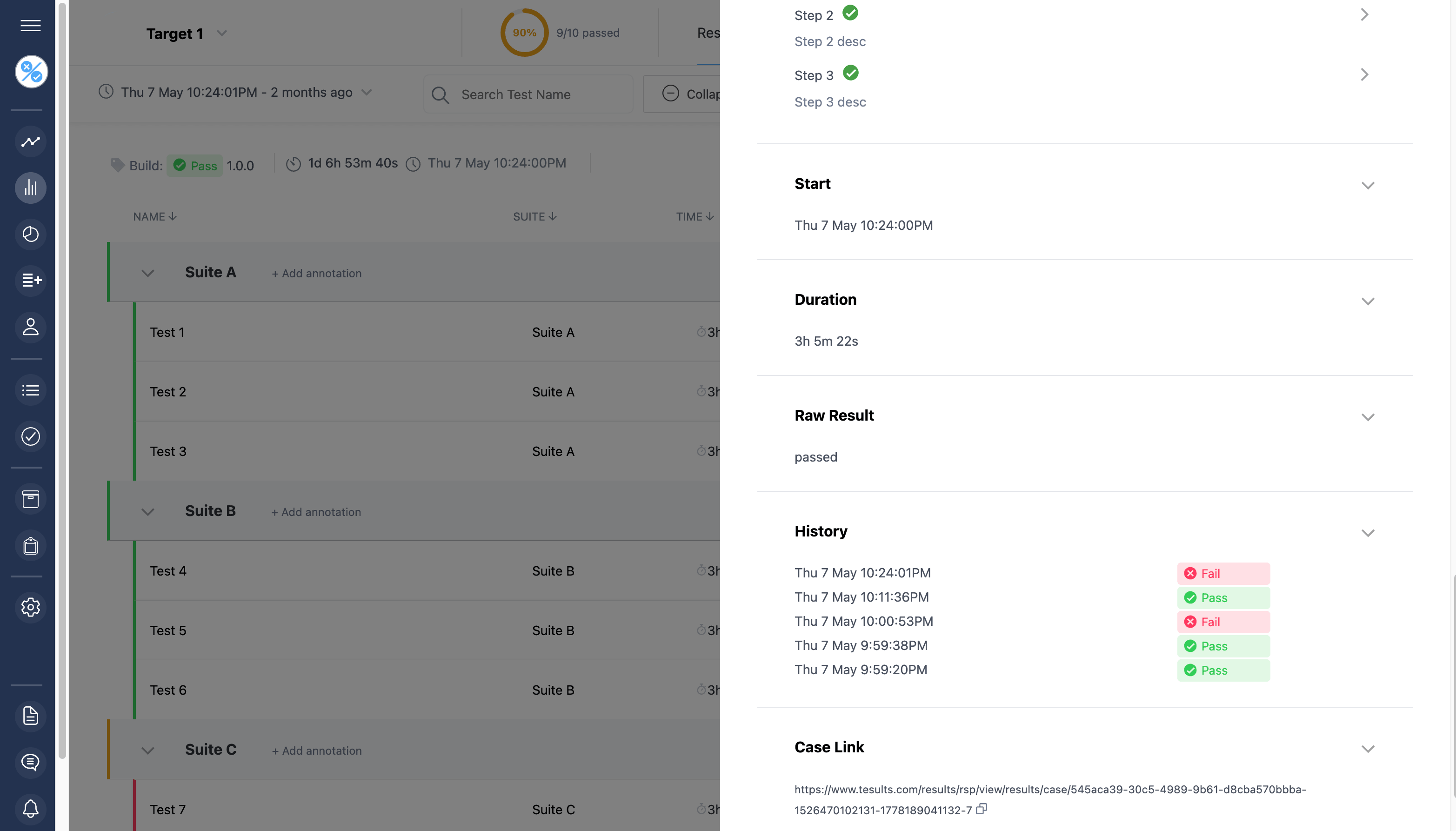
With runs persisted and aligned, each test carries a history rather than a single pass or fail. You can open a test and see its result on previous runs, compare one run against another, and see the point at which a passing test began to fail. Because matching is deterministic on suite and test name, these views are a straightforward record of what actually happened on each run, not an estimate. The same stored history is what lets you assign a failing test to a team member and have that assignment carry forward, and what makes historical failure analysis possible at all, since both need a stable record across runs to work against.
What does a minimal setup look like end to end?
For a typical CI job, the full change is small. Install the plugin:
pip install pytest-tesults
Add a pytest.ini with your target token:
[tesults]
ci = eyJ0eXAiOiJ...
Pass a build name in the test command so parallel shards consolidate
pytest --tesults-target ci --tesults-build-name "$BUILD_ID"
After the first run, confirm the results appear in Tesults, then enable Build Consolidation if you run in parallel. From there every run is retained automatically and your pytest history builds up on its own.
The result is that pytest results stop being something you read once and lose. Each run becomes a durable, comparable record, and over enough runs you get the history that terminal output and CI logs can never give you. Full configuration options, markers, and enhanced reporting for files and stdout are covered in the Tesults pytest documentation.