ROS 2 Test Reporting with Tesults
Native support for the full ROS 2 testing stack — C++, Python, Rust, and beyond
May 24, 2026
Native support for the full ROS 2 testing stack — C++, Python, Rust, and beyond
Robotics software is hard to test. Not because testing is philosophically difficult, but because a ROS 2 workspace is genuinely heterogeneous — C++ nodes running alongside Python nodes, unit tests sitting next to system-level integration tests that spin up entire graphs of communicating processes. Each layer has its own test framework, its own runner, and its own output format.
Most teams end up with a fragmented picture of their test results. C++ test output in one place, Python results in another, launch_testing results buried in colcon's build directory. Passing CI is treated as a proxy for "everything is fine," with no historical view, no trend analysis, and no easy way to see which tests are flaky, which are consistently slow, or which failures keep recurring across builds.
Tesults now provides native support for ROS 2 — covering every layer of the testing stack, with deep integrations that go far beyond basic pass/fail reporting.
The ROS 2 Testing Stack
Before getting into the integrations, it helps to understand how testing is structured in a typical ROS 2 workspace.
ROS 2 packages are either C++ (using ament_cmake) or Python (using ament_python), and each uses a different test framework by convention. C++ packages use GoogleTest (gtest) for unit tests. Python packages use pytest or unittest. On top of these, launch_testing provides integration testing — spinning up actual ROS 2 nodes, verifying their behaviour, and tearing them down. All of this is orchestrated by colcon, the build and test runner that works across the whole workspace.
This means a single colcon test command can exercise gtest, pytest, and launch_testing simultaneously across dozens of packages — making workspace-wide test visibility genuinely important.
C++ Packages — gtest-tesults
C++ ROS 2 packages use GoogleTest as their default test framework. gtest exposes a formal TestEventListener interface that fires callbacks when tests start, pass, fail, and complete. gtest-tesults hooks into this interface to report results to Tesults in real time during the test run — not by parsing XML output after the fact, but by capturing results as they happen.
This means you get the full picture: test names, durations, failure messages, and the ability to attach files and add custom fields and descriptions directly from your test code. Add gtest-tesults to your CMakeLists.txt and set your TESULTS_TARGET token:
find_package(gtest-tesults REQUIRED)
target_link_libraries(your_test_target gtest-tesults)
Then run colcon test or ctest as usual. Full setup: tesults.com/docs/gtest
Python Packages — pytest-tesults
Python ROS 2 packages use pytest as their test runner. pytest-tesults integrates at the pytest plugin level, capturing results as each test completes with the same depth of reporting — descriptions, steps, custom fields, and file uploads.
When running via colcon, pass --python-testing pytest to make sure colcon uses pytest rather than defaulting to unittest:
TESULTS_TARGET=token colcon test --python-testing pytest
Full setup: tesults.com/docs/pytest
System and Integration Tests — launch_testing
launch_testing is used for system-level tests that spin up ROS 2 nodes and verify their behaviour. It registers itself as a pytest plugin via the @pytest.mark.launch_test decorator, which means pytest-tesults covers launch_testing automatically — no separate setup required.
If pytest-tesults is installed and configured, launch_testing results are reported to Tesults alongside your regular pytest tests, including both active tests (running while nodes are live) and post-shutdown tests. See the pytest-tesults documentation for full setup instructions.
Rust Packages — tesults-test
ROS 2 supports Rust development via rclrs (the Rust client library for ROS 2). Rust packages use the built-in #[test] framework, nextest, or rstest for unit testing. tesults-test provides a deep integration for all three — replace #[test] with #[tesults_test::test] and add tesults-test to your dev-dependencies:
[dev-dependencies]
tesults-test = "*"
Then run cargo test or cargo nextest run as usual. Full setup: tesults.com/docs/rust-test
Zero-Config Option — colcon-tesults
If you want results uploaded for all packages in a workspace without any per-package setup, colcon-tesults hooks into the colcon event system and reads JUnit XML output after colcon test completes. No changes to your test code or package configuration are needed.
pip install colcon-tesults
TESULTS_TARGET=token colcon test
This is the fastest way to get started, though it provides basic pass/fail reporting only — it does not support descriptions, steps, custom fields, or file uploads. For richer reporting, use gtest-tesults or pytest-tesults at the package level. Full setup: tesults.com/docs/colcon
Integration Summary
| Scenario | Integration | Reporting |
|---|---|---|
| C++ packages (GoogleTest) | gtest-tesults | Deep — descriptions, steps, files |
| Python packages (pytest) | pytest-tesults | Deep — descriptions, steps, files |
| Rust packages (#[test], nextest, rstest) | tesults-test | Deep — descriptions, steps, files |
| System tests (launch_testing) | pytest-tesults | Deep — covered automatically |
| Any package, zero config | colcon-tesults | Basic — pass/fail only |
Why This Matters for Robotics Teams
Test visibility matters more in robotics than in most software domains. The consequences of a regression are physical — a robot that navigates incorrectly, an arm that applies the wrong force, an autonomous vehicle that misreads its environment. The feedback loop between a test failure and understanding its impact is long, and flaky or intermittently failing tests are particularly costly.
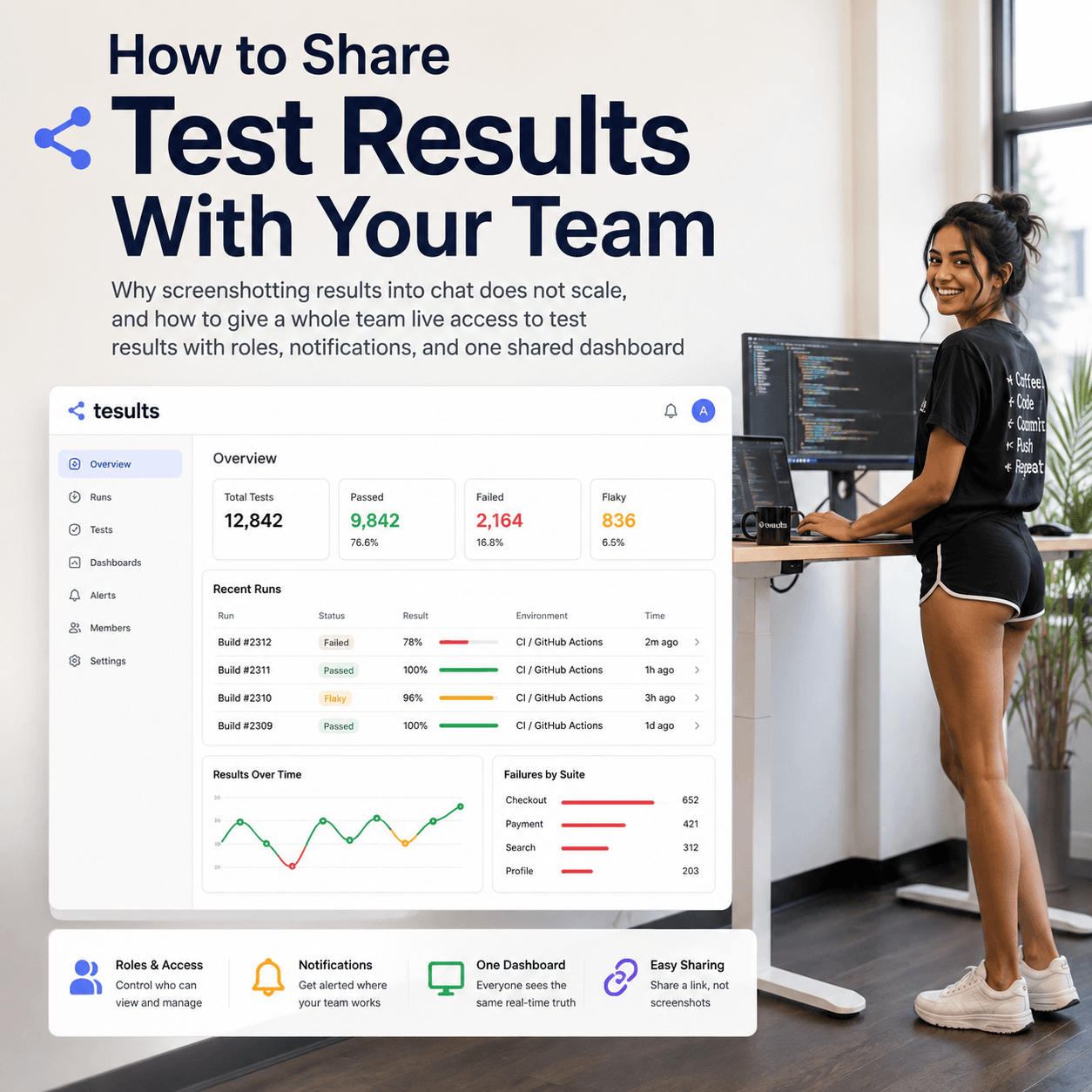
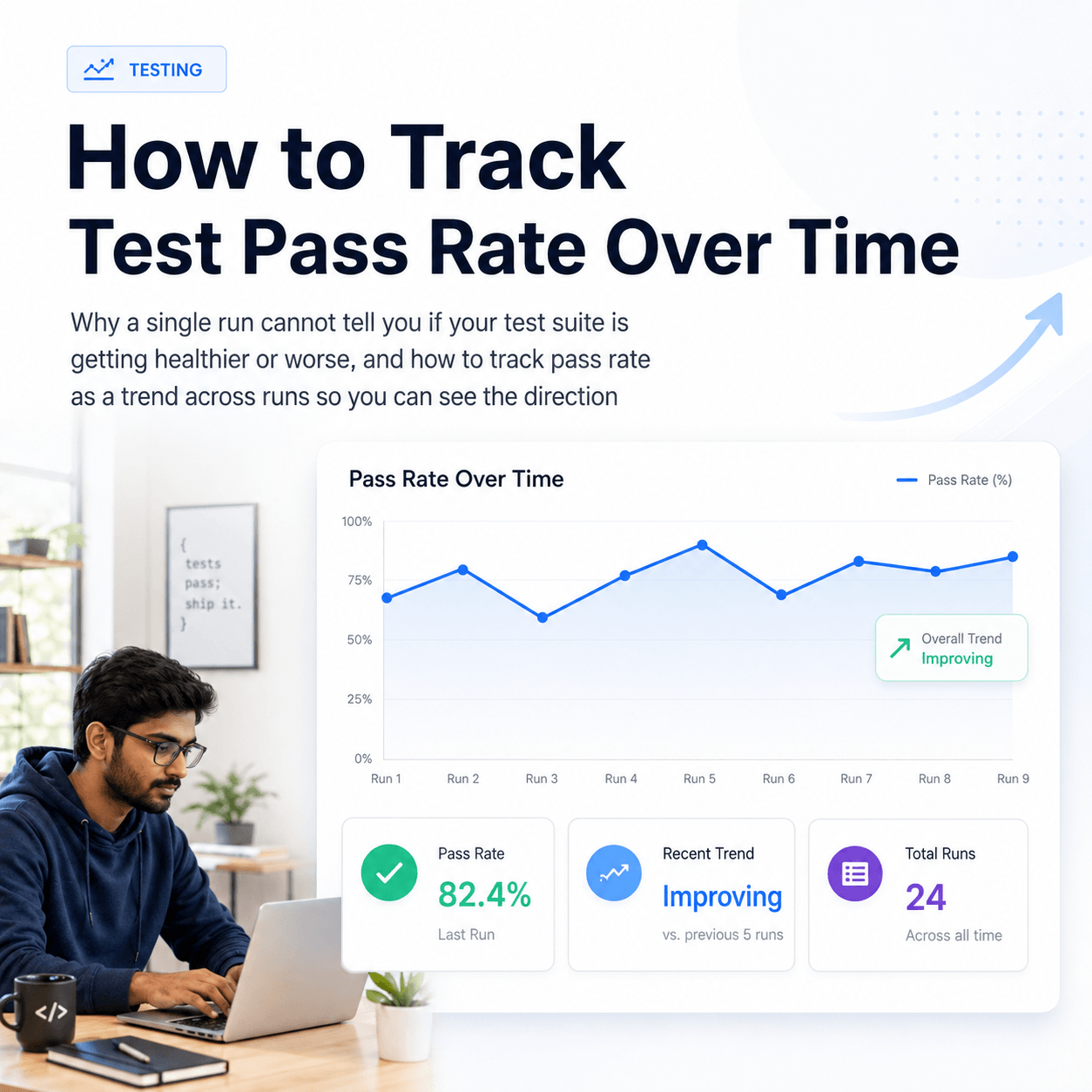
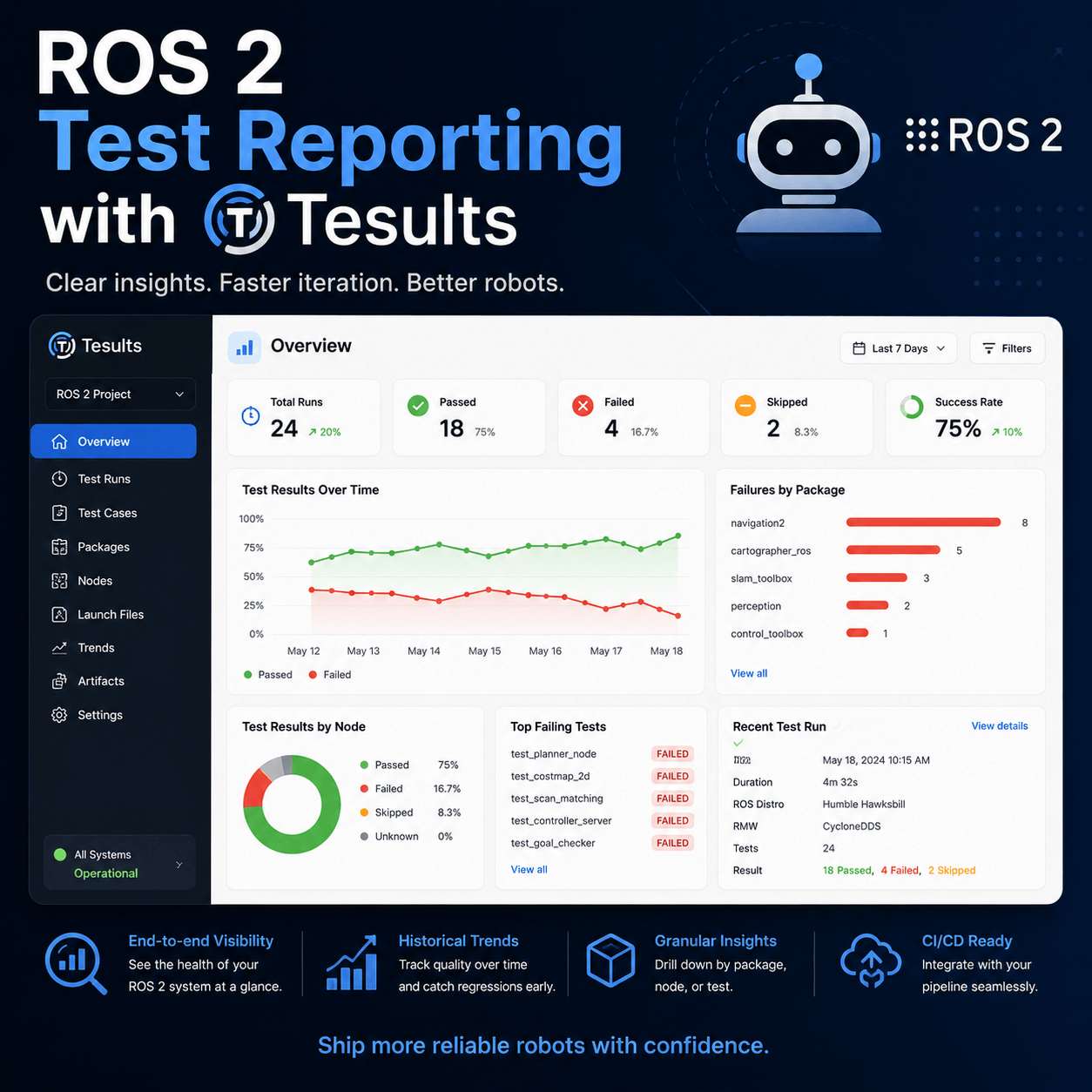
Tesults gives robotics teams the same test reporting infrastructure that mature software teams rely on: a historical record of every test run, trend analysis to catch degrading test suites early, flakiness detection, and team-wide visibility into what passed, what failed, and what changed since the last build. All of this works across the full ROS 2 testing stack — C++, Python, Rust, unit tests, and system-level integration tests — in a single dashboard.
The AI-Generated Code Challenge
There is a broader reason test reporting is becoming more important in robotics right now. AI-assisted development is accelerating code output across the industry. Developers are shipping more code, faster, with the help of tools that generate implementations from high-level descriptions. This is genuinely productive — but it also means more code needs to be verified, and the engineers generating that code are not always the ones who deeply understand the system being modified.
Test automation and reliable test reporting are the quality layer that makes faster development sustainable. Without visibility into test results across the full stack, faster development just means faster accumulation of undetected regressions. In robotics, where undetected regressions have physical consequences, that matters more than anywhere else.
Getting Started
The quickest path to full workspace coverage is to start with colcon-tesults for immediate zero-config results, then add gtest-tesults for your C++ packages and pytest-tesults for your Python packages as you go.
Full ROS 2 documentation: tesults.com/docs/ros2
Create a free Tesults account: tesults.com/register