How AI is Transforming Software Testing and Automation
AI is impacting software testing and automation in a big way. Here’s how AI is reshaping the testing landscape.
Mar 29, 2025

More Tests and Greater Coverage
Faster, more efficient development of tests. With tools like agent mode in Cursor and other AI-powered IDEs, it’s now possible to generate tests faster than writing them from scratch manually. Testing without AI struggles acutely with time and resource constraints, limiting the number of test cases that can be written. AI-powered test generation and automation allow for significantly more tests to be written, leading to greater test coverage and improved software reliability. AI can identify edge cases and optimize test suites.
Easier Test Writing, Especially Unit Tests with Mocks
Writing tests, particularly unit tests, can be tedious and time-consuming. AI simplifies this by generating test cases, suggesting assertions, and perhaps most importantly, it can even generate mocks for dependencies, often the most time consuming part of the process of unit test authoring. Mock generation in particular makes unit testing faster.
Efficient Test Updates
One of the biggest challenges in test automation is test script maintenance—when UI elements or APIs change, tests often break. AI makes updating tests in response to UI changes more efficient, reducing maintenance overhead and keeping test suites stable.
Test Authorship and Execution Optimization
Instead of executing every possible test, AI can prioritize the most critical test cases based on past failures, code changes, and system behavior. This optimizes test execution time while ensuring maximum defect detection.
Test Data Generation and Management
AI can automatically generate test data, removing the need for manual data creation. This is especially useful for load testing, security testing, edge case validation, and any scenario requiring complex data for test execution.
AI Analysis and Reporting
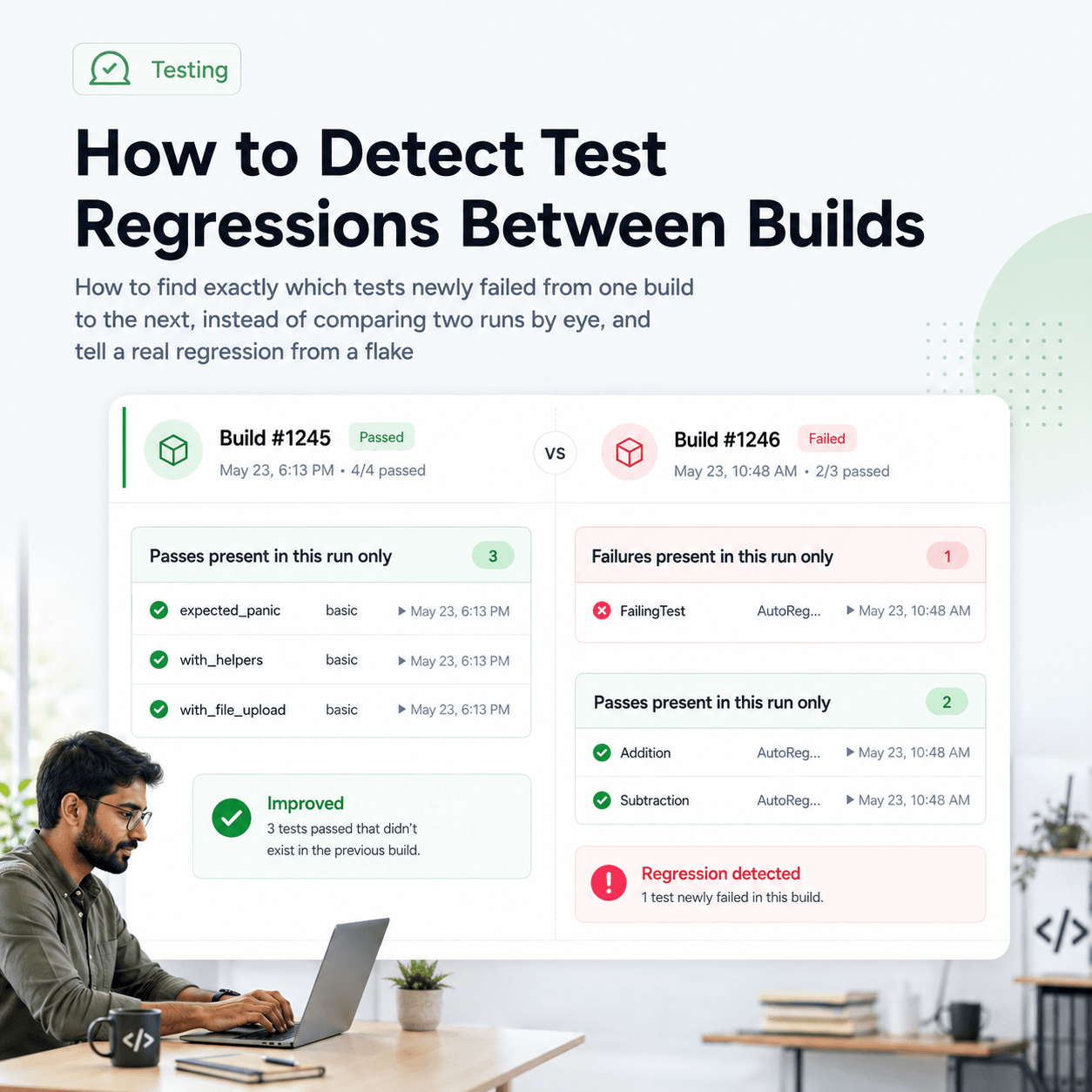
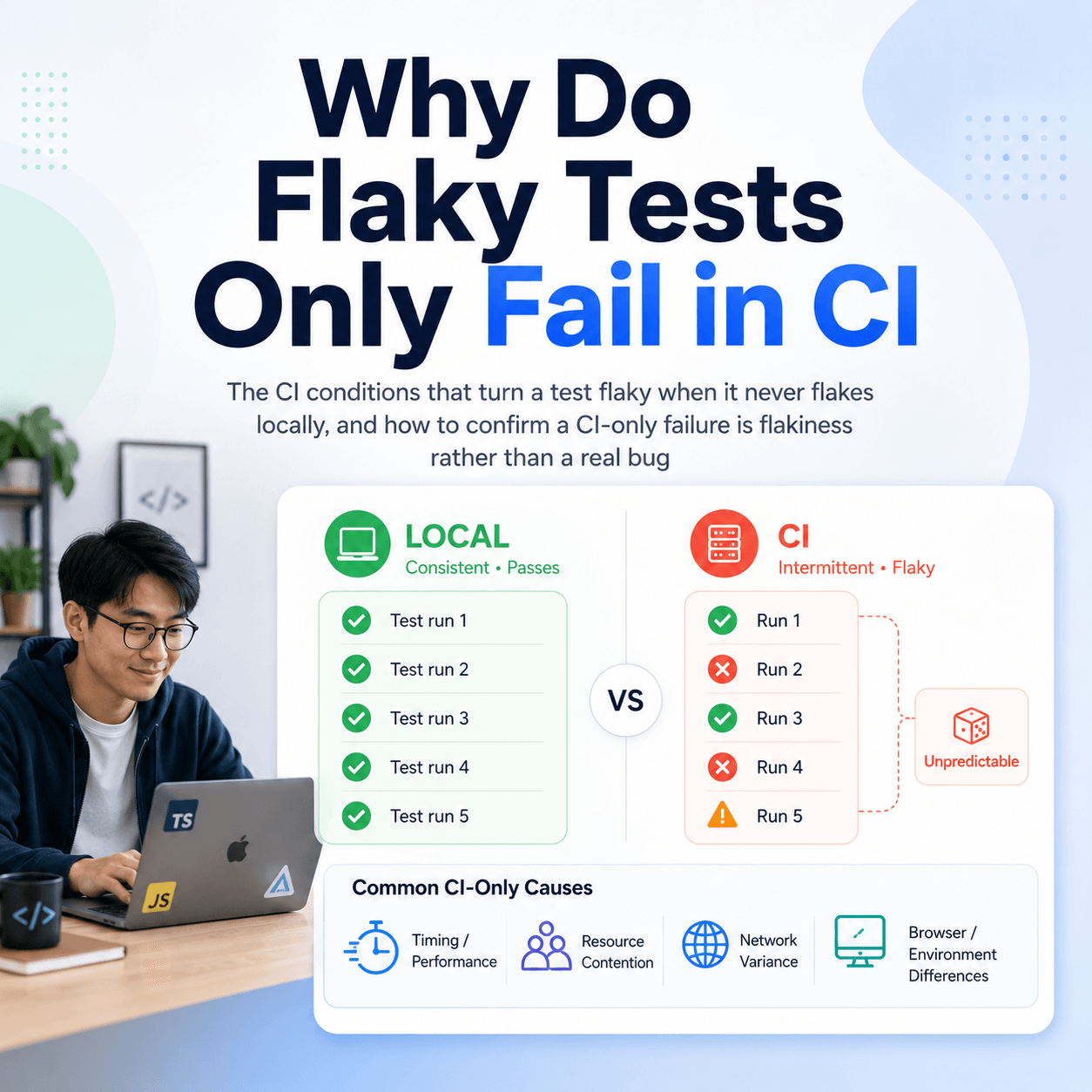
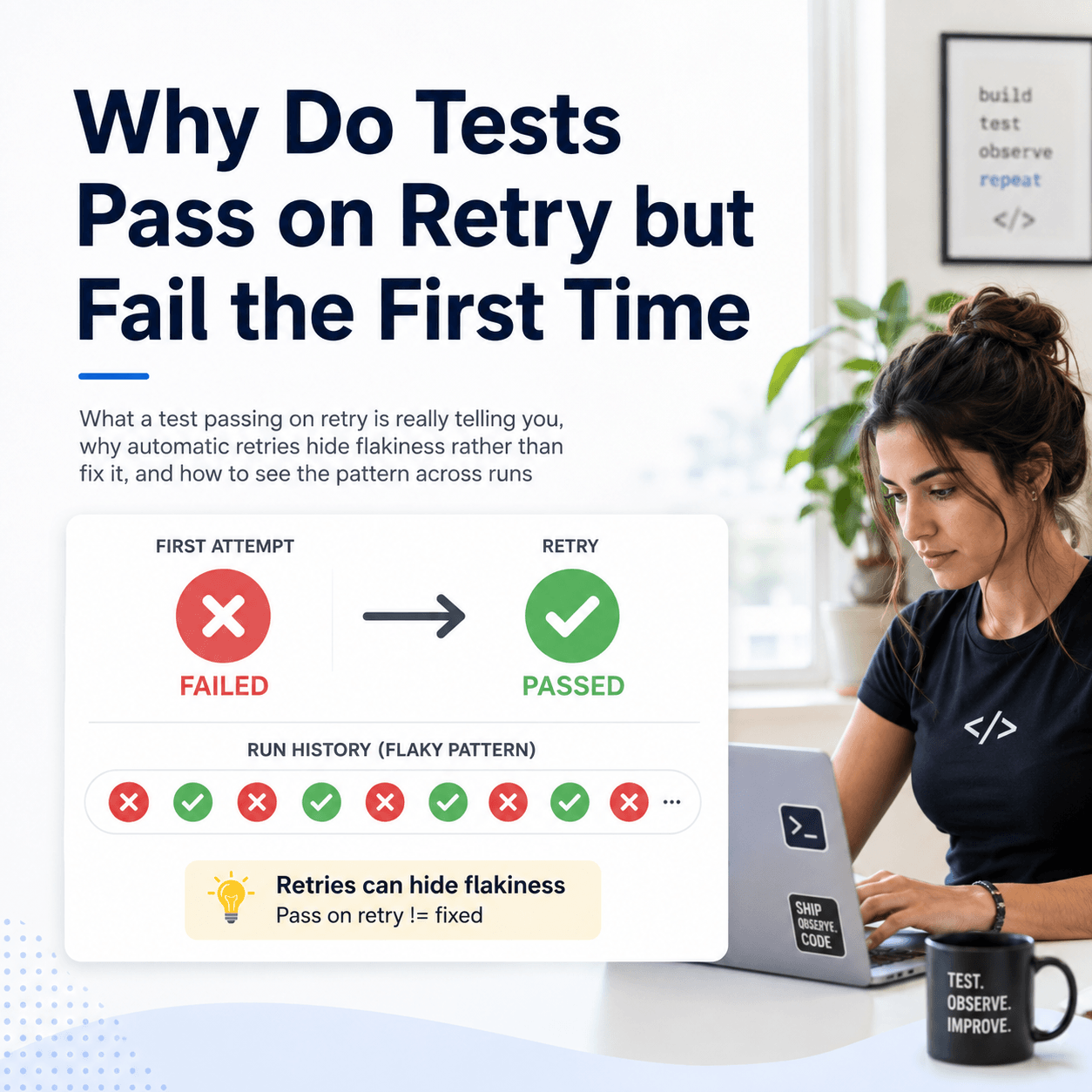
AI enhances not only test execution but also result analysis. By identifying patterns in failures, prioritizing critical bugs, and generating actionable insights, AI enhances decision-making for engineering teams. Companies like Tesults are pushing this frontier, making reporting and analytics more efficient through AI-powered insights.
As AI continues to evolve, its impact on software testing and automation will grow. From expanding test coverage to streamlining reporting, AI is already an indispensable part of many teams' workflows. AI-powered testing is becoming an indispensable part of modern software development.
AI can analyze historical test results and code changes to predict where defects are likely to appear. This allows teams to focus testing efforts on high-risk areas, improving efficiency and catching more bugs before they reach production.
AI can monitor system performance over time, detect anomalies, and predict potential performance bottlenecks before they impact users. By analyzing real user data, AI can create more accurate performance test scenarios.
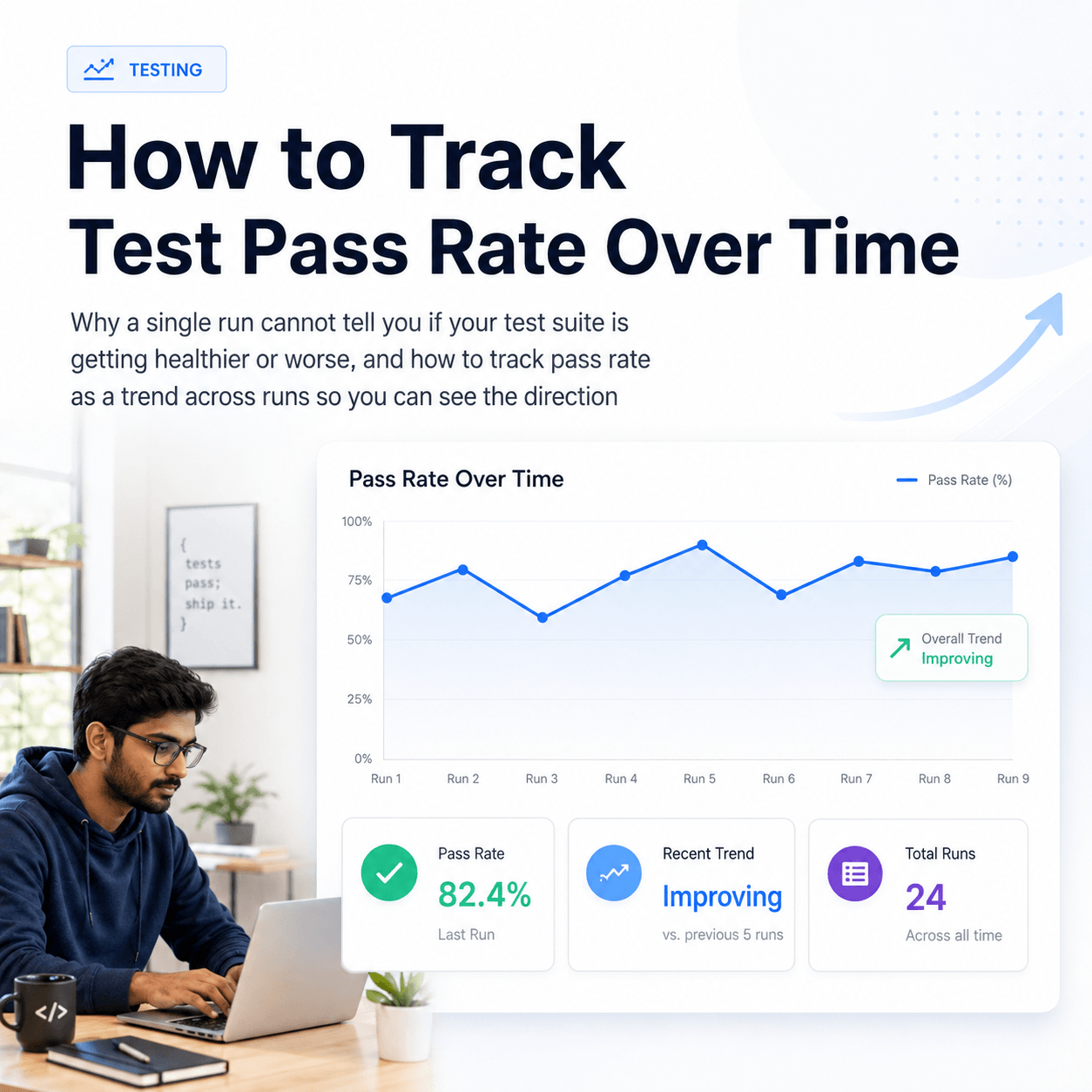
Tesults AI features are already rolling out, beginning with manual test case creation in the Lists function. Over the coming weeks and months, Tesults AI will be significantly expanded to cover test automation analysis and reporting. Specific features will roll out automatically but as a preview of things to come, expect automated AI analysis of test runs over time, pointing out potential issues to your team that would be time consuming and tedious for your team to discover on your own. Tesults AI will also introduce generative capabilities for test automation as has already been rolled out for manual test cases.
Tesults AI is available in both the Standard and Plus plans.