How to View JUnit XML Test Results in a Dashboard
Upload JUnit XML to a dashboard in one step, and why a test framework library gives you richer reporting with logs, screenshots, and full history
Jun 22, 2026
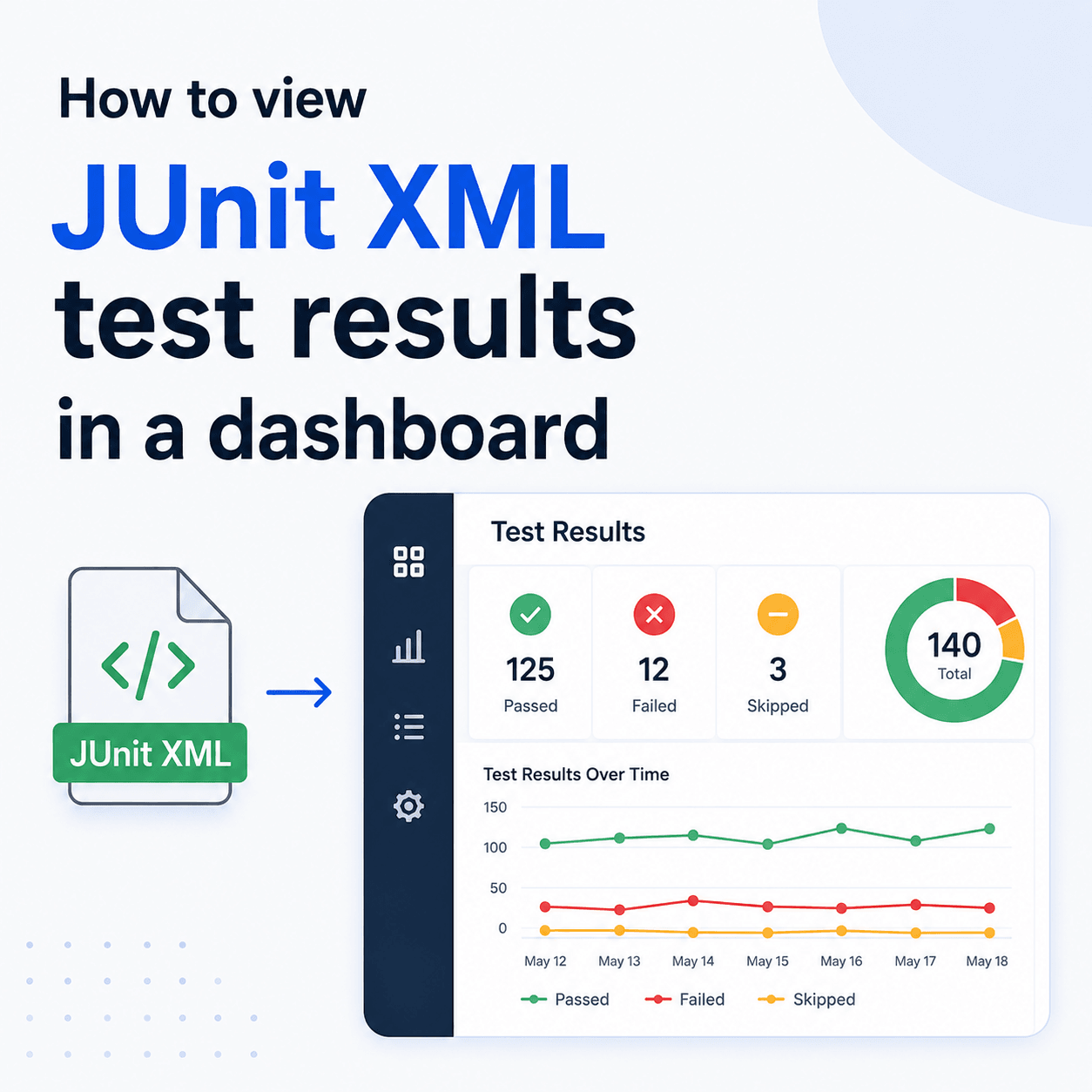
To view JUnit XML test results in a dashboard, upload the XML file to a service that stores and displays it. With Tesults you POST the file to the /results endpoint with your target token, and the results appear in a dashboard you can navigate across every run. Because almost every test framework can emit JUnit XML, this one upload path works for nearly any setup. That said, there is a better way when you can use it: a Tesults test framework library or plugin gives you richer reporting, including files such as logs and screenshots that JUnit XML simply cannot carry. This post shows both, and when to choose which.
How do you get JUnit XML test results into a dashboard?
If your framework already produces a JUnit format XML file, which most do, you can upload it directly with no library or code change. Send the file to the Tesults /results REST endpoint, set the content type to text/xml, and pass your target token as a Bearer token:
curl -X POST -H "Content-Type: text/xml" -H "Authorization: Bearer <token>" \
  -d @/path/to/junit-results.xml https://www.tesults.com/results
A successful upload returns a 200 with a small JSON confirmation, so you can check it as a step in your pipeline:
{
  "data": {
    "code": 200,
    "message": "Success"
  }
}
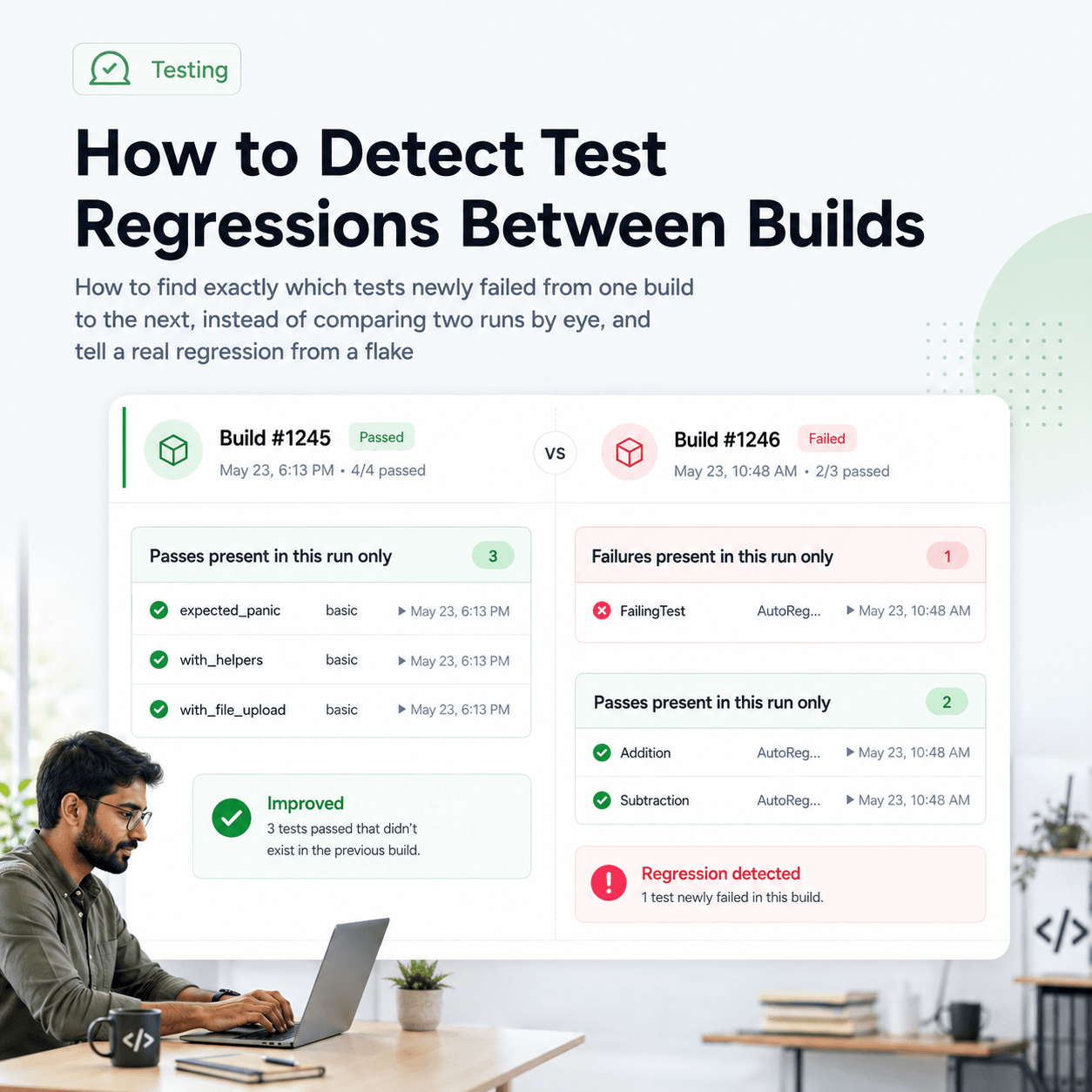
Once uploaded, the results appear in the dashboard. The results view shows the latest run for each target (test job) and lets you navigate back through previous runs, expand and collapse suites, and drill into an individual test case. If you run tests in parallel or across shards, each shard can upload separately, and with build consolidation enabled, submissions that share the same build name are consolidated into a single run automatically. That turns one CI run into one coherent entry in the dashboard, even when it was produced by many parallel jobs.
Why does JUnit XML work with almost any framework?
JUnit XML is the closest thing testing has to a universal interchange format. It started in the Java world but became the de facto standard that tools across every language read and write, so a huge range of frameworks can emit it, either natively or through a reporter: pytest, Jest, Playwright, TestNG, NUnit, Mocha, Go, and many more.
That is what makes the upload above so broadly useful. You do not need a Tesults specific integration to get started. If your framework or CI step can produce a JUnit XML file, you can get those results into a dashboard with the single request above. One path, almost any framework. For a lot of teams that is the fastest way to go from "results vanish at the end of each CI run" to "results live in a dashboard we can look back through."
What does JUnit XML not give you?
JUnit XML is a lowest common denominator format, and being universal is exactly why it is limited. It was designed to carry a basic shape: suites, test cases, pass or fail status, durations, and a failure message. That is roughly all it can express.
The biggest thing it cannot carry is files. There is no place in a JUnit XML document for the artifacts that make a failure actually diagnosable: logs, screenshots, traces, reports, or any other file your tests produce. When a UI test fails, the screenshot at the moment of failure is often the single most useful thing to look at, and JUnit XML has nowhere to put it. The format gives you that a test failed and a short message, but not the rich context around the failure that you usually opened a dashboard to see in the first place.
The better way: a test framework library or plugin
When you can add a small integration to your test framework, you should. Tesults provides libraries and test framework plugins across most ecosystems, and they give you greater control and richer reporting than an XML file can. Most importantly, a library or plugin is the only way to upload files, such as logs, screenshots, and other test artifacts, alongside your results. That is the difference between a dashboard that tells you a test failed and a dashboard that shows you the screenshot, the log, and the trace from the exact run that failed.
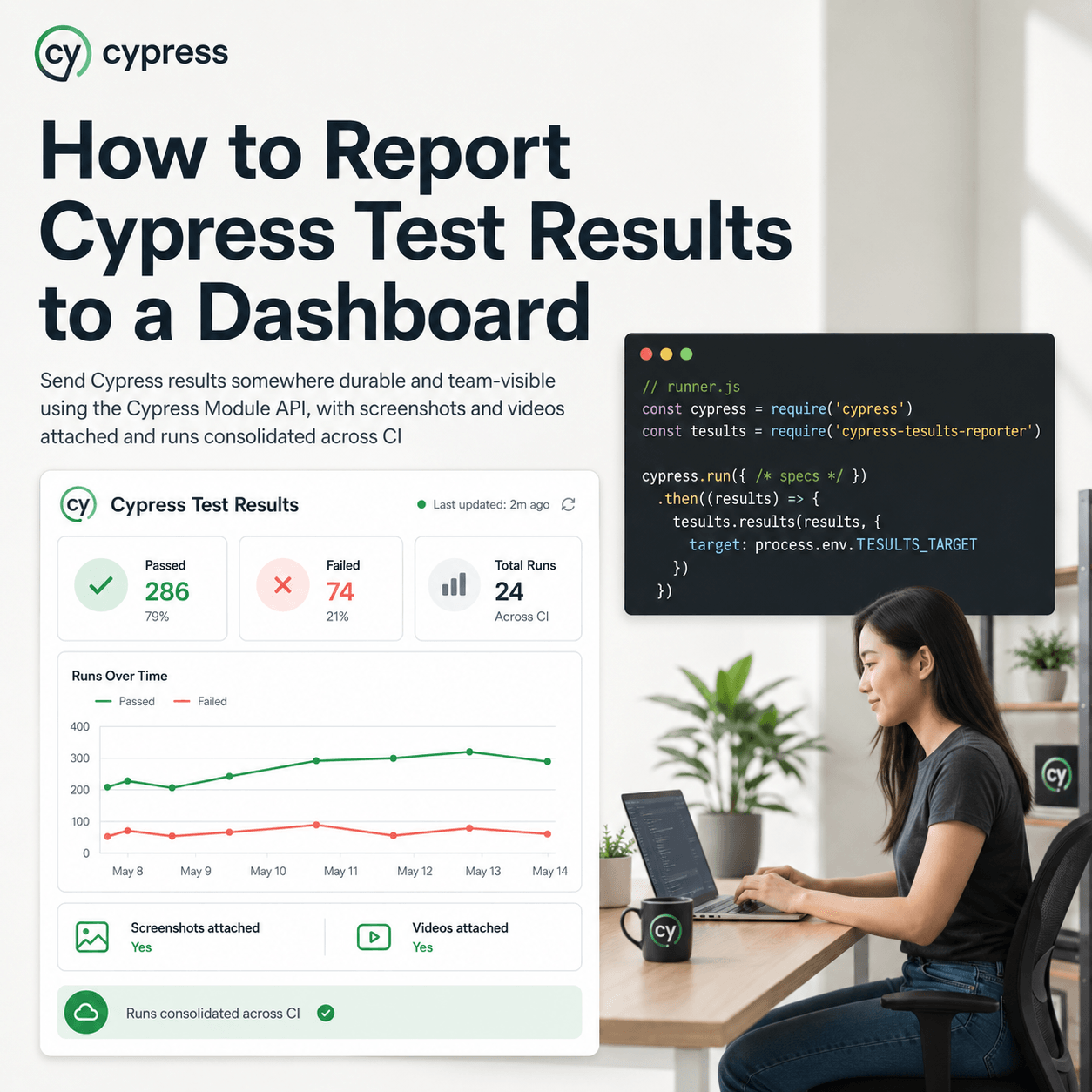
There are libraries for languages including Python, JavaScript, Java, C#, Go, Ruby, Rust, C++, and more, and dedicated plugins for common frameworks including pytest, Jest, Playwright, Cypress, JUnit, TestNG, NUnit, Mocha, and Vitest, among others. Each is documented with the exact setup at tesults.com/docs. In most cases the integration is a small amount of configuration or a few lines of code, and in return you get the full fidelity of your test output in the dashboard rather than the stripped down version JUnit XML allows.
This is the much better way, and it is worth the small extra setup whenever it is available to you.
So which should you use?
Use a test framework library or plugin whenever you can add one. It is the path that gives you files, richer detail, and the most control, and for most teams running their own test suites it is straightforward to set up. If you want the dashboard to actually help you diagnose failures rather than just record them, this is the route.
Use JUnit XML when adding a library is not practical. That is a real and common situation, not a second class one. You might be consolidating XML output from tools you do not control, working with a legacy or niche framework that has no plugin, running a polyglot pipeline where a single upload path is simpler, or you might just want a zero code way to get results in fast. In all of those cases, uploading JUnit XML is a great way to get your results into a dashboard, and you can always move to a library later for richer reporting once the basics are in place.
The short version: prefer the framework library for the richest reporting with files attached, and reach for JUnit XML as an excellent fallback when a library is not an option.
What you get once results are in the dashboard
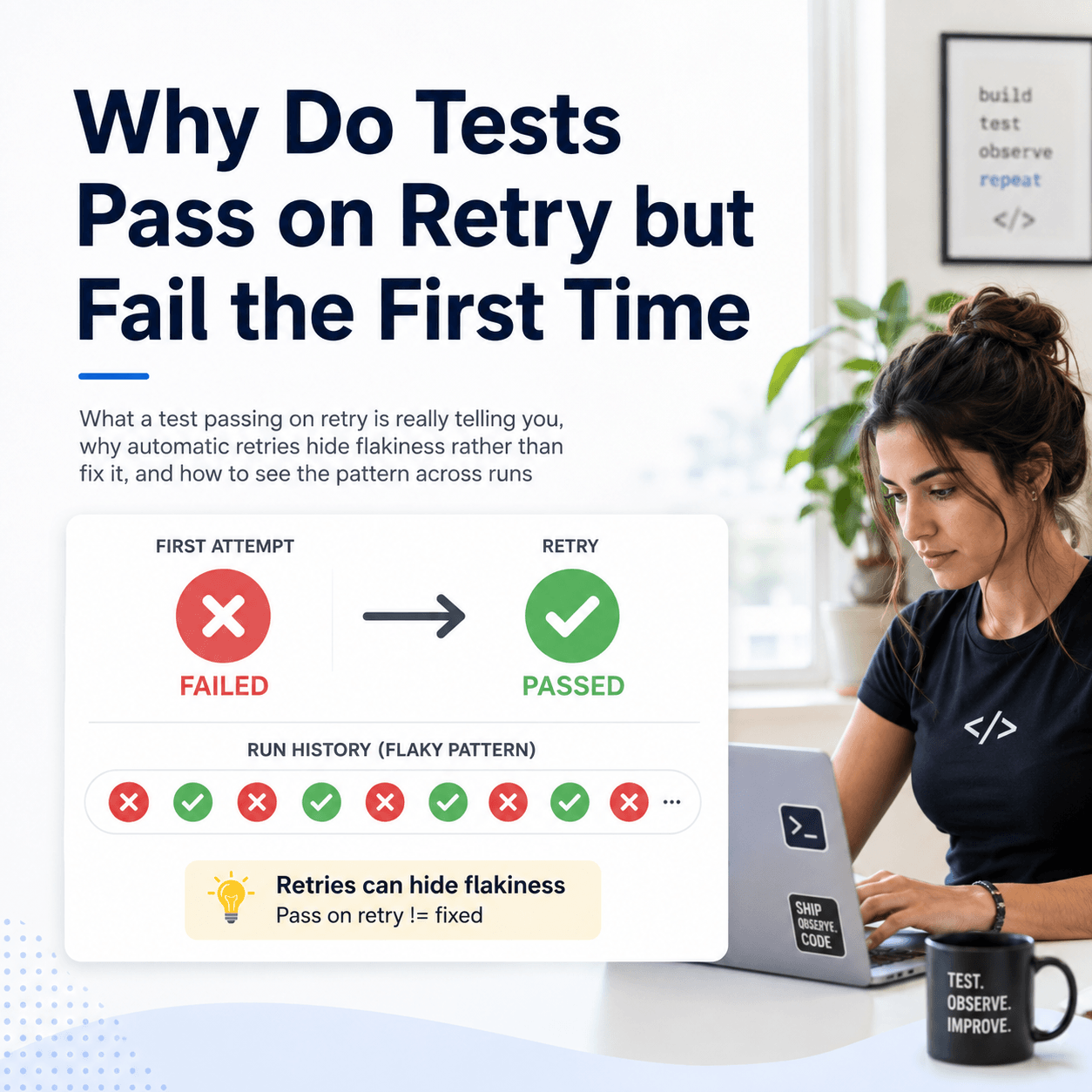
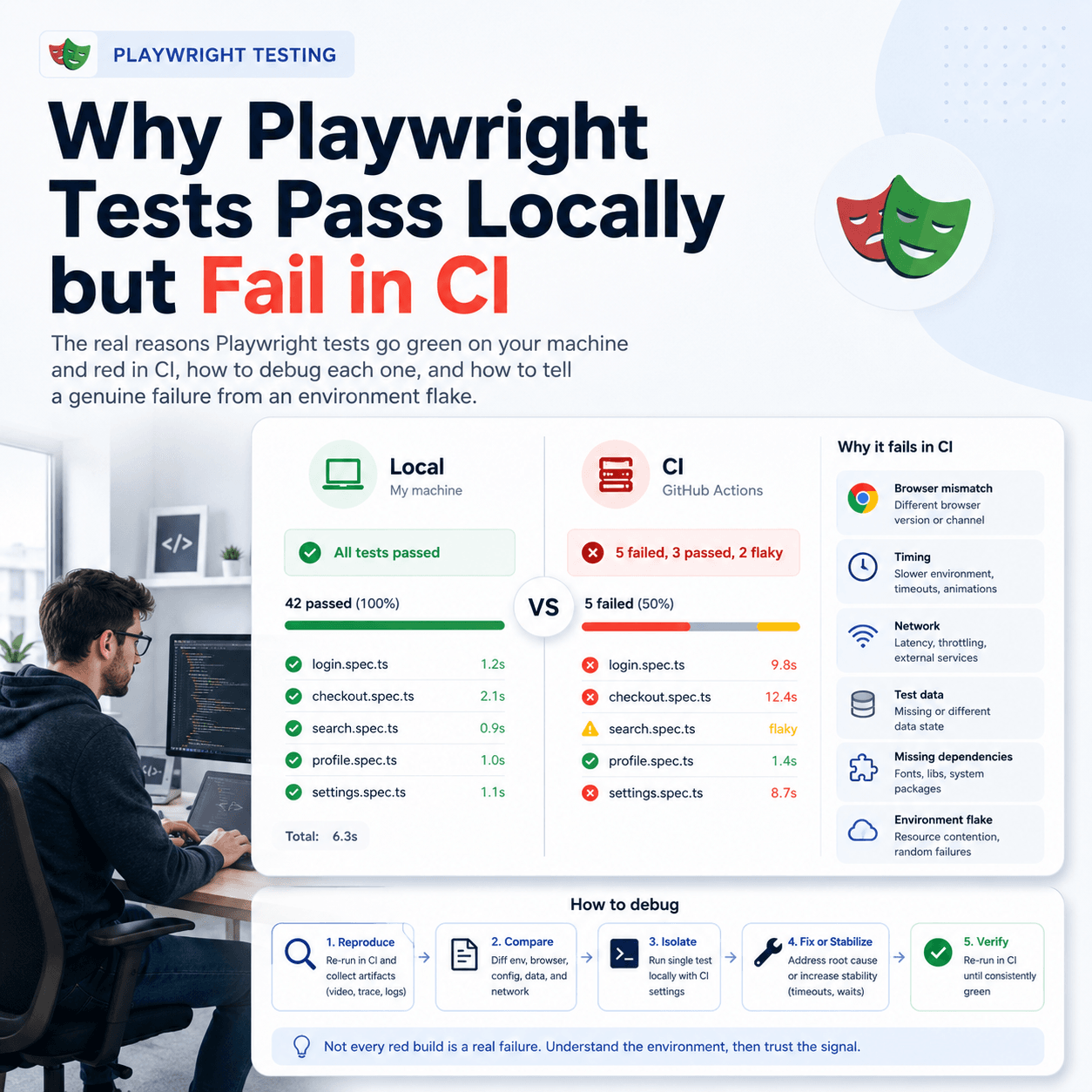
Whichever path you use, the point of getting results into a dashboard is what becomes possible once they are retained together over time. You can compare a run to the previous one, trace when a test started failing, and see trends that never appear in a single run. Because that history is the raw material for it, Tesults also computes flaky test detection, regression analysis, and failure explanations from your retained runs and surfaces them automatically. If you want to keep a durable history of every run rather than losing it after each CI cycle, see how to keep a history of test results, and if you want to query that history in plain English from AI tools, see how to query test results with AI agents using MCP.
To upload JUnit XML, the JUnit XML docs have the full detail. To set up a richer integration for your framework, start with the getting started guide and pick your language or framework. Get the results in however is easiest today, and move to the library when you want the screenshots, logs, and traces that turn a dashboard from a record into a diagnosis tool.