How to Keep a History of Test Results Instead of Losing Them After Each CI Run
Why CI logs and artifacts disappear, what you lose when they do, and how to retain a durable history of every test run
Jun 19, 2026
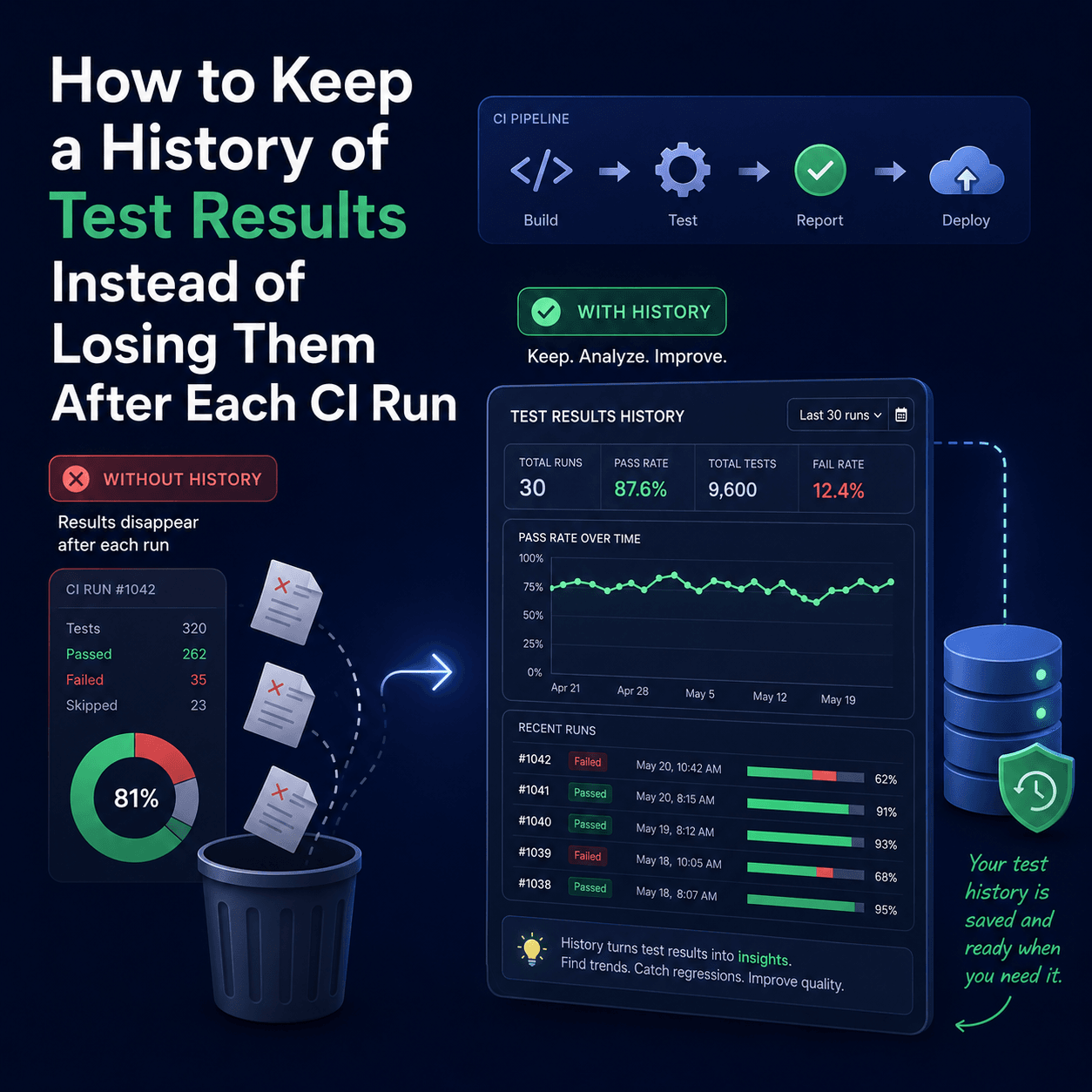
CI systems are built to run tests, not to remember them. Logs scroll, artifacts expire after a retention window, and once a run is gone you have lost the one thing that makes test results useful over time: the ability to compare this run to the last fifty. To keep a history, push your results out of CI after each run into a system that stores them permanently and organizes them by build, so you can navigate back through every run, compare builds, and see when something started failing. This post explains what "keeping a history" actually requires, why CI artifacts are not enough on their own, and how to retain results durably with Tesults.
Why do test results disappear after each CI run?
Because CI was never designed to be your system of record. A pipeline runs your tests, reports pass or fail for that run, and moves on. The detailed output lives in two places, and both are temporary.
The build log is the first. It is a console stream that you can read while the job is fresh, but it scrolls endlessly, it is hard to search after the fact, and most CI providers age logs out after a set number of days. The test artifacts are the second: a JUnit XML file, an HTML report, screenshots. These last longer than the log, but they too sit behind a retention window, and crucially they are stored per run, with no relationship to the run before or after. You have a pile of disconnected files, not a history.
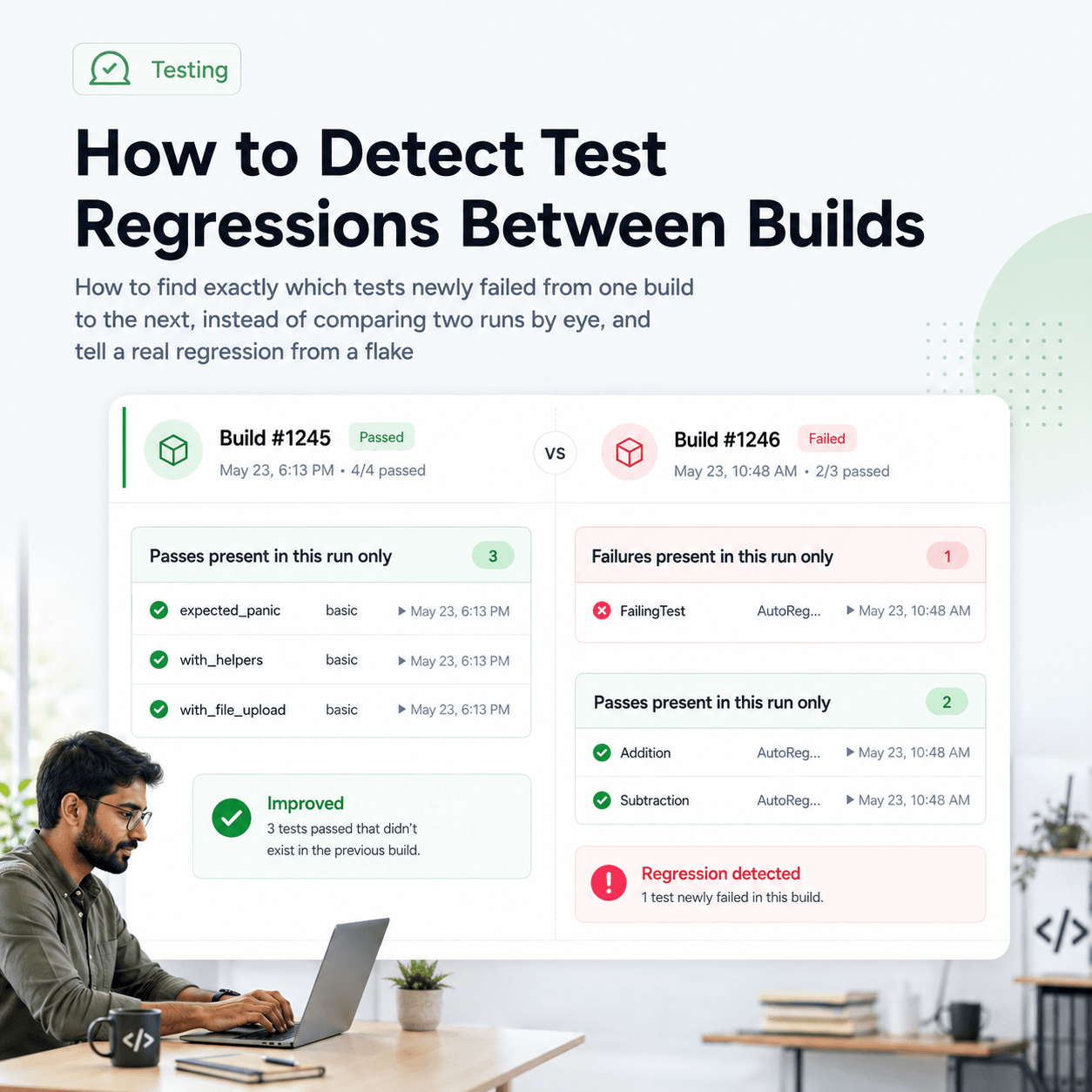
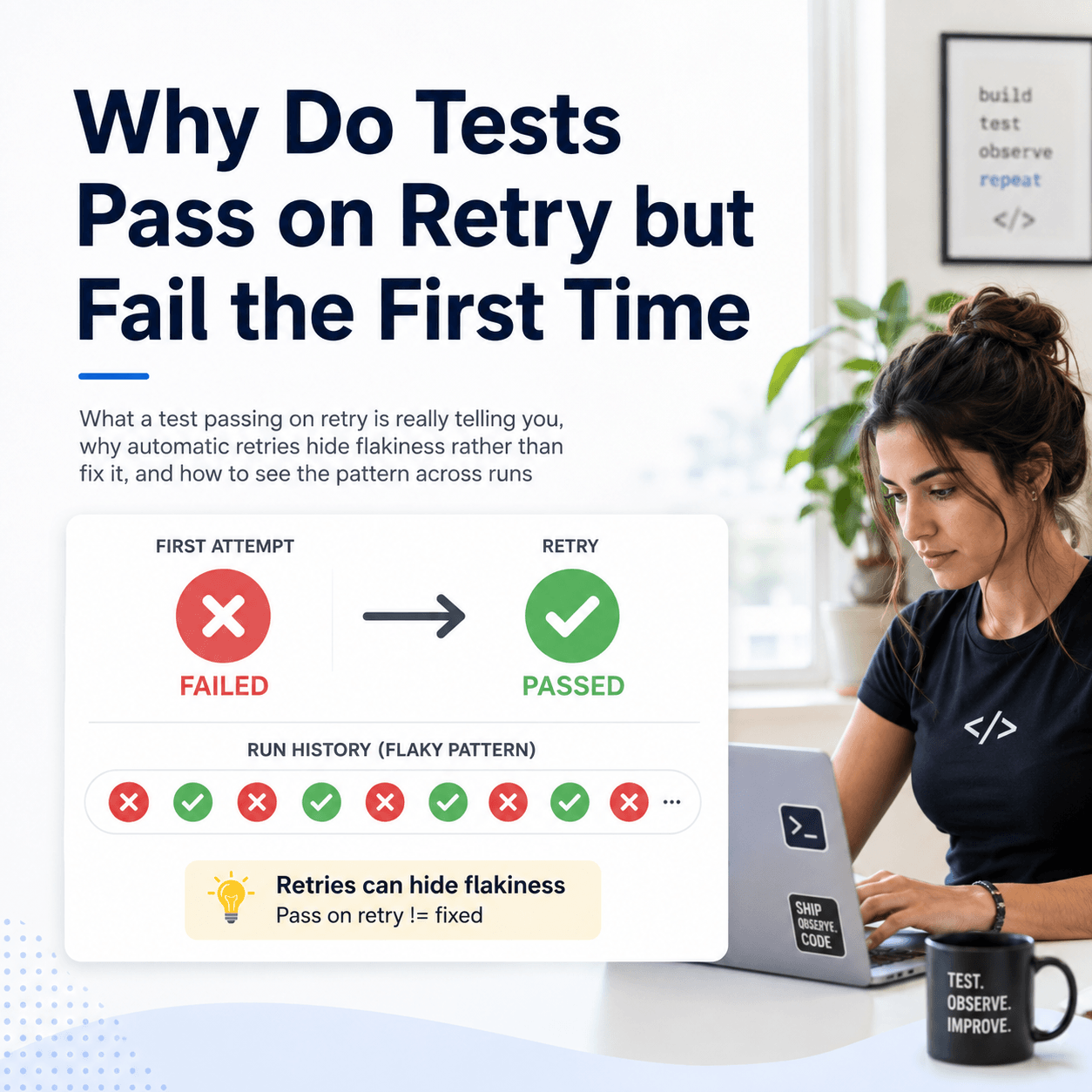
What you lose when results vanish is not the individual run, which you probably looked at already. It is everything that only exists across runs: whether a failing test is a new regression or has been broken for a week, whether a test is flaky or genuinely failing, when a test first started failing, and whether your pass rate is trending up or down. None of that is visible in a single run. It only appears when runs are retained together and compared.
What does keeping a history actually require?
Three things, and storing a folder of JUnit XML files only gives you the first one.
First, the results have to leave CI and land somewhere permanent, outside the retention window that will eventually delete them. Second, each run has to be retained in relation to the others, organized by build over time, rather than as isolated files. Third, the history has to be navigable and comparable, so that moving from one run to the previous one, or spotting a test that changed state, takes a click rather than a manual diff of two XML files you had to dig out of expired artifact storage.
Keeping raw artifacts in a bucket clears the first bar and fails the other two. The data exists, but it is not connected run to run and it is not queryable, so the questions that matter across runs stay just as hard to answer as before. A durable test result history is the difference between archiving files and being able to actually use them.
How do you push results out of CI so they persist?
You add a step to your pipeline that uploads results to a permanent store after the tests run. With Tesults there are two main ways to do this.
The recommended route is the Tesults library or test framework plugin for your language or framework. These give you the most control and are the only way to upload files such as logs and screenshots alongside the results. There are libraries across most ecosystems (Python, JavaScript, Java, C#, Go, Rust, C++ and more) and plugins for common frameworks (pytest, Jest, Playwright, JUnit, TestNG, NUnit, Cypress, and many others), each documented at tesults.com/docs.
If your framework already emits a JUnit format XML file, which most do, you can upload that file directly to the Tesults /results REST endpoint as a CI step, no library required. Set the content type to text/xml and pass your target token as a Bearer token:
curl -X POST -H "Content-Type: text/xml" -H "Authorization: Bearer <token>" \
  -d @/path/to/junit-results.xml https://www.tesults.com/results
A successful upload returns a 200 with a small JSON confirmation, so you can check it in your pipeline:
{
  "data": {
    "code": 200,
    "message": "Success"
  }
}
Either way, the moment that step runs, the results are out of CI and retained permanently, independent of whatever your CI provider does with the log and artifacts afterwards.
How are runs organized so the history is actually usable?
This is the part that turns stored files into a usable history. In Tesults, a project stores all of your results data and is organized into targets, where a target is a test job (for example, your end to end suite, or your unit tests for a given service). Every time you upload results for a target, that submission is retained as a test run, and runs accumulate over time under the target.
Each run is associated with a build name, which is how Tesults keeps the history coherent when a single CI run produces results in pieces. If you run tests in parallel or across shards, each shard uploads separately, and with build consolidation enabled, submissions that share the same build name are consolidated into one test run automatically. (If you do not have a natural build name to use, a timestamp captured at the start of the run works.) The result is that one CI run becomes one retained build in the history, even if it was assembled from ten parallel jobs.
From the results view you then see the latest run for each target and can navigate directly to previous runs, expanding and collapsing suites, drilling into a specific test case, and moving back through the history without hunting for expired artifacts. The runs are connected, in order, and comparable, which is exactly what a pile of per run XML files never was.
What can you do once you have a durable history?
Once runs are retained together, the across run questions become answerable, and most of them stop requiring any manual work at all.
You can compare a build to the one before it to see what newly broke versus what was already failing. You can trace exactly when a given test started failing by walking back through its runs. And because the history is the raw material for it, Tesults computes flaky test detection, regression analysis, and failure explanations from your retained runs and surfaces them automatically. The honest framing worth keeping in mind: none of that intelligence is magic, it is analysis of the run history you have been accumulating, which is precisely why keeping the history is the prerequisite. If you want that intelligence outside the dashboard, in a pipeline or an AI agent, it is also available through the Insights API and the Tesults MCP server.
What this does and does not do
What it does: it moves your results out of the ephemeral parts of CI into a permanent, organized, navigable history, so that the trends, regressions, and flaky behaviour that only exist across runs become visible and, in most cases, computed for you.
What it does not do: it cannot recover history you never captured. The record starts the day you start pushing results, not retroactively, so the sooner the upload step is in your pipeline the deeper your history will be when you need it. And it does not remove the need to actually run the upload on every run. The discipline is small, one step in the pipeline, but it has to be there for the history to be complete. Storing JUnit XML as a CI artifact is better than nothing, but it is not the same thing as a connected, queryable history, which is the distinction this whole approach turns on.
If you already push results to Tesults, you already have this history accruing. If you do not yet, adding the upload step takes a few minutes, and the getting started guide and the JUnit XML upload docs cover the exact step for your setup. The best time to start retaining test history is before the run you will wish you could look back at.