How to Query Test Results With AI Agents Using MCP
How to query your CI test data failures, flaky tests and regressions with AI agents using the Model Context Protocol
Jun 19, 2026
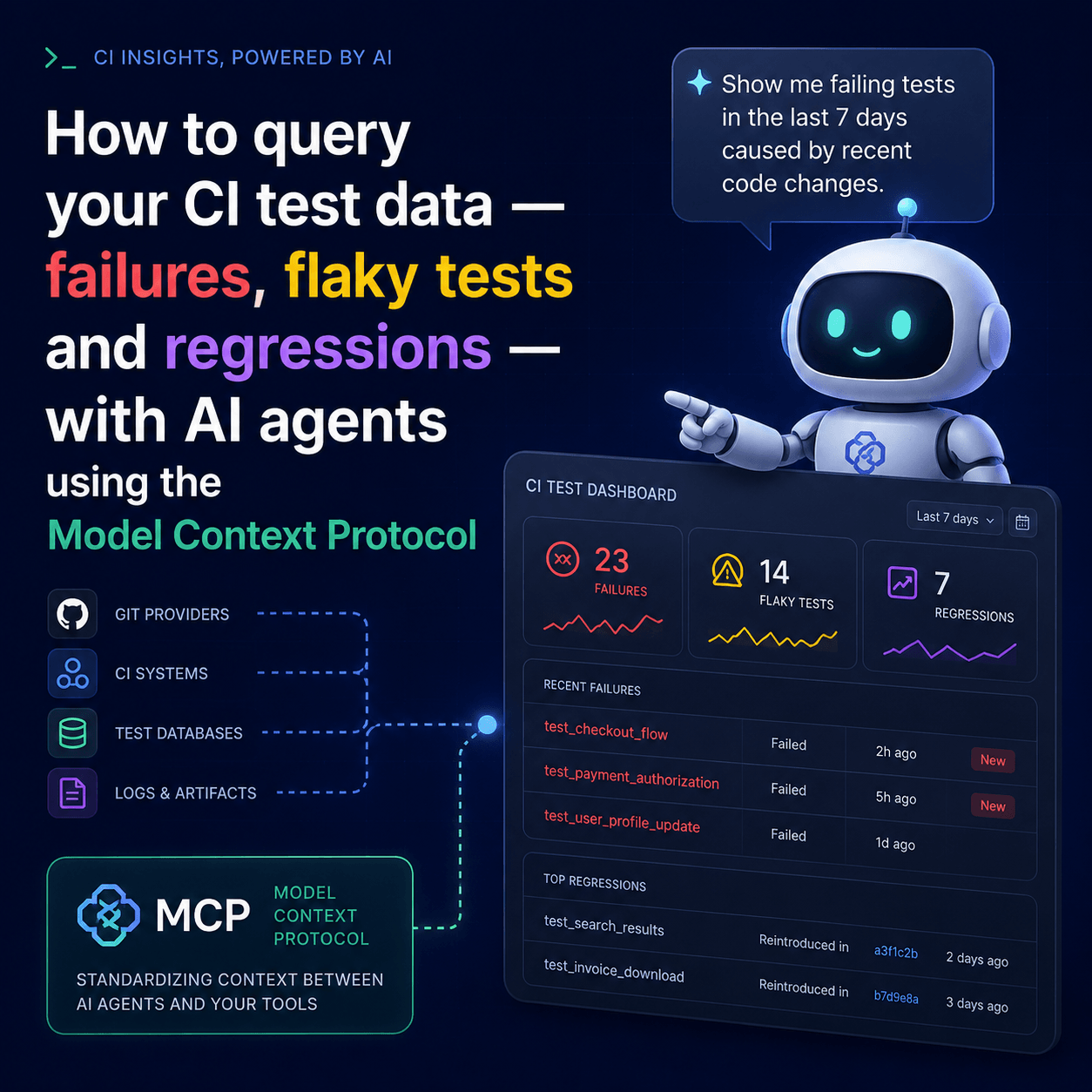
MCP (the Model Context Protocol) for test results means giving an AI agent like Claude or Cursor direct, read access to your test result history, so you can ask questions about it in plain language instead of opening a dashboard or grepping CI logs. With an MCP server connected, you type "Why did the nightly build fail?" or "Which tests are flaky in the payments service?" into the agent you already use, and it queries your results and answers. This post covers what that actually involves, what you can ask, how to set it up with the Tesults MCP server, and where it helps and where it doesn't.
What is MCP, and what does it have to do with test results?
The Model Context Protocol is an open standard for connecting AI agents to external tools and data sources. An MCP server exposes a set of capabilities; an MCP client such as Claude Desktop, Claude Code, Cursor, and a growing list of others discovers those capabilities and lets the model call them when relevant. You don't wire anything up per question; the agent picks the right call based on what you asked.
Applied to testing, this means your test results become something an agent can read on demand. Instead of you copying a stack trace out of a CI log and pasting it into a chat, the agent reaches into your result history itself, current run, previous runs, failure patterns across builds and reasons over what it finds. The data stays where it lives; the agent just gets a structured window into it.
Why query test results through an AI agent at all?
Because the information you need after a failed build is rarely in one place, and it's often already gone.
CI logs are ephemeral, they scroll, they expire, and a raw log tells you a test failed without telling you whether it's been failing for a week, whether it's flaky, or whether this specific failure is new since the last commit. Answering those questions normally means opening a dashboard, finding the right run, comparing it to a previous one, and holding the history in your head. That's a context switch away from the editor where you're actually working.
An MCP connection collapses that loop. The agent is already open next to your code. You ask the question in the moment the build breaks, and the answer comes back with the cross-run context attached, not "this test failed" but "this test newly failed in this run, and two others have been flaky for the last week." The value isn't the AI being clever; it's removing the gap between noticing a failure and understanding it.
What can you actually ask?
The Tesults MCP server exposes seven tools. You never call these by name, the agent selects the right one from your question, but knowing what exists tells you the range of what you can ask:
tesults_get_targets- lists the targets (test jobs) in the project, so the agent knows what it can look at.tesults_get_results- gets test results for a target, with filtering by build or run.tesults_explain_run- a plain-language explanation of a run: summary, root cause, failure count, key patterns.tesults_get_flaky_tests- tests showing inconsistent pass/fail behaviour across recent runs, with failure rates.tesults_get_regressions- tests that are new failures against a historical baseline, separating regressions from long-standing failures.tesults_what_changed- the delta between the latest run and the previous one: new failures, resolved failures, continuing failures.tesults_explain_case- stability, trend, patterns, and recommendations for a single test case over its recent history.
In practice the conversation looks like this:
You: Why did the nightly build fail?
Claude (tesults_explain_run): Three tests failed in Authentication. The root cause looks like a JWT token expiry misconfiguration in the latest deploy.
You: Which tests are flaky for the payments service?
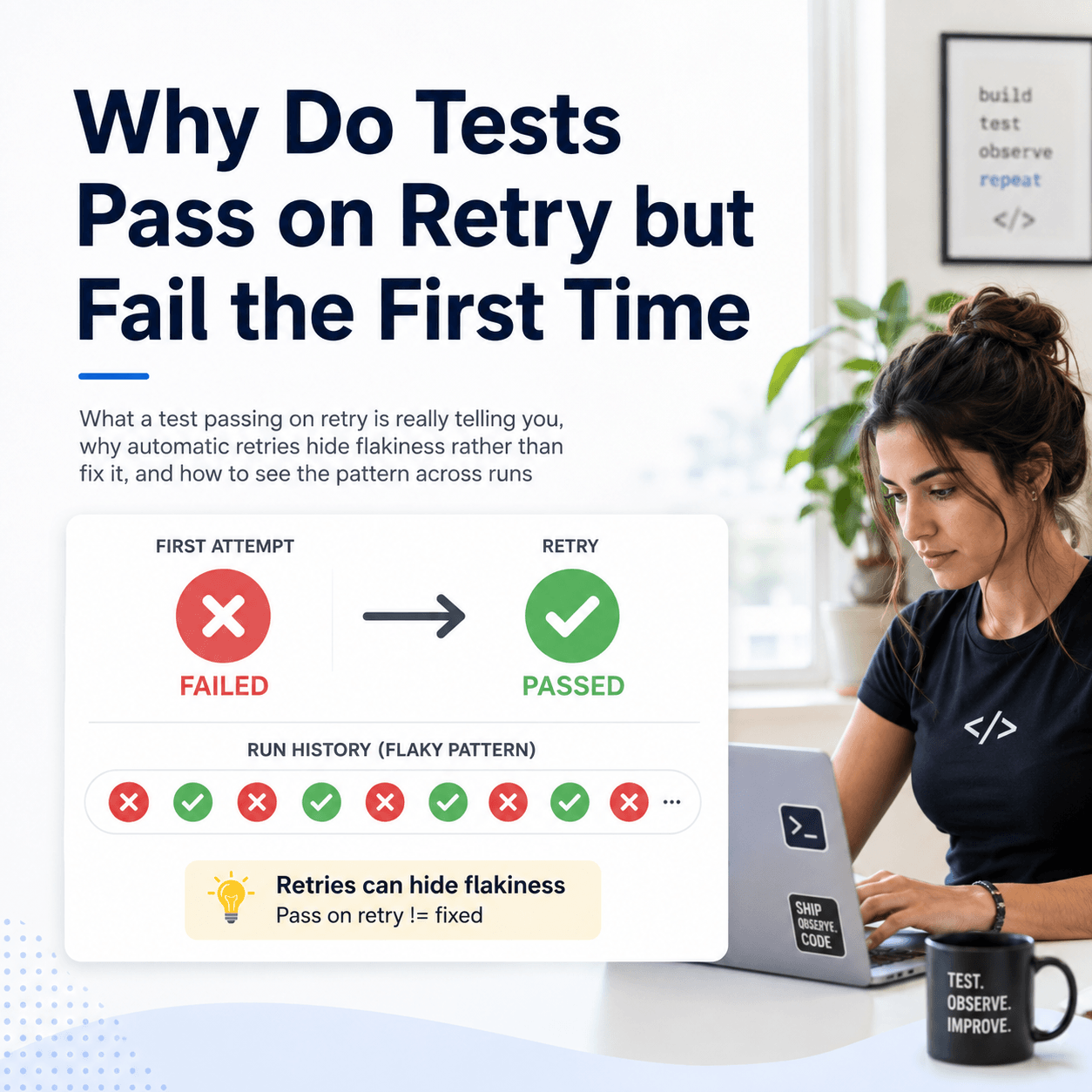
Claude (tesults_get_flaky_tests): Two flaky tests. "Submit order" fails about 40% of the time and "Load checkout" about 30%, both in the Checkout suite.
You: What's different between today's run and yesterday's?
Claude (tesults_what_changed): Two new failures appeared, "Process payment" and "Send confirmation", and one previously failing test is now resolved.
How do you connect your test results to Claude or Cursor?
The Tesults MCP server ships as an npm package, tesults-mcp, and runs over the standard stdio transport that every major MCP client supports. You need Node.js 18 or later and a Tesults API token, the same token used for the REST API, so if you already push results, you already have one. The token scopes access to a single project, and every tool operates within it. No extra credentials.
The simplest setup runs the server on demand with npx, so there's nothing to install globally.
Claude Desktop. Add the server to your claude_desktop_config.json (on macOS: ~/Library/Application Support/Claude/claude_desktop_config.json), then restart Claude Desktop:
{
  "mcpServers": {
    "tesults": {
      "command": "npx",
      "args": ["-y", "tesults-mcp"],
      "env": {
        "TESULTS_API_TOKEN": "your-api-token"
      }
    }
  }
}
Claude Code. One command registers it. Drop --scope project to add it globally across all projects instead of just the current one:
claude mcp add tesults-mcp npx tesults-mcp --scope project -e TESULTS_API_TOKEN=your-api-token
Cursor. Add the same block to ~/.cursor/mcp.json (global) or .cursor/mcp.json in your project root. Cursor detects it automatically, and in Agent mode it can check your results as part of a task — for example, confirming the latest run is clean before suggesting a deploy:
{
  "mcpServers": {
    "tesults": {
      "command": "npx",
      "args": ["-y", "tesults-mcp"],
      "env": {
        "TESULTS_API_TOKEN": "your-api-token"
      }
    }
  }
}
Any other MCP-compatible client follows the same shape: run npx -y tesults-mcp as the server command and pass TESULTS_API_TOKEN as an environment variable. Full details are in the MCP server documentation.
What powers the answers and what's actually "AI" here?
This is worth being precise about, because "AI test analysis" is an easy phrase to over-sell.
The cross-run intelligence, flaky detection, regressions, run-to-run deltas, per-case stability, is computed by Tesults from your result history and exposed as structured data with plain-language summaries. The same intelligence you see in the Tesults UI is available programmatically through the Insights API; the MCP server simply makes it callable by an agent. So when the agent tells you a test is flaky, that classification isn't the language model guessing, it's Tesults' analysis of how the test behaved across runs, which the model then relays and reasons about in context.
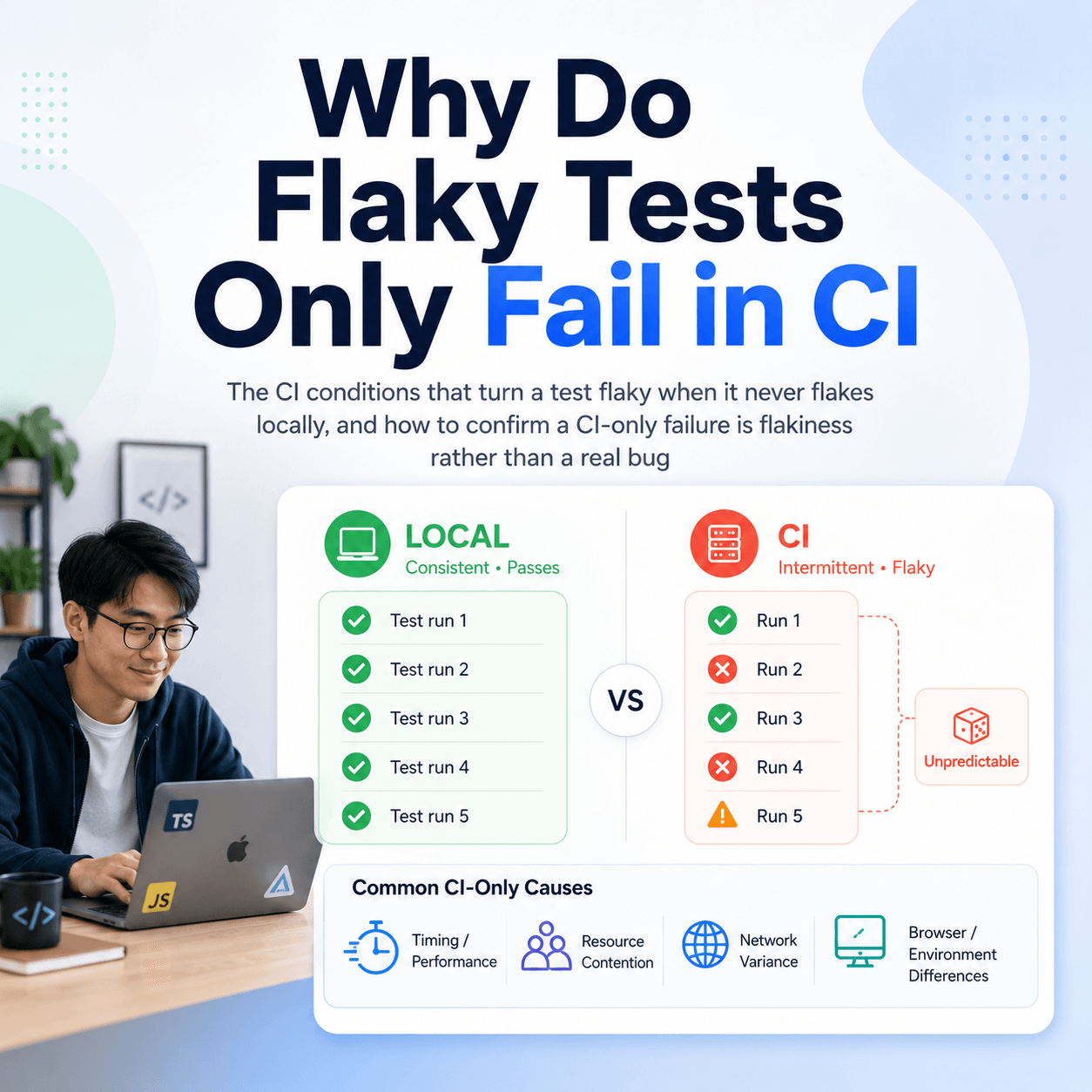
Concretely: a test is treated as flaky when its result alternates between pass and fail more than twice across the runs analysed. Per-case analysis looks at up to the last ten runs the case appeared in and returns a stability classification (stable, flaky, unstable, failing, degrading, or recovering), a trend, a confidence score, and recommendations. A run explanation returns a summary, a root-cause description, a failure count, and the key failure patterns. These are structured outputs, not vibes, which is exactly why they hold up when an agent builds on them.
The division of labour is the honest framing worth keeping in mind: Tesults does the historical analysis; the LLM does the conversation and the reasoning over that analysis. Each does the part it's actually good at.
Is this only for AI agents, or can I use it in CI too?
The same intelligence is available as plain HTTP, so it doesn't have to run through an agent at all. The Insights API endpoints take your API token and a target id and return structured JSON, ready to drop into a pipeline, a PR comment, or a Slack notification without any further processing.
For example, asking what newly broke in the latest run, for gating a deploy:
curl "https://www.tesults.com/api/insights/regressions?target=target_id" \
  -H "Authorization: Bearer token"
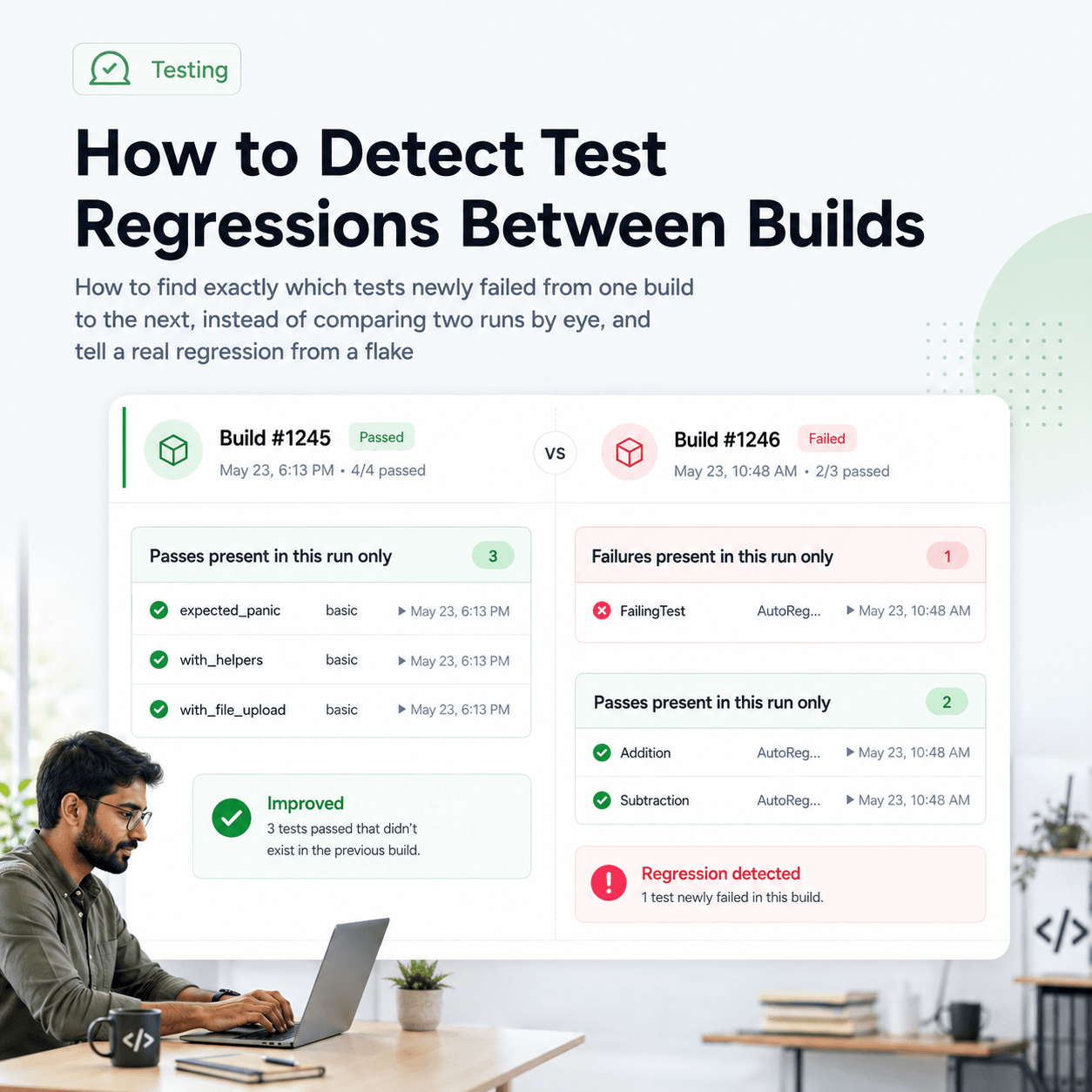
The response separates genuinely new failures from ones that were already failing, counts the impacted tests, and gives a plain-language baseline comparison and a suspected change point, so a pipeline can fail the build on a real regression rather than on noise that's been red for a week. The companion endpoints, explain-run, flaky-tests, what-changed, and explain-case, follow the same pattern. The Insights API docs have the full request and response shapes for each.
So there are really two modes from one source of intelligence: conversational, through MCP, when a human is investigating; and programmatic, through the Insights API, when a pipeline is deciding. Use whichever fits the moment.
What this does and doesn't do
It's a genuinely useful shortcut, and it's worth being clear about its edges so it lands as a real tool rather than a demo.
What it does well: it removes the context switch between noticing a failure and understanding it, and it attaches history to that understanding automatically, flaky vs newly broken, this run vs last, one case's trend over time. For anyone living in Claude Code or Cursor, having that a sentence away is a real saving on the most tedious part of triage.
What it doesn't do: it doesn't replace your test suite, your CI, or your judgement, and it's only as good as the result history behind it, an agent can't tell you a test is flaky if your results aren't being recorded across runs in the first place. The analysis is grounded in your data, which is the point; it also means the data has to be there. And the language model's job is to converse over real analysis, not to invent root causes, keep that line clear and you get a sharp tool instead of a confident-sounding guess.
If you already send your test results to Tesults, connecting the MCP server takes a few minutes and costs nothing to try. If you don't yet, that's the prerequisite, the integration docs cover the framework and language you're using, and you can create a free project at tesults.com.
If your team is also dealing with the broader picture here, see how AI is transforming software testing and automation and what automated regression testing is and how to do it.
Full documentation for the MCP server is available at tesults.com/docs/api/mcp.