How AI Coding Agents Use Test Results to Verify Their Own Work
Why a raw pass or fail is not enough for an agent to trust its own change, and how failure intelligence closes the self-verification loop
Jul 6, 2026
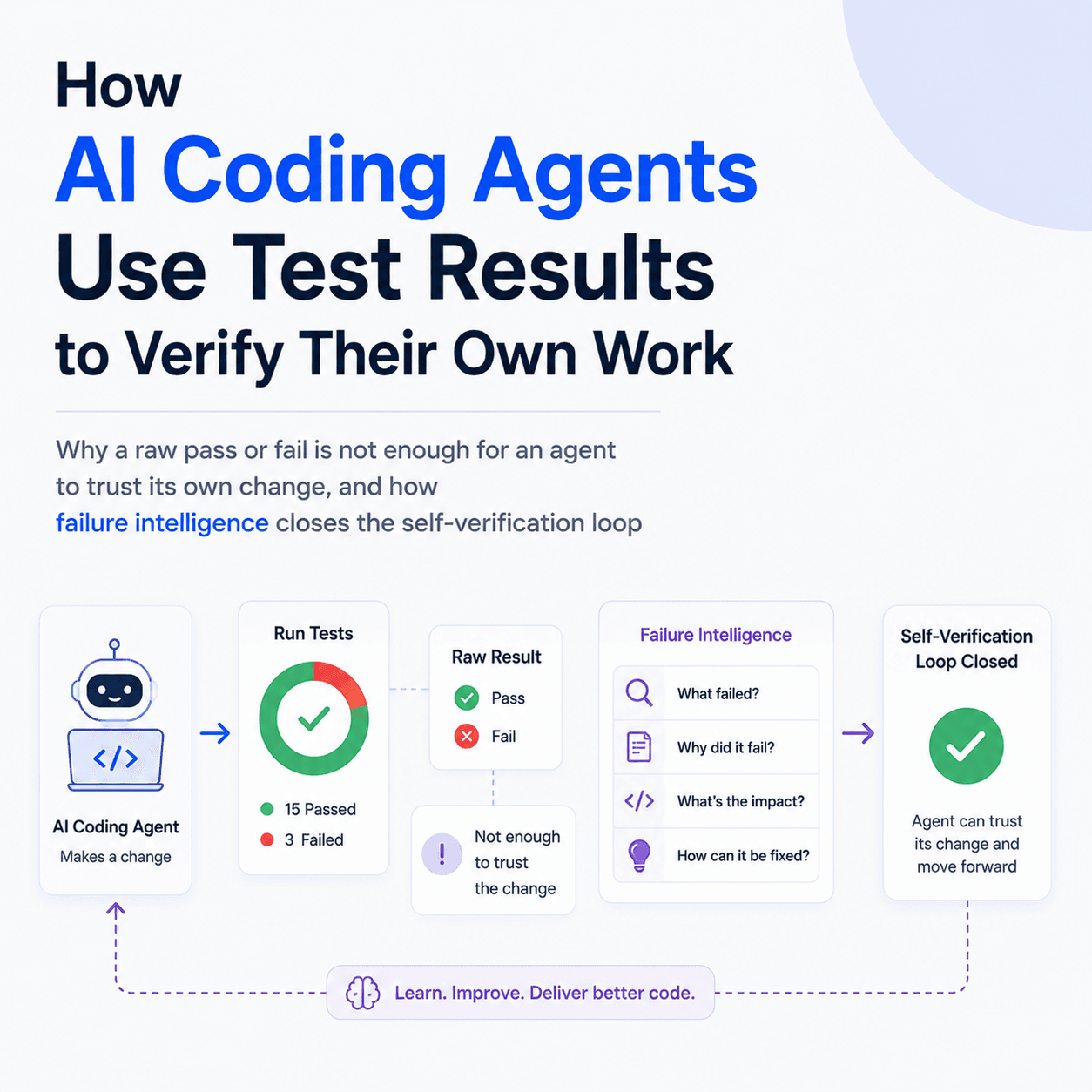
An AI coding agent writes code and then has to answer one question before it can move on: did that work? The test suite is how it checks. But a raw pass or fail is not enough for an agent to trust its own change. A green run can hide a test that only passed by luck, and a red run can be a failure the agent did not cause, either a flaky test or one that was already broken before it touched anything. To verify its own work reliably, an agent needs test intelligence, not just test output: which failures are new since its edit, which are pre existing, which are flaky, and what changed between the run before and the run after. Tesults exposes exactly this through an MCP server and an Insights API, so an agent can verify a change the way a careful engineer would rather than trusting the color of the result.
Why isn't a passing test suite enough for an agent to trust its own work?
A human engineer carries context that never appears in the test output. They know the suite has two tests that fail intermittently, that one module has been red for a week for an unrelated reason, and that a particular test only matters on certain platforms. When they make a change and see a failure, they can tell in seconds whether they caused it. An agent starting from a fresh run has none of that. It sees a list of passes and failures with no memory of what the suite looked like before.
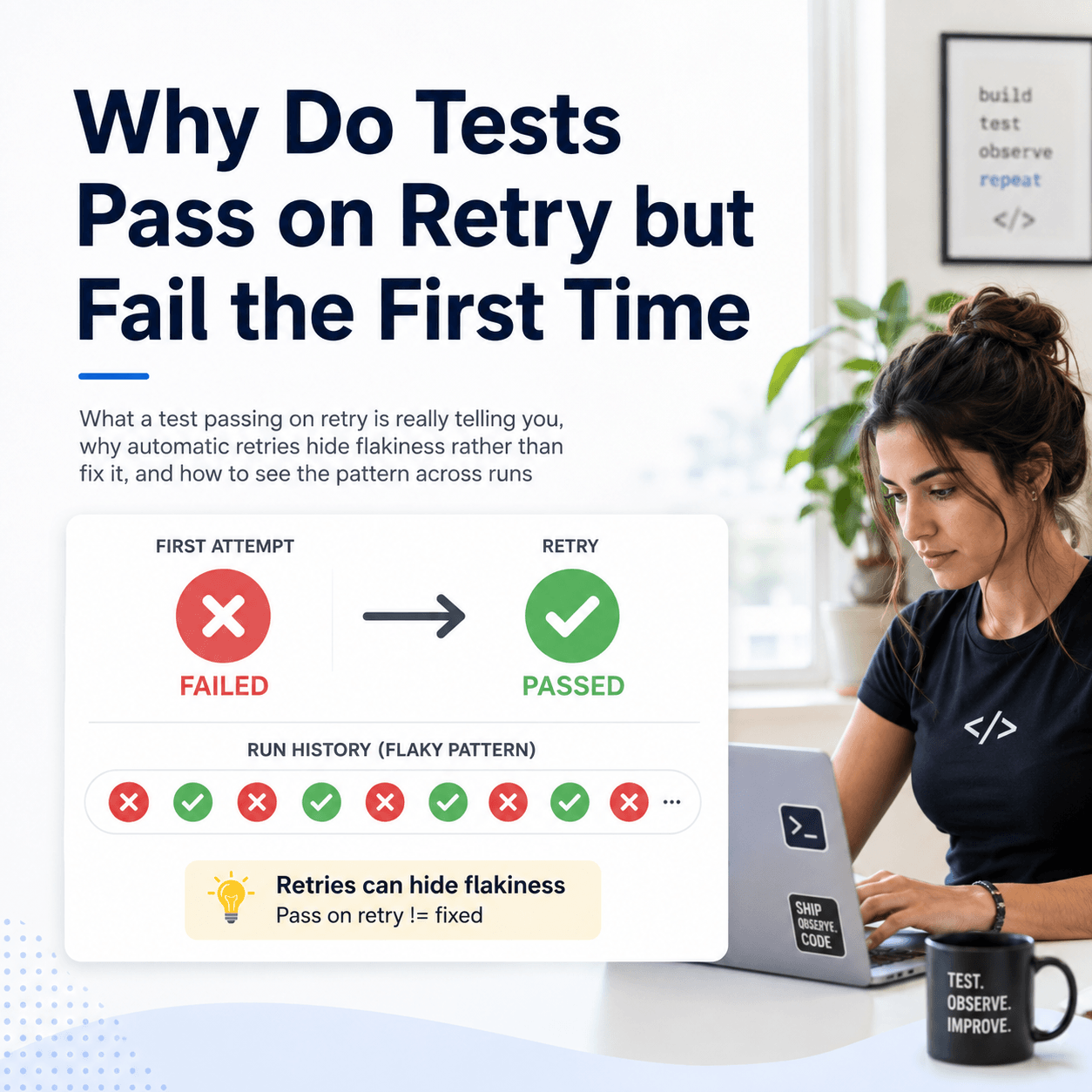
That gap produces two failure modes. On a green run the agent may declare the work done when a genuinely broken behavior slipped through a flaky test that happened to pass this time. On a red run the agent may burn turns trying to fix a failure it never introduced, because it cannot tell a regression it caused from a failure that was already there. Self verification is not reading the result. It is separating the signal the change produced from the noise that was already in the suite.
What does an agent actually need from test results?
Not raw logs. Logs are what a human scrolls through, and handing an agent a wall of stack traces just moves the interpretation problem into the model's context window. What an agent needs are answers to a small set of precise questions:
- Did my change break anything that was passing before, a real regression, as opposed to a failure that was already there?
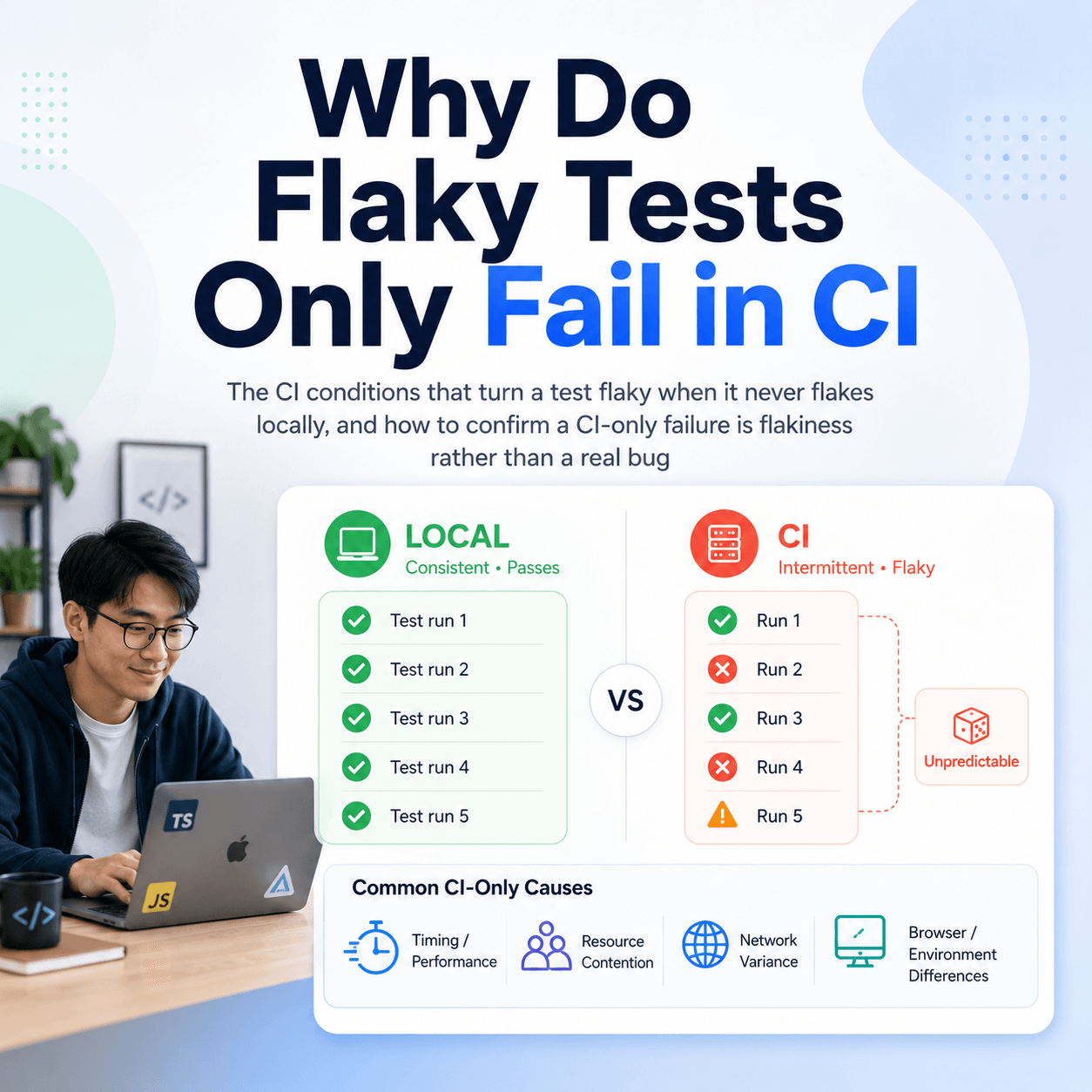
- Is this specific failure flaky, or is it reproducible and caused by my edit?
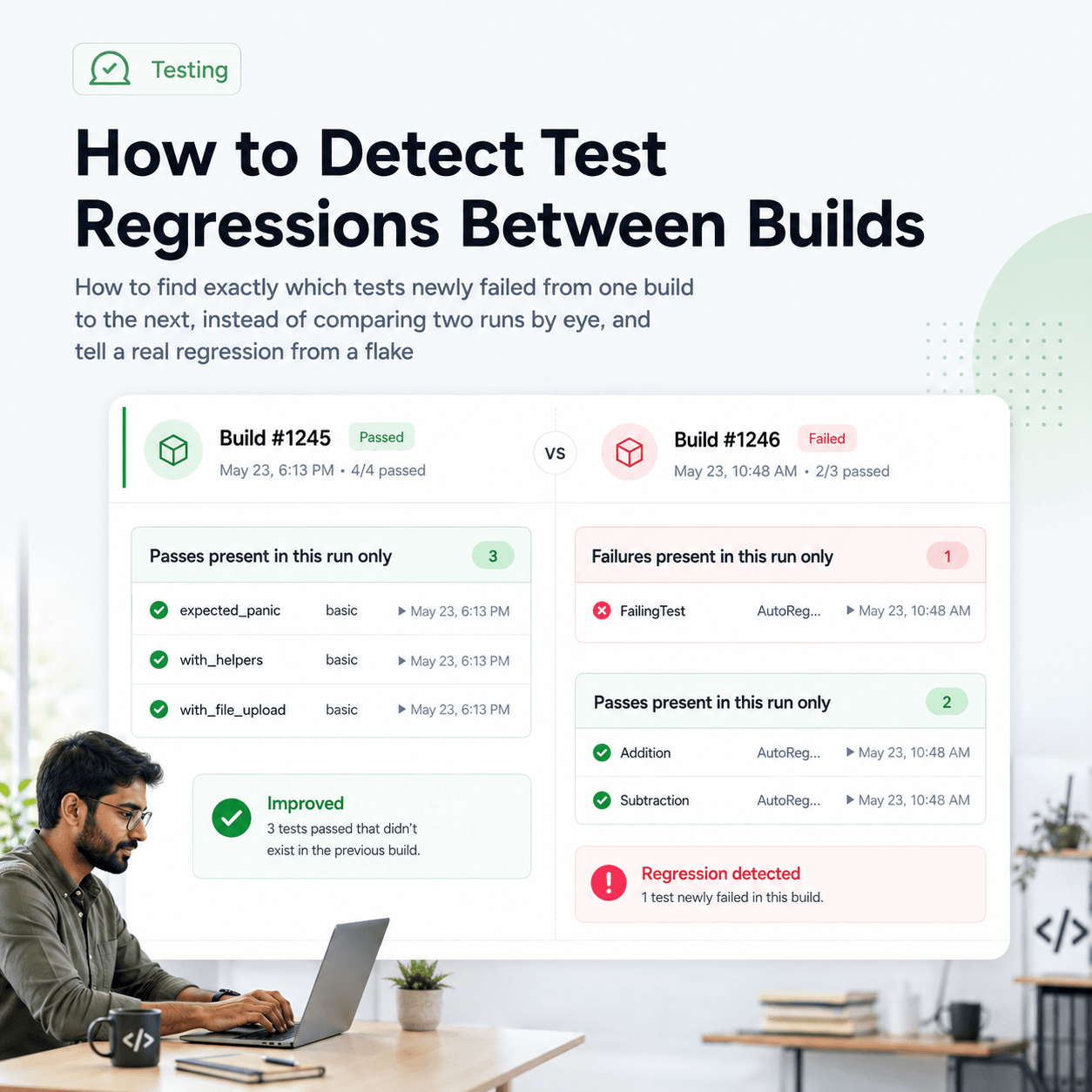
- What is different between the run before my change and the run after it?
- Is this test stable enough that I should treat its result as a reliable gate at all?
These are cross run questions. None of them can be answered from a single run in isolation, which is exactly why raw test output leaves an agent guessing. They require a store of run history and a layer that computes the differences. That is the layer an agent needs access to.
How does the agent get this without you wiring it up?
The Tesults MCP server puts that layer directly in the agent's hands. It is distributed as an npm package and runs on demand with npx, so there is nothing to build. It uses the same API token as the Tesults REST API and the standard stdio transport, which means it works with Claude Desktop, Claude Code, Cursor, and any other MCP compatible client. For Claude Code the entire setup is one command:
claude mcp add tesults-mcp npx tesults-mcp -e TESULTS_API_TOKEN=your-api-token
For clients that use a JSON configuration file, such as Claude Desktop or Cursor, the entry looks like this:
{
  "mcpServers": {
    "tesults": {
      "command": "npx",
      "args": ["-y", "tesults-mcp"],
      "env": {
        "TESULTS_API_TOKEN": "your-api-token"
      }
    }
  }
}
Once connected, the server exposes seven tools, and the agent chooses which to call based on the task. There is no manual wiring of prompts to endpoints:
tesults_get_targetslists the test jobs in the project.tesults_get_resultsgets results for a target, with filtering by build or run.tesults_explain_runreturns a plain language summary, root cause, and failure patterns for a run.tesults_get_flaky_testsreturns tests with inconsistent results, with failure rate and classification.tesults_get_regressionsidentifies new failures against a historical baseline, separated from continuing failures.tesults_what_changedcompares the latest run against the previous one and returns resolved, new, and continuing failures.tesults_explain_casereturns stability, trend, and recommendations for a single test case.
What does the self verification loop look like in practice?
Here is the loop as it actually runs. The agent makes an edit, runs the test suite, and the results land in Tesults as a new run. Before deciding whether the work is done, the agent asks what changed:
You
I updated the checkout handler. Is the latest run clean compared to before my change?
Claude · tesults_what_changed
1 new failure, 0 resolved since the previous run. "Submit order" in Checkout is newly failing.
The underlying tool result is structured, so the agent is reasoning over data rather than parsing prose:
{
  "delta_summary": "1 new failure, 0 resolved since the previous run.",
  "new_failures": [
    { "name": "Submit order", "suite": "Checkout", "hash": "7c95f9b7-578d92c19fdd" }
  ],
  "resolved_failures": [],
  "continuing_failures": []
}
Now the agent has a real signal: its edit introduced a failure that was not there before. If new_failures had been empty and the runs matched expectation, the agent could verify the change and stop. Instead it has a specific test to investigate, and rather than assume the worst it checks whether the failure is trustworthy before spending effort on it:
You
Is "Submit order" a real problem or is it flaky?
Claude · tesults_explain_case
Stability: flaky. Trend: declining. Confidence 0.85 over 10 runs. Result alternates between pass and fail across recent runs.
That single exchange changes the agent's next action. A naive loop would have started patching the checkout handler to chase a failure that alternates regardless of the code. With the stability classification in hand, the agent can treat this result as noise, re run to confirm, or flag the flaky test separately instead of corrupting a working change. This is the difference between an agent that trusts colors and one that verifies.
How does it tell a real regression from a flaky failure?
This distinction is the load bearing part, so it is worth being precise about what is computed versus what is reasoned. The detection is deterministic. A test is classified as flaky when its result alternates between pass and fail more than twice across the runs analysed. Regressions are identified by comparing the latest run against a historical baseline and separating genuinely new failures from ones that were already failing. The stability of a single case is computed over up to the last ten runs it appeared in and returned with a confidence score. None of that is the model's opinion. It is a fact computed from run history that the agent can act on.
The Insights API returns that same intelligence in a shape built for automated consumption, so the structured fields are the part an agent gates on. The plain language pieces, the summary, the root cause description, and the recommendations, are the reasoning layer written on top of the computed result. That split matters for an agent specifically: it should decide whether to keep working based on the deterministic signal that a failure is new and reproducible, and use the natural language explanation as context for how to fix it, not as the thing it trusts. A regressions response makes the separation explicit:
{
  "new_failures": [
    { "name": "Submit order", "suite": "Checkout", "hash": "7c95f9b7-578d92c19fdd" }
  ],
  "impacted_tests": 1,
  "baseline_comparison": "1 new failure vs previous run (build: 2.4.0).",
  "suspected_change_point": "2.4.1"
}
An agent that gates on impacted_tests and new_failures is verifying against computed fact. An agent that gates on a generated sentence is trusting a paraphrase. For self verification the first is the one that holds up.
Why this matters more as agents write more of the code
As more code is produced by agents and less of it is read line by line by a human, the point where work gets checked shifts. Review does not scale to the volume, so the test suite becomes the primary place a change is verified, and the intelligence layered on top of those results becomes the thing that decides whether an agent's work is actually done. An agent that can read failure intelligence, that can tell its own regression from a pre existing failure and a real break from a flaky one, verifies its work like a careful engineer. An agent that only sees pass or fail verifies like a process that trusts green. The gap between those two is small today and will not stay small.
An agent verifying its own work is only as good as the signal it can act on, and a single run does not carry that signal. Persisted run history plus a computed intelligence layer does, and exposing it over MCP is what lets an agent reach it without any custom glue. The full tool list and configuration are in the Tesults MCP server documentation, and the underlying endpoints, including the exact response shapes, are in the Insights API documentation.