Playwright Test Reporting: Beyond the Built-in Reporters
What Playwright's built-in reporters give you and where they fall short
May 16, 2026
If you're using Playwright for end-to-end testing, you're already ahead. It's fast, reliable, and the built-in reporters get you up and running without any configuration. But at some point, usually when your test suite grows or your team gets bigger, you start running into the limits of what the default reporters can actually tell you.
This post covers what Playwright's built-in reporters give you, where they fall short, and what a proper test reporting setup looks like for teams running tests in CI.
What Playwright's Built-in Reporters Give You
Playwright ships with several reporters out of the box:
- list prints each test result to the terminal as it runs
- dot gives minimal output with one dot per test
- line shows a single updating progress line
- html generates a self-contained HTML report you can open in a browser
- json outputs results for programmatic use
- junit produces XML output compatible with CI tools.
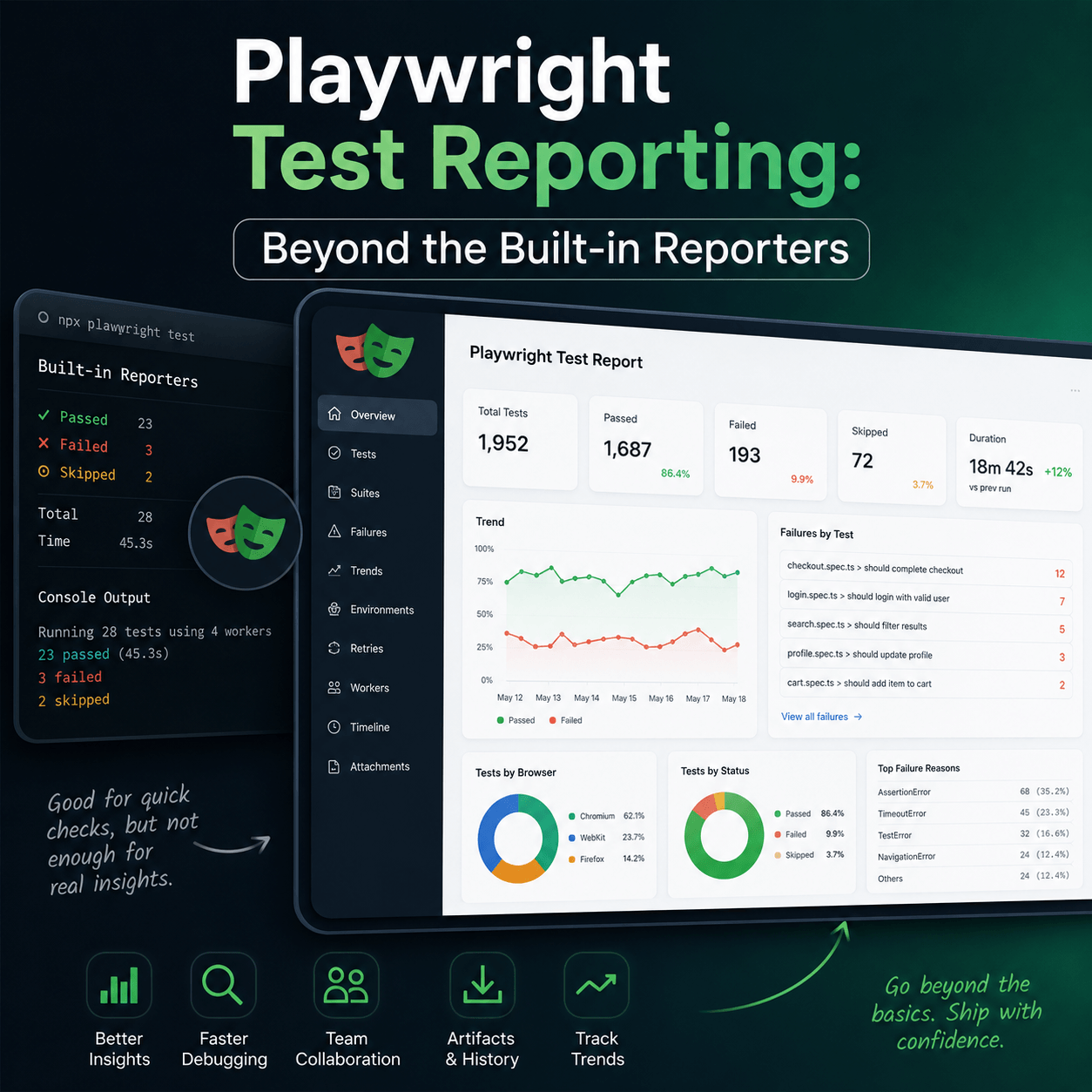
For local development, these are great. You run your tests, you see what passed and what failed, you fix the failure. The HTML reporter in particular is genuinely well-done, it shows failure screenshots, traces, and video if you have those configured.
The problem isn't what they do. The problem is what they don't do.
No History
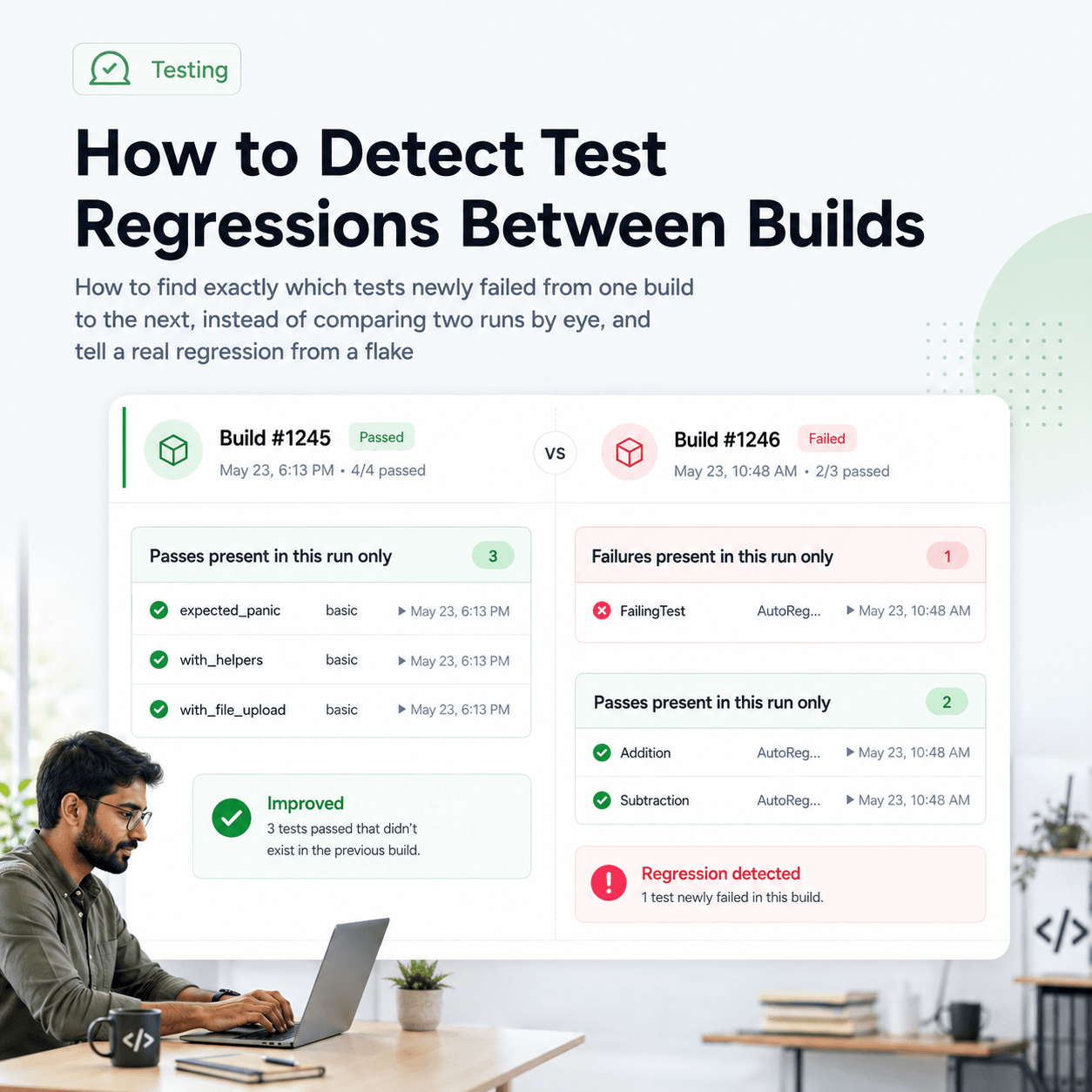
Every Playwright run is a fresh slate. The HTML report shows you the results of this run. It tells you nothing about whether that test was also failing yesterday, or whether it's been flaky for the last two weeks, or whether the failure rate on a particular test has been steadily climbing.
When a test fails in CI, the first question your team asks is usually "has this happened before?" With Playwright's built-in reporters, you have no answer unless someone manually kept a record.
No Trends
You can't see whether your test suite is getting healthier or worse over time. You might be fixing failures, but if new ones are appearing at the same rate, you'd never know from looking at individual run reports.
No Team Visibility
The HTML report lives wherever it was generated — usually a CI artifact that gets deleted after 30 days and that most people on your team never look at. Product managers, QA leads, and engineering managers who care about quality have no way to see test results without digging through CI logs.
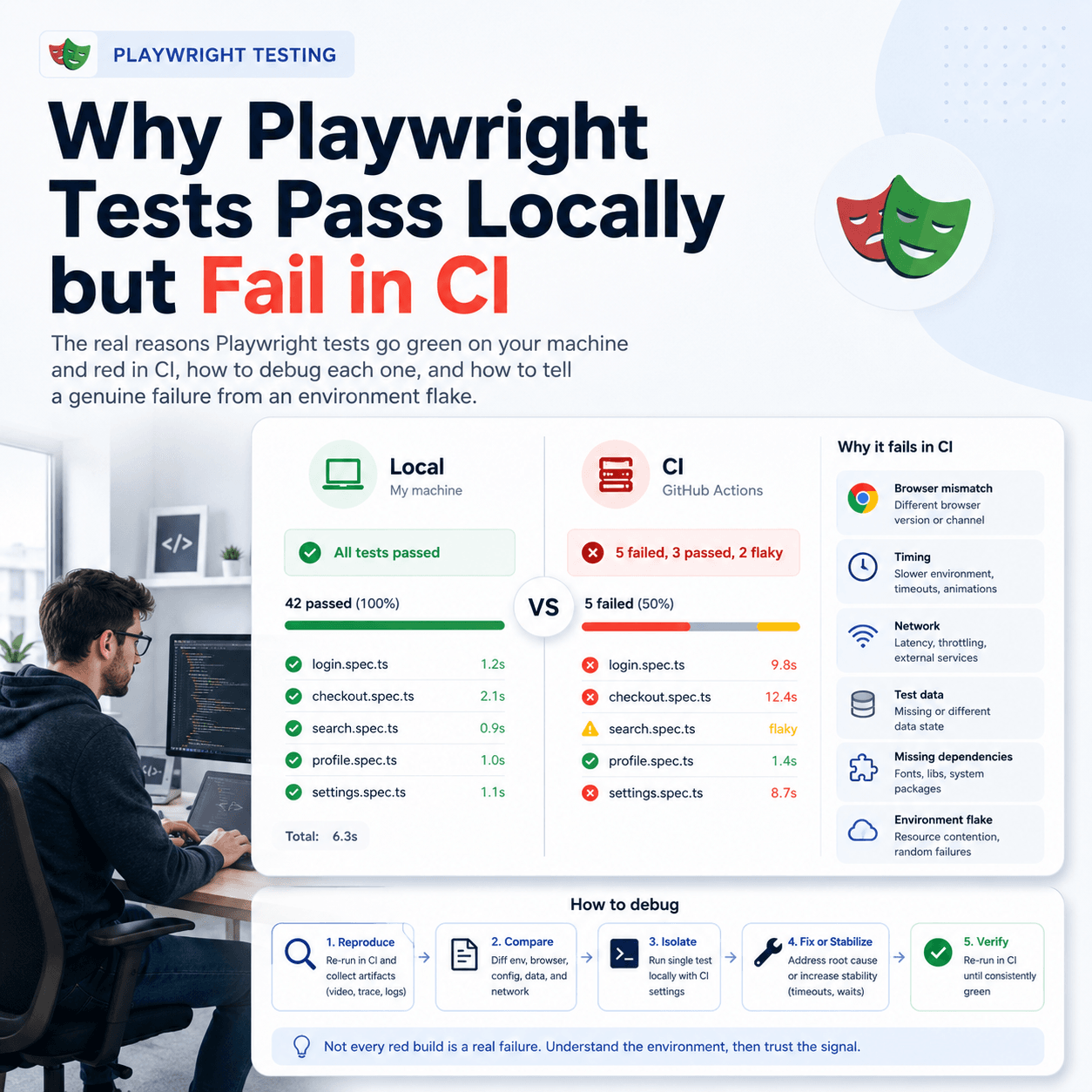
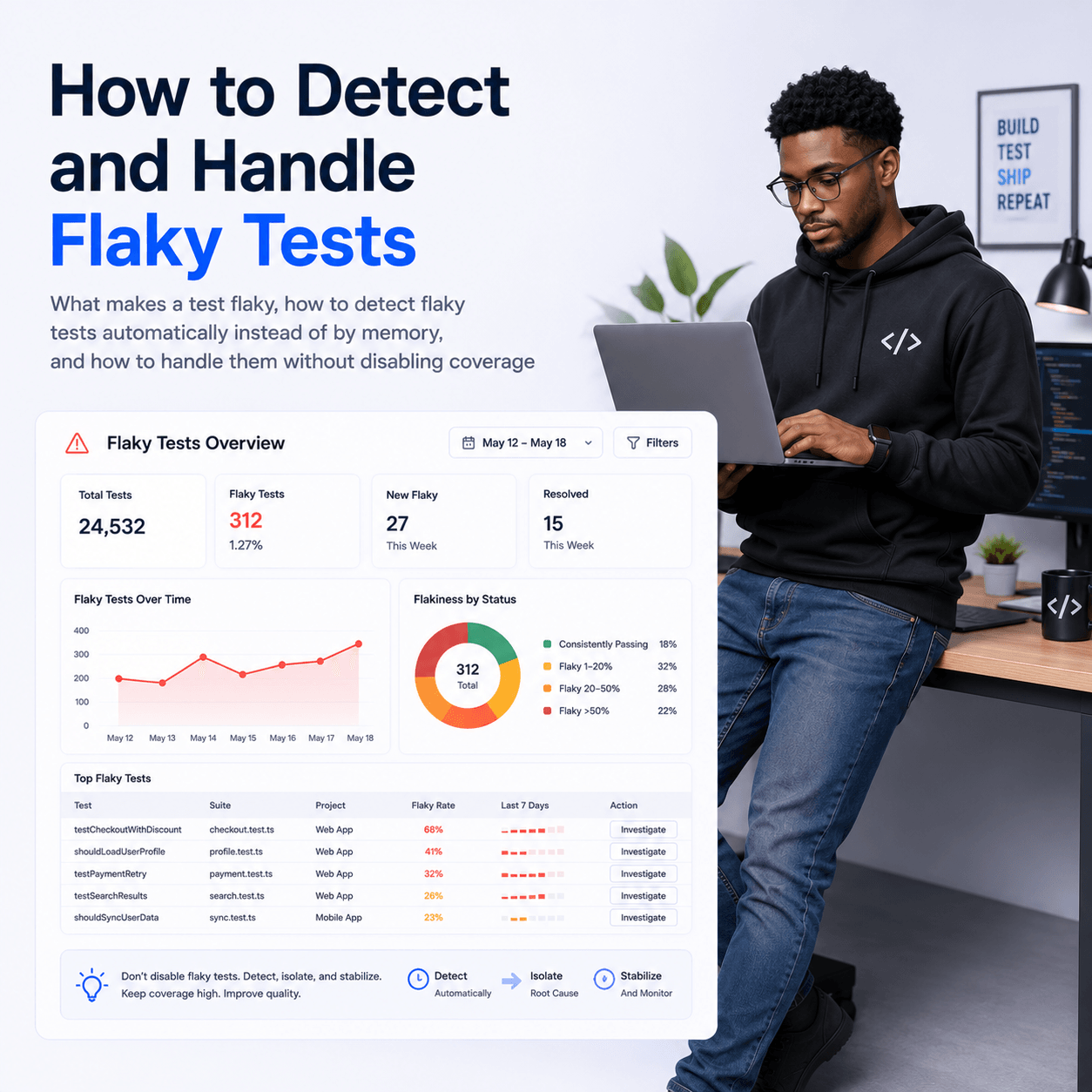
No Flaky Test Detection
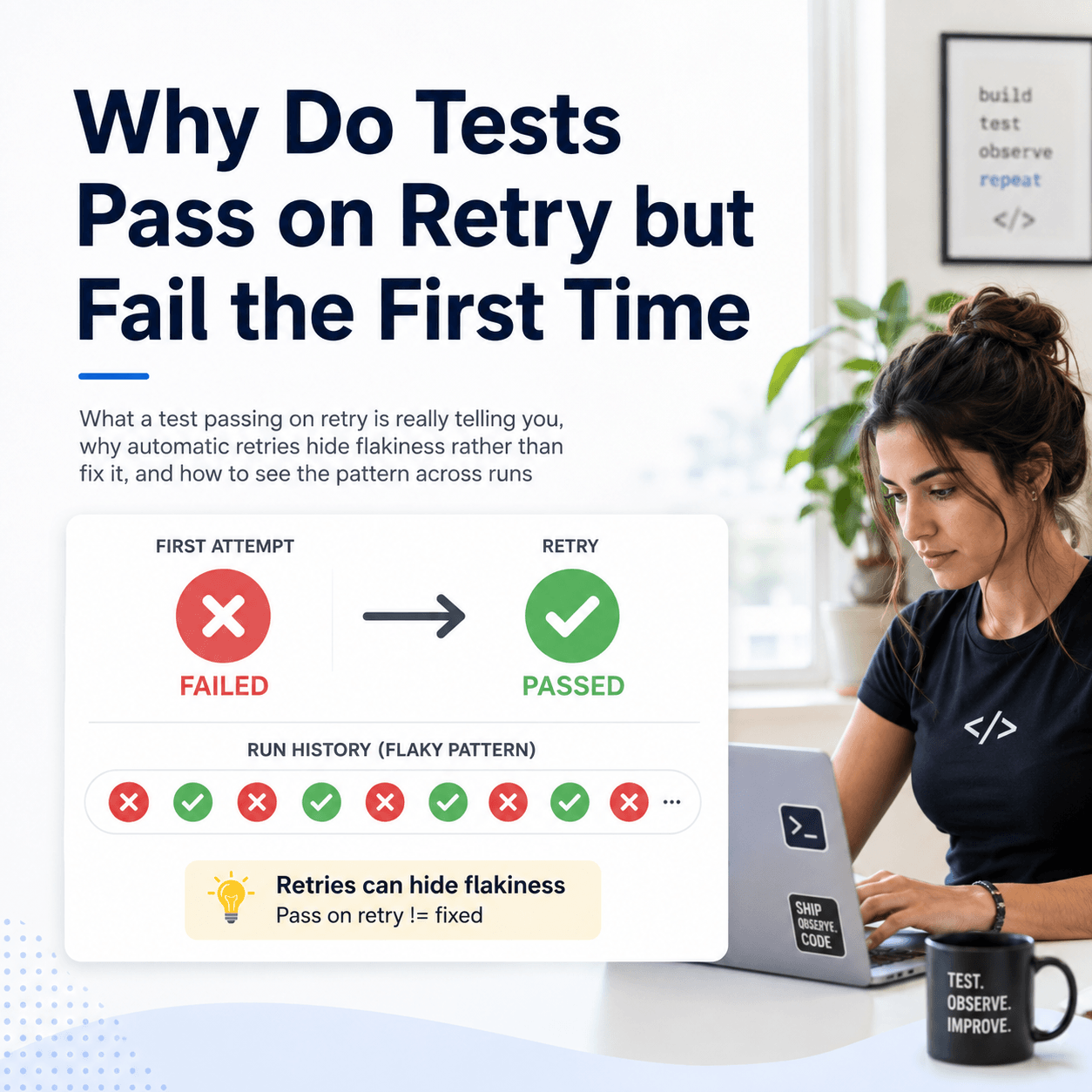
Flaky tests are one of the biggest sources of noise in test suites. A test that fails 20% of the time is worse than a test that consistently fails, at least consistent failures are honest. Playwright's built-in reporters can't tell you which tests are flaky because they have no memory between runs.
Parallel Runs Are Fragmented
If you're running Playwright across multiple machines or sharding your test suite across workers, each run produces its own report. You end up with fragmented results spread across multiple artifacts, with no single view of the full picture.
What Good Test Reporting Looks Like
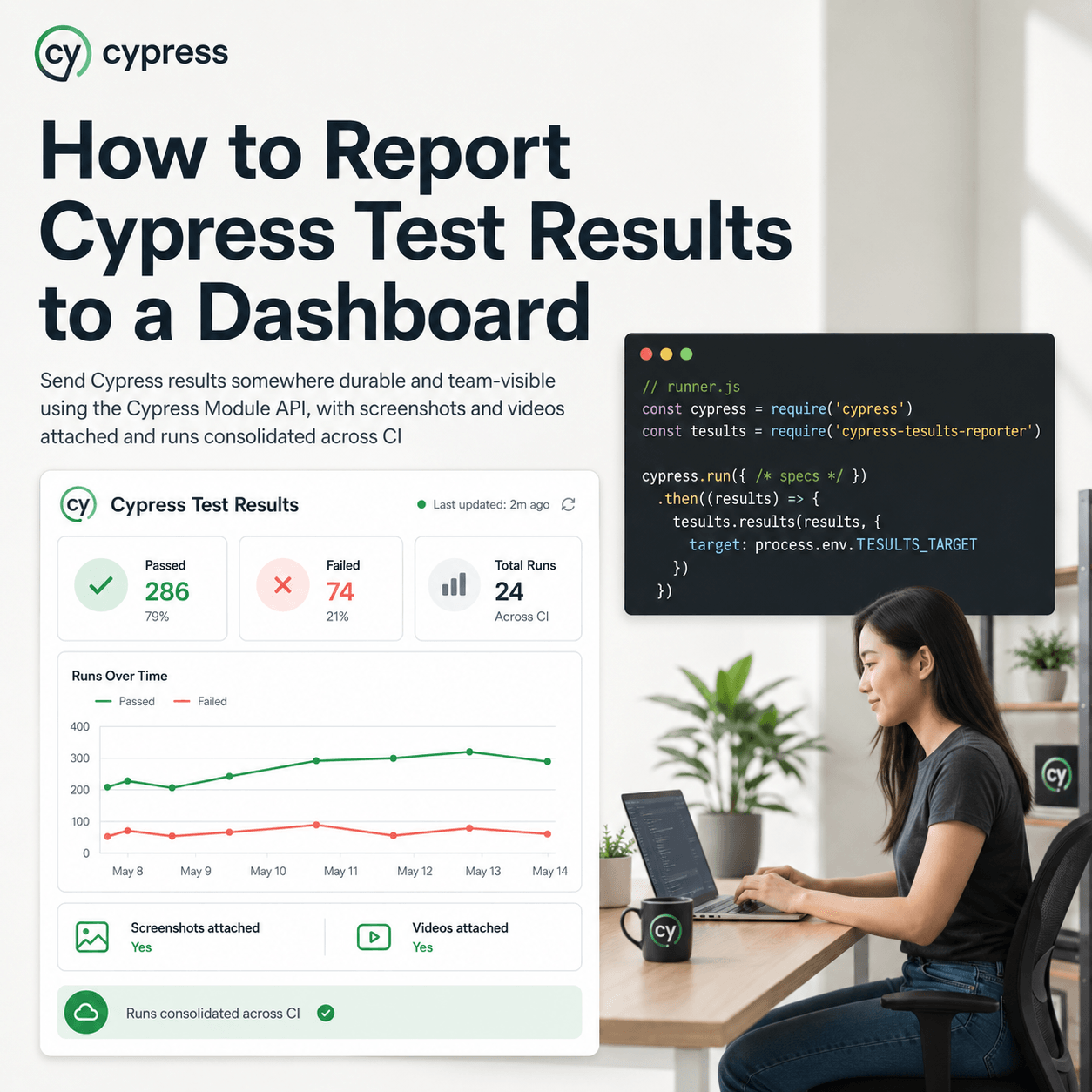
A proper test reporting setup for a team running Playwright in CI gives you persistent history — every test run is stored, not discarded, so you can look back across days, weeks, or months of results. It gives you trend visibility: pass rates, failure rates, and flakiness metrics over time so you can see whether the work you're doing is actually improving things.
It gives you a shared dashboard and one URL your whole team can look at, not a CI artifact that expires. It surfaces flaky tests automatically rather than burying them in noise. It consolidates parallel runs into a single coherent view. And it notifies the right people when tests fail, via Slack, Teams, or email, without requiring anyone to manually check CI.
Setting Up Playwright with Tesults
Tesults is a test results dashboard and reporting tool built specifically for this problem. It stores your test results persistently, surfaces trends over time, and gives your whole team a shared view of test health. For Playwright with Node.js, setup takes about five minutes.
Install the reporter:
npm install playwright-tesults-reporter --saveAdd it to your playwright.config.js:
const config = {
  reporter: [['playwright-tesults-reporter', {'tesults-target': 'your-target-token'}]]
}
Replace your-target-token with the token from your Tesults project. Then run your tests as normal:
npx playwright testResults are pushed to Tesults automatically after each run. Screenshots, videos, and any files attached during tests are uploaded alongside the results.
Using Multiple Targets for Parallel Runs
If you're running multiple test jobs in CI — for example separate jobs for desktop and mobile, or sharded runs — you can use separate Tesults targets for each. Store your target tokens in a .env file:
TARGET_DESKTOP=eyJ0eX...
TARGET_MOBILE=eyJ0eY...
Then reference them in separate config files:
require('dotenv').config();

const config = {
  reporter: [['playwright-tesults-reporter', {'tesults-target': process.env.TARGET_DESKTOP}]]
}
Full documentation for the Playwright integration, including setup for Python, Java, and .NET, is available at tesults.com/docs/playwright.
The Bigger Picture
Playwright's built-in reporters are not a deficiency in the framework, they're doing exactly what they're designed to do. Terminal output and HTML reports are the right tool for local development.
The gap appears when you move to CI and your team starts caring about test quality over time, not just whether today's run passed. That's when you need persistent storage, trend data, and a shared view your whole team can access.
If your test suite is growing and you're starting to feel that gap, it's worth setting up proper reporting before the problem gets worse. The earlier you start storing results, the more history you have to work with when you need to understand what's going wrong.