From Test Results To Release Decisions
A practical guide to the refreshed Tesults
Oct 19, 2026
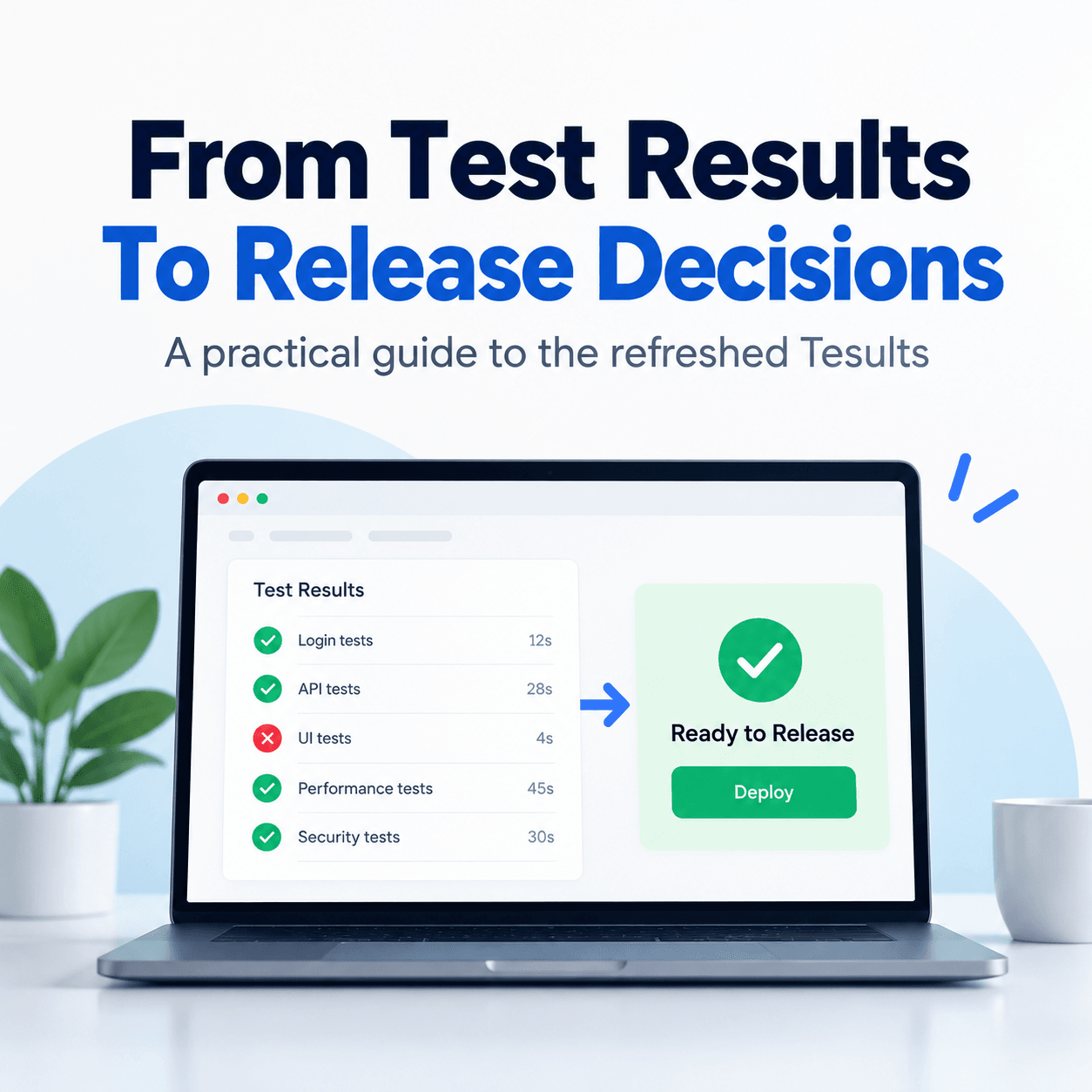
“Are we ready to release?”
For an engineering team, answering that question often means gathering information from several places. Web tests run in one pipeline. API tests run in another. Mobile results live in a different report. Someone has completed the manual checks, but the outcome is in a message thread.
The results exist. The challenge is seeing what they mean for the release.
We’ve refreshed Tesults across the application, with clearer layouts, more consistent navigation and improved readability. We’ve also added a way to ask questions about your results directly in the app, alongside support for connecting your own AI agent.
Here’s how engineering managers, QA managers and release managers can use these capabilities as part of one workflow, from reviewing automated results to recording a release decision.
Start with the whole test picture
Imagine your team is preparing a release that includes changes to a web application, its API and a background service. Each has its own automated tests, potentially written with different frameworks and maintained by different people.
You shouldn’t have to replace those frameworks to get a shared reporting view.
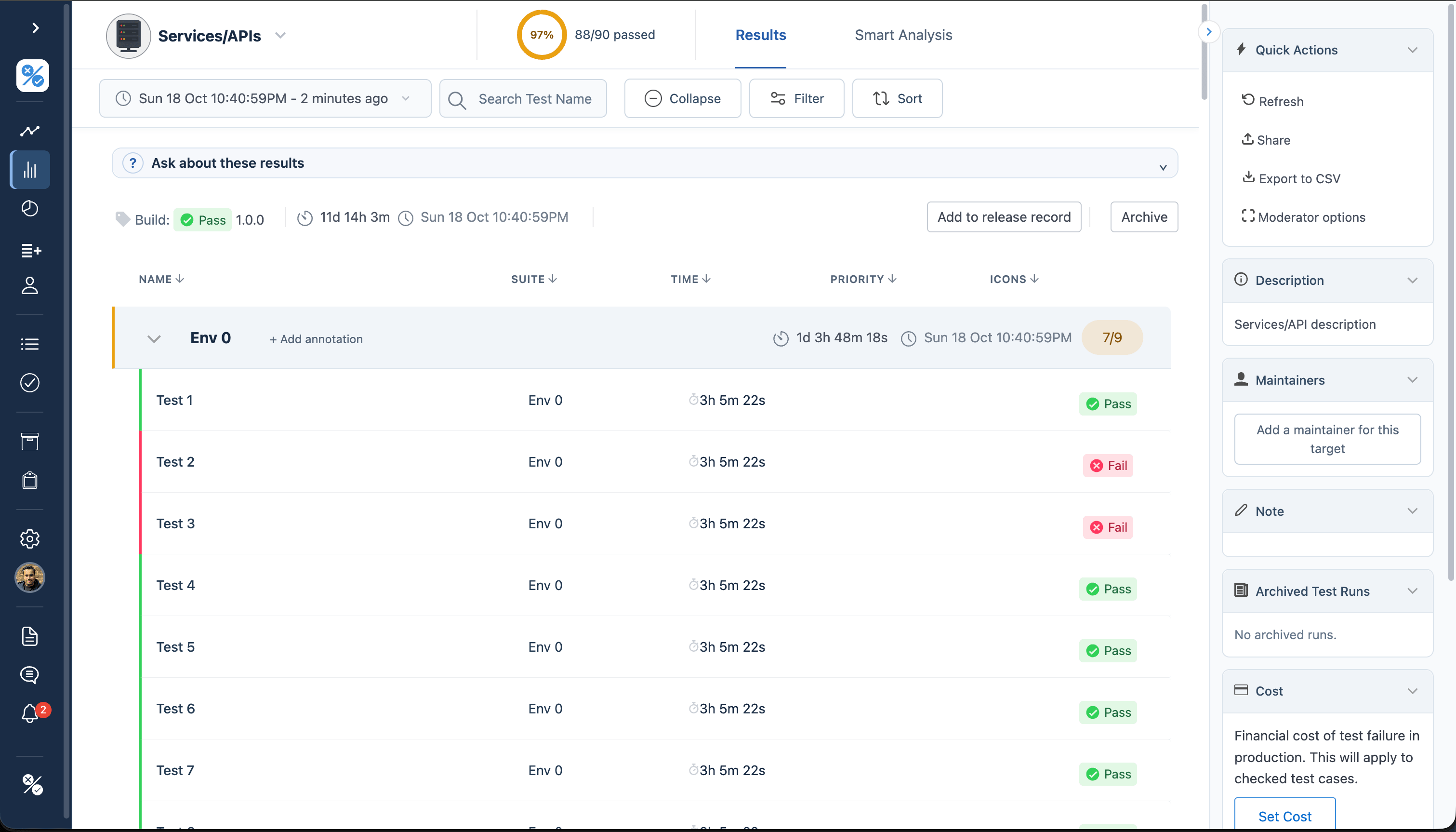
Tesults collects results from across your systems. Organize them into targets that reflect your test jobs, services or environments, then use the dashboard to see their latest reported status. Open a target to review its runs, suites and individual tests.
For an engineering manager, this creates a common starting point for a conversation about quality. Which areas have failures? Which results are current? Which systems still need testing?
The date and build matter as much as the pass rate. A passing run from an older build is not evidence that the release candidate has passed.
Find out what needs attention
A list of failures is useful. Understanding what changed is more useful.
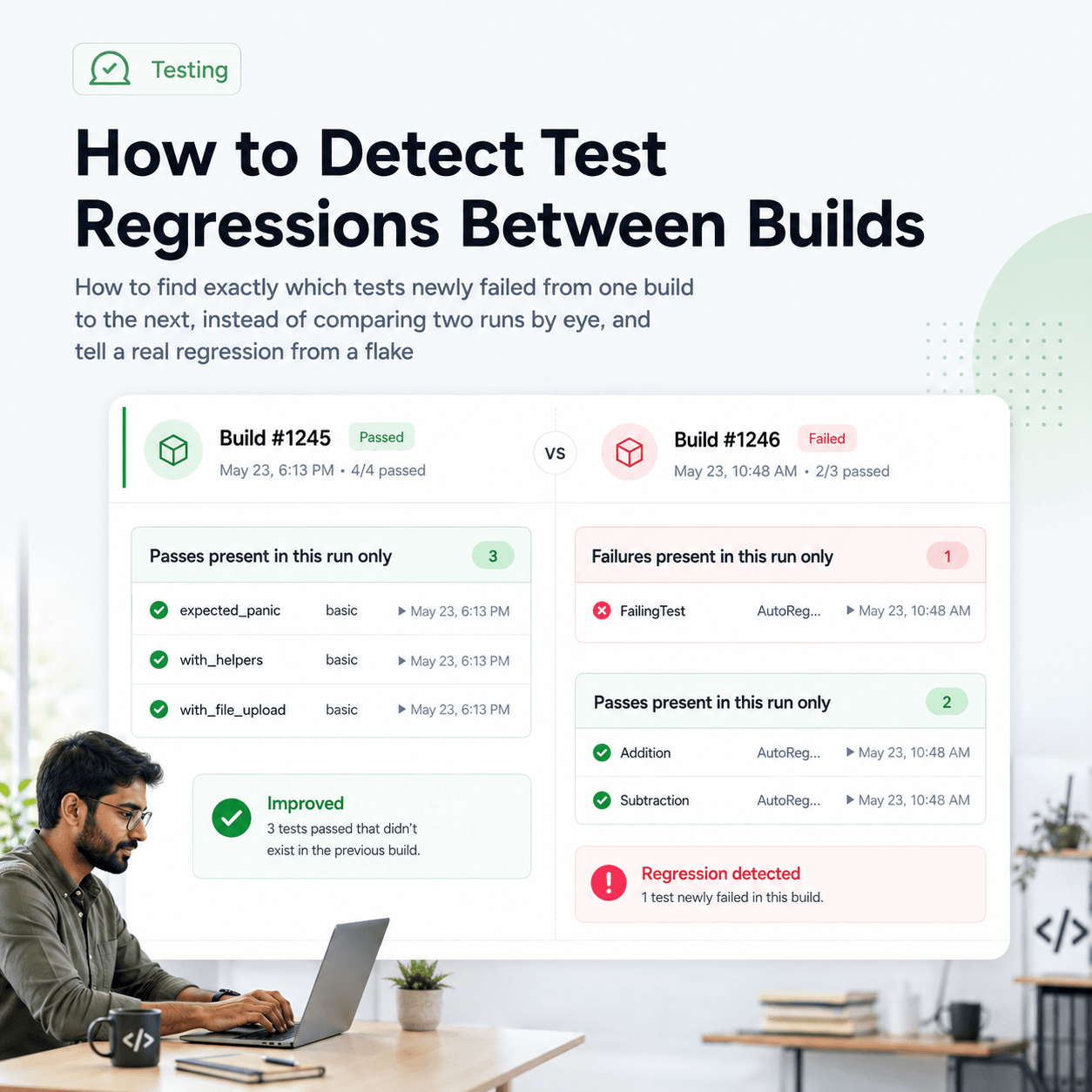
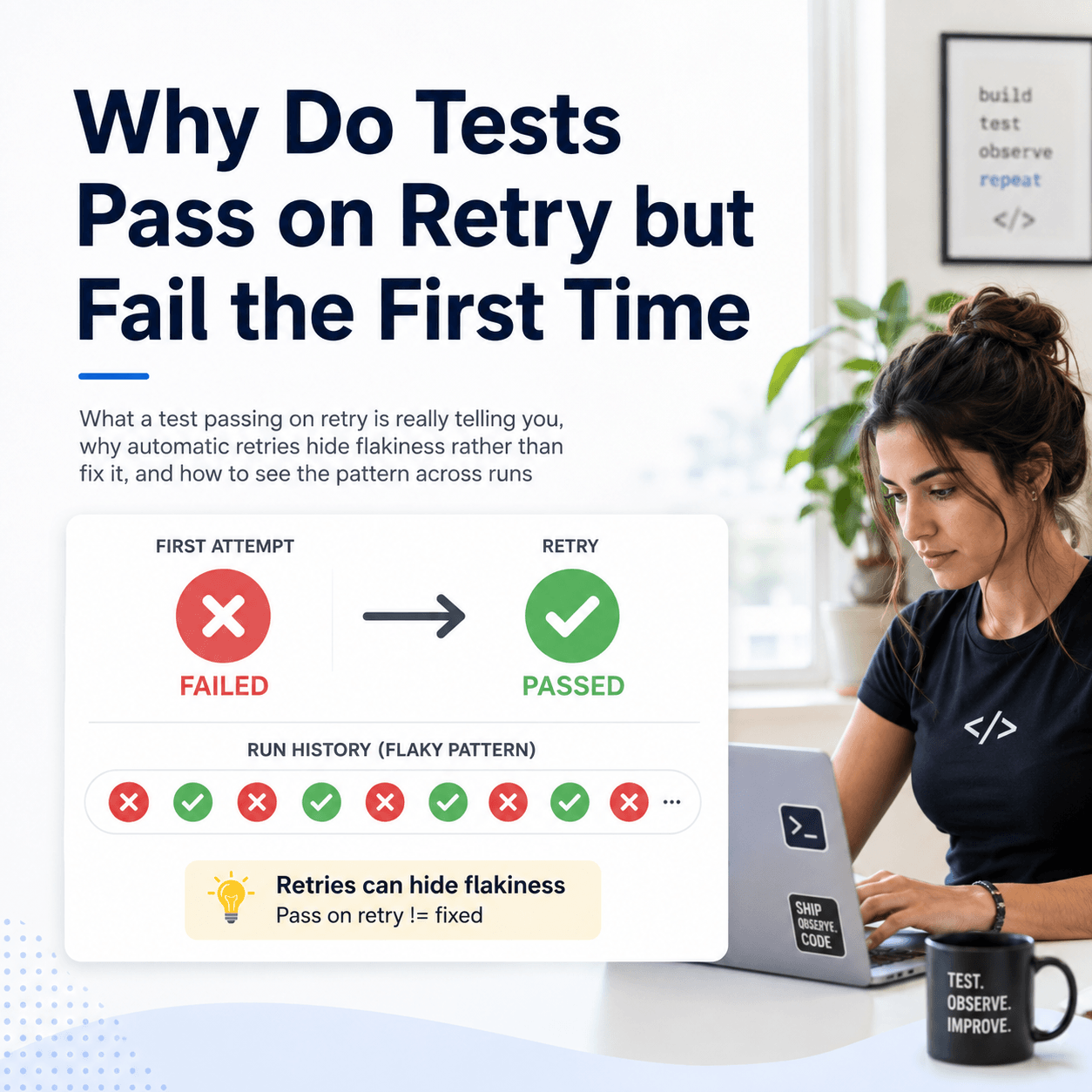
Use the Supplemental view to examine newly failing tests, continuing failures and tests that have started passing again. Review inconsistent results and recent trends to decide where investigation should begin.
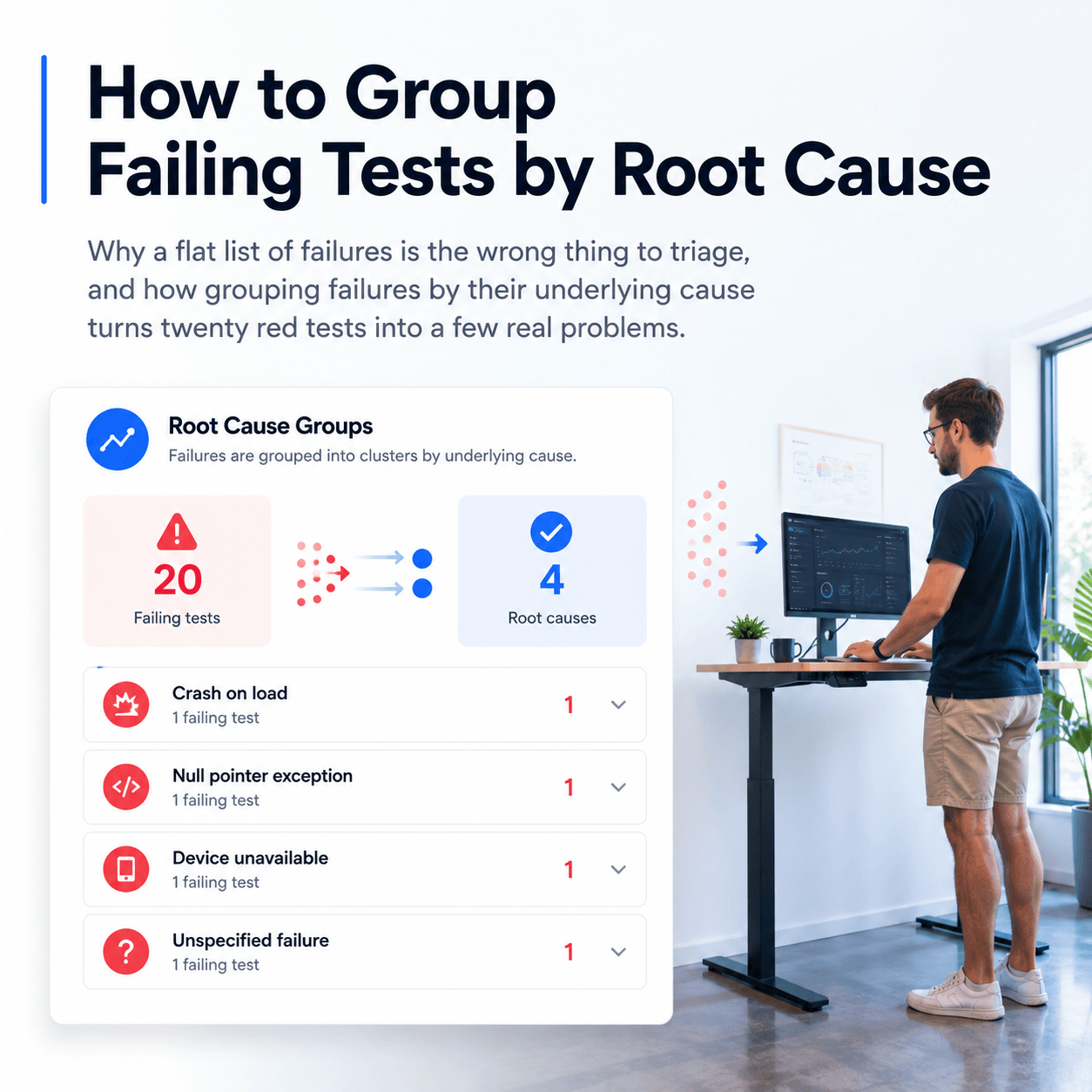
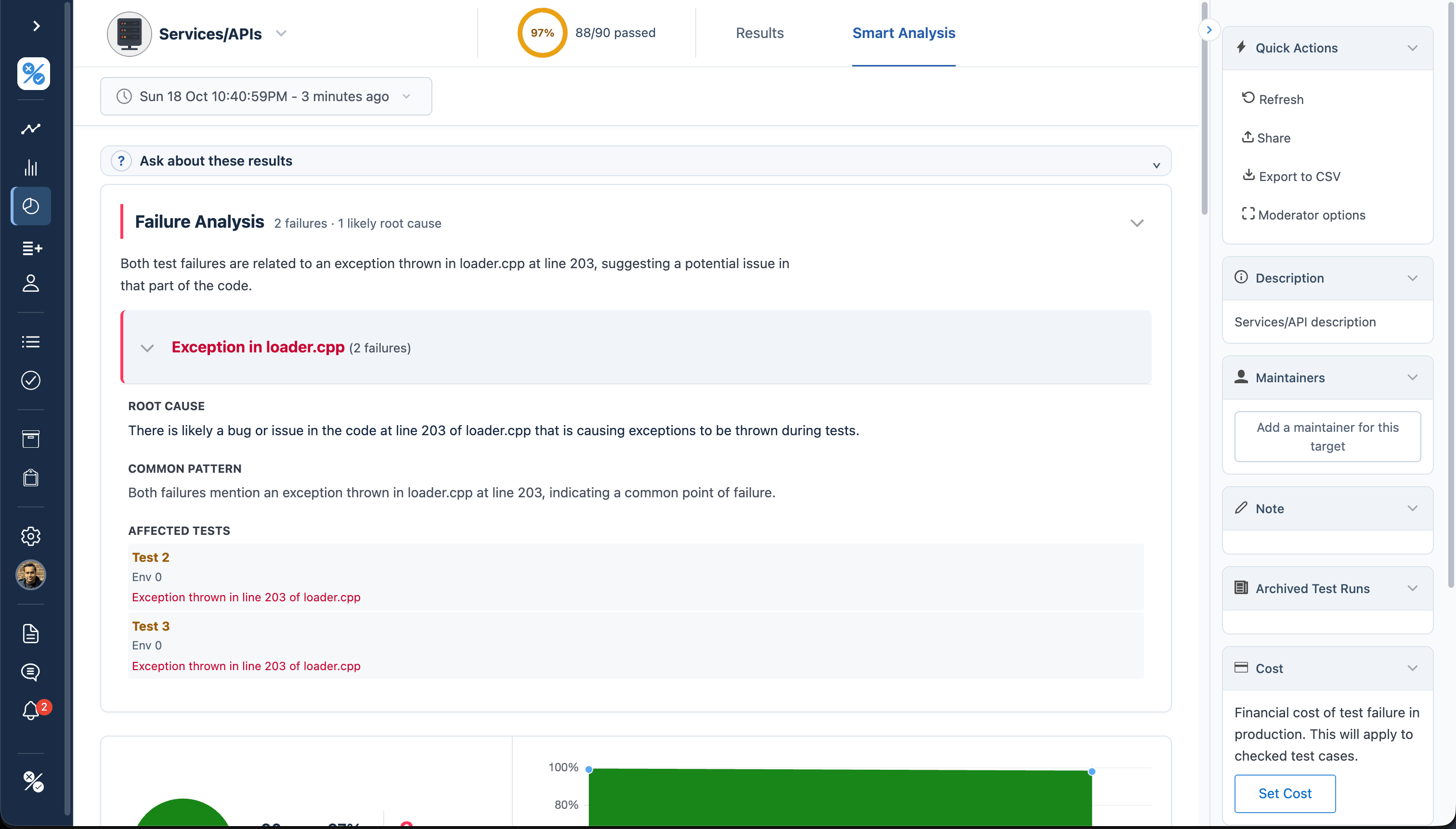
Failure Intelligence helps organize non-passing tests into patterns and suggests possible causes. Individual test details provide the next level of evidence, including reported failure reasons, history and any files your tests uploaded.
For a QA manager, this supports a more focused triage discussion. A new checkout failure may need immediate attention. A recurring environment problem may need a different owner. An inconsistent test may require investigation before its result can be trusted.
These are different problems, even when all three contribute to a disappointing pass rate.
Ask a question instead of starting with a dashboard
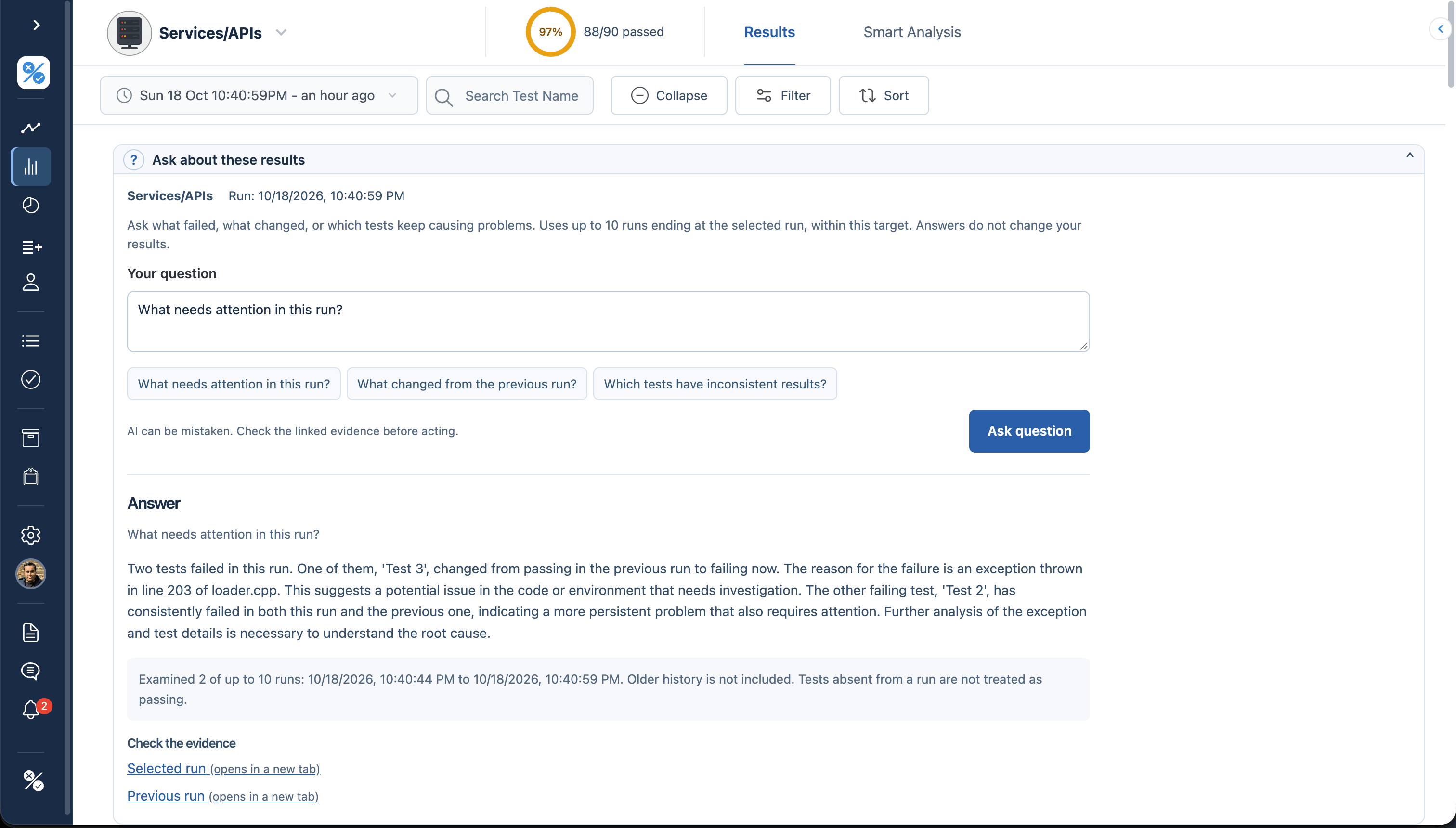
You can now open Ask about these results in Results or Supplemental and ask questions such as:
- What needs attention in this run?
- What changed from the previous run?
- Which tests have inconsistent results?
The answer uses up to ten runs ending at the selected run, within the selected target. It shows the history examined and provides links to supporting evidence.
This is useful when you want a starting point for a review without first working through every suite. It is deliberately scoped: it does not make a release-wide assessment across all your targets, and it does not approve a release.
AI explanations can be mistaken. Treat a suggested cause as something to investigate, not a diagnosis.
Turn findings into owned work
Once a problem is identified, the next question is who will investigate it.
Assign failing tests to team members and use Tasks to review that work. Keep comments alongside the test results so the next person can see what has already been checked. Associate an existing bug, or use the Jira integration to create an issue from the test case.
For the engineering manager, this connects the quality discussion to ownership. For the person investigating, it keeps the failure, its supporting evidence and the related issue connected.
In our example release, the checkout failure might go to the web team, while an API failure goes to the service owner. Both teams can work from the relevant results rather than a copied summary that becomes outdated after the next run.
Notifications and shared result links help bring that information to the people who need it without requiring everyone to watch a dashboard.
Add manual checks where they are needed
Automated results are the foundation of this workflow. Some teams also need checks that require a person.
Perhaps the release includes a new onboarding flow that needs exploratory testing, or a change that requires a final check on a physical device.
Use Lists to maintain those manual test cases and Runs to record their execution. This gives the QA manager a place to track the remaining checks alongside the automated evidence.
You do not need to define manual test cases before sending automated results to Tesults. If your workflow is fully automated, start there. Add manual testing when it addresses a real gap in your process.
Make the release process repeatable
Testing is only part of preparing a release.
A release manager may also need to confirm that deployment instructions are ready, a rollback procedure has been reviewed, and the appropriate people have completed their checks.
Release Checklists provide a repeatable structure for that work. Organize items into pre-release, release and post-release groups, or use groups that fit your process. Items can include general tasks and reviews of automated or manual test results.
For our example release, a checklist might include:
- Review the web, API and service results for the release candidate.
- Complete the exploratory check of the changed checkout flow.
- Review unresolved issues and any explicitly accepted risks.
- Confirm deployment and rollback steps.
- Complete post-release verification.
The checklist makes the remaining work visible. It also gives the team a starting point for the next release, rather than relying on someone to remember every step.
Keep a record of the decision
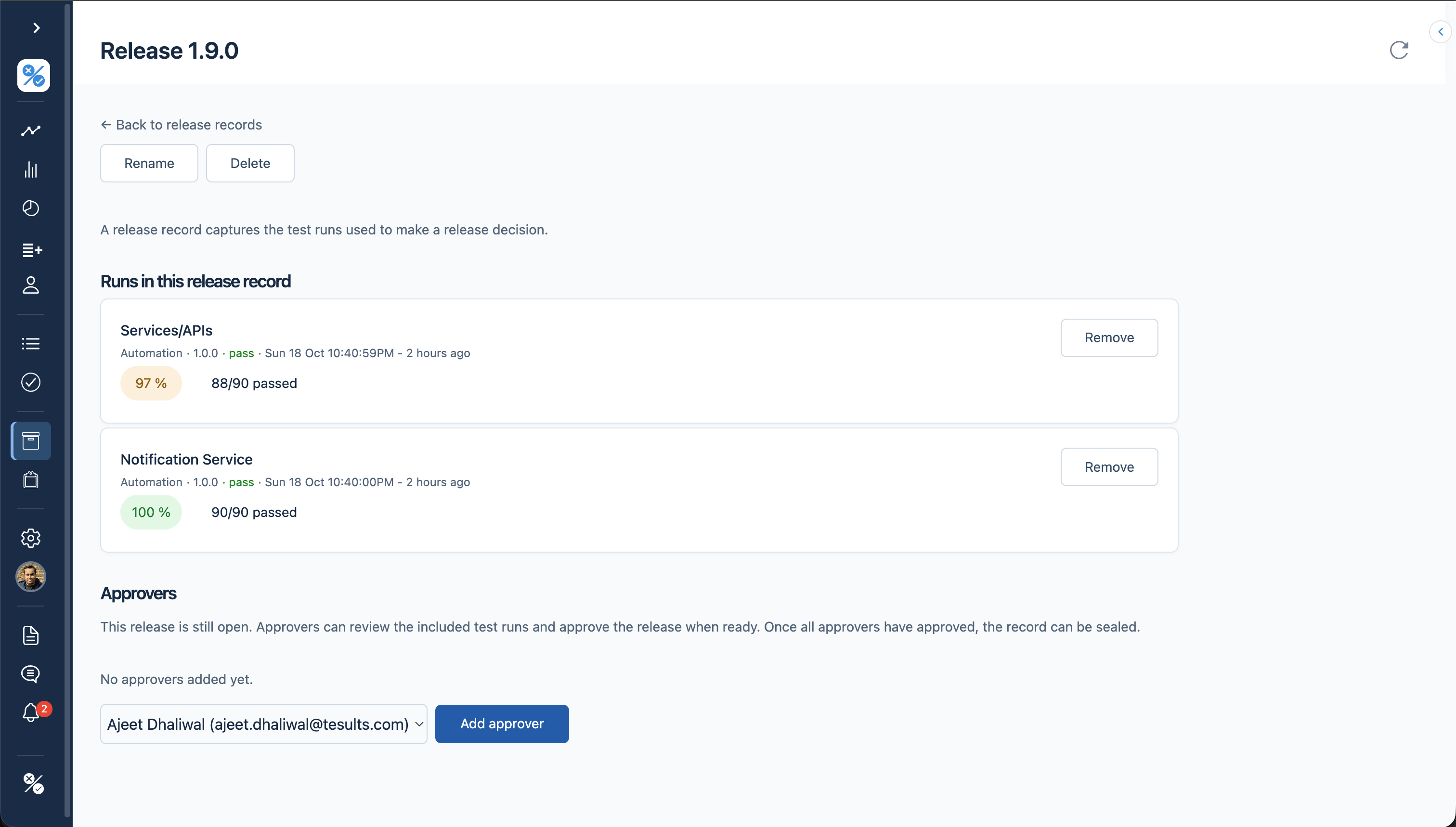
A checklist tracks what needs doing. A release record captures the test runs used to make the decision.
Create a Release Record and attach the relevant automated runs, along with manual runs where applicable. Team members can review and approve the record. Once the required approvals are complete, it can be sealed to prevent further changes.
This is especially useful after the release. Instead of reconstructing the decision from messages and whichever results happen to be latest, the team can return to the specific evidence and approvals recorded at the time.
No reporting tool can guarantee that a release is free of defects. What Tesults provides is a clearer basis for the decision and a traceable record of the evidence behind it.
Bring the evidence into your agent and pipeline workflows
You don’t have to use the Tesults interface for every question.
The Tesults MCP server lets compatible AI agents retrieve test results and insights. Connect it to a client such as Claude or Cursor, then ask about failures, run comparisons or inconsistent tests.
Reporting-only mode exposes the reporting and insight tools without offering target creation, editing, deletion or token-regeneration tools. It is a useful starting point for teams that want an agent to help investigate results without managing their Tesults targets.
For programmatic workflows, the Results and Insights APIs make the evidence available to your own tools and CI/CD processes.
The important connection is between the question and the uploaded test evidence. Whether you review a dashboard, ask within Tesults or work through an agent, you should be able to check what supports the answer.
Start with the reporting problem you have today
You do not need to adopt every feature at once.
Start by sending results from one automated test job. Add the other systems that belong in the same quality discussion. Use comparisons and ownership to improve triage. Introduce manual runs, checklists and release records where your team needs them.
For an engineering manager, the benefit is a shared view across systems and clear ownership of problems. For a QA manager, it is a way to connect coverage, investigation and follow-up. For a release manager, it is a repeatable process supported by identifiable runs and recorded approvals.
The refreshed Tesults brings these activities into a more consistent interface. The goal is straightforward: spend less time assembling the status report and more time acting on what the results tell you.
Get started with Tesults, learn how to ask about results, or connect your AI agent through MCP.