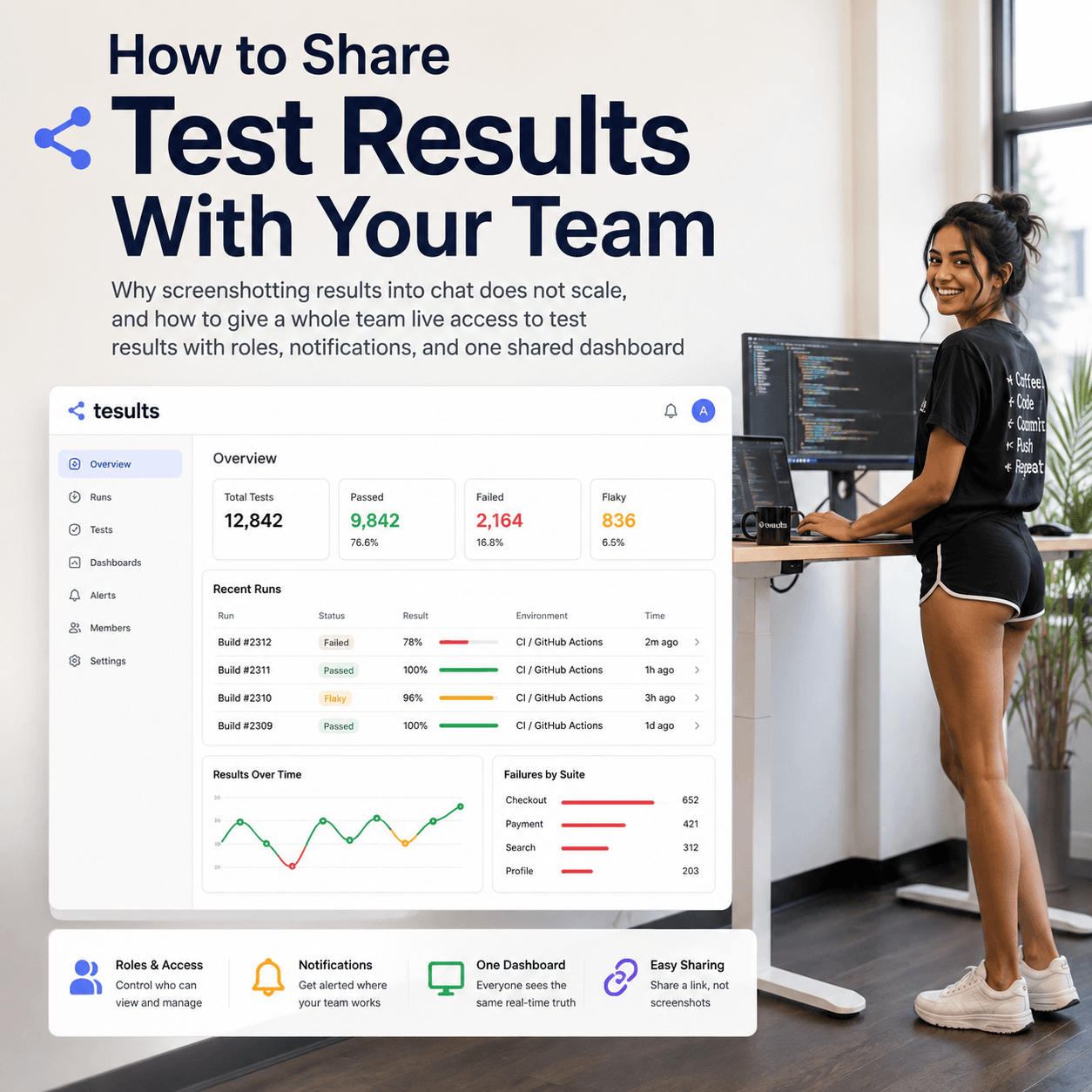
The Tesults web app is designed for desktop browsers. Sign up and configure your project on a laptop or desktop. Use the iOS app or Android app to view results on the go.

Test Suite Annotations

Adding greater context to test reporting

blog-title-image

Almost all test frameworks offer a way to group test cases by test suite or group. Test suite annotations are a new addition to the test results view interface in Tesults. Test suite annotations provide a way to add additional context about a test suite beyond the standard data the test framework transmits to Tesults.

When viewing test results you will now see an '+ Add annotation' button.
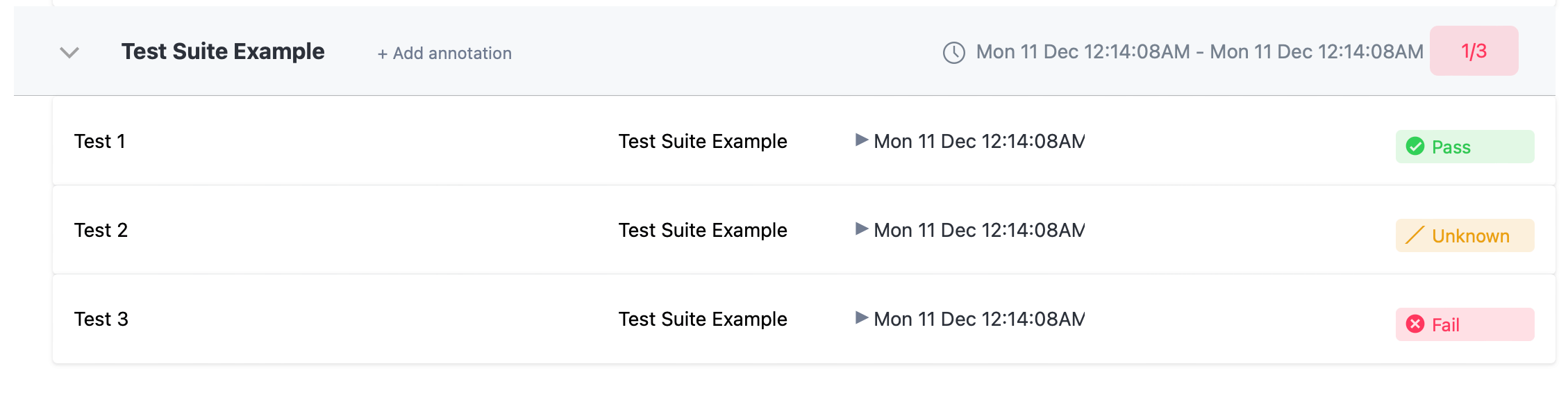
Click this to open up text input functionality.
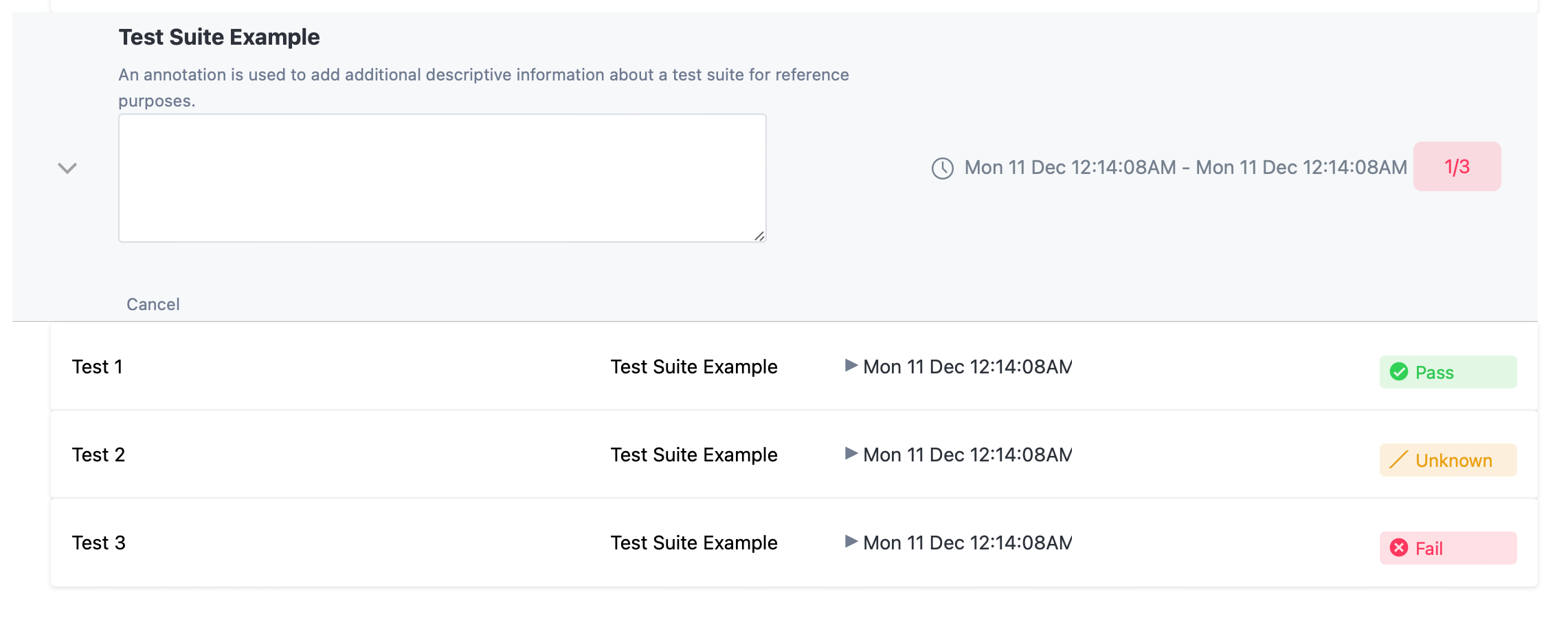
Make changes and save the annotation. Your team will now be able to see additional context about the test suite.
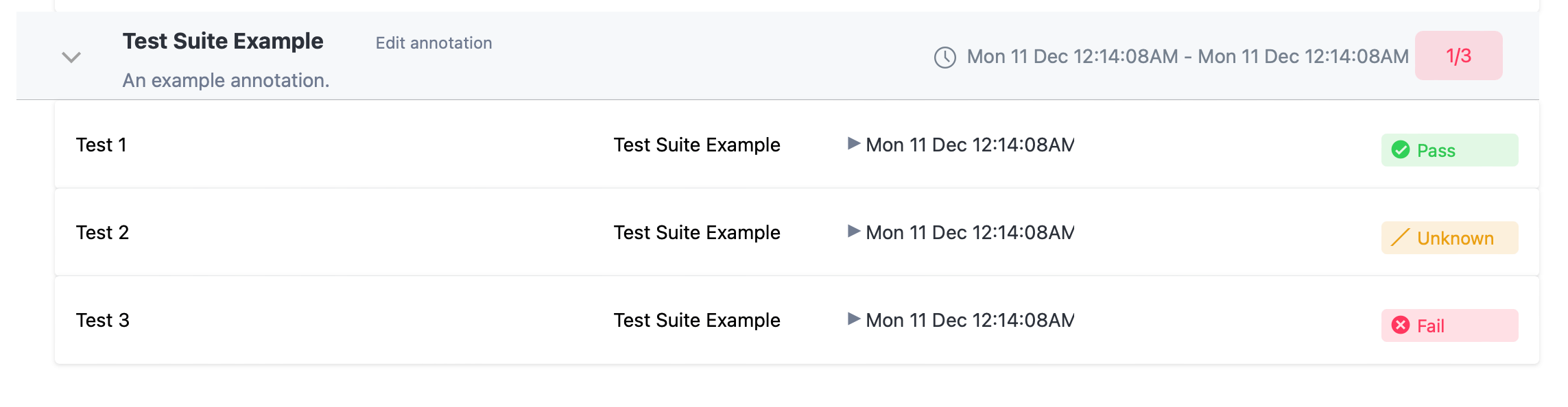
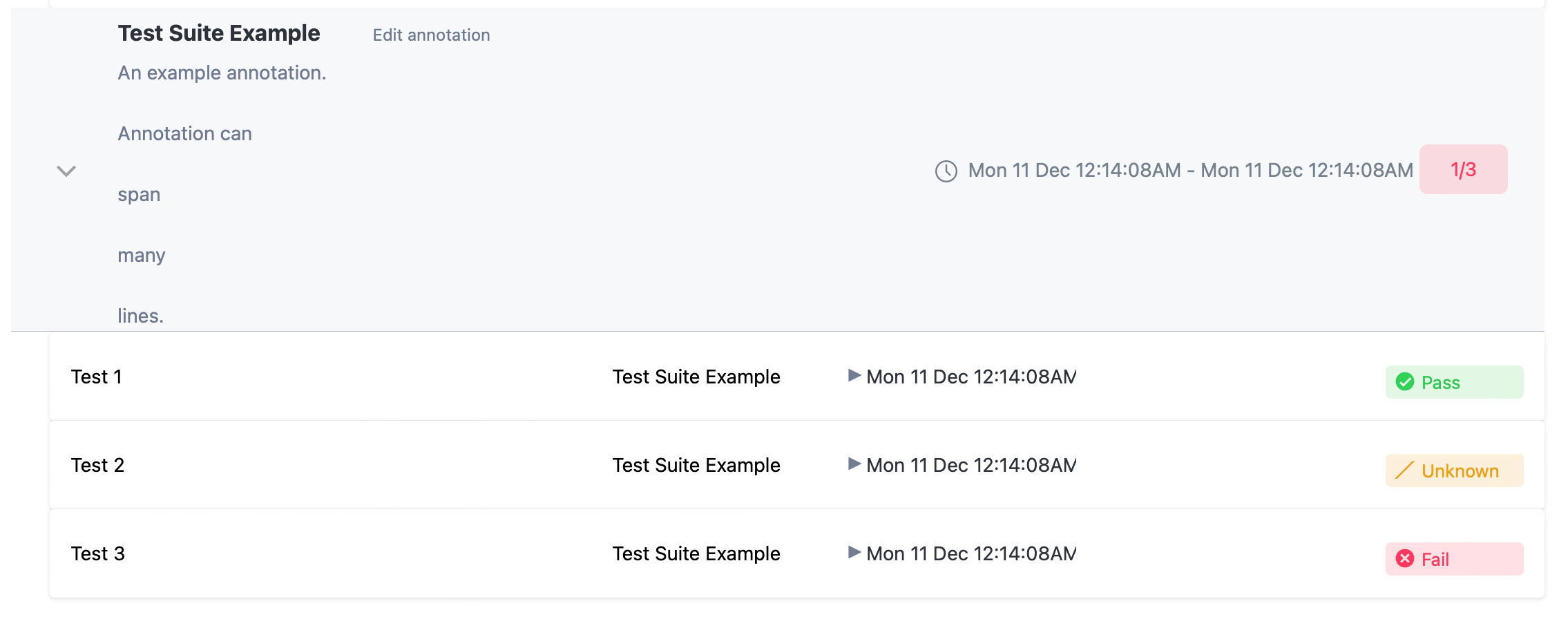
Unlike the test suite name which is usually short and a single line, and in the case of many test frameworks cannot even contain spaces, a test suite annotation can span multiple lines and offers greater formatting flexibility.
Get started with test suite annotations today and make test reporting with Tesults even more effective and insightful than before.

Test automation reporting and failure intelligence

Consolidated test reporting for engineering teams. Store, track, and understand test results across every run and system.

Latest Posts

How AI Coding Agents Use Test Results to Verify Their Own Work
Why a raw pass or fail is not enough for an agent to trust its own change, and how failure intelligence closes the self-verification loop
Store and View Pytest Results Over Time
Why pytest results vanish after each CI run, and how to keep a durable history you can view, compare, and track over time
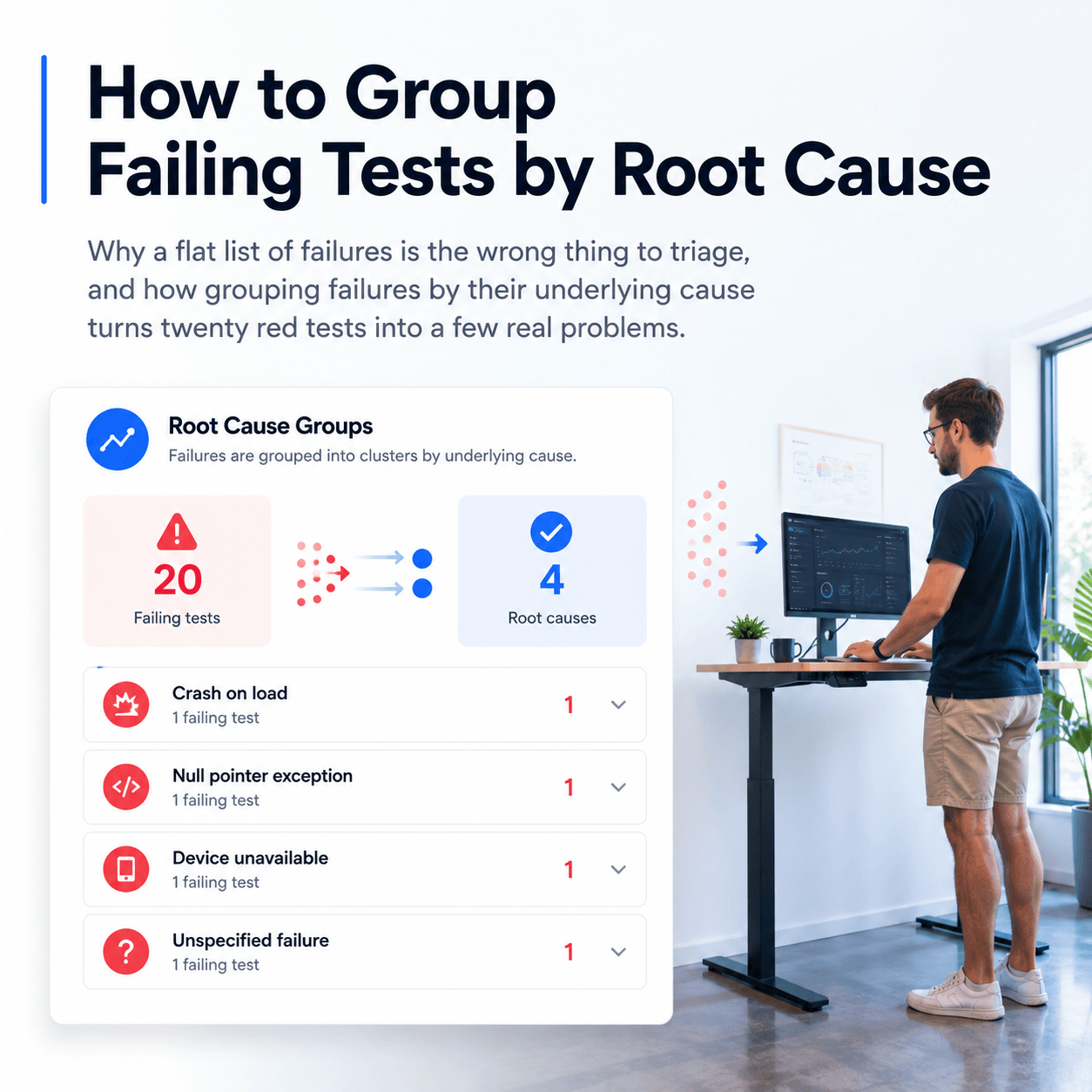
How to Group and Categorize Failing Tests by Root Cause
When a CI run shows dozens of failures, label each one with a root cause category and group them to see how many distinct problems you actually have
How to View JUnit XML Test Results in a Dashboard
Upload JUnit XML to a dashboard in one step, and why a test framework library gives you richer reporting with logs, screenshots, and full history
How to Keep a History of Test Results Instead of Losing Them After Each CI Run
Why CI logs and artifacts disappear, what you lose when they do, and how to retain a durable history of every test run
How to Query Test Results With AI Agents Using MCP
How to query your CI test data failures, flaky tests and regressions with AI agents using the Model Context Protocol
ROS 2 Test Reporting with Tesults
Native support for the full ROS 2 testing stack — C++, Python, Rust, and beyond
Cypress Test Reporting - Beyond the Built-in Reporters
What Cypress's built-in reporters give you and where they fall short
Playwright Test Reporting: Beyond the Built-in Reporters
What Playwright's built-in reporters give you and where they fall short
How AI is Transforming Software Testing and Automation
AI is impacting software testing and automation in a big way. Here’s how AI is reshaping the testing landscape.
What is Automated Regression Testing and How to Do It
Learn about what automated regression testing is, how to do it, benefits, why it matters, tooling, reporting and best practices
Guide to API Automation Testing
What is api automation testing, how to do it, best practices and how to report and analyze test results