The Software Development Engineer In Test Epiphany
Lessons learned by a software developer in test.
Oct 3, 2016

Act 1
A recently hired fresh faced young Software Development Engineer In Test sits down at his desk on the morning of his first day. He has got a solid programming background and perhaps he even knows a thing or two about testing. He has been tasked with implementing automated testing on an exciting new project and he is determined to take on the role and own it.
A few months later the not so fresh faced developer has created an outstanding test harness complete with deeply integrated tests and hooks. The first version of the project ships and is somewhat buggy.
A few tests have been written by the team. Ouch.
Act 2
A couple of years later the developer sits at a new desk on another first day, this time wiser. He has asked about buy in and cultural awareness around automated testing during the interview process. He has been assured this culture exists.
A year later another product has shipped and a far larger number of tests have been written than previously. The ROI has been far above what anyone expected and management is happy. However it is still somewhat of a personal failure for the developer in test because he knows the potential was much greater and there was not the universal buy in he expected to see. The tricky balance between time spent on feature development and automated test authoring always seems to tip in the favor of features especially when budgets are tighter.
The project ships quite rough around the edges and it’s easy to see why.
Act 3
A couple of years later the senior developer has measured how a project with solid automated test coverage ships with higher quality standards and fewer bugs, with confidence that deployments will be successful, better optimized performance and shortened delivery time towards the end. However there is no getting around the fact that great tests and high test coverage take time to write. This upfront investment pays off in the future but it is difficult to be interested results without seeing immediate feedback and pay off. He realizes that constant visibility is crucial to getting buy in.
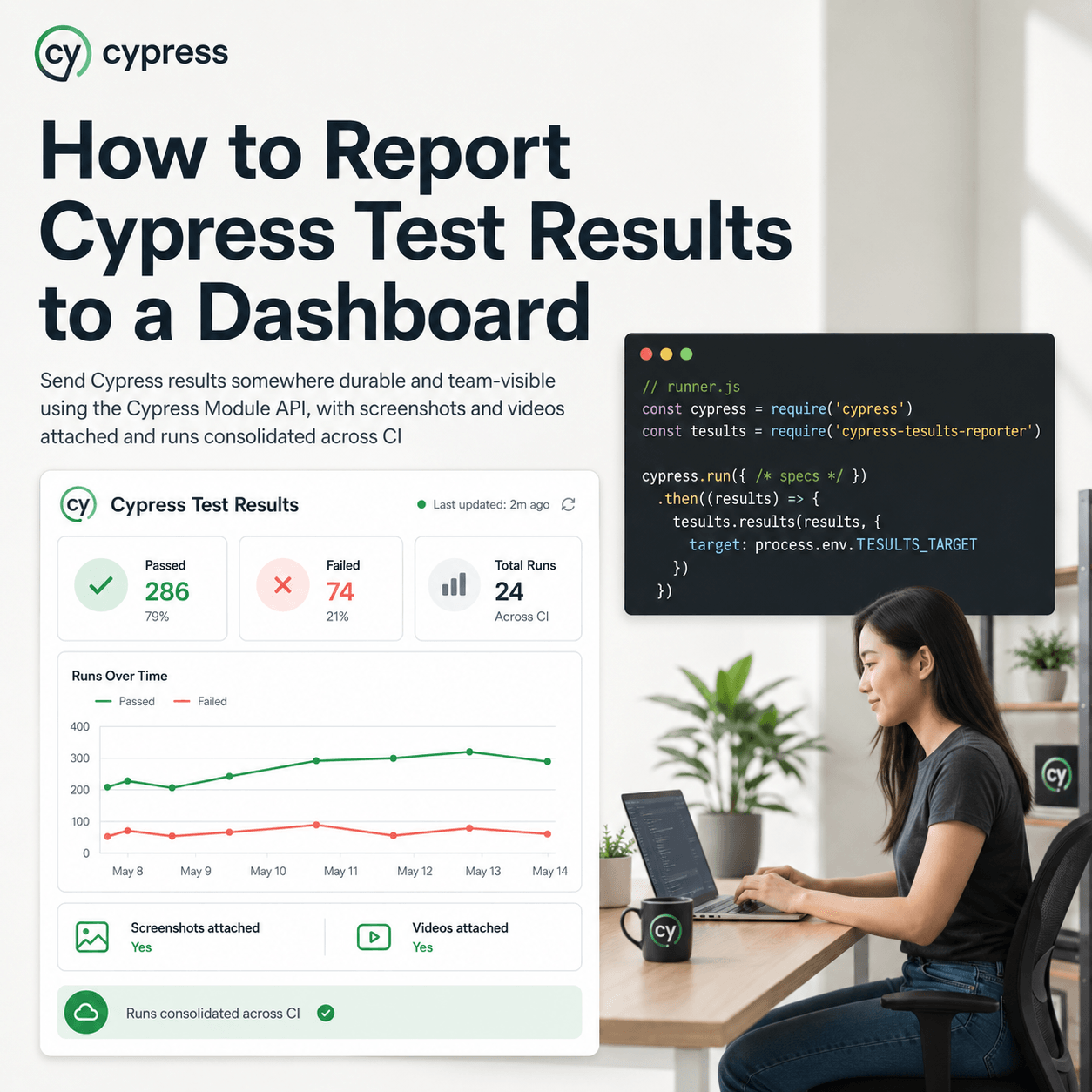
Along with the harness he now always ensures he writes a test results viewer or dashboard so that test results can be plastered on monitors with great looking charts, with trends and analysis.
Then he discovers team members are too busy to be looking at the complicated looking charts or even understand them. With development being undertaken, no one has time to trawl through complicated dashboards, after all it’s just test data, they just want to know the tests are passing.
Final Act
Same desk. Promotion, he’s now the automation lead and manager.
Then the epiphany.
A large number of quality tests need are required to provide broad and deep coverage. No one wants to write them if there’s no thanks for doing so. Many times the results generated by a test harness are not visible to the wider team. They need to be. Often times when the test results are available they are presented in a way that is far too complex for anyone to care other than the person who created the dashboard.
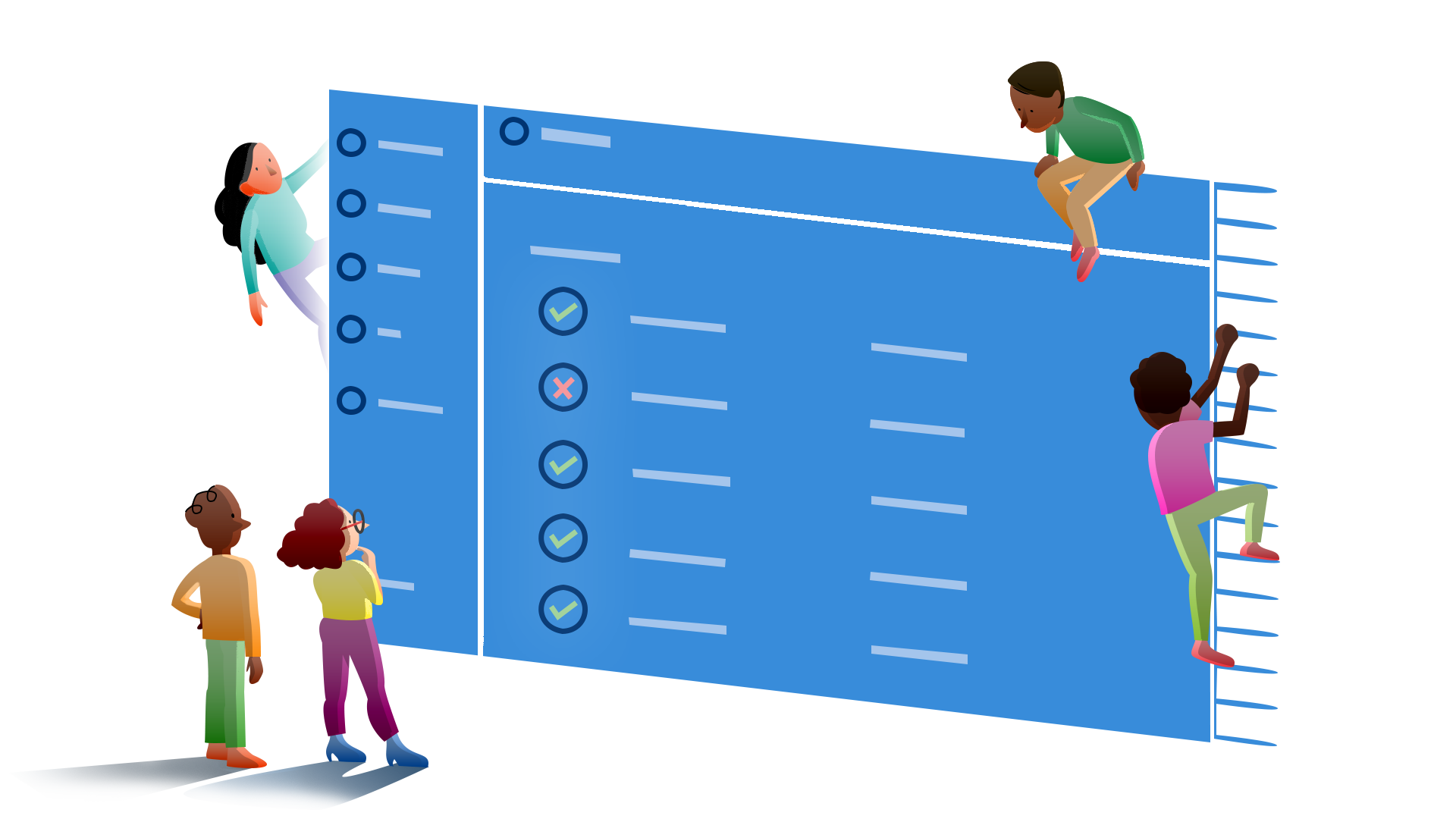
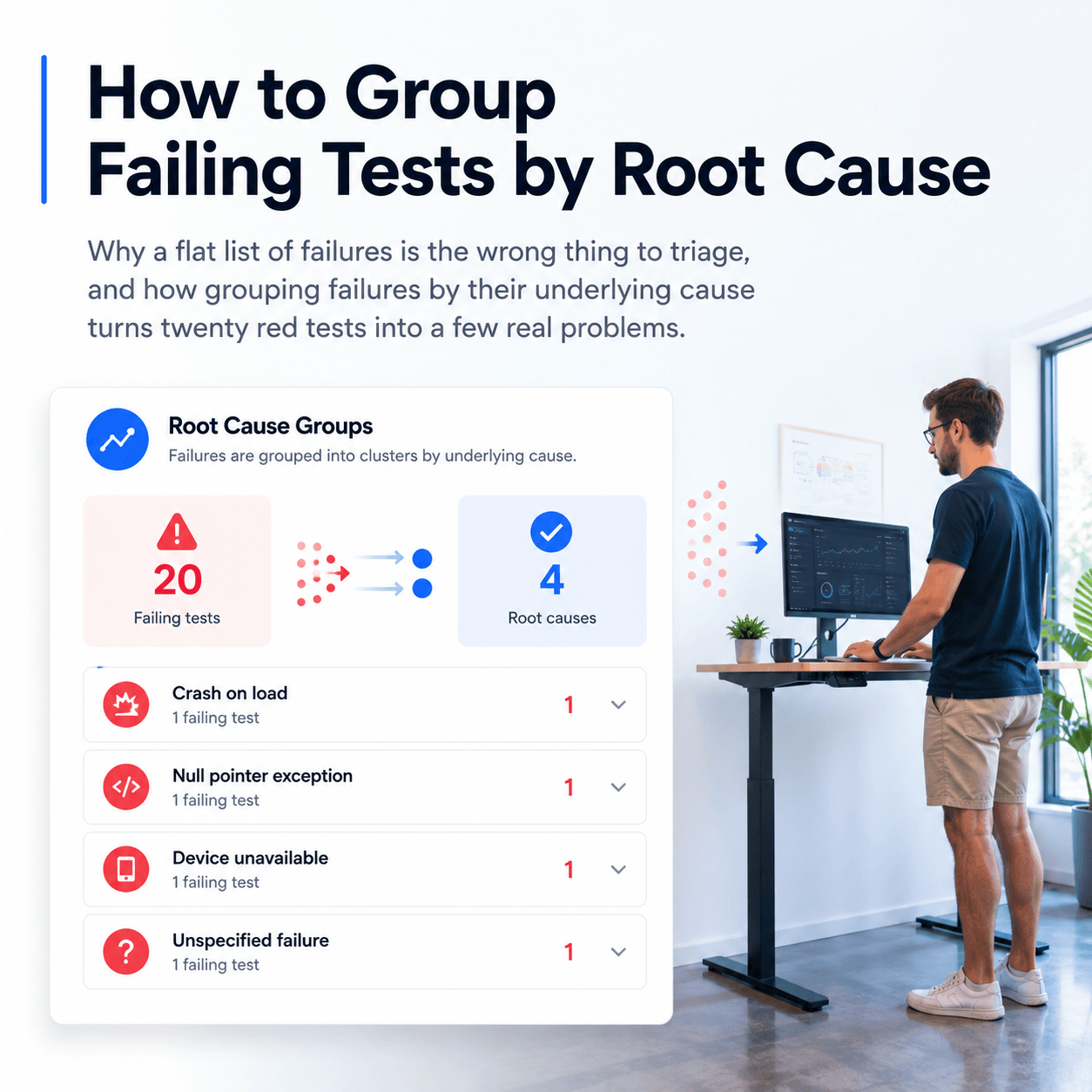
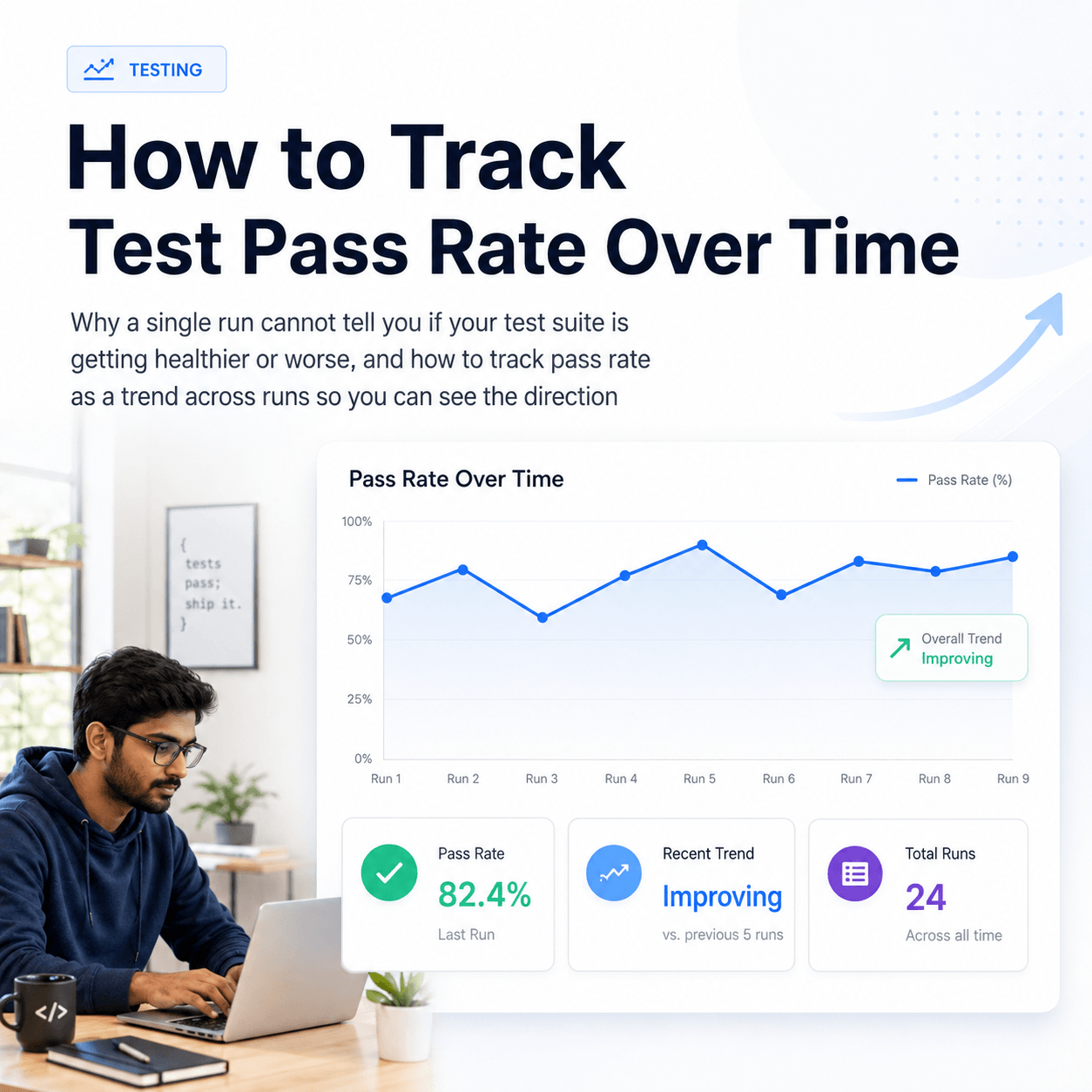
Test results are not sexy. Neither are airline pilots checklists, but they are crucial to ensuring safety. A checklist is really all anyone wants or needs for automated tests. What’s passed, what’s failed, right now, and perhaps over the last few days. Display a big green 100% pass if all is good, otherwise force people to view an ugly yellow or red until they get stuff fixed.
Display the number of tests being run, that number should be going up over time if good coverage is to be achieved.
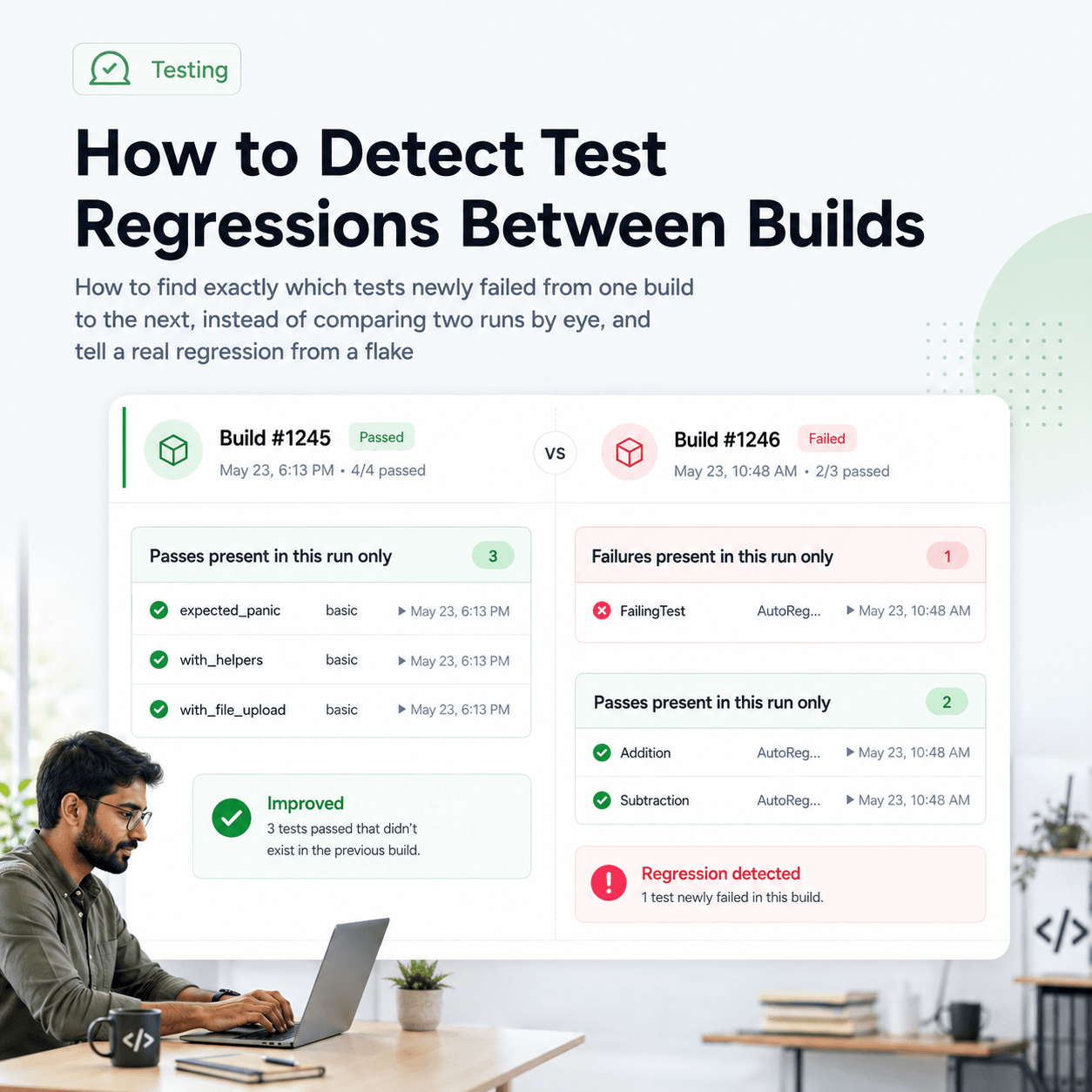
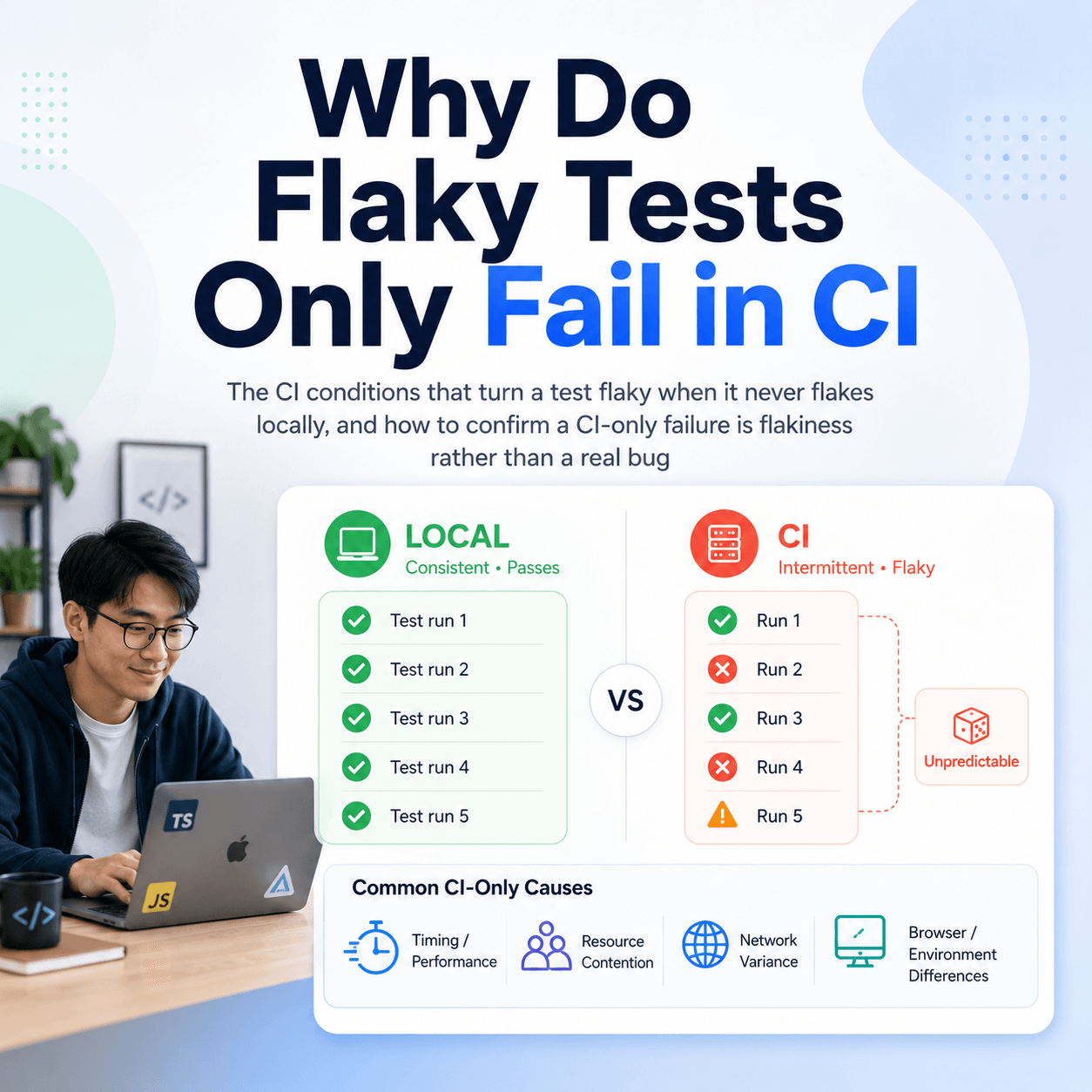
Continuously run and upload test results throughout the day. Send team members notifications about test results, put the results in front of them, everyone should be aware of how many tests are run and how many of them are passing, because if there’s a fail in that list you’ve got a problem with something you may be about to ship. Fix it, otherwise your customers will suffer.
Now all team members ask “are we at 100%?” and they expect to be.
Now that fresh faced software developer in test is crease faced and Tesults is the culmination of his and other like minded developers’ lessons learned. No one can build your test harness for you or write your tests for you but getting your test results in front of your team is something you can get help with.
Get solid test coverage, better engagement and dramatically improve your development timelines with constant vigilance on quality by starting to post and share your test results among your team from day one to the day you ship.
Of course, highly visible test results are useless without great tests and solid test harness. Software developers in test should be allowed to be focused on providing these tests, because that requires intricate knowledge of your project and no one else can replace that.