The Importance of Highly Visible Automated Test Results
Highly visible automated test results are the key to driving engagement and higher quality standards.
Oct 13, 2016 · Updated: Jul 5, 2026
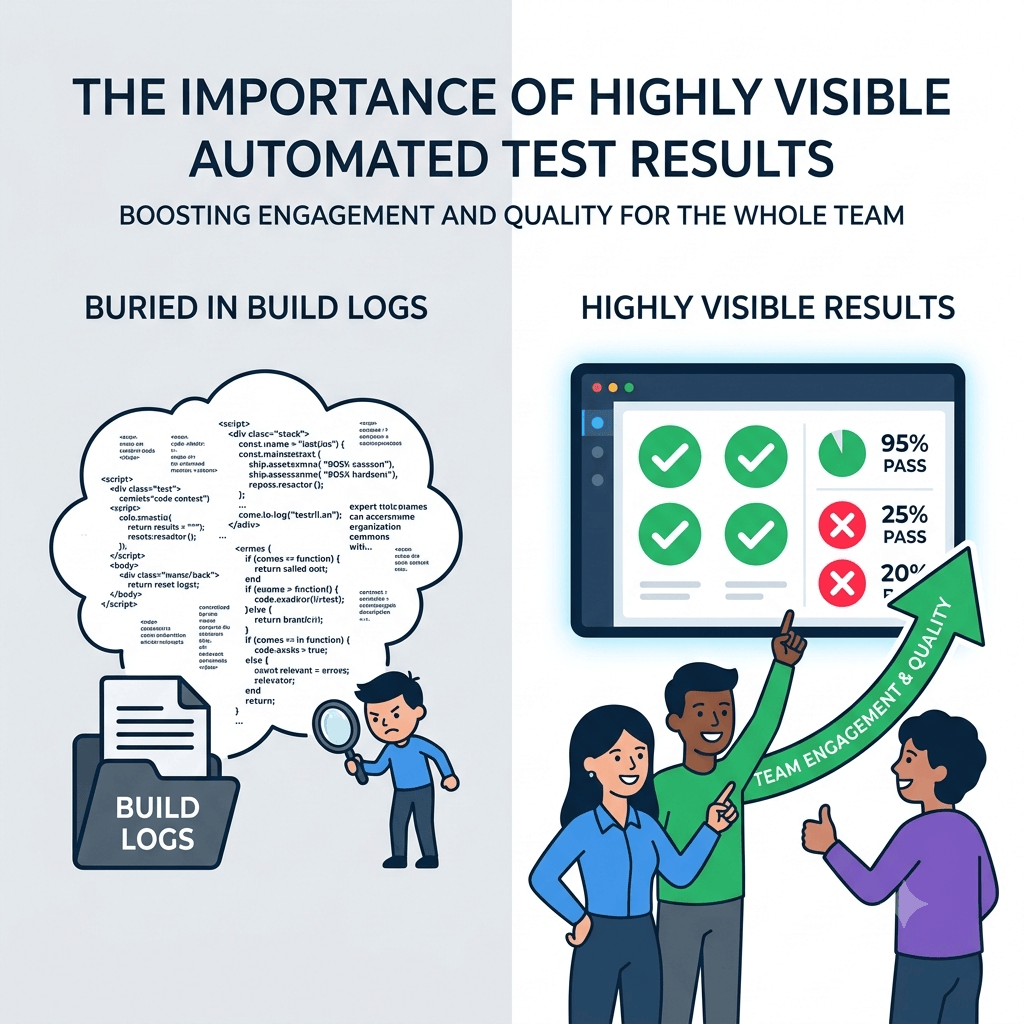
Making your automated test results highly visible to the entire team is the single biggest driver of engagement in automated testing. Five years of experience as a senior and lead software development engineer in test, and a further five as a product developer, have taught me that when results are buried in an XML file on a build server or in the console output of a CI job, testing goes out of sight and out of mind for most of the team. When results are in front of everyone, engagement and quality follow. Here is why that matters, and what visibility actually changes.
Why does test result visibility matter so much?
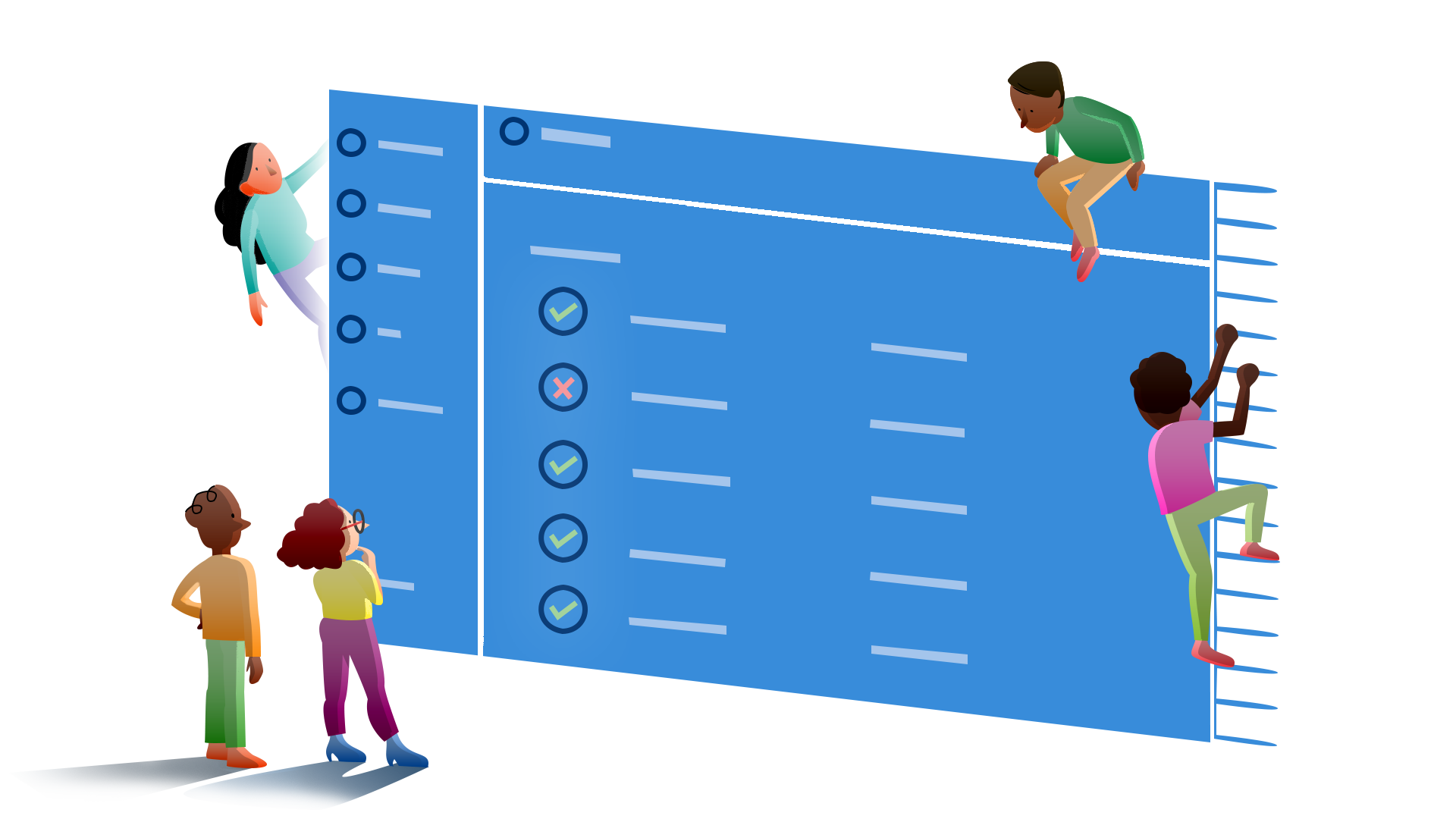
Because visibility leads to transparency. If the results of your automated tests are hidden somewhere that requires the esoteric skills of your build or test engineer to get at, then for most of your team they may as well not exist. There are real problems with this even when your test coverage is actually good.
Without highly visible results there is no shared reference for what the current coverage level is, or where the gaps are as development progresses. Well defined and well named test suites and cases give a good first indication of areas being neglected and where to focus effort authoring new cases, but only if the team can see them.
How does visibility change team ownership of failures?
Without visible results, there is no shared understanding of the current health of the project. In many teams changes are checked in several times an hour, and a continuous build and test system keeps a finger on the pulse of the impact those changes have. If only a core group of developers sees the results, several problems follow.
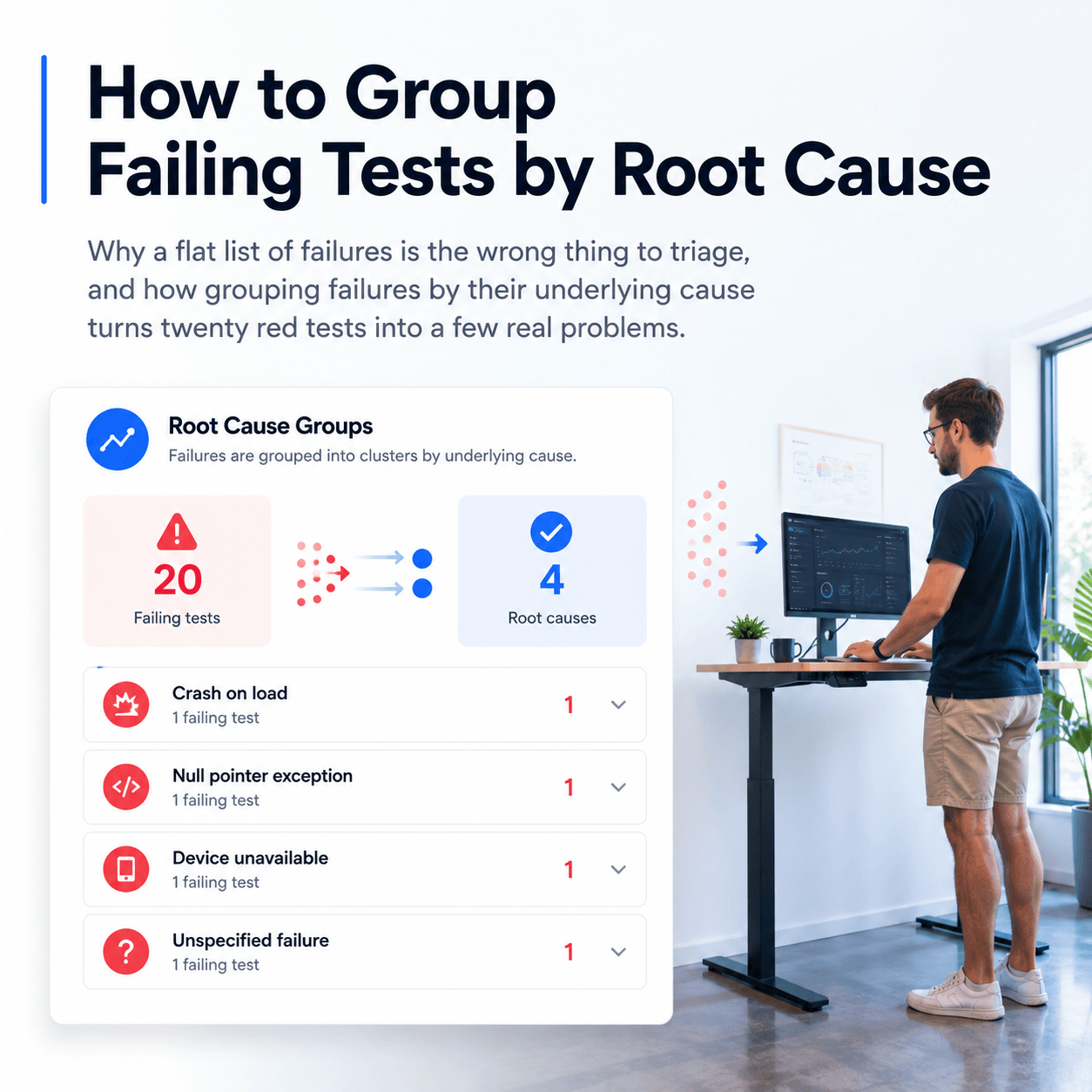
Those few people become burdened with triaging and understanding failures, which is often inefficient, because it is frequently not their changes that introduced the failure. With team wide awareness you get team wide ownership, and a more appropriate person can quickly identify the cause, especially when the test case is well defined and the failure reason is posted with a call stack or clear assert messages.
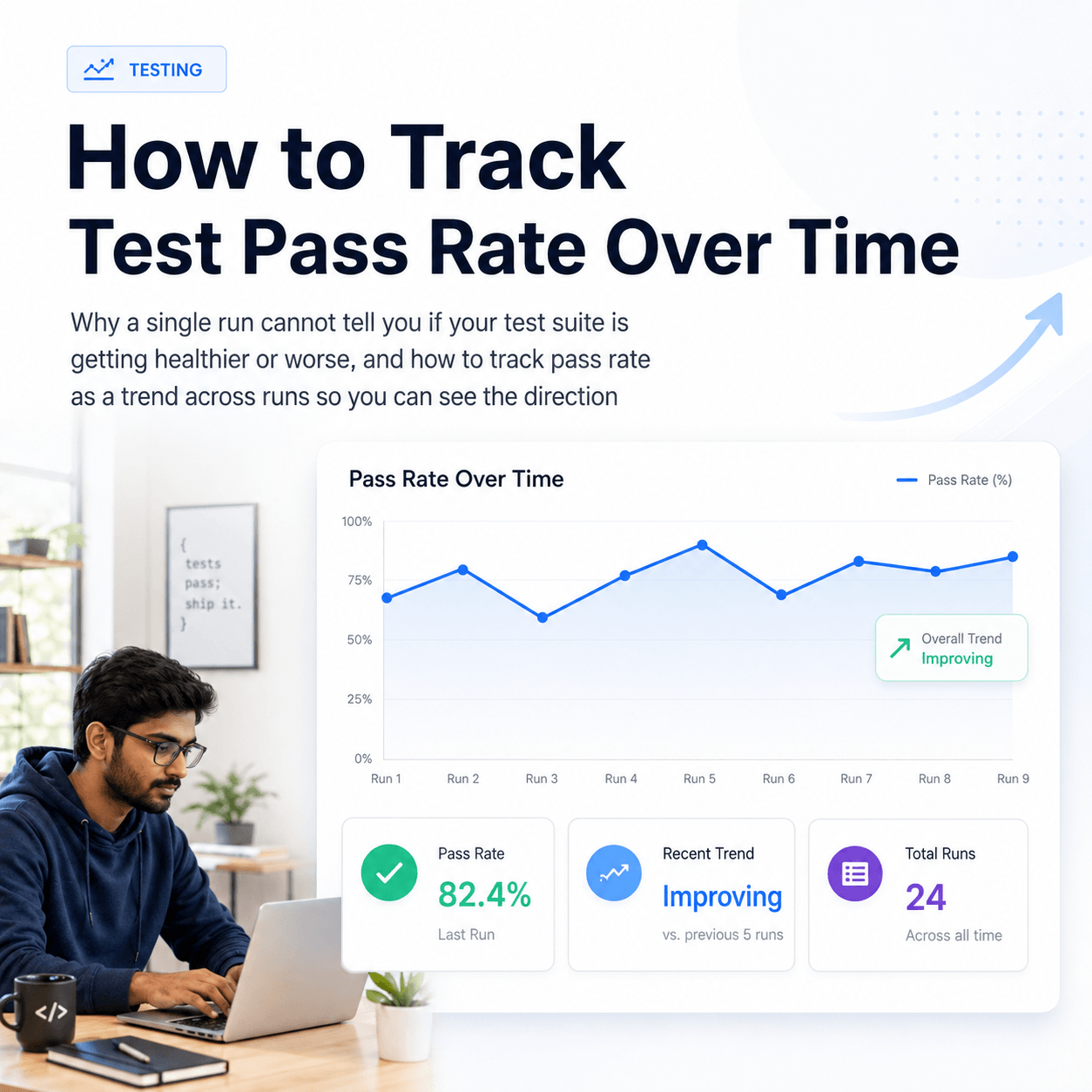
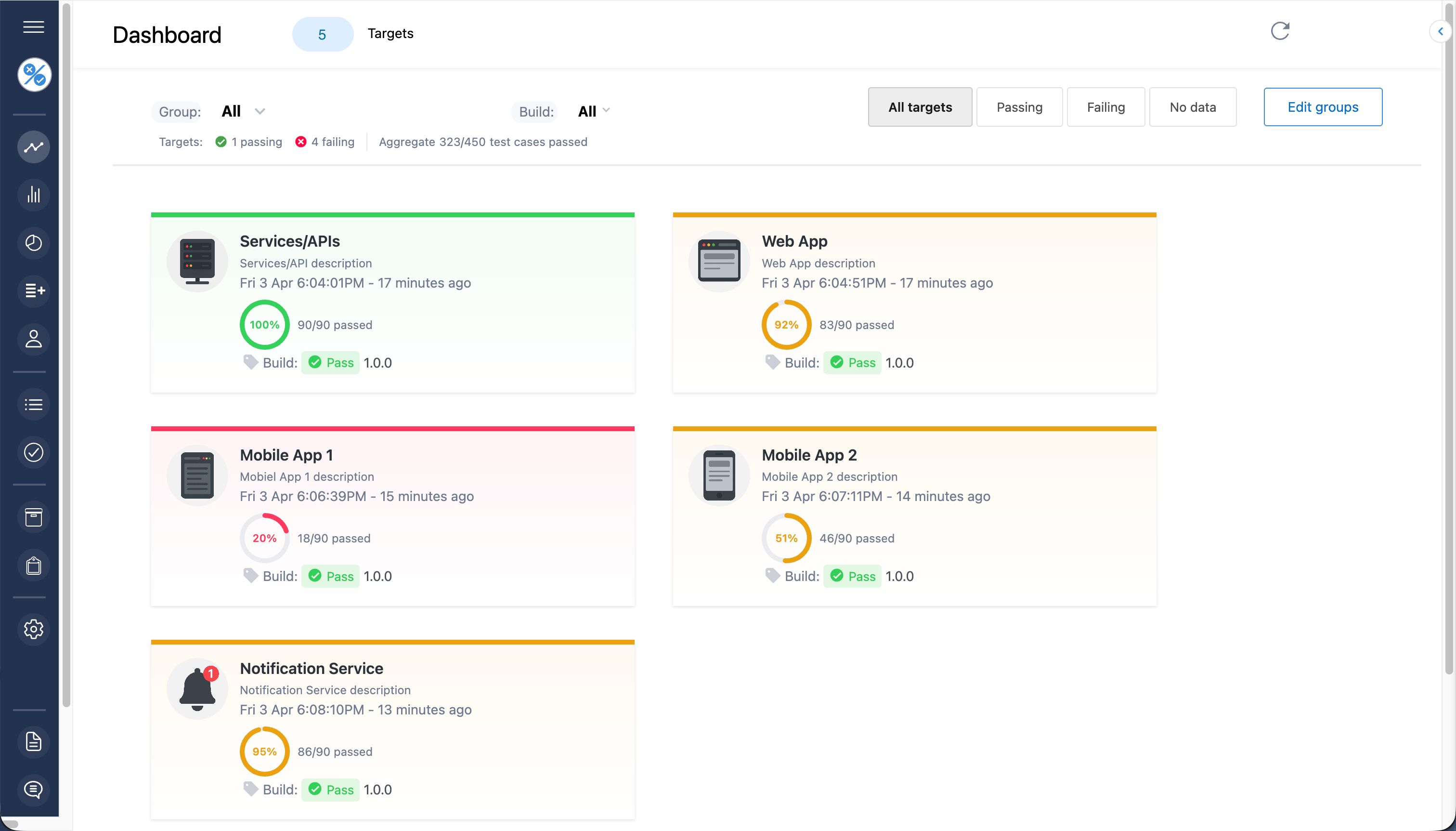
There is a leadership dimension too. When only a small core knows the state of the tests, team leads and management cannot understand project health without asking the people in the know. A quick glance at a monitor showing a 100% pass rate should be all it takes, half a second, no interruption. And if results sit below 100% for too long across too many build cycles, the right questions get asked, because the framework for that conversation is already visible to everyone.
Team members beyond developers benefit as well. Rather than charging in with a new feature request or a meeting about something unrelated, everyone has some awareness when there are real problems with the current robustness of the product, which makes it easier to let the people fixing issues get on with it.
How does visibility keep a team honest about its testing?
Transparency leads to honesty. Some teams believe they "do automated testing" and have all their bases covered. Highly visible results can blow that illusion out of the water. If only a paltry number of results is displayed, it becomes immediately clear that the alluded to coverage does not really exist. This matters most for teams new to automated testing, or unhappy with their current coverage. There is no need for vague uncertainty about the reality of your coverage and status. Visible results showing only a handful of tests generate the impetus to improve, and, just as importantly, they sustain follow through by letting the team see the number of cases clearly increasing over time alongside product complexity.
Visibility also has an immediate practical payoff: highly visible results tell you at a glance whether it would be a waste of time to even hand the latest build to a manual QA team, before anyone spends effort on it.
Putting it into practice
Bring your test results to the forefront and give your entire team access to them. Display them on monitors and invite everyone to help increase total coverage and quality through shared awareness of the issues. Perhaps best of all is the peace of mind that comes from the certainty and confidence of knowing your project's health is robust.
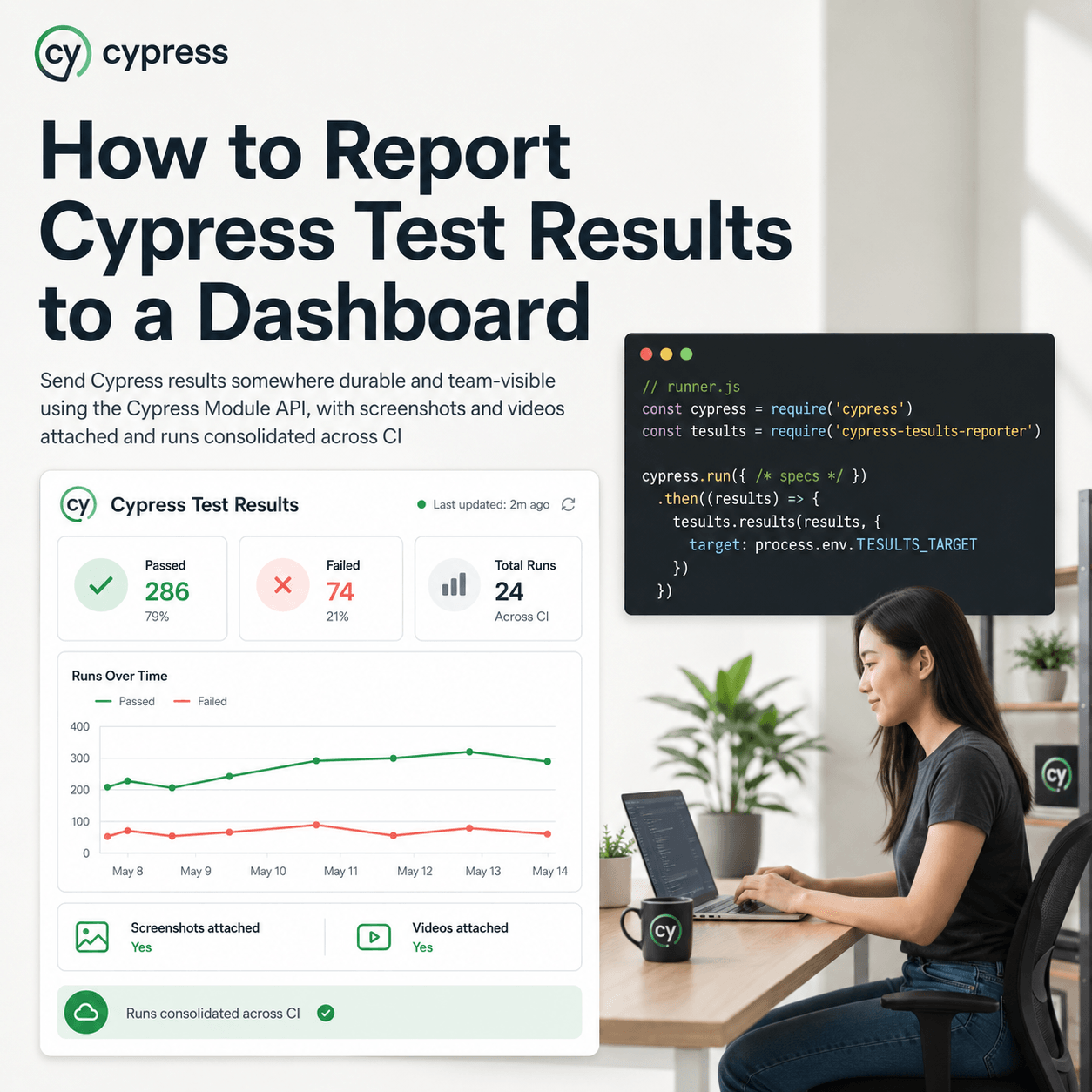
Whether you use a custom test framework and harness or an industry standard one, and whether you roll your own solution for making results visible or use Tesults, highly visible automated test results are the key to driving engagement and higher quality standards. If you want to get your results out of build logs and into a shared dashboard, the guide to keeping a history of test results covers the practical first step.