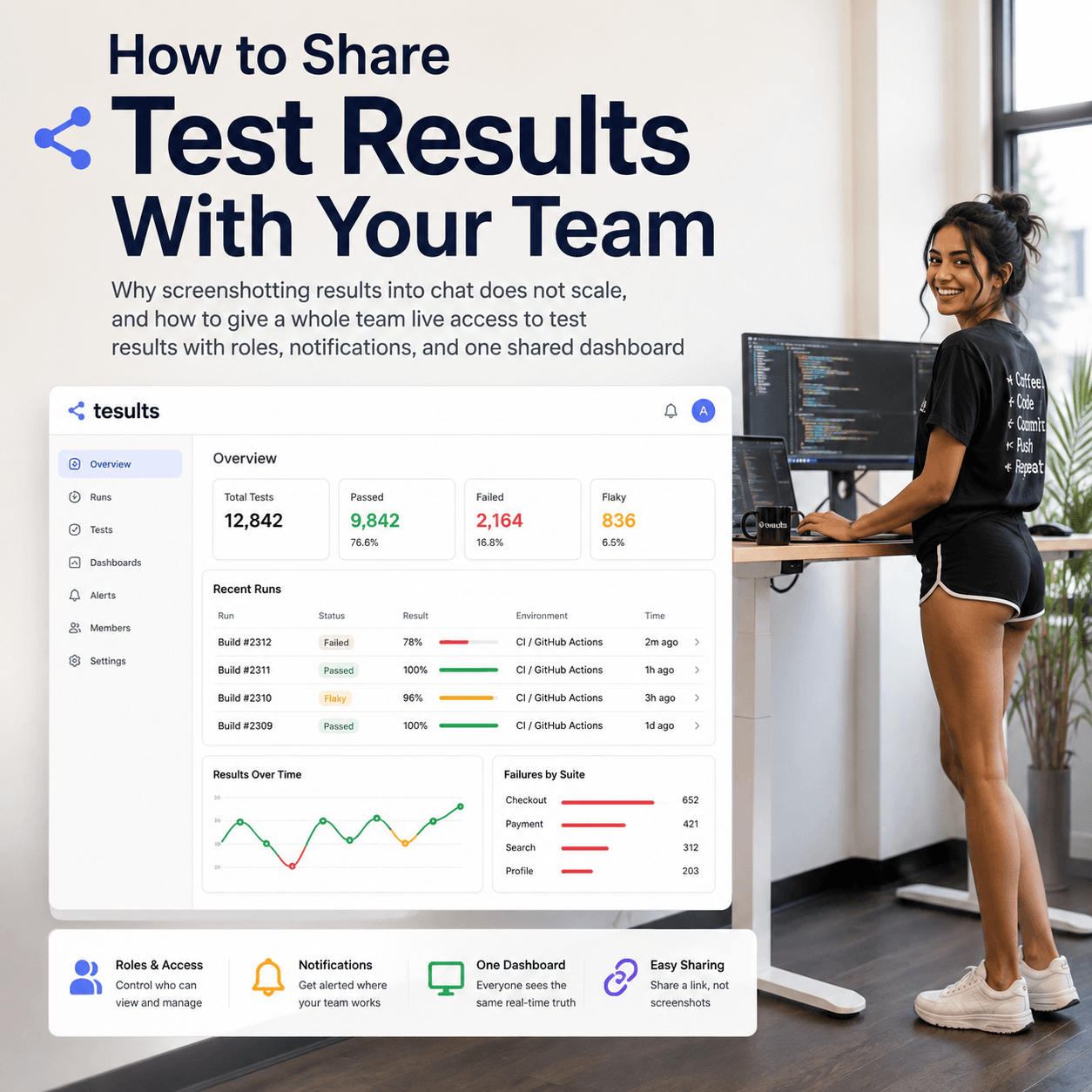
The Tesults web app is designed for desktop browsers. Sign up and configure your project on a laptop or desktop. Use the iOS app or Android app to view results on the go.

Test Lists

Manual test results reporting becomes easier and faster with test lists

blog-title-image

Tesults recently added manual test results submission. Now to make manual test results reporting submission more productive Tesults introduces test lists.

Test lists are saved lists of test cases that can be used to make submitting manual test results faster. There is no need to create test cases by hand, just import test cases from a saved test list and submit manual results. The test lists themselves can be imported from the latest results of an automated or manual test run or can be created without importing by adding cases to a list manually.

Test lists are saved for as long as you want and also act as a check list or test plan for manual testers. There is no need to record or remember what tests need to be run any longer, just check the test list.

Create and save as many test lists as you want and submit results to any project target.

With automated and manual test results supported, Tesults provides a whole solution for teams. Some manual testing is always necessary including for UX, usability and comfort and in the case of specific software like games, checking if something is fun to play! Combine your automated and manual test results today on Tesults.

Have any feedback? Get in contact.


- Tesults Team

Test automation reporting and failure intelligence

Consolidated test reporting for engineering teams. Store, track, and understand test results across every run and system.

No time limit on free plan

Latest Posts

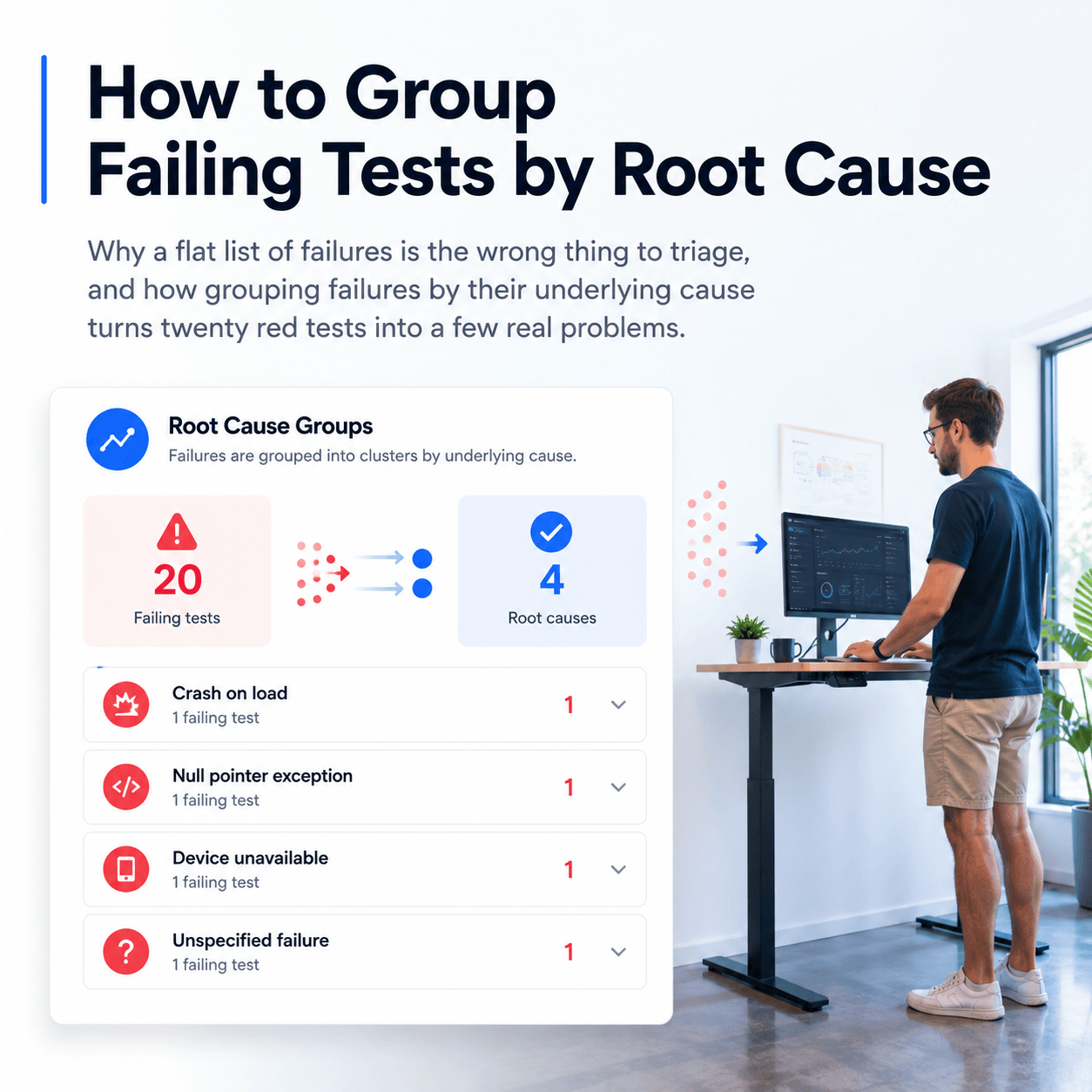
How to Group and Categorize Failing Tests by Root Cause
When a CI run shows dozens of failures, label each one with a root cause category and group them to see how many distinct problems you actually have
How to View JUnit XML Test Results in a Dashboard
Upload JUnit XML to a dashboard in one step, and why a test framework library gives you richer reporting with logs, screenshots, and full history
How to Keep a History of Test Results Instead of Losing Them After Each CI Run
Why CI logs and artifacts disappear, what you lose when they do, and how to retain a durable history of every test run
How to Query Test Results With AI Agents Using MCP
How to query your CI test data failures, flaky tests and regressions with AI agents using the Model Context Protocol
ROS 2 Test Reporting with Tesults
Native support for the full ROS 2 testing stack — C++, Python, Rust, and beyond
Cypress Test Reporting - Beyond the Built-in Reporters
What Cypress's built-in reporters give you and where they fall short
Playwright Test Reporting: Beyond the Built-in Reporters
What Playwright's built-in reporters give you and where they fall short
How AI is Transforming Software Testing and Automation
AI is impacting software testing and automation in a big way. Here’s how AI is reshaping the testing landscape.
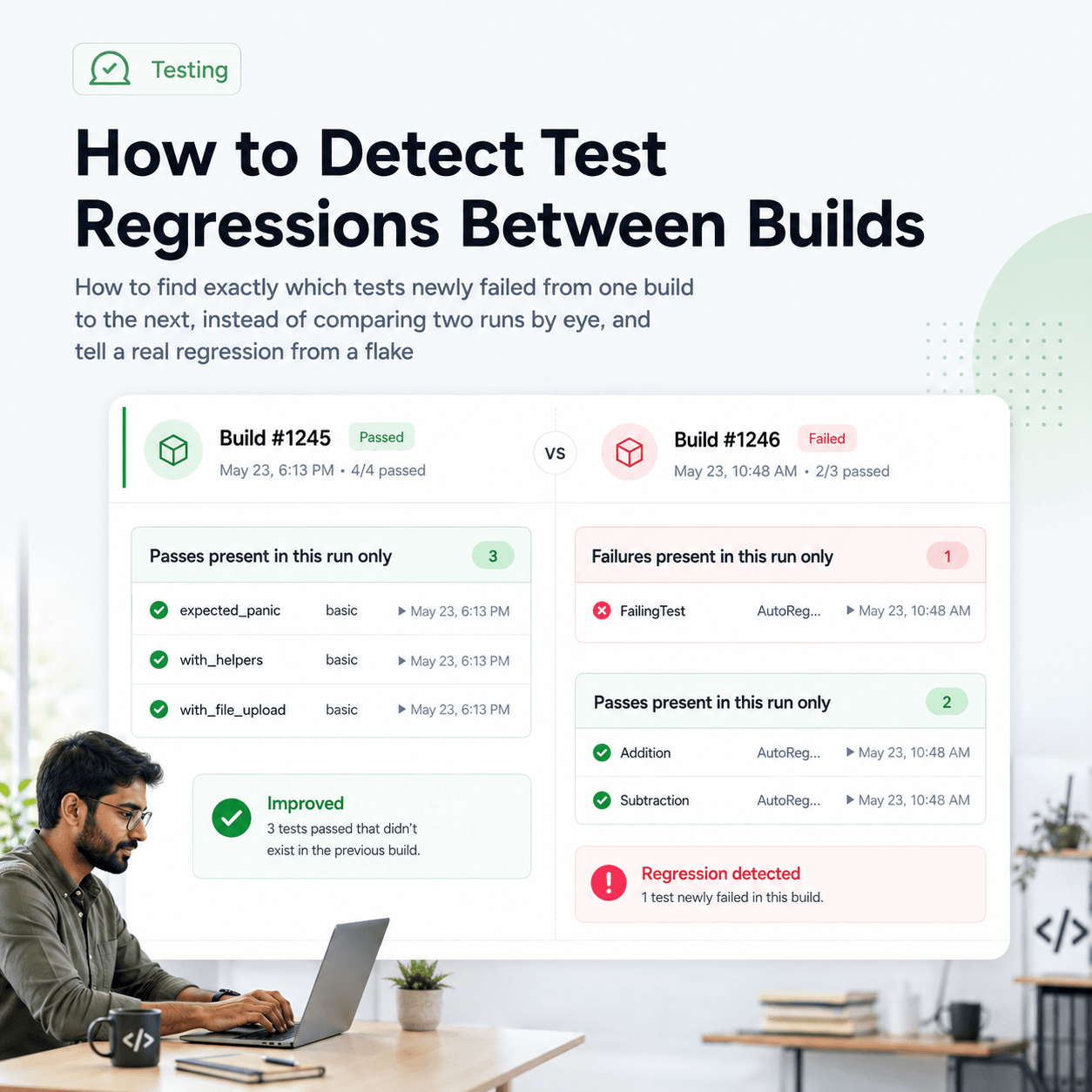
What is Automated Regression Testing and How to Do It
Learn about what automated regression testing is, how to do it, benefits, why it matters, tooling, reporting and best practices
Guide to API Automation Testing
What is api automation testing, how to do it, best practices and how to report and analyze test results
Test Suite Annotations
Adding greater context to test reporting
EXP is a test framework that gets out of the way
Exp test framework