The Tesults web app is designed for desktop browsers. Sign up and configure your project on a laptop or desktop. Use the iOS app or Android app to view results on the go.

Team Member Roles

Expanding roles for better management of larger teams

blog-title-image

Team member roles are being expanded from three types to five. This will allow larger teams to manage Tesults projects more easily and efficiently from now on.
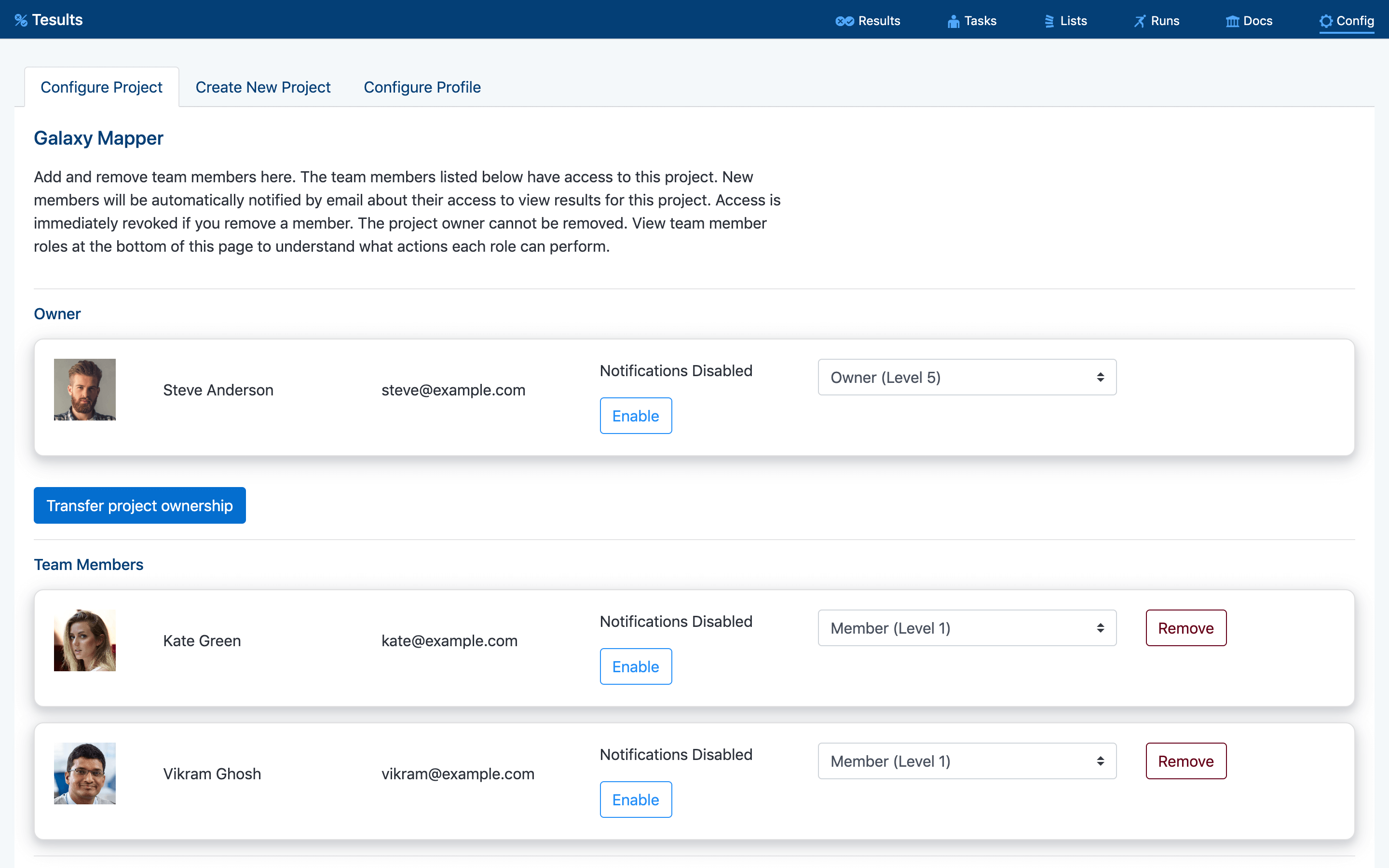
The old moderator and regular member roles will stay the same, while the administrator role gets split into three new roles. Here are the five new (and now current) roles:

1. Member

Most team members should be ordinary members. Members can view results for the project, triage assign failing test cases and receive notifications.

2. Moderator

Team members assigned as moderators can do everything a member can do. They can also submit manual test results, delete test runs, trigger notifications manually and change the results of test cases. Changing a result is useful in the case of a false negative or positive result.

3. Administrator

Administrators can do everything a moderator can do. They can also edit team members (promote other users up to administrator level), add, edit and delete targets, edit project information.

4. Officer

Officers can do everything an administrator can do. They can also change the project plan, edit and update payment information. They can promote other team members up to Officer level.

5. Owner

The project owner can do everything an officer can do. They can also delete a project and receive billing emails. There can only be one project owner. Project ownership can be transferred to another team member.

The creator of a project will automatically be assigned the owner role. Any team members that are added to the project will be assigned the Member role as default. The owner can assign any team members that should be able to access payment details or project plan configurations as officers. The owner can also assign team members to be administrators to carry out project configuration including target and team member editing. For editing test case results, adding manual test results, deleting test runs and managing test lists members should continue to be assigned as moderators.

Have questions or feedback? Please get in contact. We hope this new flexibility around team member roles will make your Tesults projects easier to manage.

-Tesults Team

Test automation reporting and failure intelligence

Consolidated test reporting for engineering teams. Store, track, and understand test results across every run and system.

No time limit on free plan

Latest Posts

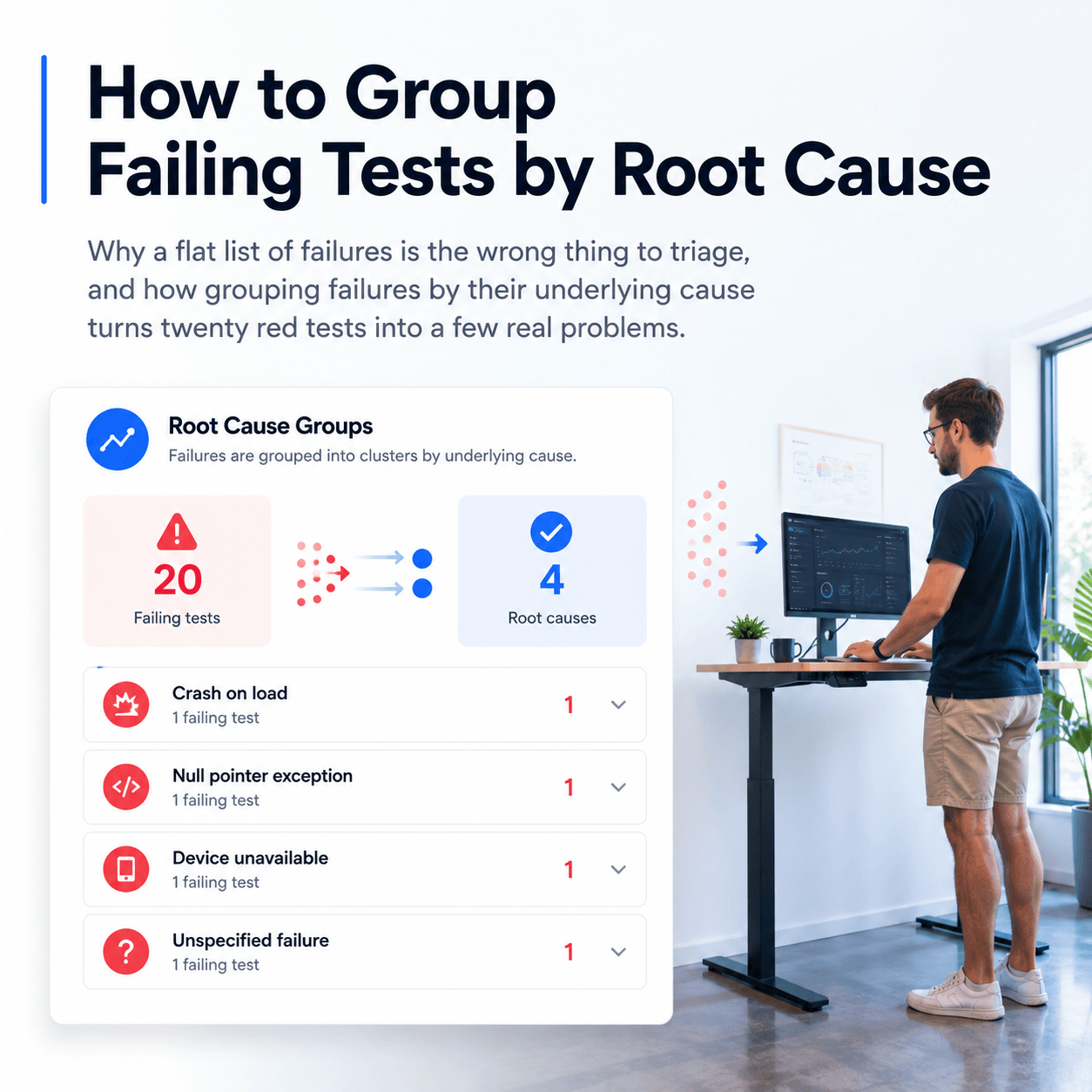
How to Group and Categorize Failing Tests by Root Cause
When a CI run shows dozens of failures, label each one with a root cause category and group them to see how many distinct problems you actually have
How to View JUnit XML Test Results in a Dashboard
Upload JUnit XML to a dashboard in one step, and why a test framework library gives you richer reporting with logs, screenshots, and full history
How to Keep a History of Test Results Instead of Losing Them After Each CI Run
Why CI logs and artifacts disappear, what you lose when they do, and how to retain a durable history of every test run
How to Query Test Results With AI Agents Using MCP
How to query your CI test data failures, flaky tests and regressions with AI agents using the Model Context Protocol
ROS 2 Test Reporting with Tesults
Native support for the full ROS 2 testing stack — C++, Python, Rust, and beyond
Cypress Test Reporting - Beyond the Built-in Reporters
What Cypress's built-in reporters give you and where they fall short
Playwright Test Reporting: Beyond the Built-in Reporters
What Playwright's built-in reporters give you and where they fall short
How AI is Transforming Software Testing and Automation
AI is impacting software testing and automation in a big way. Here’s how AI is reshaping the testing landscape.
What is Automated Regression Testing and How to Do It
Learn about what automated regression testing is, how to do it, benefits, why it matters, tooling, reporting and best practices
Guide to API Automation Testing
What is api automation testing, how to do it, best practices and how to report and analyze test results
Test Suite Annotations
Adding greater context to test reporting
EXP is a test framework that gets out of the way
Exp test framework