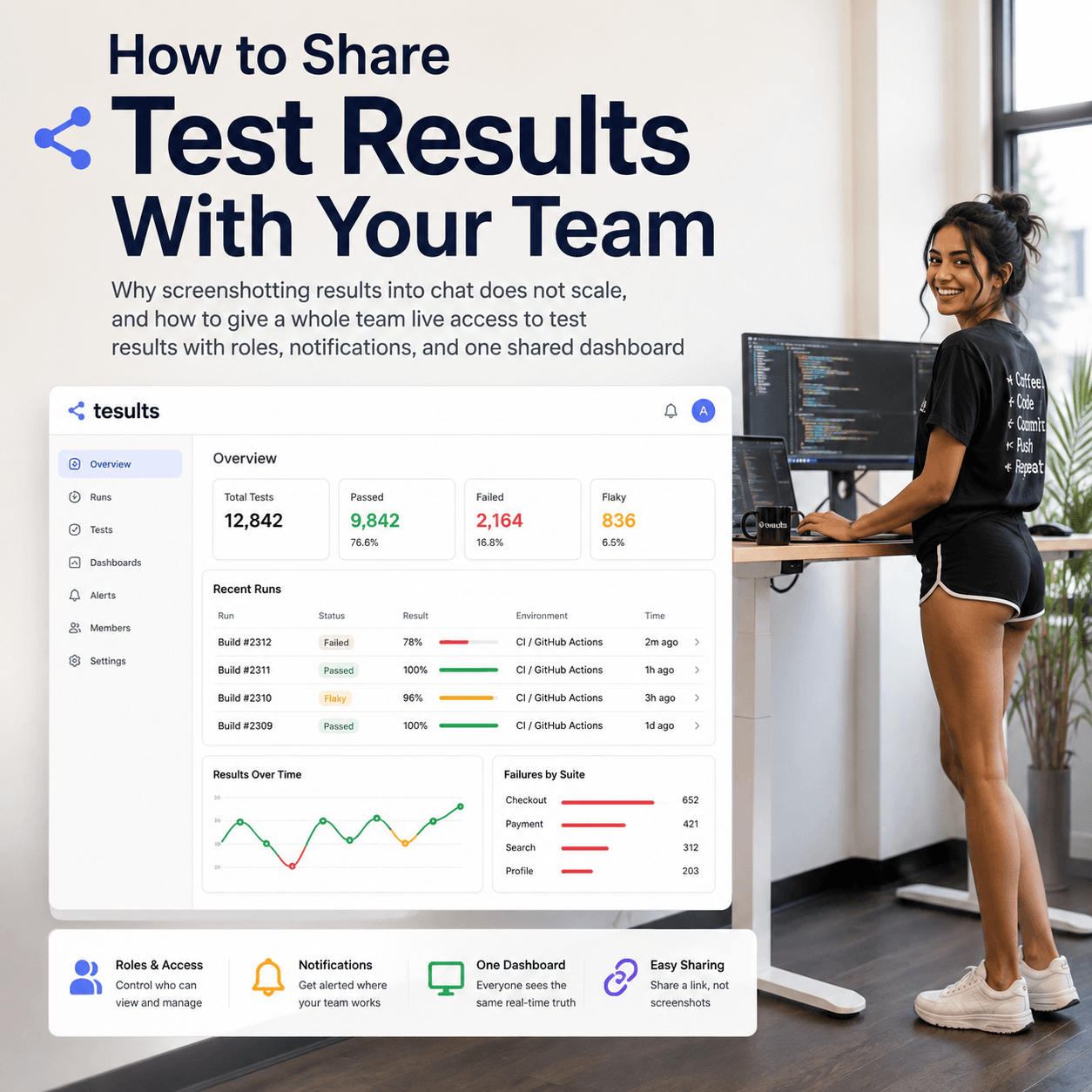
The Tesults web app is designed for desktop browsers. Sign up and configure your project on a laptop or desktop. Use the iOS app or Android app to view results on the go.

Renovations Spring 2018

We are renovating the site to serve you better

blog-title-image

The Tesults web application goes through regular visual updates but you may have noticed recent changes have been more substantial. We want you to know that the most significant changes have already been rolled out but there will be continuing refinement especially over the next month. Stick with us, we are certain you will prefer the new look.

Our objective is to ensure we put your results data at the forefront and have the site disappear into the background to ensure you can remain focused on what is important to you and not have to deal with any clunky behavior or distractions.

The core functional interface will remain the same so there should be limited interruption and no one will have to relearn anything to do with normal functional usage. These changes are necessary to make the site easier to use, provide greater clarity and in particular offer better text and font contrast.

We welcome all feedback so please contact us if you have any concerns or feedback.


- Tesults team

Test automation reporting and failure intelligence

Consolidated test reporting for engineering teams. Store, track, and understand test results across every run and system.

Latest Posts

How AI Coding Agents Use Test Results to Verify Their Own Work
Why a raw pass or fail is not enough for an agent to trust its own change, and how failure intelligence closes the self-verification loop
Store and View Pytest Results Over Time
Why pytest results vanish after each CI run, and how to keep a durable history you can view, compare, and track over time
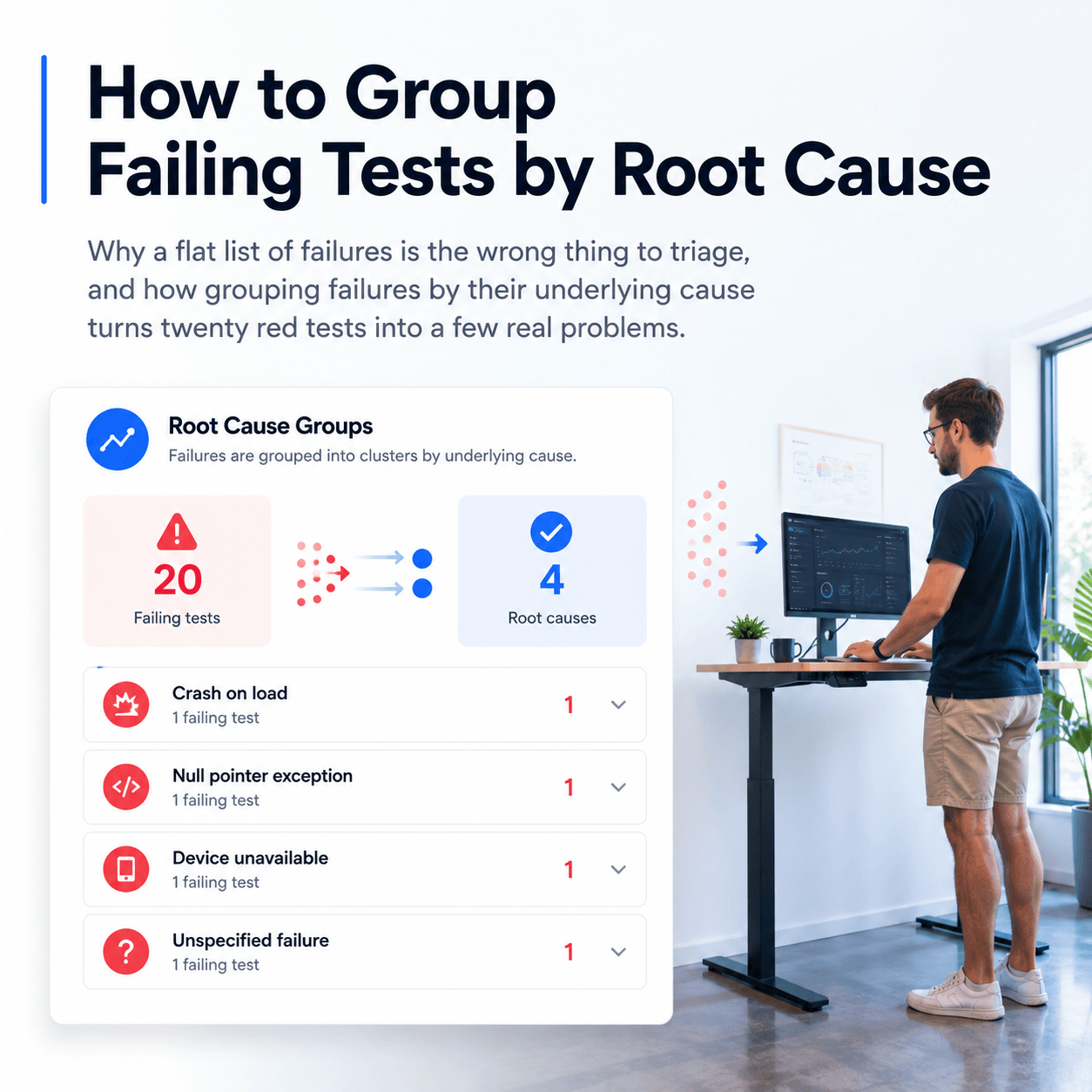
How to Group and Categorize Failing Tests by Root Cause
When a CI run shows dozens of failures, label each one with a root cause category and group them to see how many distinct problems you actually have
How to View JUnit XML Test Results in a Dashboard
Upload JUnit XML to a dashboard in one step, and why a test framework library gives you richer reporting with logs, screenshots, and full history
How to Keep a History of Test Results Instead of Losing Them After Each CI Run
Why CI logs and artifacts disappear, what you lose when they do, and how to retain a durable history of every test run
How to Query Test Results With AI Agents Using MCP
How to query your CI test data failures, flaky tests and regressions with AI agents using the Model Context Protocol
ROS 2 Test Reporting with Tesults
Native support for the full ROS 2 testing stack — C++, Python, Rust, and beyond
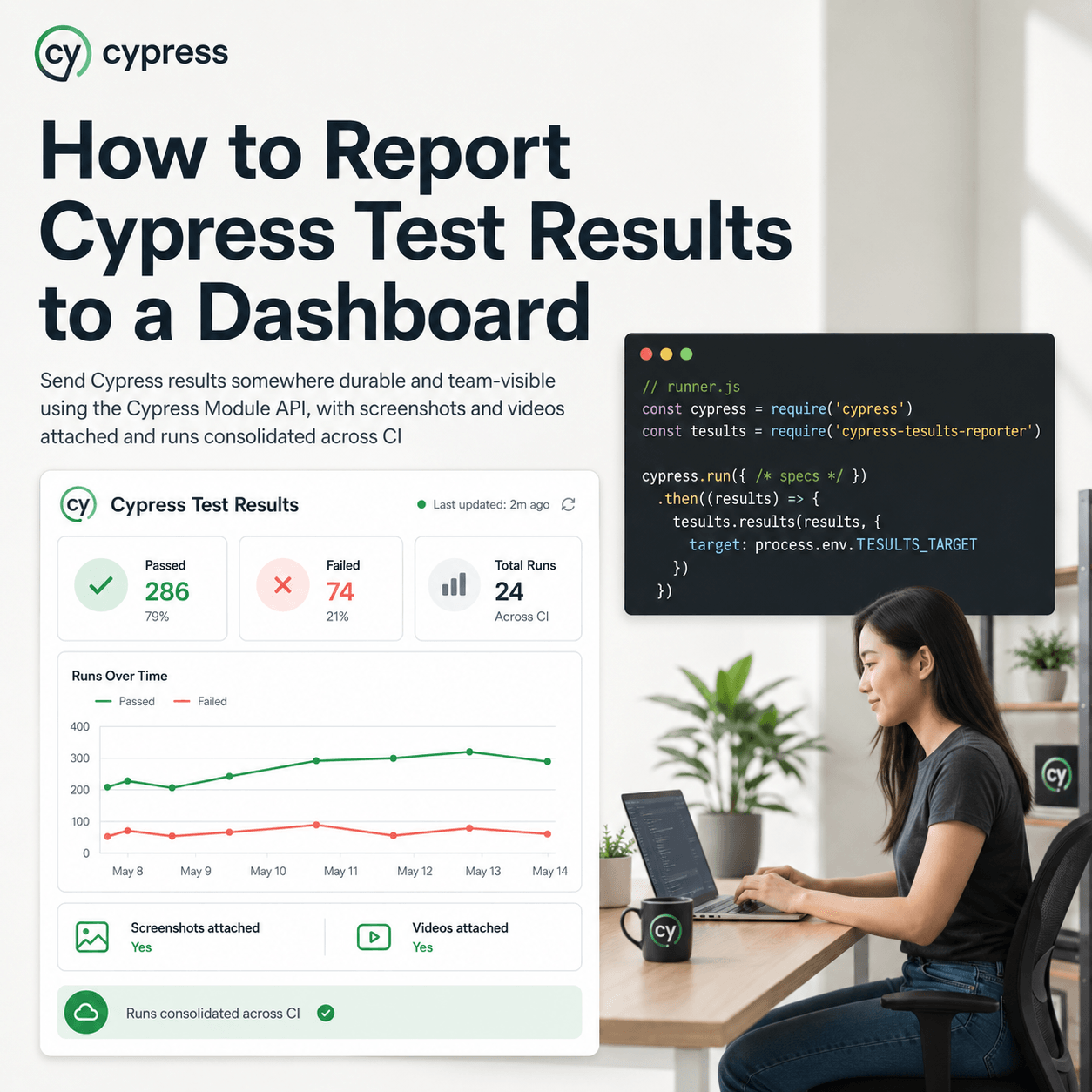
Cypress Test Reporting - Beyond the Built-in Reporters
What Cypress's built-in reporters give you and where they fall short
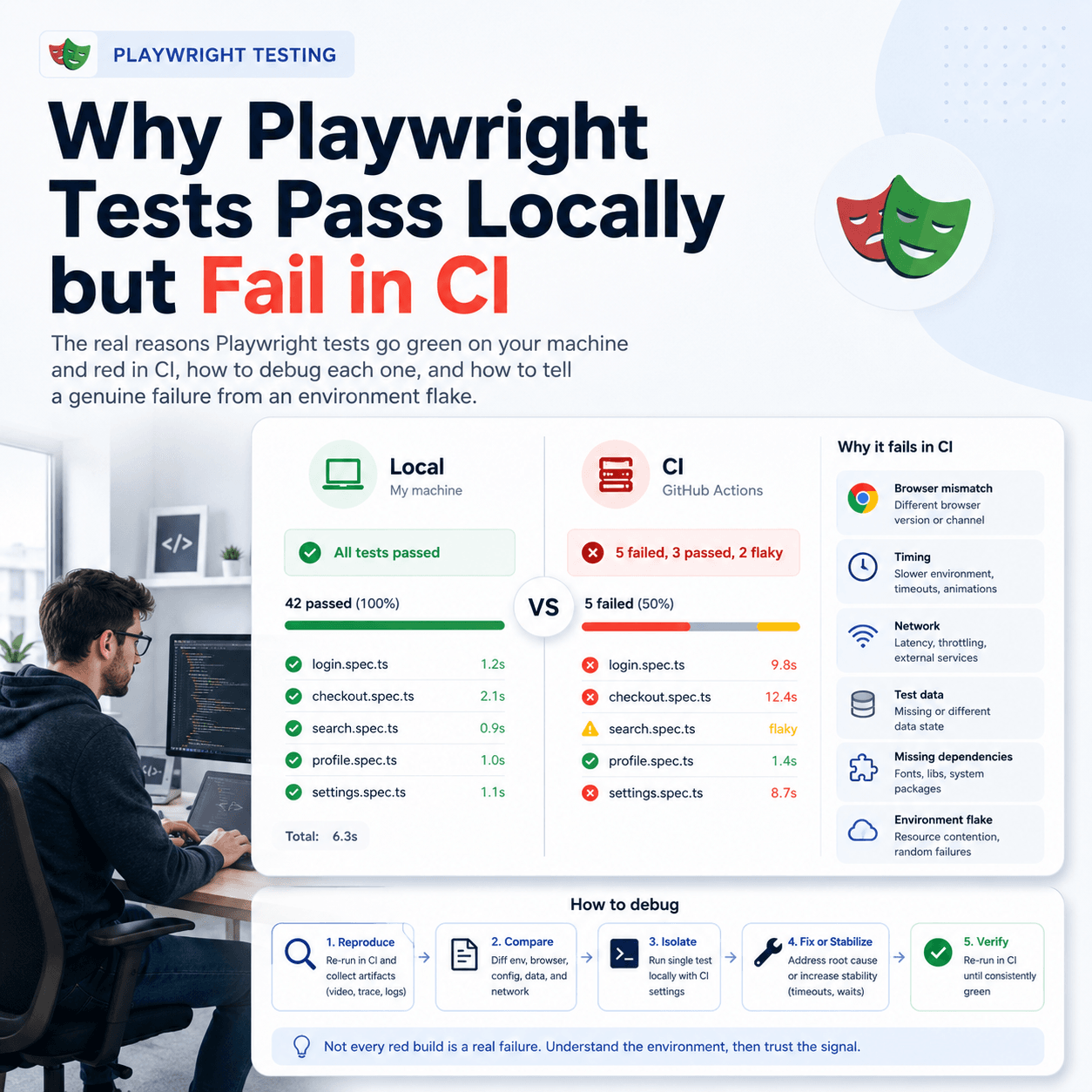
Playwright Test Reporting: Beyond the Built-in Reporters
What Playwright's built-in reporters give you and where they fall short
How AI is Transforming Software Testing and Automation
AI is impacting software testing and automation in a big way. Here’s how AI is reshaping the testing landscape.
What is Automated Regression Testing and How to Do It
Learn about what automated regression testing is, how to do it, benefits, why it matters, tooling, reporting and best practices
Guide to API Automation Testing
What is api automation testing, how to do it, best practices and how to report and analyze test results