One Year
You haven't seen anything yet
Oct 4, 2017

Tesults launched in October 2016 and we are celebrating an extraordinary first year of service. There are now over 60 companies using Tesults, 7 of which are Fortune 500 and several of which are exciting startups. Team sizes (members added on Tesults for each company) range between 3 - 45 and some teams have even created multiple projects. Teams come from a diverse set of industries including finance, games, retail, internet, creative, software, hardware, home furnishing, and green tech.
Considering how much Tesults has changed over this first year, taking its current form only within the last few months this is amazing.
On launch Tesults was only capable of storing limited test results data and required writing custom http request code to use the supplied REST API. Overtime feedback around integration has been listened to and addressed and now the API libraries for popular languages allow teams to be setup within a few minutes. Best of all, we now even offer to handle integration for you if you prefer, free of charge.
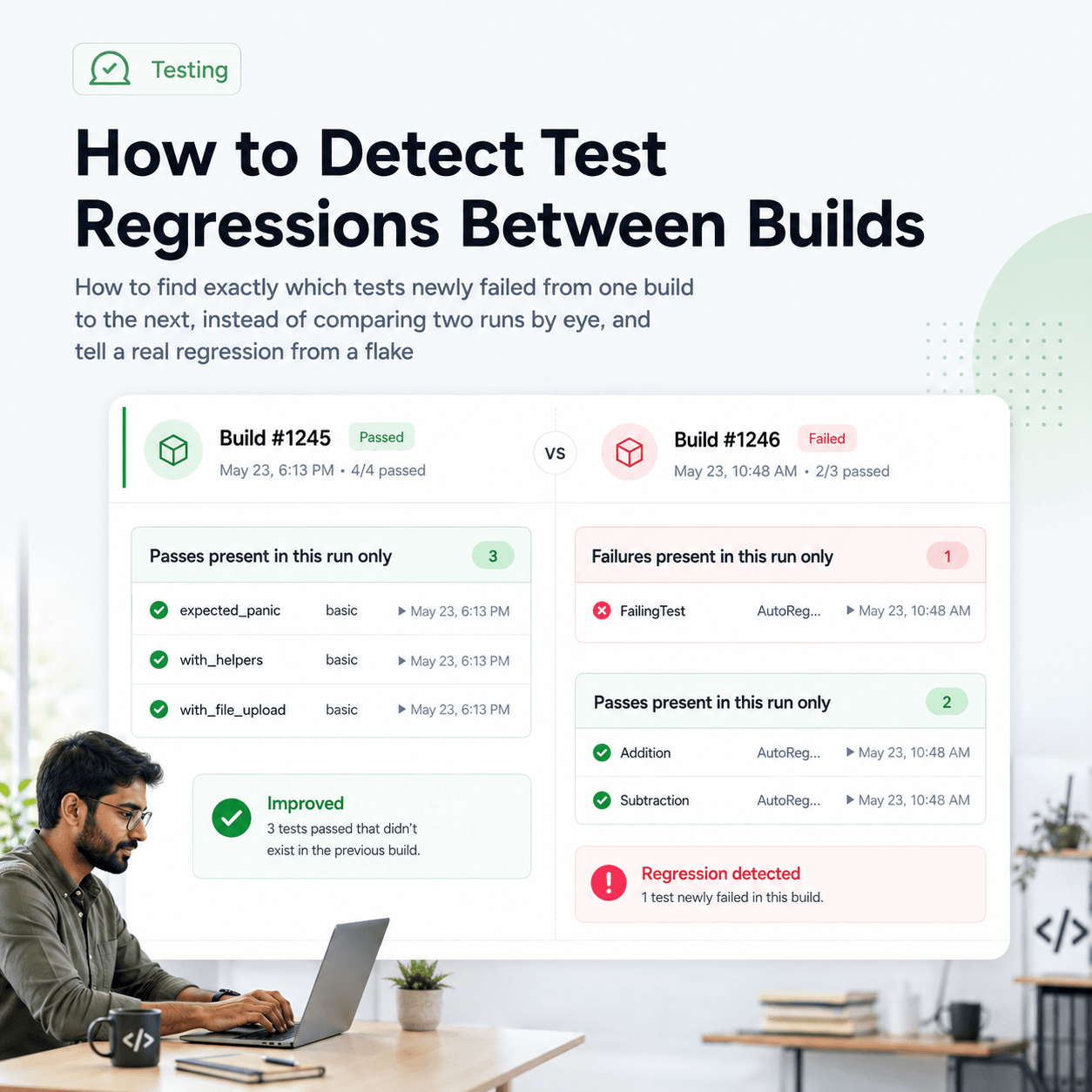
A year ago Tesults only had the one results view for examining your test results, it was a great way to view test status but teams needed more than this. The supplemental view was added to make regression analysis superior and the project status view was added to provide a high level overview of your entire project at a glance.
Perhaps most importantly, data reporting including screen captures, test logs and other artifacts has been made available so that now every single test case can store any files that were generated over the course of the test run.
Build status reporting was added too so that your build and test results data can now be together in one place.
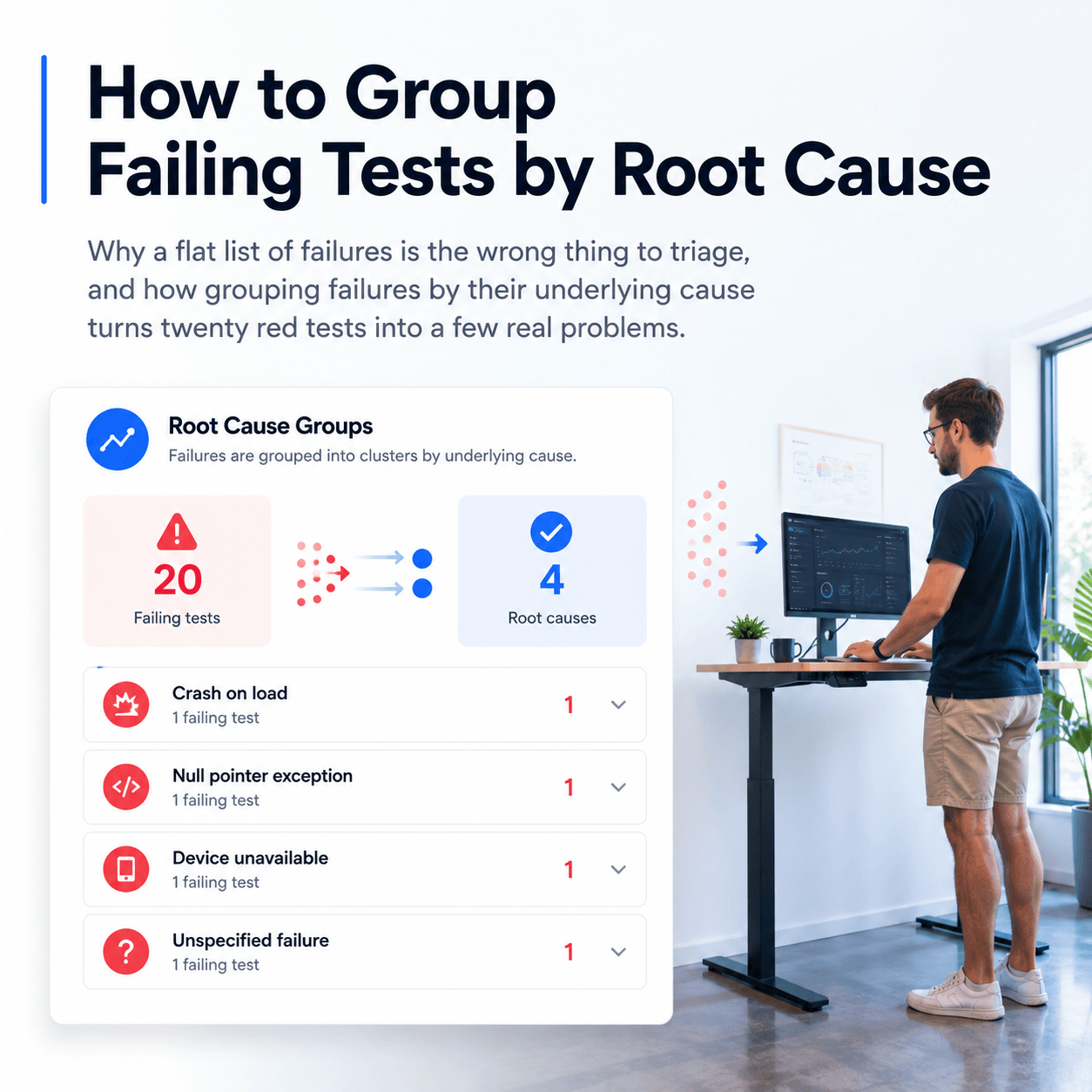
Simple yet effective test failure triage was added to make management of failing tests easy to keep track of across the team, no need to input issue tracking into another system for automated tests, keep this with your test results, now you can see what developer is assigned a failing test. Reassignment is easy and resolution is automated.
Tesults originally started out as a paid only service. We found that since Tesults is a relatively new service this created unnecessary friction around the most important thing of all - raising quality with great reporting. So just three months ago we made a change to provide a free forever plan and that has been a great success.
The vision for Tesults from inception has been to be a service synonymous with ‘test results’ and champion the effectiveness of great reporting on raising quality and reducing costs.
Tesults multiplies the return on investment of the work software developers and engineers, software development engineers in test, QA automation engineers and others on your team put in to make product and feature code testable, adding test hooks, integrating automated test systems, writing test case strategies and implementing tests. Without great reporting it is difficult to assess what issues are being caught, need addressing, and having confidence in the state of your build.
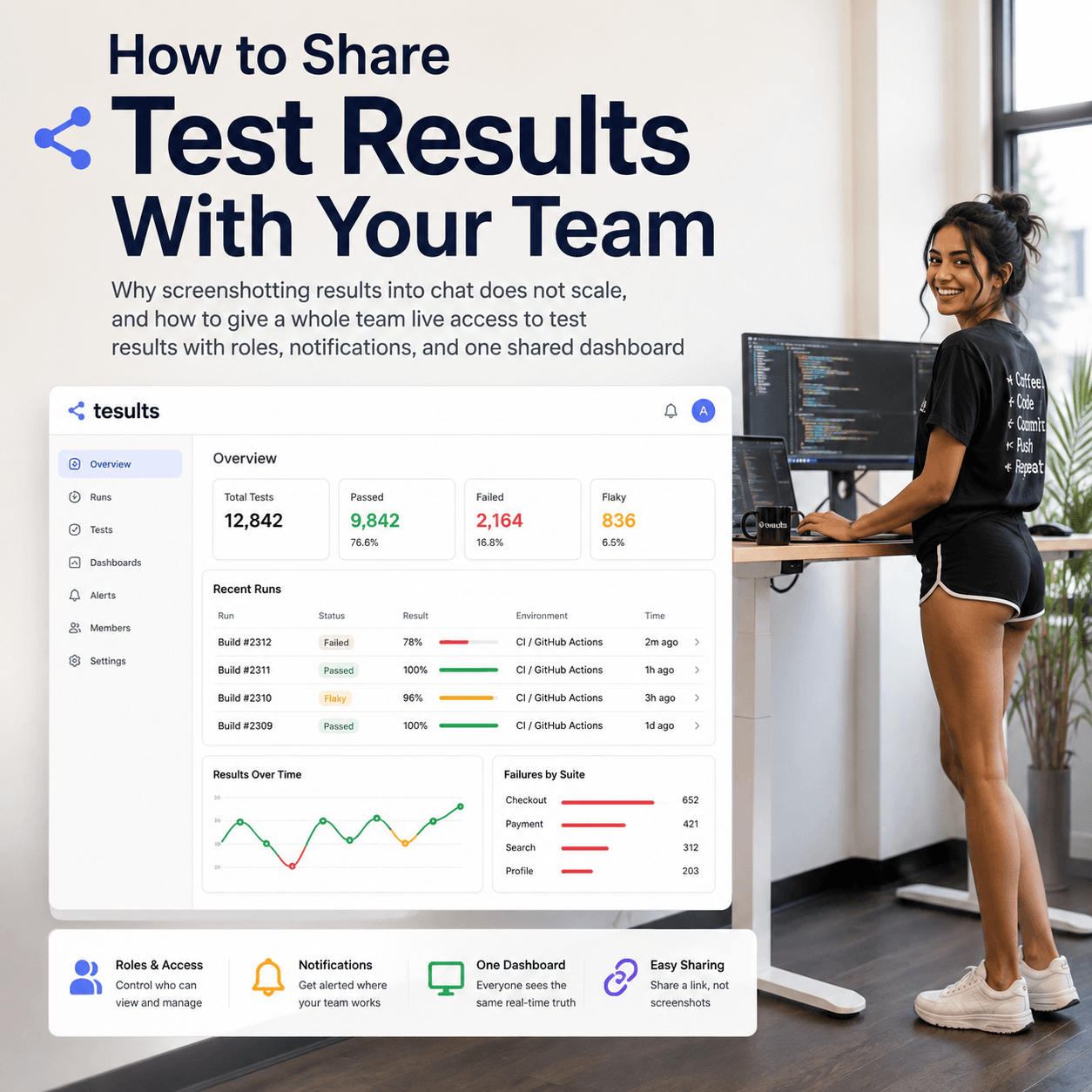
Tesults is the final stop in the continuous integration workflow directly after the builds and tests have completed. It is one place your development team and devops can look to see what is currently in going on, what has gone on and understand the current state of all your builds and tests.
This is only the beginning. We have a solid pipeline of features planned for the future to make reporting even better. Our focus in the near term will be further growth and awareness now that we have reached a point where the basic features of the service provide enormous value to the teams that use it. Our use of social media in particular needs work, our Twitter account for example is severely underutilized, we should actually start Tweeting, so if you’re so inclined follow @Tesults.
If you’re not using Tesults yet and you run automated tests or have continuous integration, please sign up, we are confident there is no better way to report automated test results and it will keep getting better. If you think your needs are too specialized, talk to us, you might be surprised about how accomodating we can be. If you are already using Tesults, thank you and also keep talking to us, feedback any issues or concerns you have, tell us what you want to see, we really listen to this feedback, it’s great to hear your thoughts about what is important to you. Tesults is test results, onwards and upwards!
- The Tesults Team