The Tesults web app is designed for desktop browsers. Sign up and configure your project on a laptop or desktop. Use the iOS app or Android app to view results on the go.

Manual Test Results

Tesults now handles manual test results

blog-title-image

Automated test results reporting is our forte at Tesults but most teams need some manual testing too. Whether it's usability testing for a web application, balancing and difficulty testing for a video game or comfort testing for accessibility, manual testing is not going to go away. While automated testing is increasingly the necessary core of quality engineering especially for regression it is complemented with manual testing.

With this mind we think teams using Tesults for their automated test results reporting should be able to see manual test results just as easily.

Any team member that has been provided the role of moderator will now see a new button in the side menu.
Manual testers can add results and associated data including files within the web interface and then upload results to any project target.

This feature is in beta and we are just getting started. Coming soon: saved test results lists and templates that will make manual test results reporting faster and easier.

Let us know what you think, your feedback is always welcomed.


- Tesults Team

Test automation reporting and failure intelligence

Consolidated test reporting for engineering teams. Store, track, and understand test results across every run and system.

Latest Posts

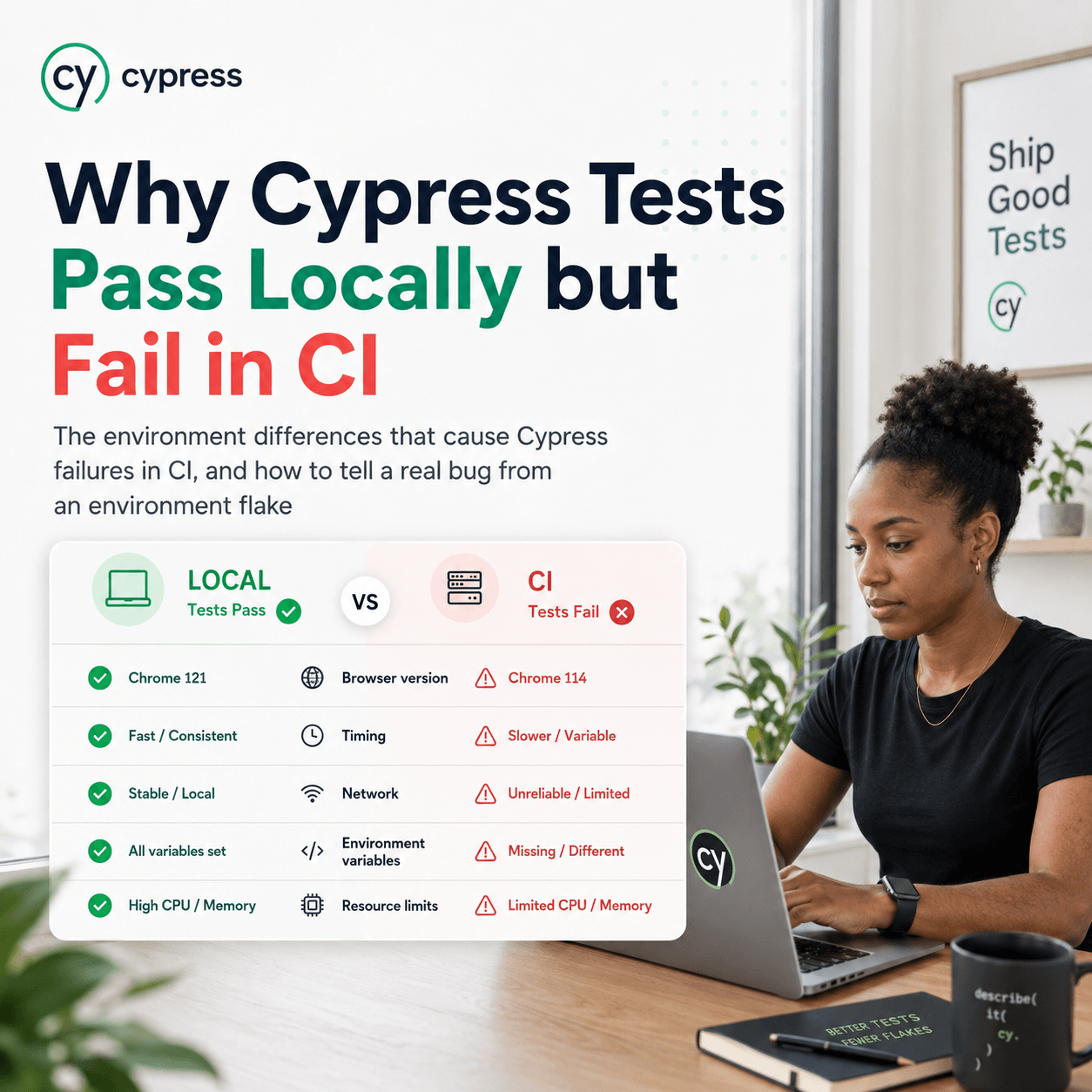
Why Cypress Tests Pass Locally but Fail in CI
The environment differences that cause Cypress failures in CI, and how to tell a real bug from an environment flake
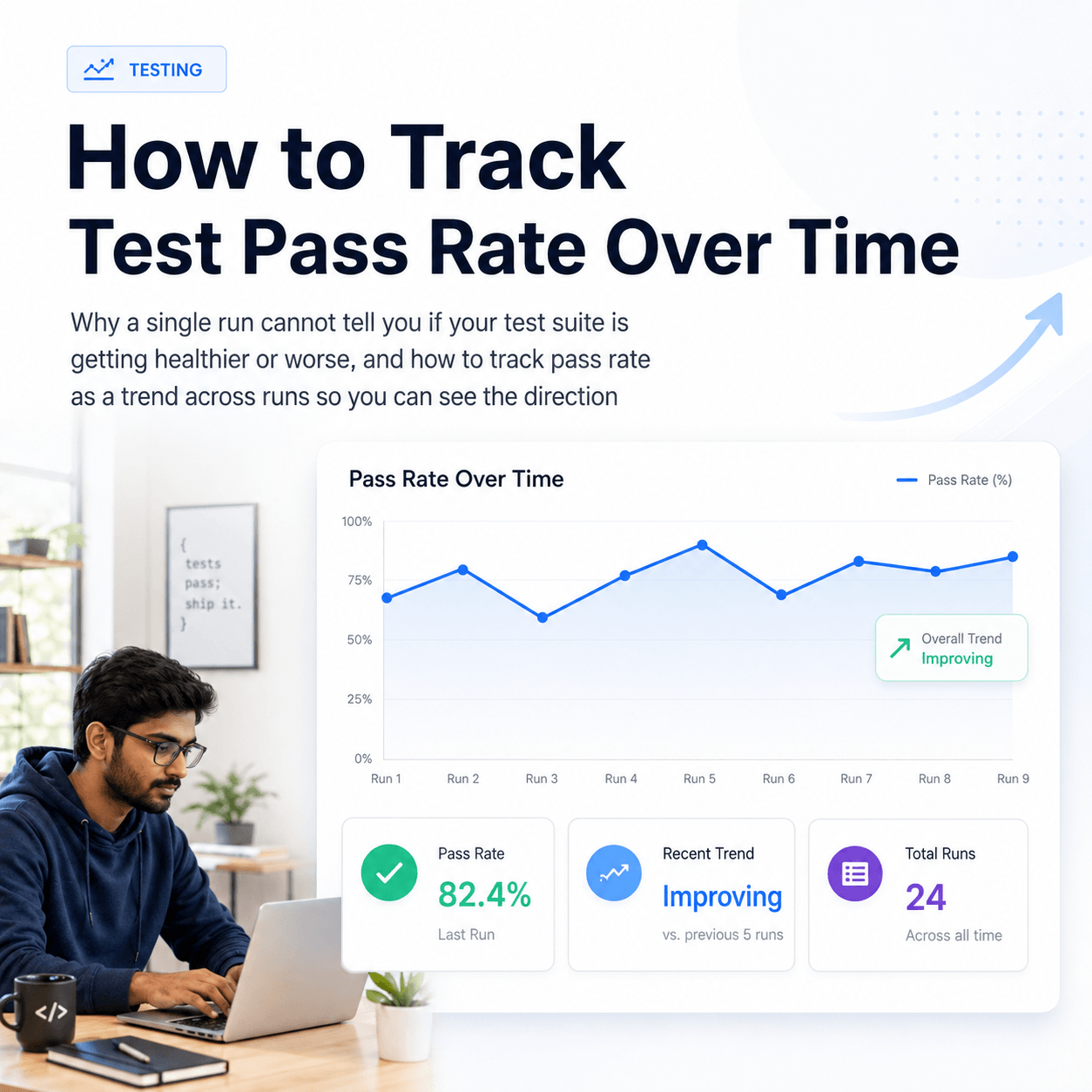
How to Track Test Pass Rate Over Time
Why a single run cannot tell you if your test suite is getting healthier or worse, and how to track pass rate as a trend across runs so you can see the direction
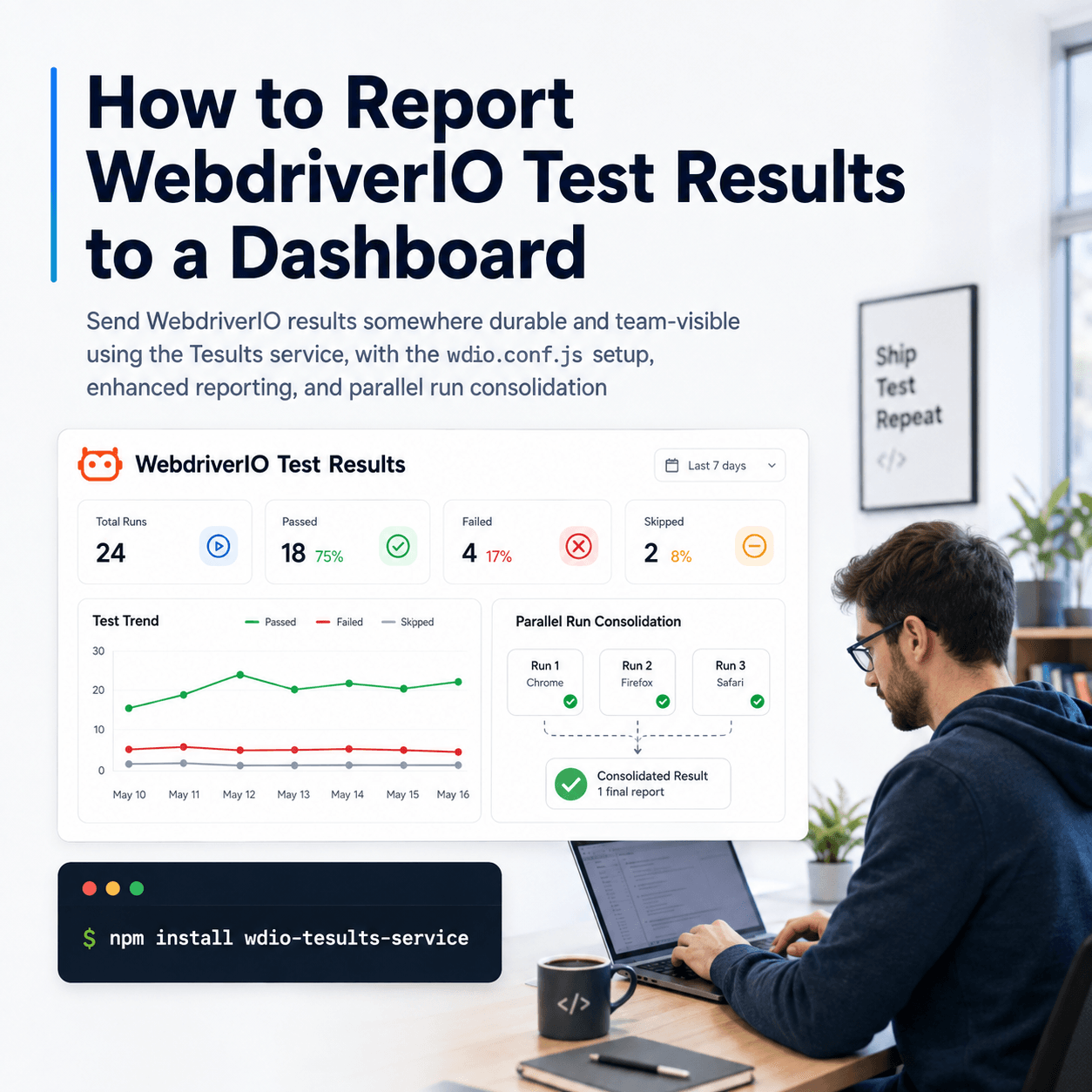
How to Report WebdriverIO Test Results to a Dashboard
Send WebdriverIO results somewhere durable and team-visible using the Tesults service, with the wdio.conf.js setup, enhanced reporting, and parallel run consolidation
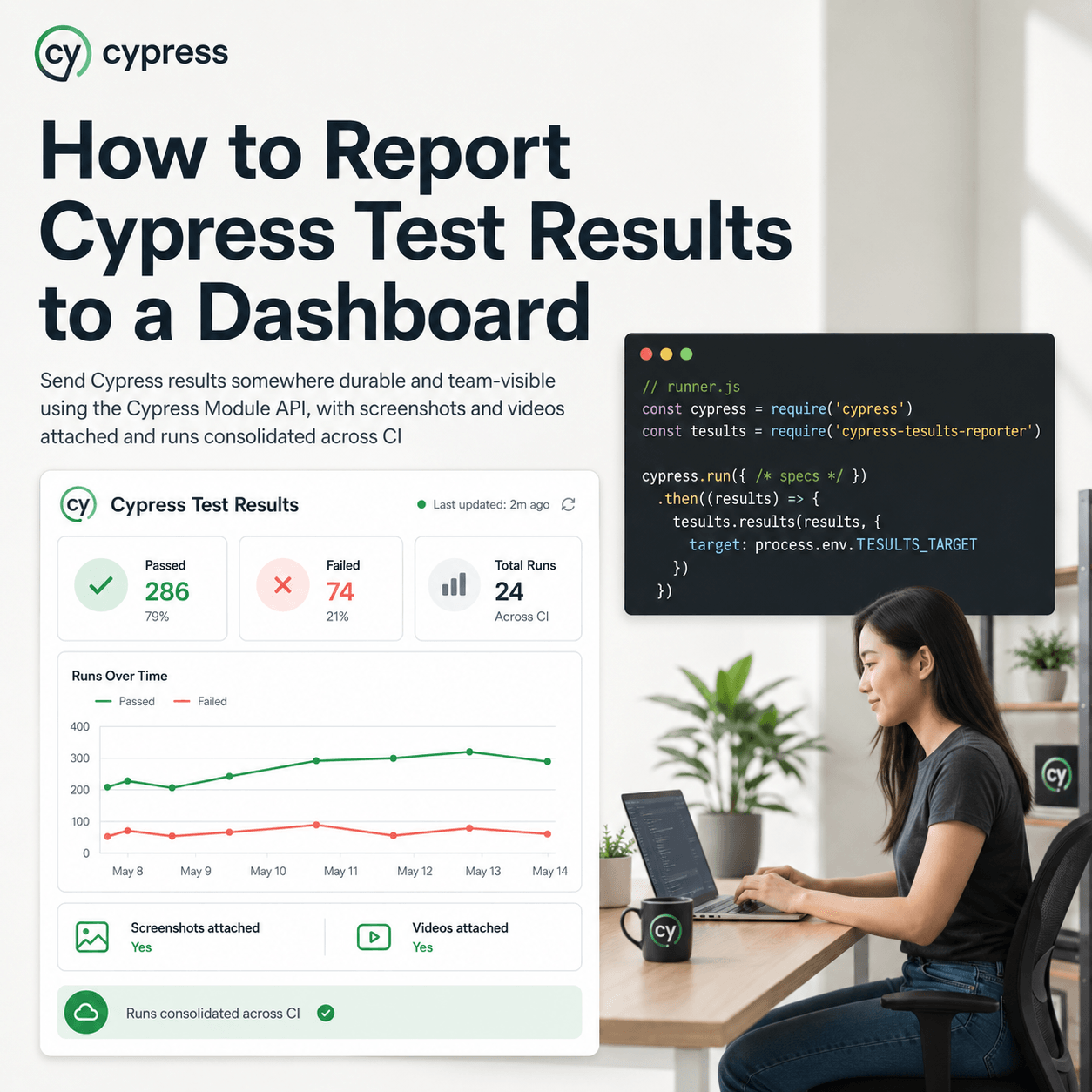
How to Report Cypress Test Results to a Dashboard
Send Cypress results somewhere durable and team-visible using the Cypress Module API, with screenshots and videos attached and runs consolidated across CI
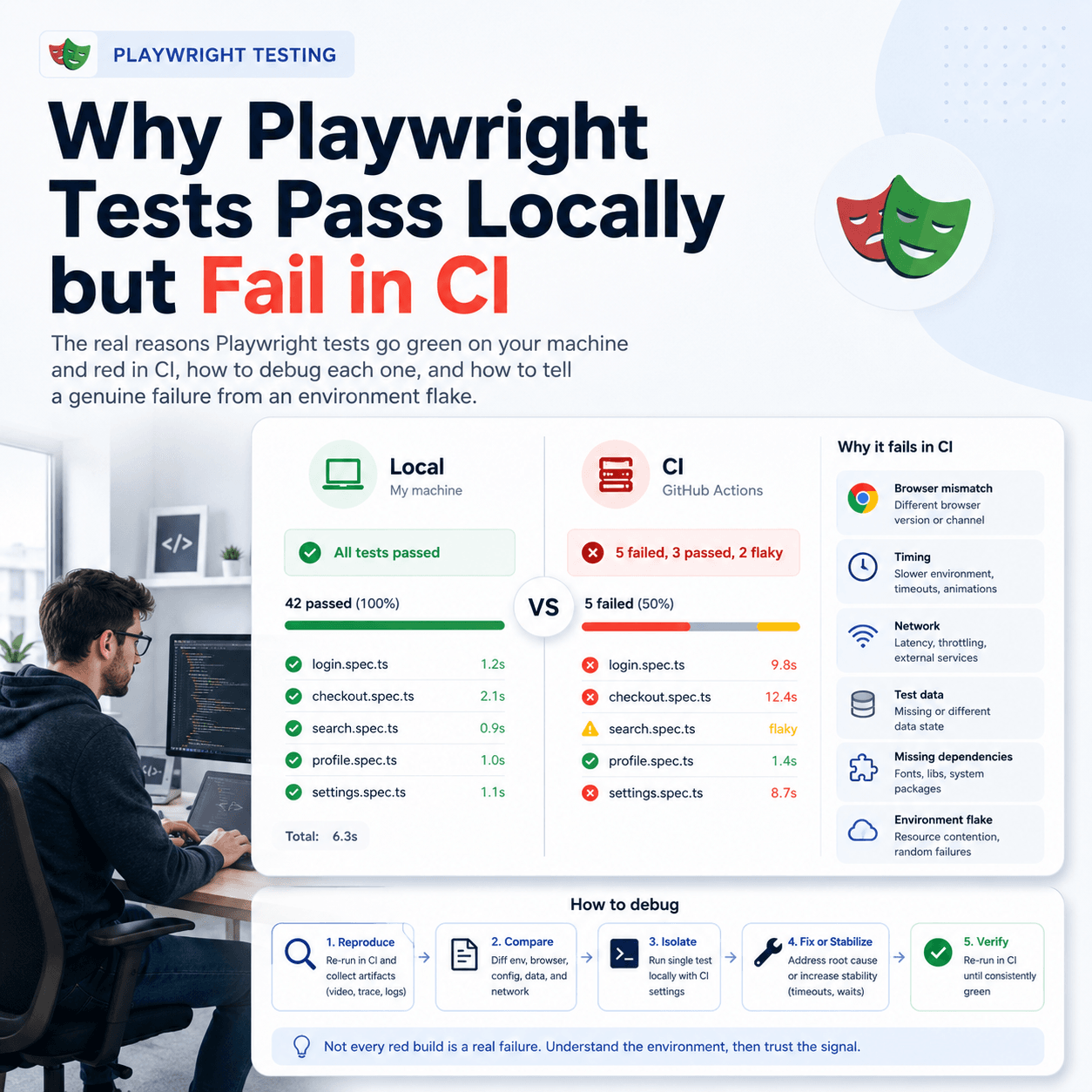
Why Playwright Tests Pass Locally but Fail in CI
The real reasons Playwright tests go green on your machine and red in CI, how to debug each one, and how to tell a genuine failure from an environment flake
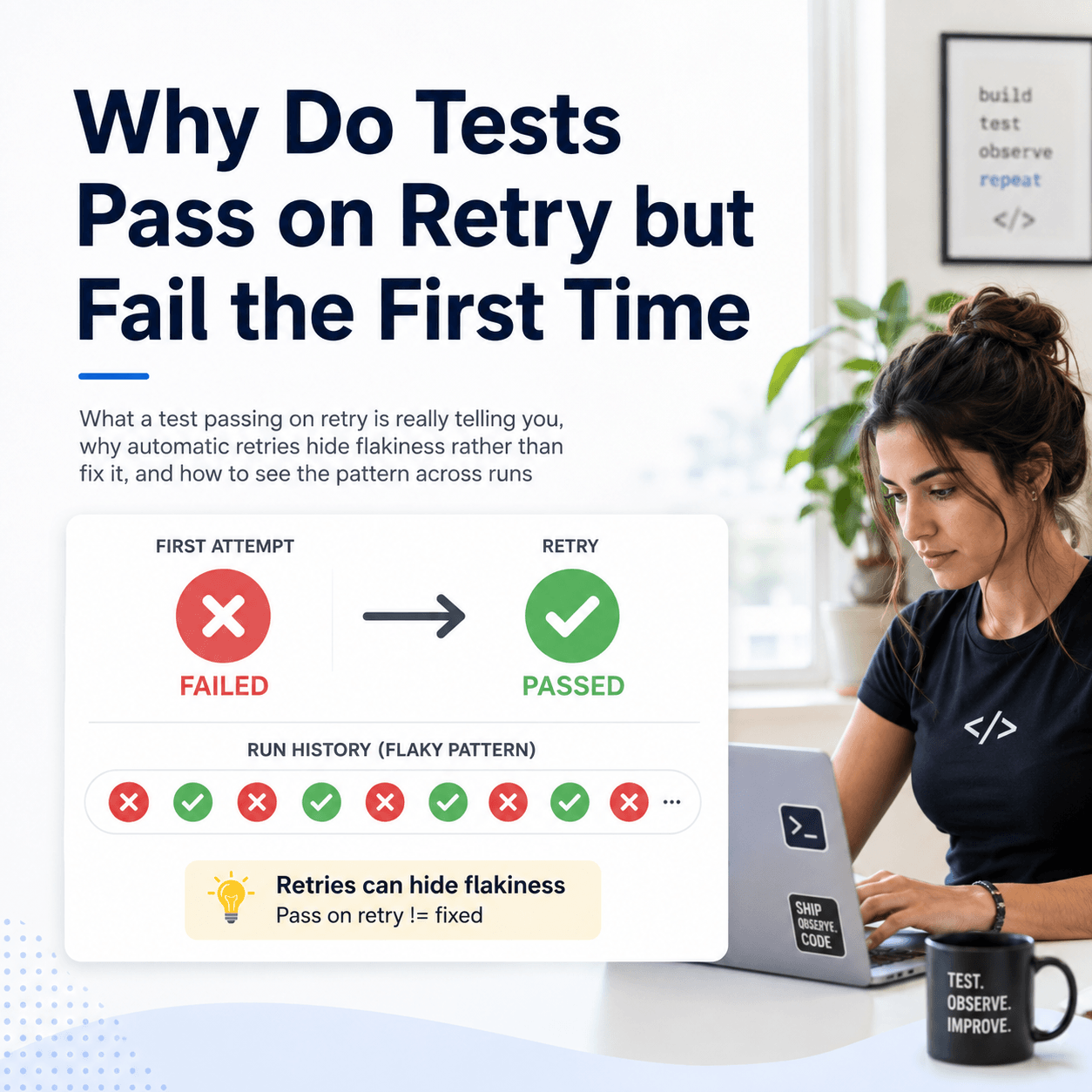
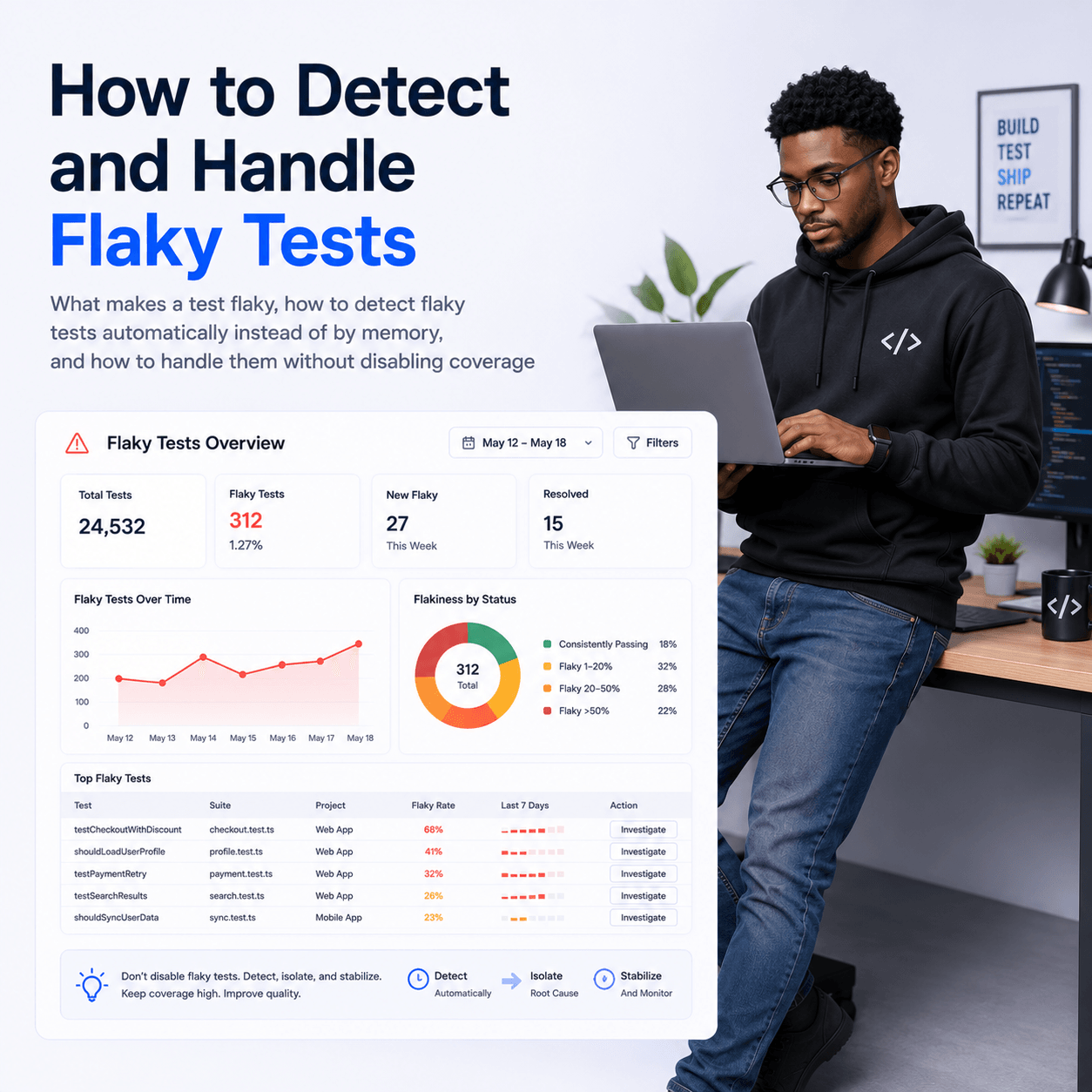
How to Detect and Handle Flaky Tests
What makes a test flaky, how to detect flaky tests automatically instead of by memory, and how to handle them without disabling coverage
How to Report Vitest Test Results to a Dashboard
Send Vitest results somewhere durable and team-visible, with the setup details specific to Vitest, so multiple test jobs consolidate into one history you can act on
How to Report Go Test Results to a Dashboard
Go has no reporter plugin, so reporting go test results means parsing go test -json and uploading the cases yourself. Here is the whole pattern.
How to Report Jest Test Results to a Dashboard
How to send Jest results somewhere they are kept, viewable by the team, and comparable across runs, without giving up the default reporter
How to View Playwright Test Results in CI
How to get Playwright results out of the CI console and into a durable dashboard, including parallel shards, screenshots, and retained history
What Is a Test Results Dashboard and When Do You Need One
What a test results dashboard actually does, how it differs from your CI logs and your test framework report, and the point at which a team starts needing one
Diagnosing CI Failures Automatically With an AI Failure Diagnosis API
How to turn a red build into a root cause, a regression list, and a deploy gate without a human reading the logs