The Tesults web app is designed for desktop browsers. Sign up and configure your project on a laptop or desktop. Use the iOS app or Android app to view results on the go.

Device farms

Use a cloud-based device farm if you can!

blog-title-image

I once setup and maintained a device farm consisting of 40 Playstation 4 development kits while working at a Sony Interactive Entertainment's London Studio. This enabled automated tests to be run in parallel to speed up test runs and was highly valuable. Maintaining the farm was a big job however and ultimately took up about a significant amount of my time. A GPU related crash caused by a shader change would need me to manually reboot kits rather than rely on the usual programmatic method. Not doing so quickly would potentially impact pending tests. There was a need to update firmware on kits regularly, look into any networking or power issues, swapping out problem kits as well as developing and maintaining allocation and distribution code. In general it was a huge distraction and it ate into development and test automation authoring time.

When possible I recommend using a cloud-based device farm. There are privacy and security reasons why this is sometimes not possible but where sensible the increase in productivity can be massive. Maintaining a device farm internally is a major undertaking, it is especially problematic when there cannot be dedicated team members assigned to the task.

While the video game industry has few options here, most teams writing end-to-end automated tests run them on PCs, Macs, Desktop browsers, mobile browsers and iOS and Android devices. There are a range of options available for these teams including BrowserStack, SauceLabs and AWS Device Farm.

Using a cloud-based device farm means your team is free to concentrate on writing bespoke test automation that no one else can do and should be the focus for most automated test developers. Using a device farm makes parallel scaling easy, and opens up options for running tests on a larger range of devices and browser versions.

Your test execution application can continue to run on either your local servers or on cloud servers and you usually only need to change a small amount of code, mostly whatever setups a device or browser interface, everything else such as Appium or Selenium calls can stay the same. There is also no disruption with respect to continuing to use Tesults for reporting results, files, managing test cases, assigning failing test cases and notifications.


By Ajeet Dhaliwal

Test automation reporting and failure intelligence

Consolidated test reporting for engineering teams. Store, track, and understand test results across every run and system.

Latest Posts

How AI Coding Agents Use Test Results to Verify Their Own Work
Why a raw pass or fail is not enough for an agent to trust its own change, and how failure intelligence closes the self-verification loop
Store and View Pytest Results Over Time
Why pytest results vanish after each CI run, and how to keep a durable history you can view, compare, and track over time
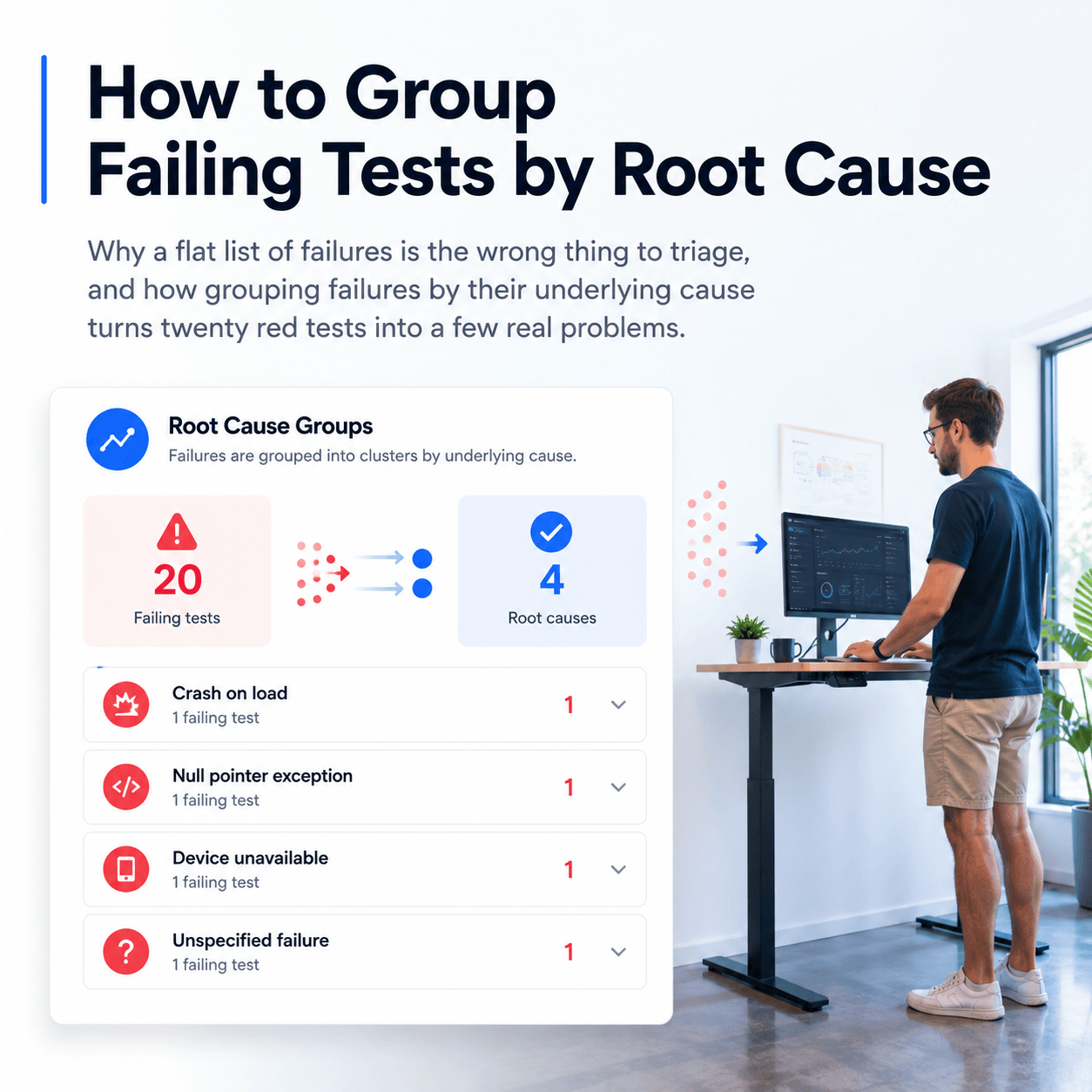
How to Group and Categorize Failing Tests by Root Cause
When a CI run shows dozens of failures, label each one with a root cause category and group them to see how many distinct problems you actually have
How to View JUnit XML Test Results in a Dashboard
Upload JUnit XML to a dashboard in one step, and why a test framework library gives you richer reporting with logs, screenshots, and full history
How to Keep a History of Test Results Instead of Losing Them After Each CI Run
Why CI logs and artifacts disappear, what you lose when they do, and how to retain a durable history of every test run
How to Query Test Results With AI Agents Using MCP
How to query your CI test data failures, flaky tests and regressions with AI agents using the Model Context Protocol
ROS 2 Test Reporting with Tesults
Native support for the full ROS 2 testing stack — C++, Python, Rust, and beyond
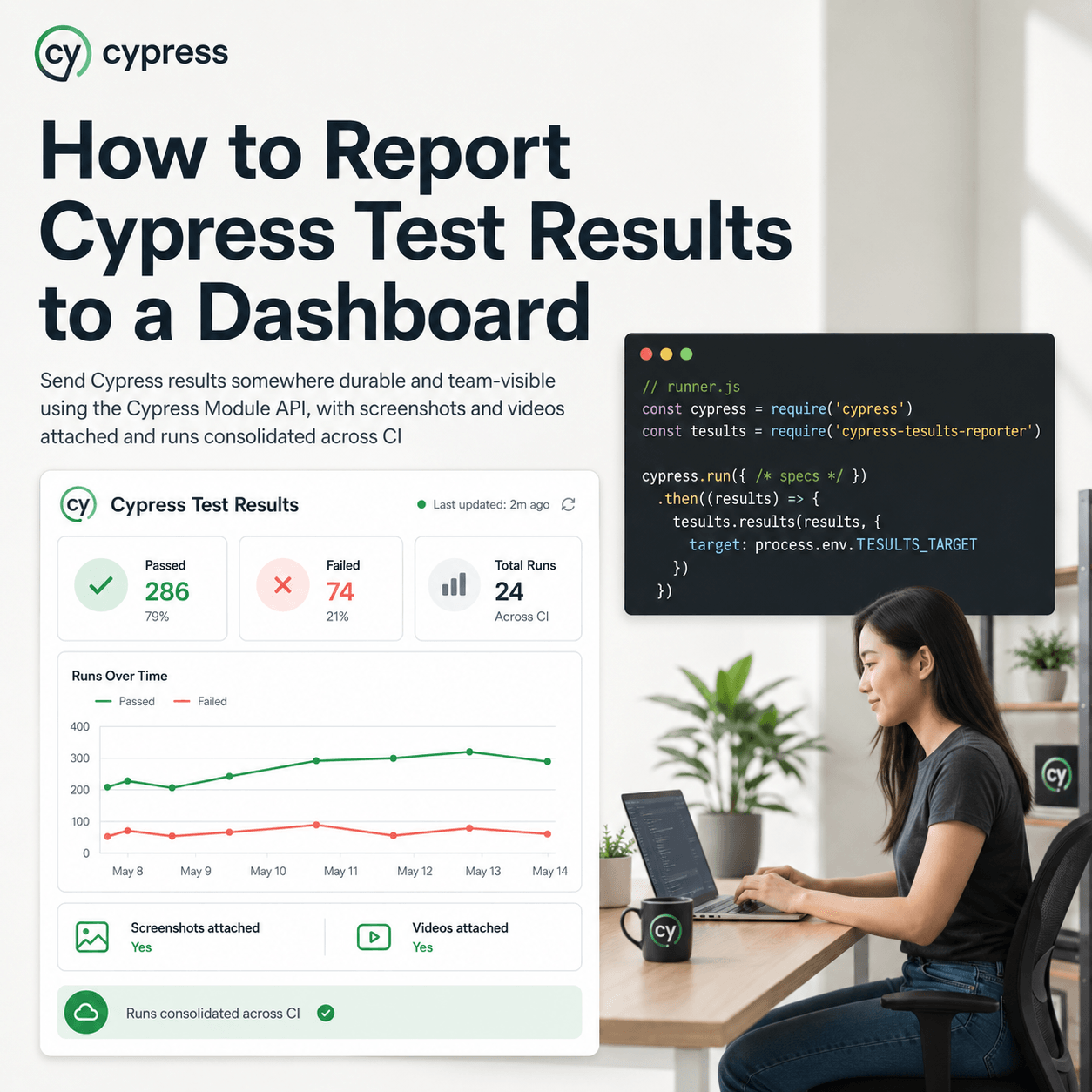
Cypress Test Reporting - Beyond the Built-in Reporters
What Cypress's built-in reporters give you and where they fall short
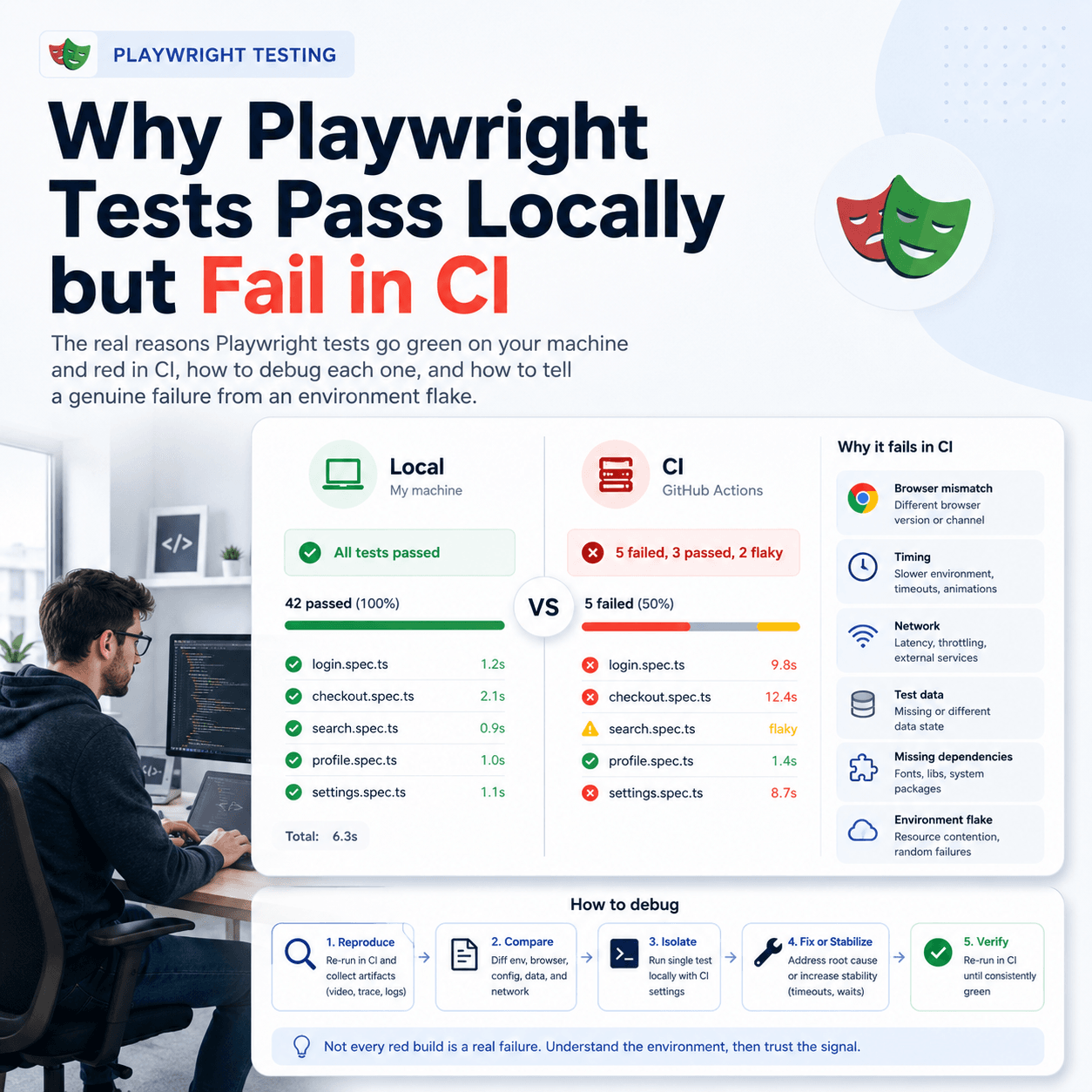
Playwright Test Reporting: Beyond the Built-in Reporters
What Playwright's built-in reporters give you and where they fall short
How AI is Transforming Software Testing and Automation
AI is impacting software testing and automation in a big way. Here’s how AI is reshaping the testing landscape.
What is Automated Regression Testing and How to Do It
Learn about what automated regression testing is, how to do it, benefits, why it matters, tooling, reporting and best practices
Guide to API Automation Testing
What is api automation testing, how to do it, best practices and how to report and analyze test results