The Tesults web app is designed for desktop browsers. Sign up and configure your project on a laptop or desktop. Use the iOS app or Android app to view results on the go.

Change of Plans

Announcing new plans for Tesults

blog-title-image

In the nine months since the launch of Tesults there have been a couple of changes made to the subscription plan lineup but the change today is the most significant because of the new direction this takes Tesults.

For the first time ever the new line up introduces a free forever plan called DevOps. Making Tesults a free service is a step towards making it more accessible for smaller teams, open source and voluntary projects, as well as for teams within large companies that want to use Tesults but find it difficult to do so due to internal procedures related to purchasing. Although a plan did exist that allowed for evaluation of the service the feedback we received was that it was too limited to be used in production - and it was, by design. The new free DevOps plan is designed to be used in production and for most teams this will be the only plan they need for the entire lifetime of their projects.

Two new paid plans have also been introduced called Pro and Pro S offering greater value at the same price point as their predecessors. Both the Pro and Pro S plans bump up the number of team members you can have and Pro S provides a 90 day history instead of 30 and increases the data storage for your test files and artifacts.

Tesults is the best way to report continuously delivered automated test results data and we are pleased to offer greater value than ever before.

- Tesults Team
Test automation reporting and failure intelligence

Consolidated test reporting for engineering teams. Store, track, and understand test results across every run and system.

Latest Posts

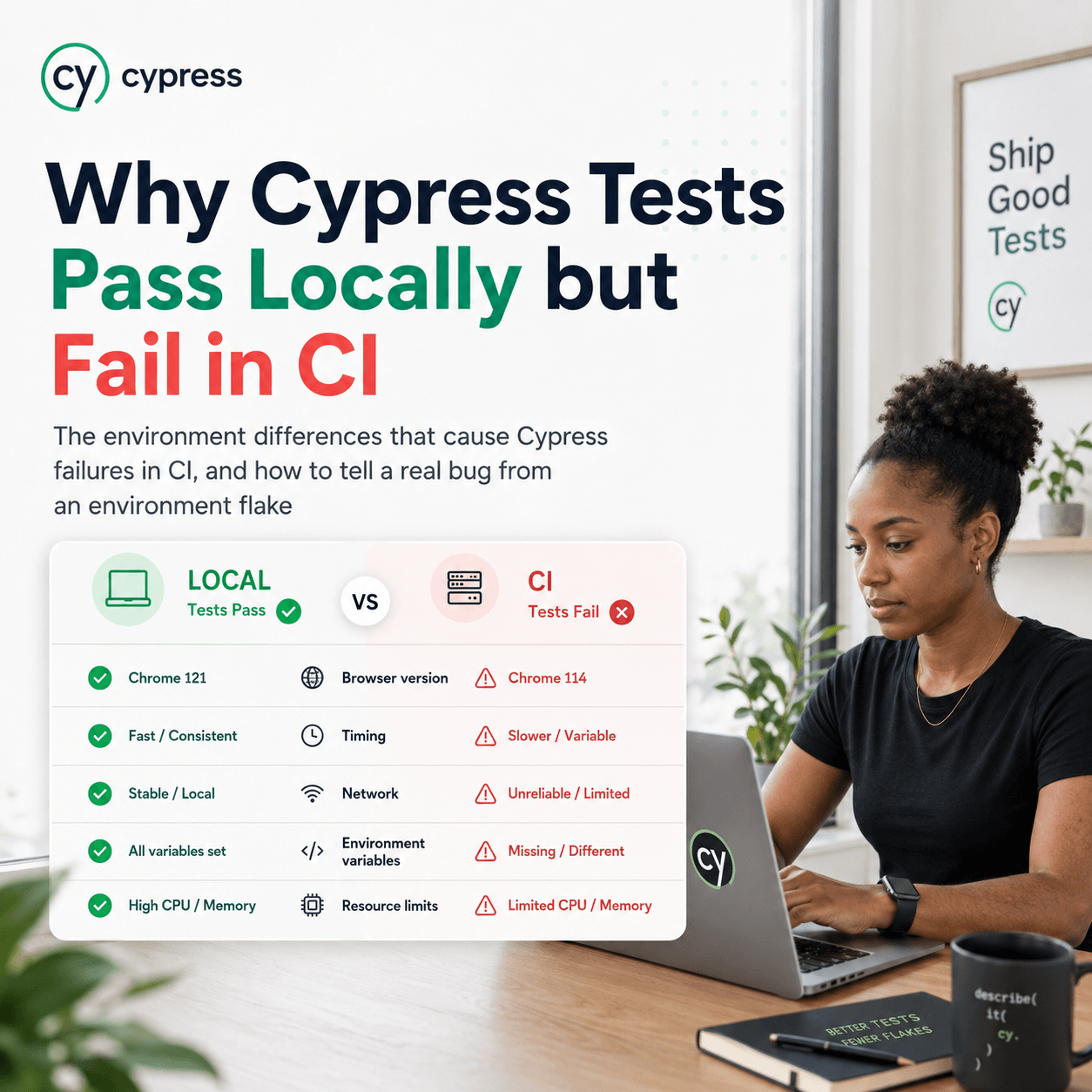
Why Cypress Tests Pass Locally but Fail in CI
The environment differences that cause Cypress failures in CI, and how to tell a real bug from an environment flake
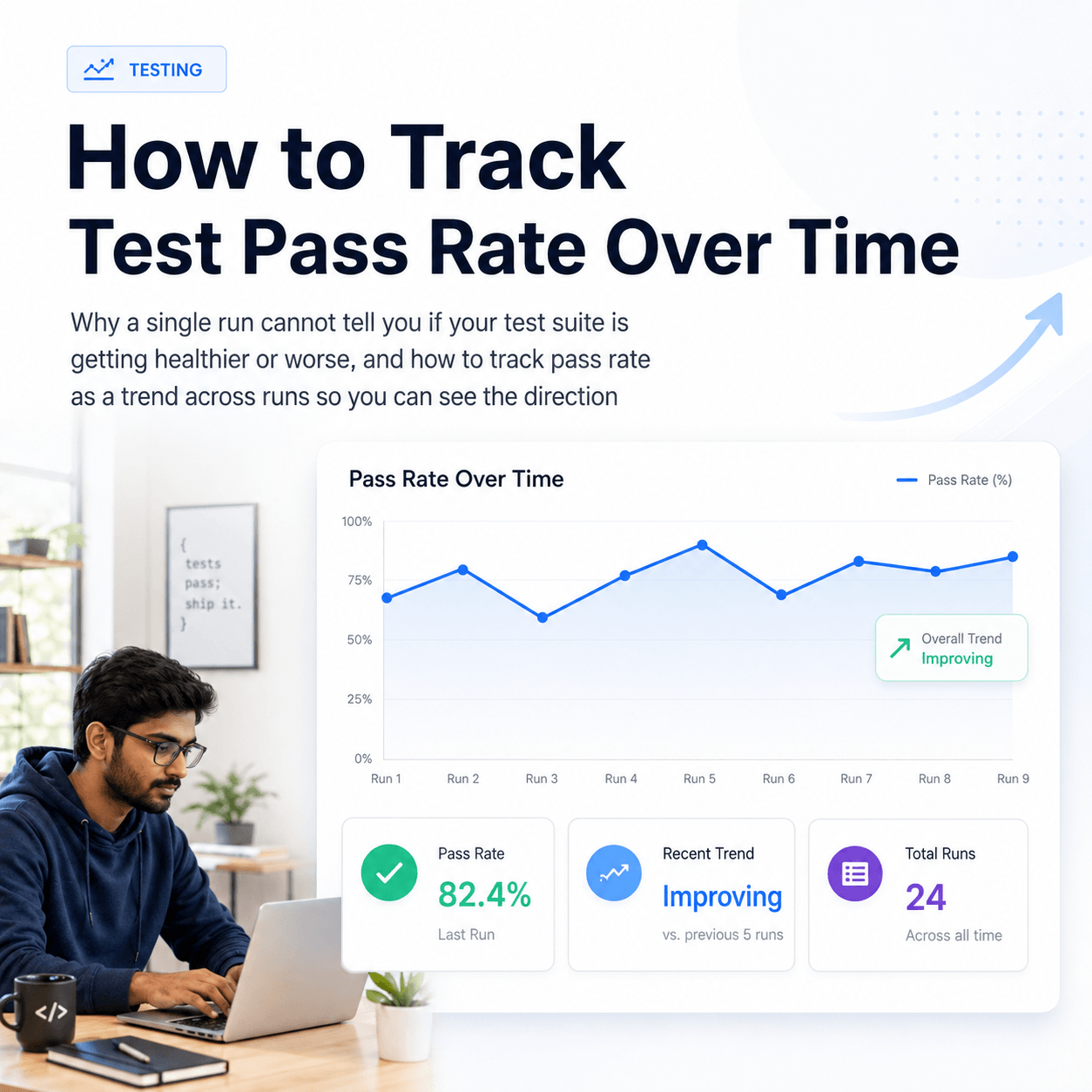
How to Track Test Pass Rate Over Time
Why a single run cannot tell you if your test suite is getting healthier or worse, and how to track pass rate as a trend across runs so you can see the direction
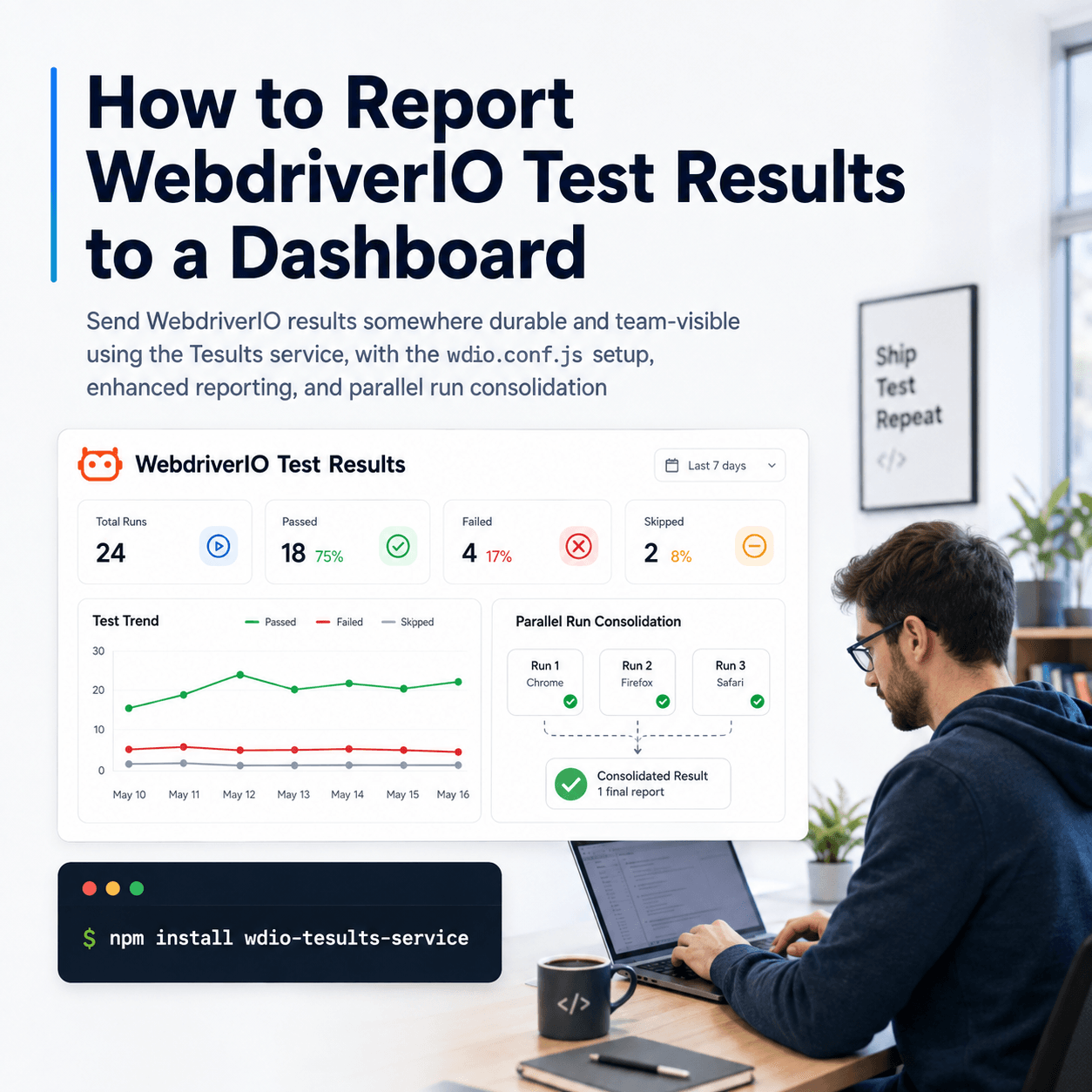
How to Report WebdriverIO Test Results to a Dashboard
Send WebdriverIO results somewhere durable and team-visible using the Tesults service, with the wdio.conf.js setup, enhanced reporting, and parallel run consolidation
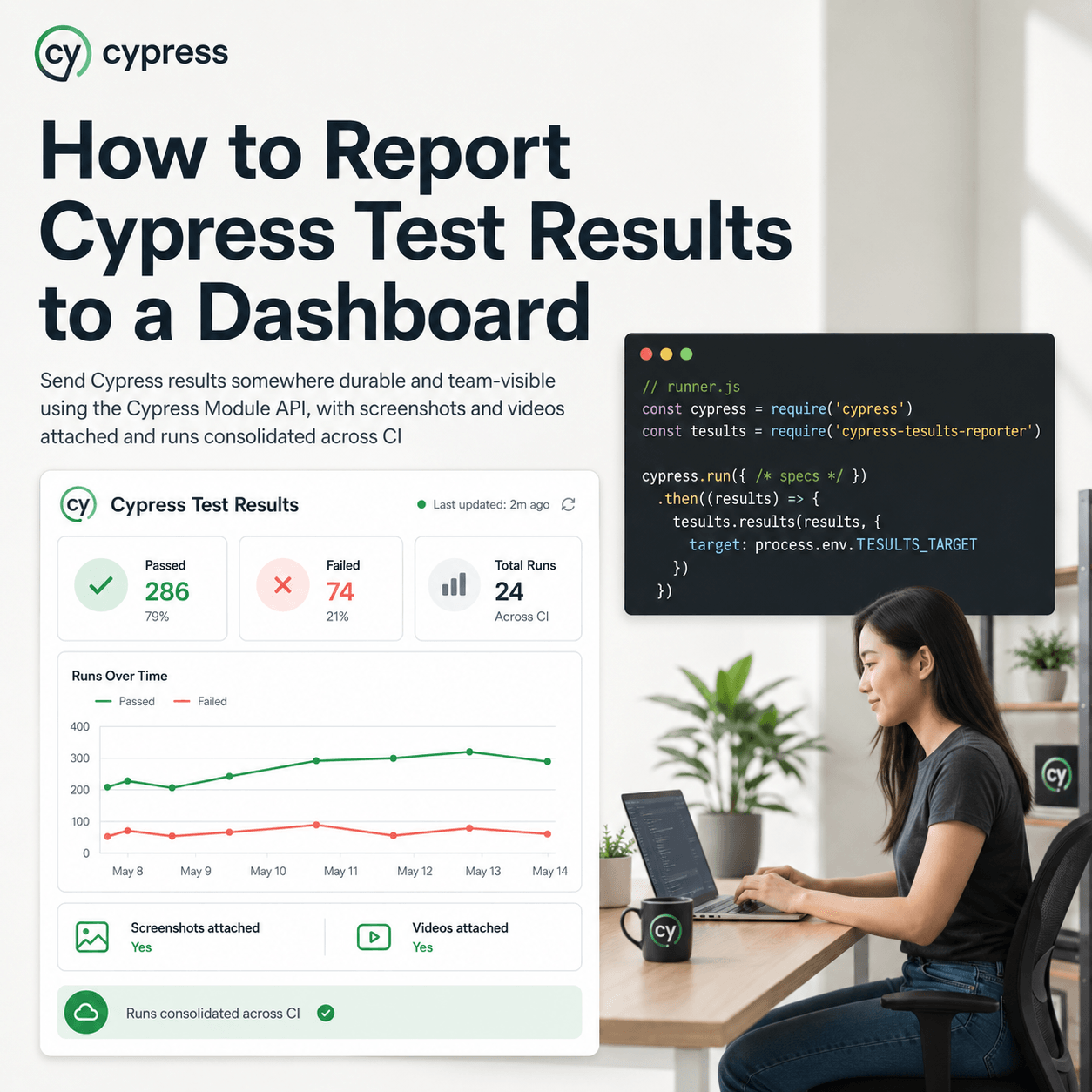
How to Report Cypress Test Results to a Dashboard
Send Cypress results somewhere durable and team-visible using the Cypress Module API, with screenshots and videos attached and runs consolidated across CI
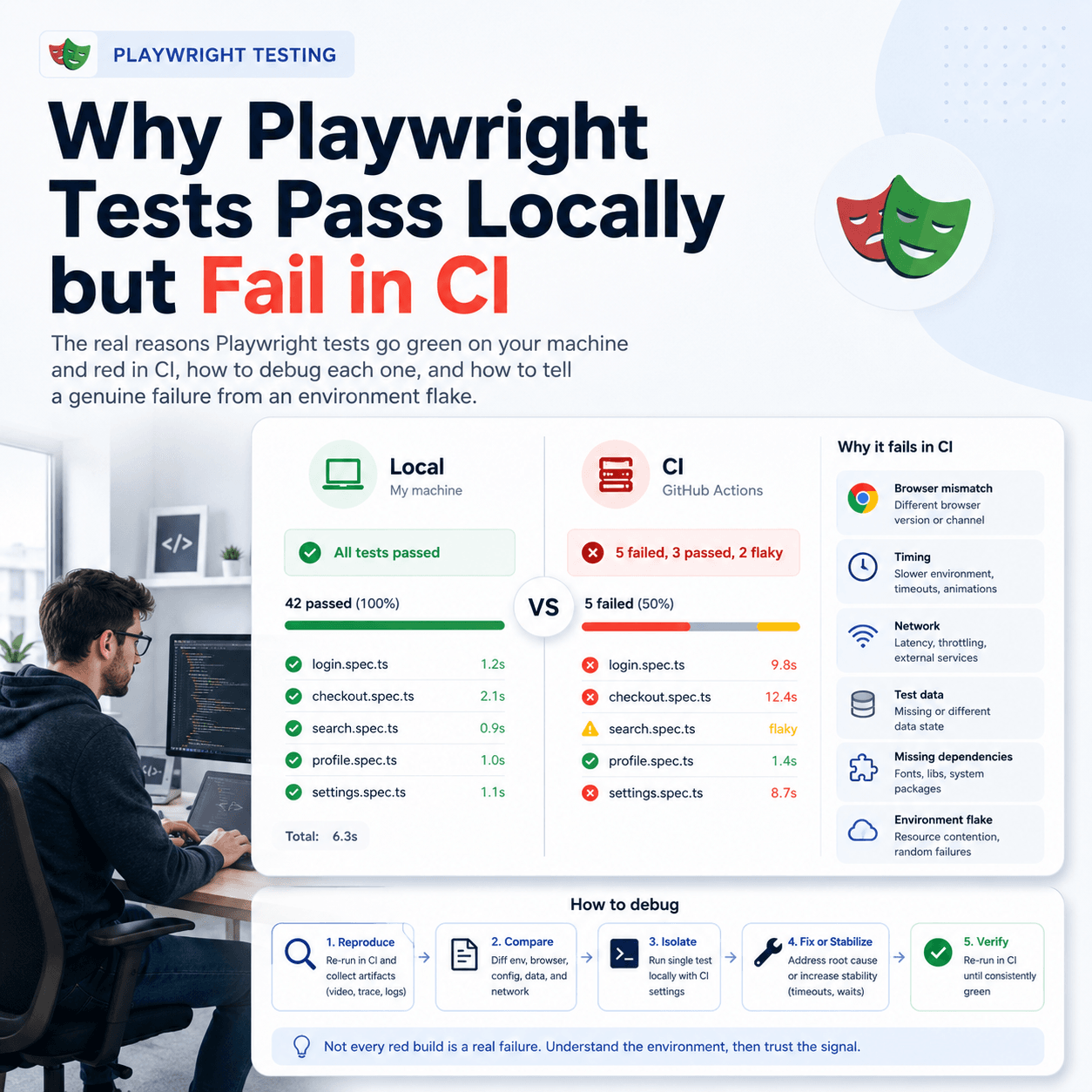
Why Playwright Tests Pass Locally but Fail in CI
The real reasons Playwright tests go green on your machine and red in CI, how to debug each one, and how to tell a genuine failure from an environment flake
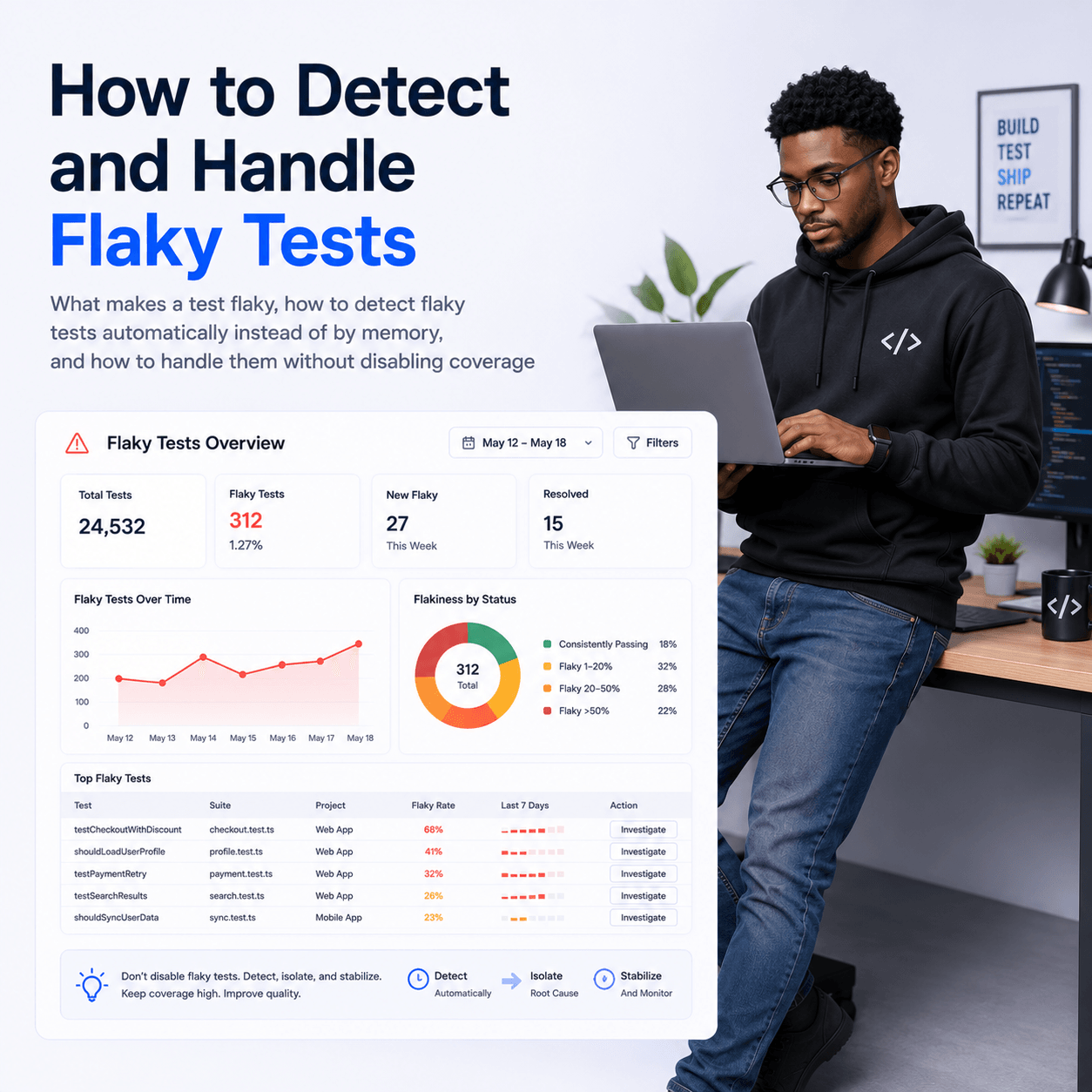
How to Detect and Handle Flaky Tests
What makes a test flaky, how to detect flaky tests automatically instead of by memory, and how to handle them without disabling coverage
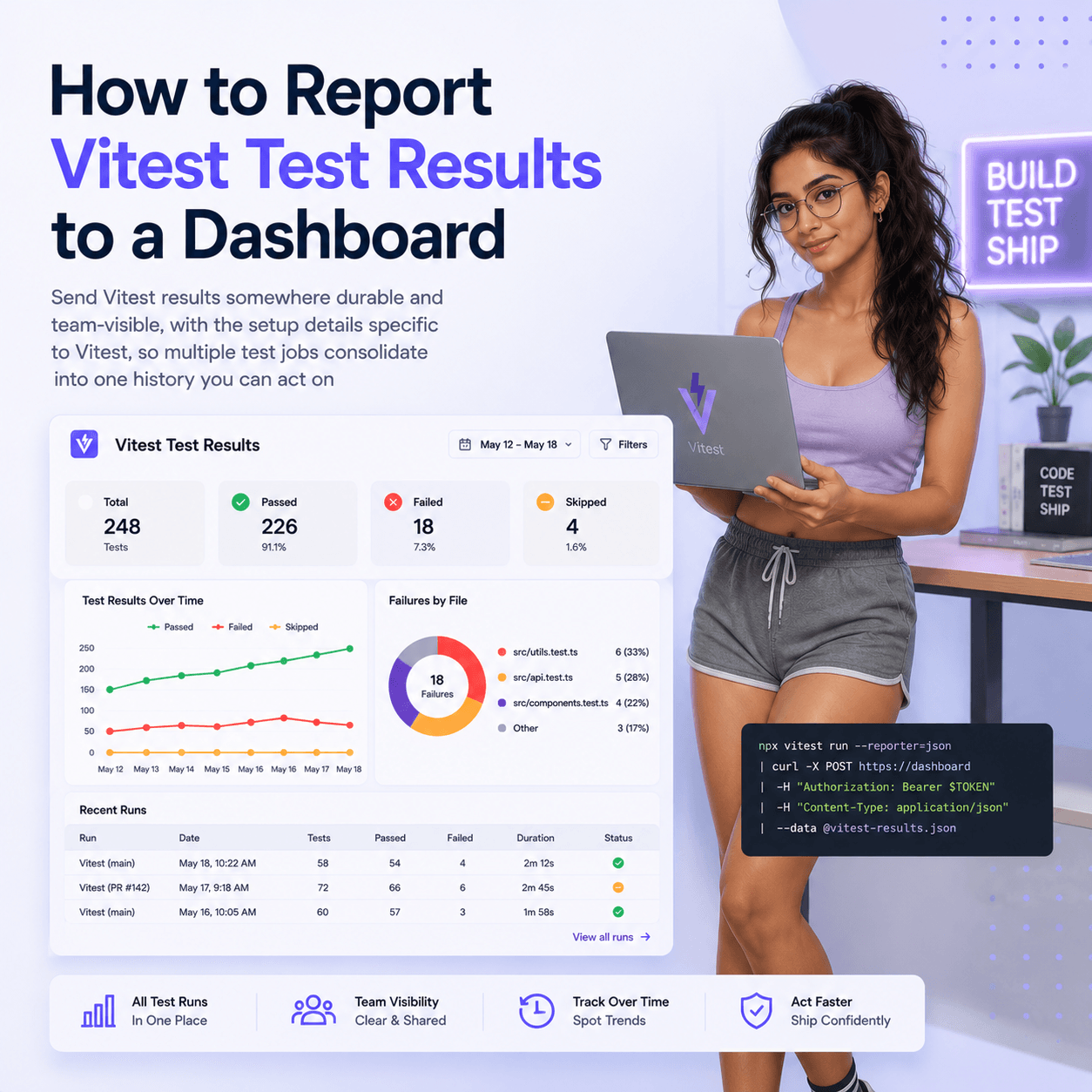
How to Report Vitest Test Results to a Dashboard
Send Vitest results somewhere durable and team-visible, with the setup details specific to Vitest, so multiple test jobs consolidate into one history you can act on
How to Report Go Test Results to a Dashboard
Go has no reporter plugin, so reporting go test results means parsing go test -json and uploading the cases yourself. Here is the whole pattern.
How to Report Jest Test Results to a Dashboard
How to send Jest results somewhere they are kept, viewable by the team, and comparable across runs, without giving up the default reporter
How to View Playwright Test Results in CI
How to get Playwright results out of the CI console and into a durable dashboard, including parallel shards, screenshots, and retained history
What Is a Test Results Dashboard and When Do You Need One
What a test results dashboard actually does, how it differs from your CI logs and your test framework report, and the point at which a team starts needing one
Diagnosing CI Failures Automatically With an AI Failure Diagnosis API
How to turn a red build into a root cause, a regression list, and a deploy gate without a human reading the logs