The Tesults web app is designed for desktop browsers. Sign up and configure your project on a laptop or desktop. Use the iOS app or Android app to view results on the go.

Better Customization

Better flexibility, better pricing, better options.

blog-title-image

Before today when you created a new project on Tesults you had a choice between three preset plans (one free, two paid) and the option to contact us for a custom plan. Starting today things have gotten a lot better.

Preset plans are still available (free and paid) but now you have the ability to completely customize the options you need and get instant price quotes. We hope this will make things easier for teams that found they had requirements in between what the preset plans offered. Also now most teams will not have to contact us over email or phone and endure a slow process (1 day usually) to confirm the custom plan and have us activate the plan. Now this can all happen instantly. Furthermore there is no need to overthink anything anymore because you can change your plan at any time, however many times you like, straight from the config menu as your needs change.

We also hope that this will help teams save on cost through efficiency. Now that you can completely customize for your project and team requirements you should not have to pay for any underutilized provisioned throughput. Most teams should no longer have to contact us for a quote. In a few cases there will still be a need to contact us, such as for ranges that extend beyond the limits of the custom creator tool or enterprise teams seeking multi-project grouped quotes.
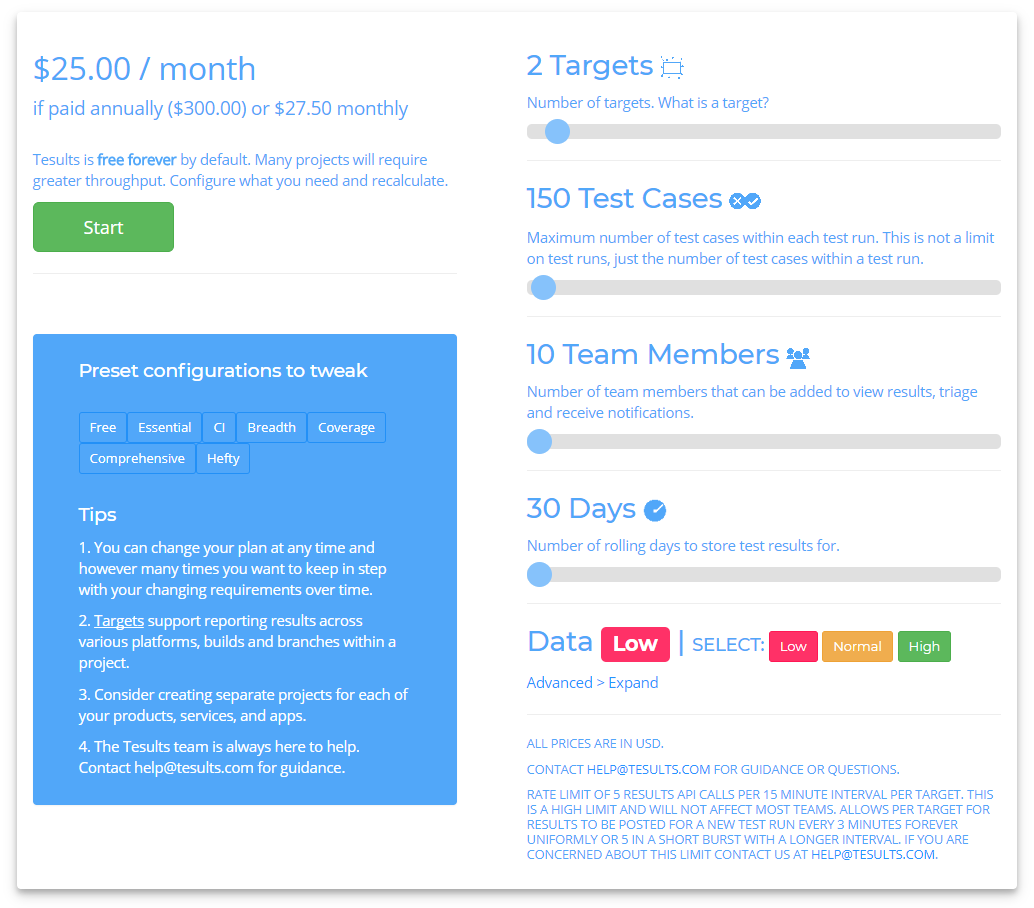
If you are on one of the old preset plans you too can change your plan if you wish at any time from the config menu. Our advice is simple, don’t over think it. Choose what you need for your current requirements, then modify and adjust as your needs change.

As always we are interested in your feedback and questions.

- The Tesults Team

Test automation reporting and failure intelligence

Consolidated test reporting for engineering teams. Store, track, and understand test results across every run and system.

Latest Posts

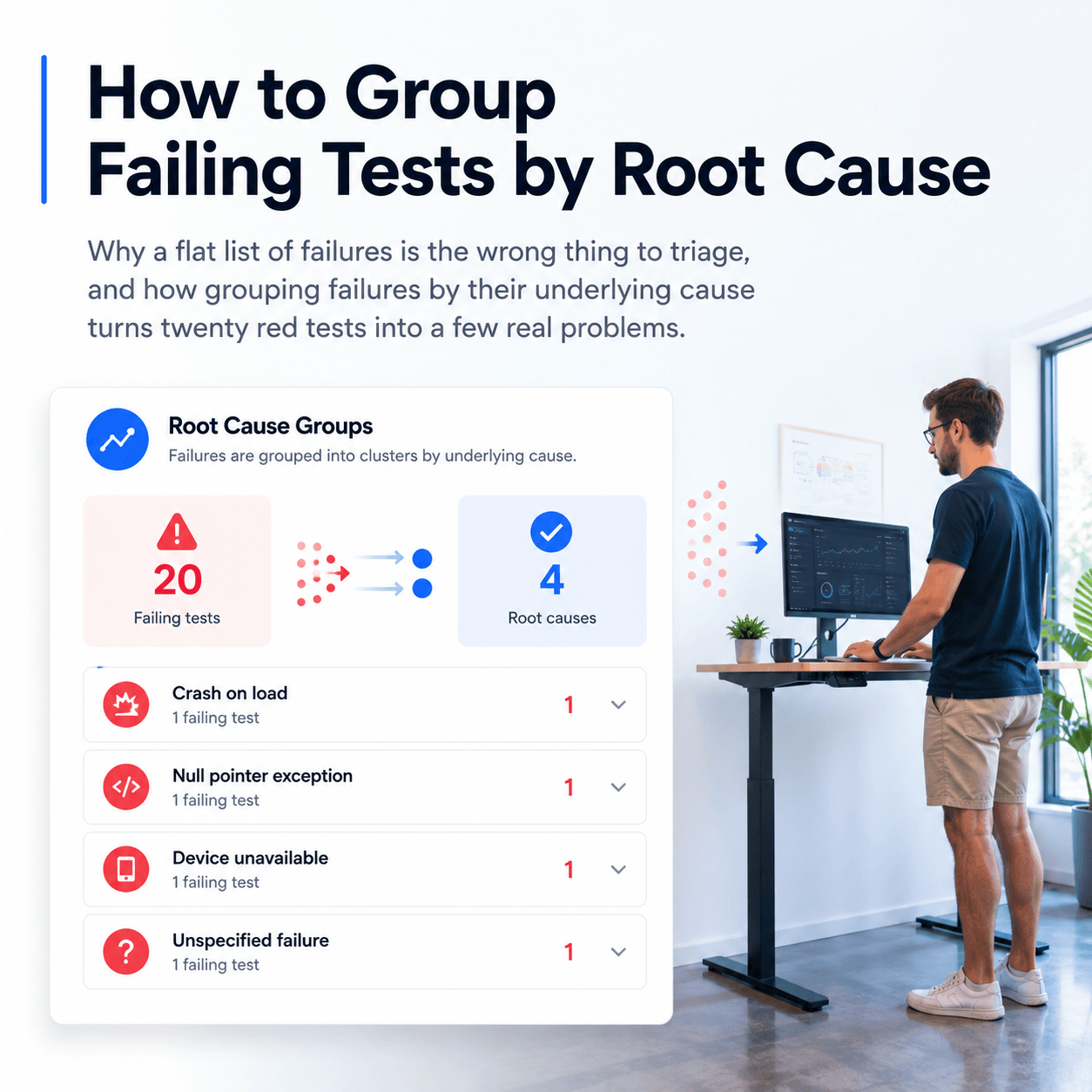
How to Group Failing Tests by Root Cause
Why a flat list of failures is the wrong thing to triage, and how grouping failures by their underlying cause turns twenty red tests into a few real problems
How to Share Test Results With Your Team
Why screenshotting results into chat does not scale, and how to give a whole team live access to test results with roles, notifications, and one shared dashboard
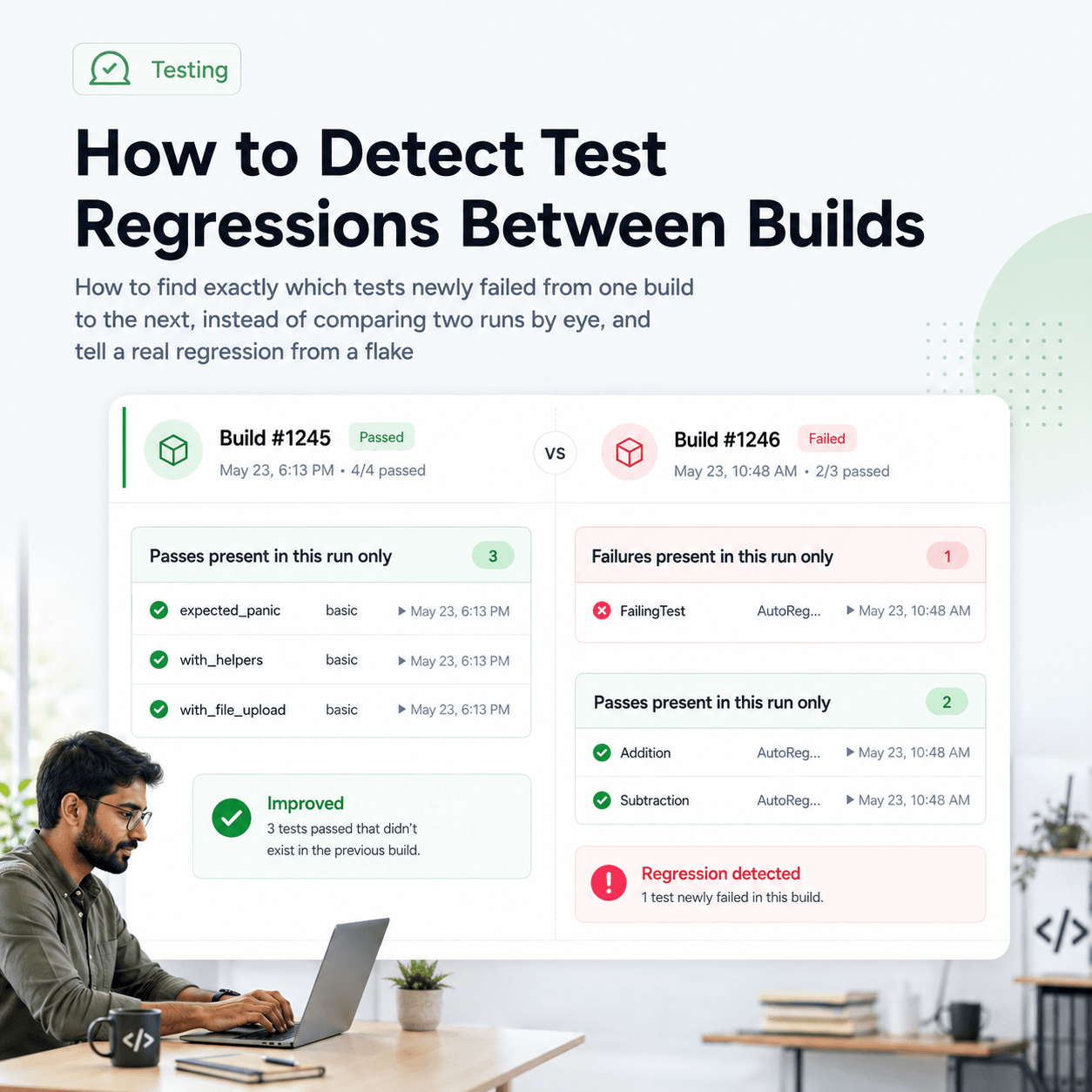
How to Detect Test Regressions Between Builds
How to find exactly which tests newly failed from one build to the next, instead of comparing two runs by eye, and tell a real regression from a flake
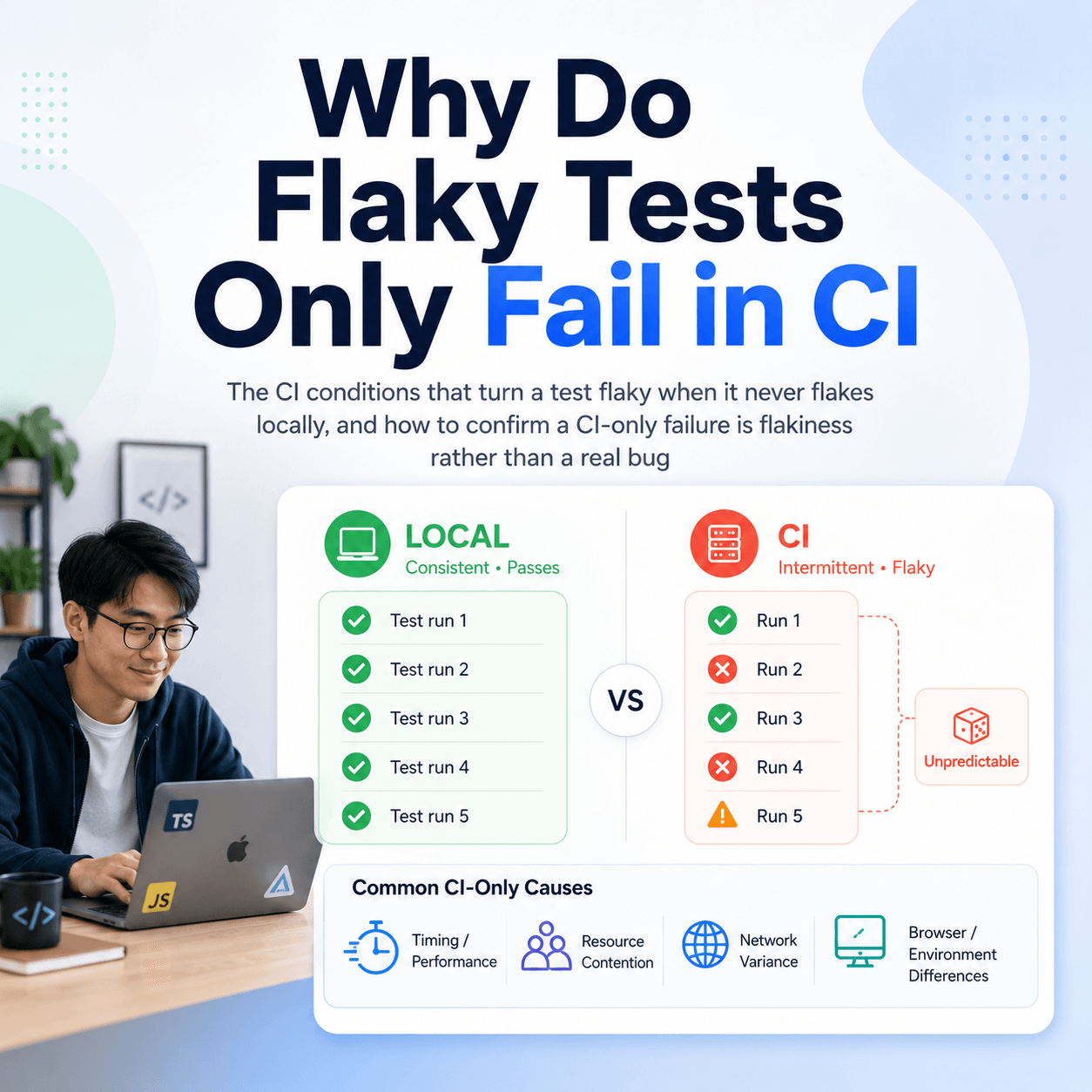
Why Do Flaky Tests Only Fail in CI
The CI conditions that turn a test flaky when it never flakes locally, and how to confirm a CI-only failure is flakiness rather than a real bug
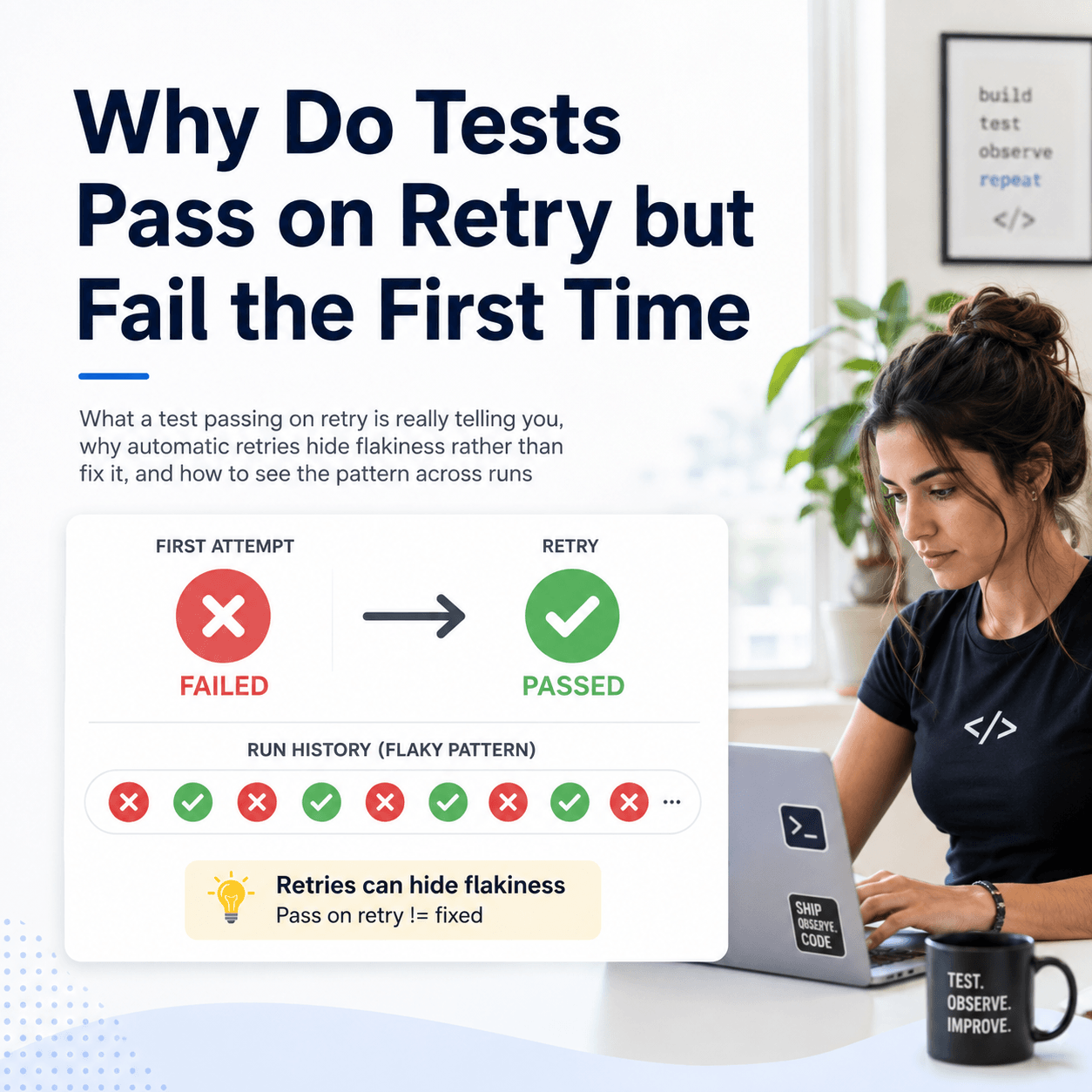
Why Do Tests Pass on Retry but Fail the First Time
What a test passing on retry is really telling you, why automatic retries hide flakiness rather than fix it, and how to see the pattern across runs
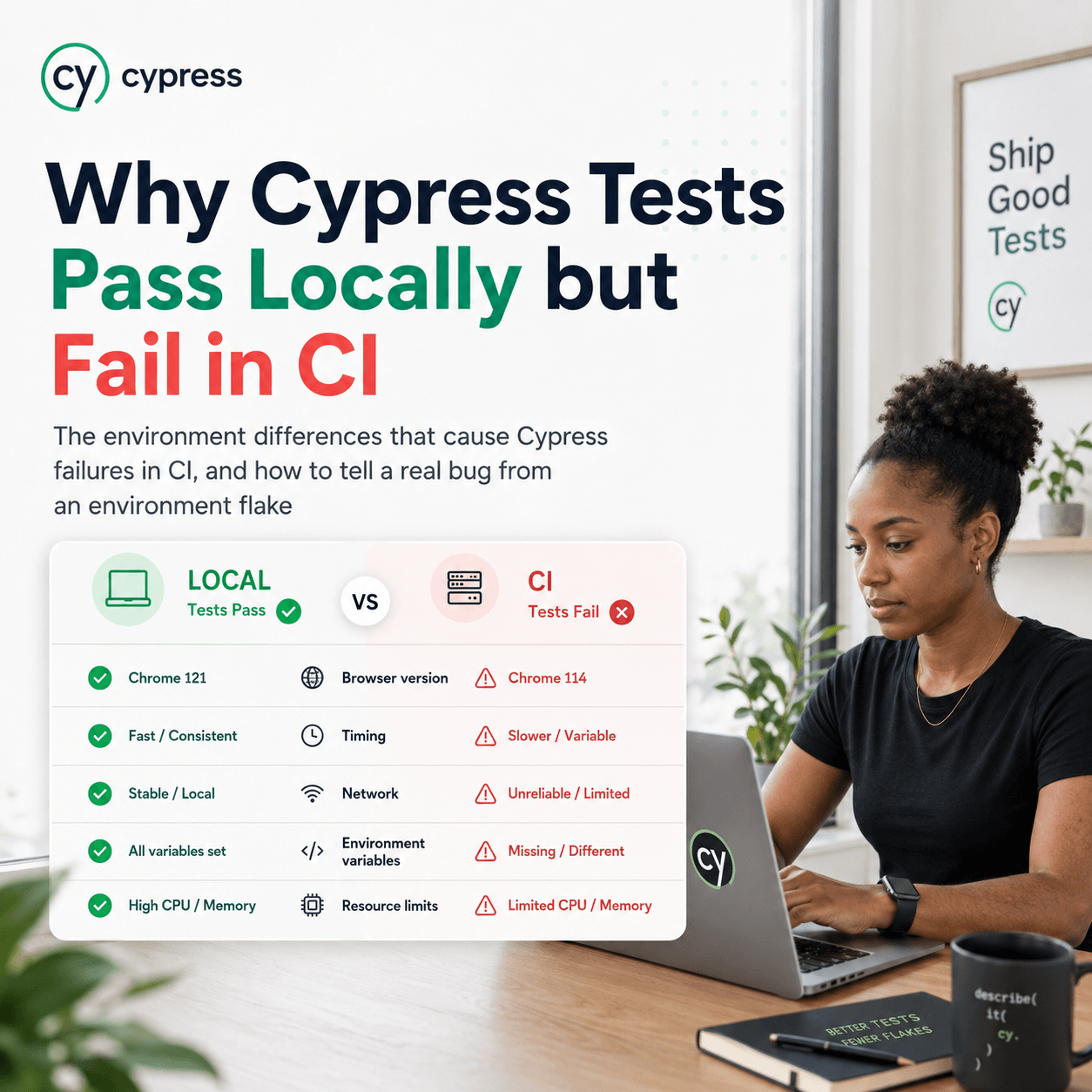
Why Cypress Tests Pass Locally but Fail in CI
The environment differences that cause Cypress failures in CI, and how to tell a real bug from an environment flake
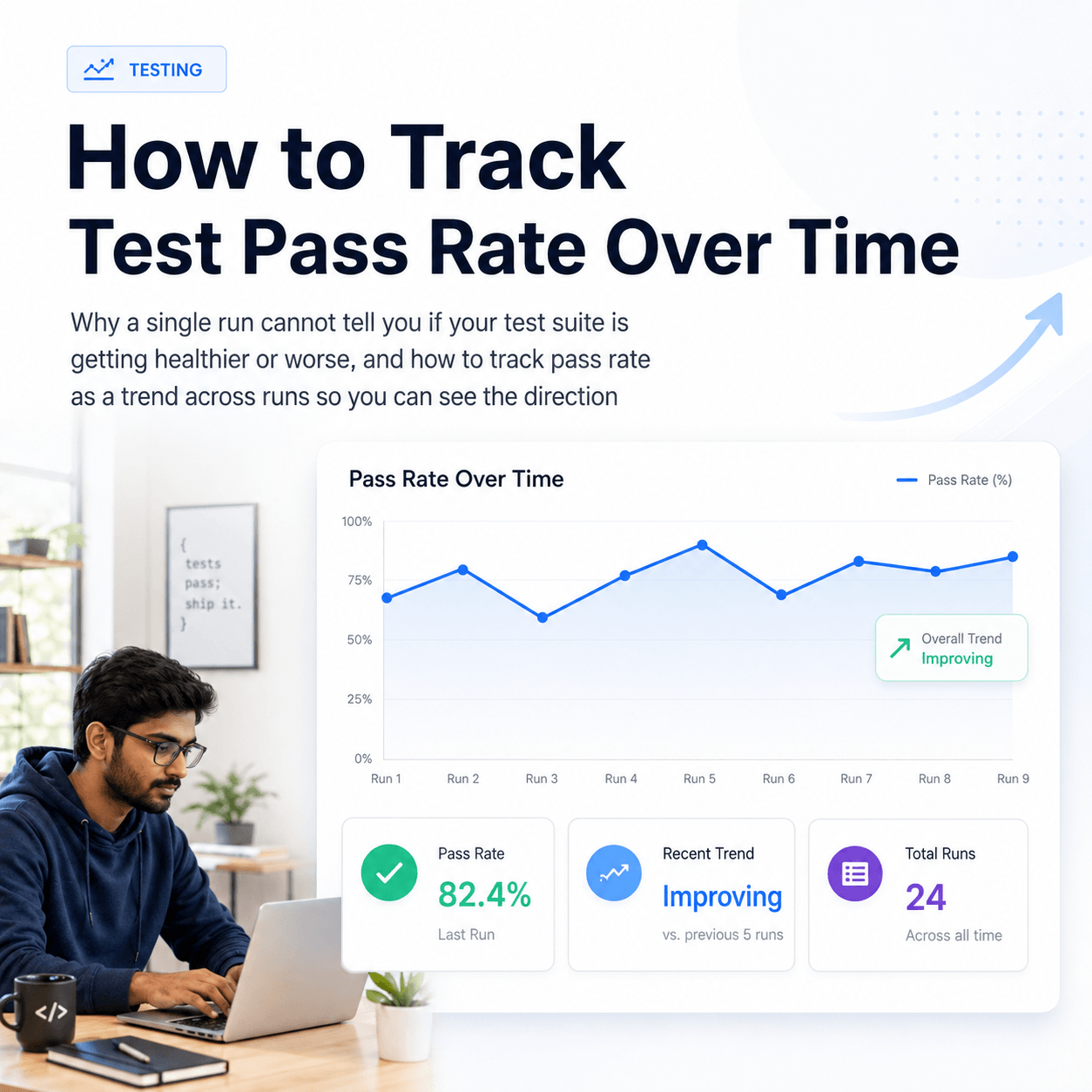
How to Track Test Pass Rate Over Time
Why a single run cannot tell you if your test suite is getting healthier or worse, and how to track pass rate as a trend across runs so you can see the direction
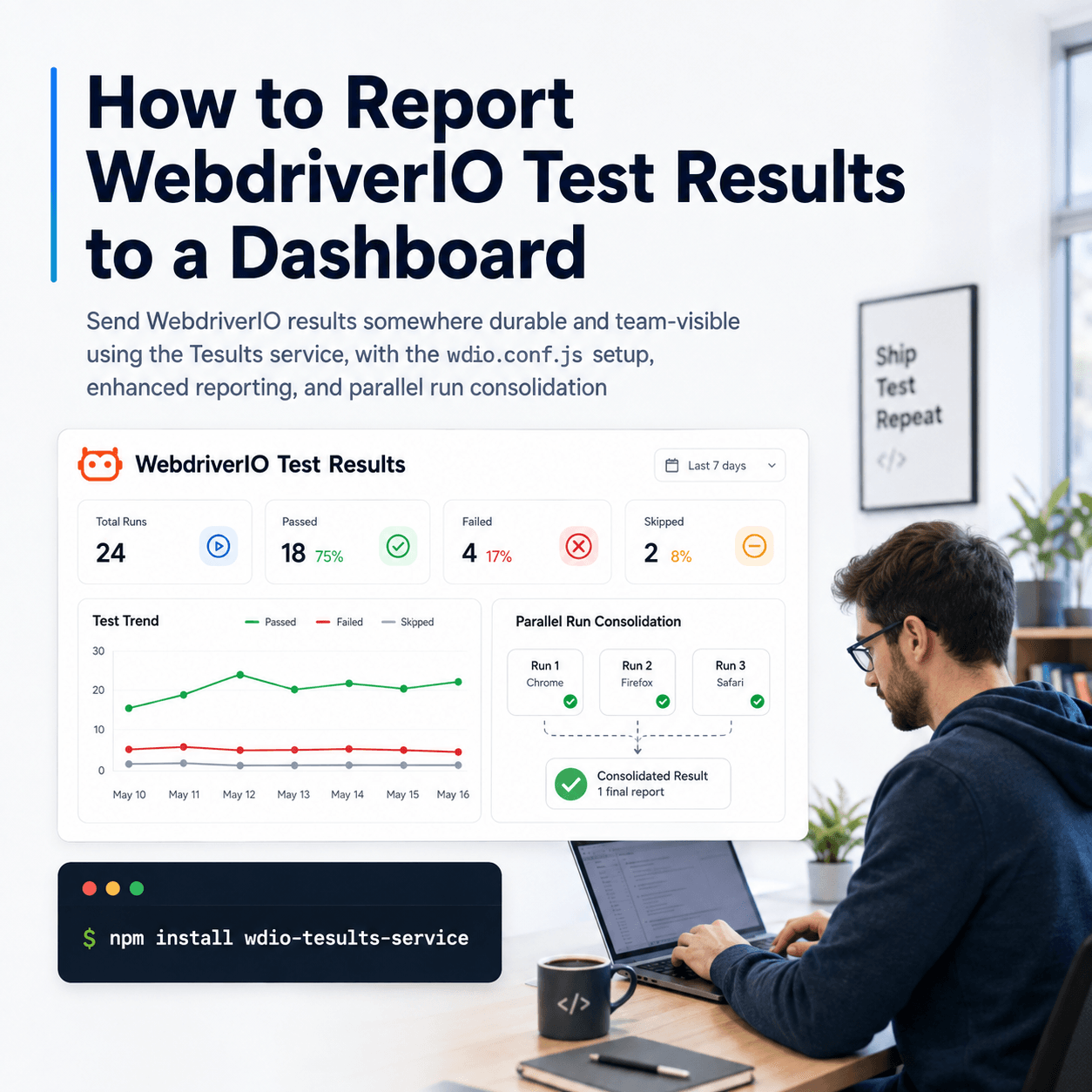
How to Report WebdriverIO Test Results to a Dashboard
Send WebdriverIO results somewhere durable and team-visible using the Tesults service, with the wdio.conf.js setup, enhanced reporting, and parallel run consolidation
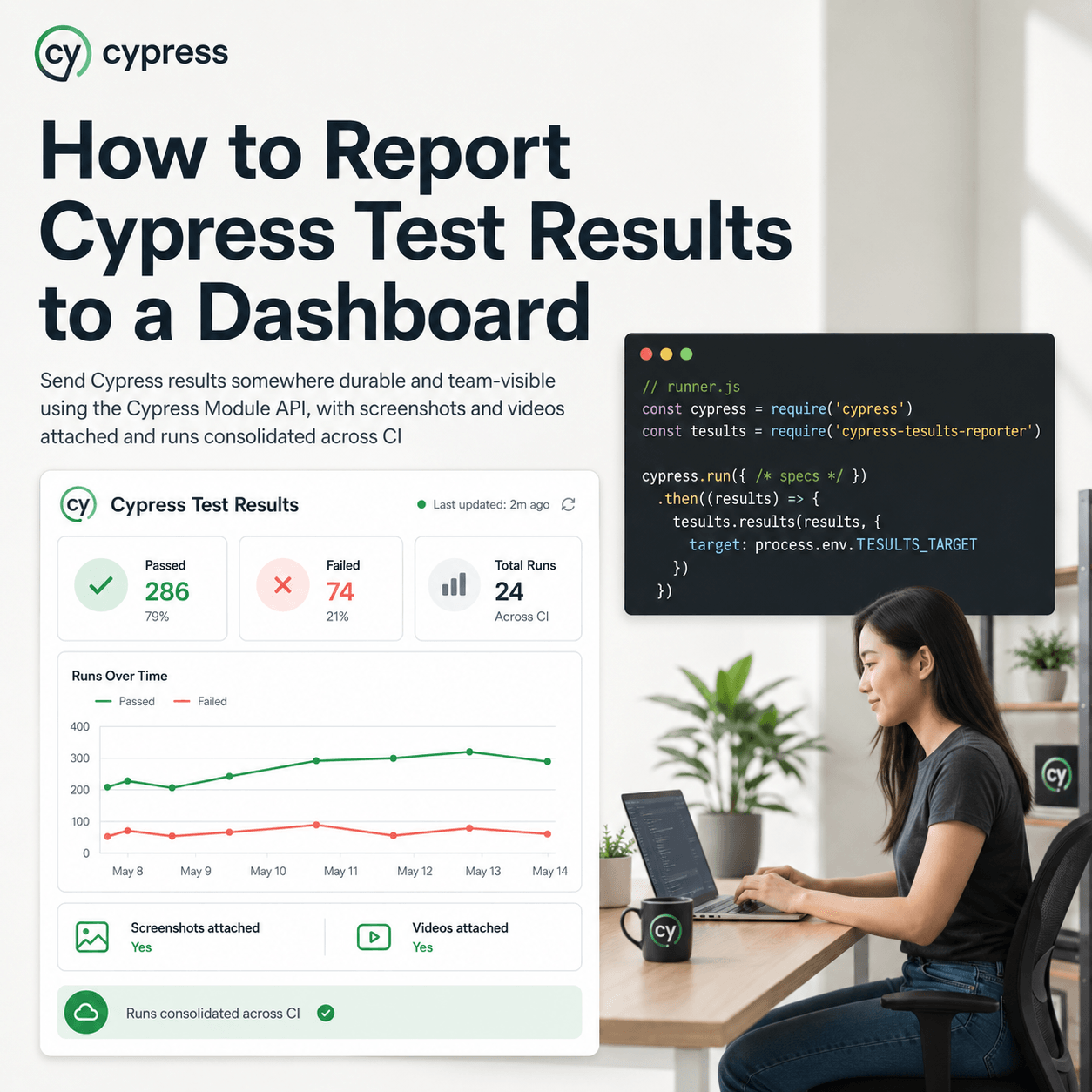
How to Report Cypress Test Results to a Dashboard
Send Cypress results somewhere durable and team-visible using the Cypress Module API, with screenshots and videos attached and runs consolidated across CI
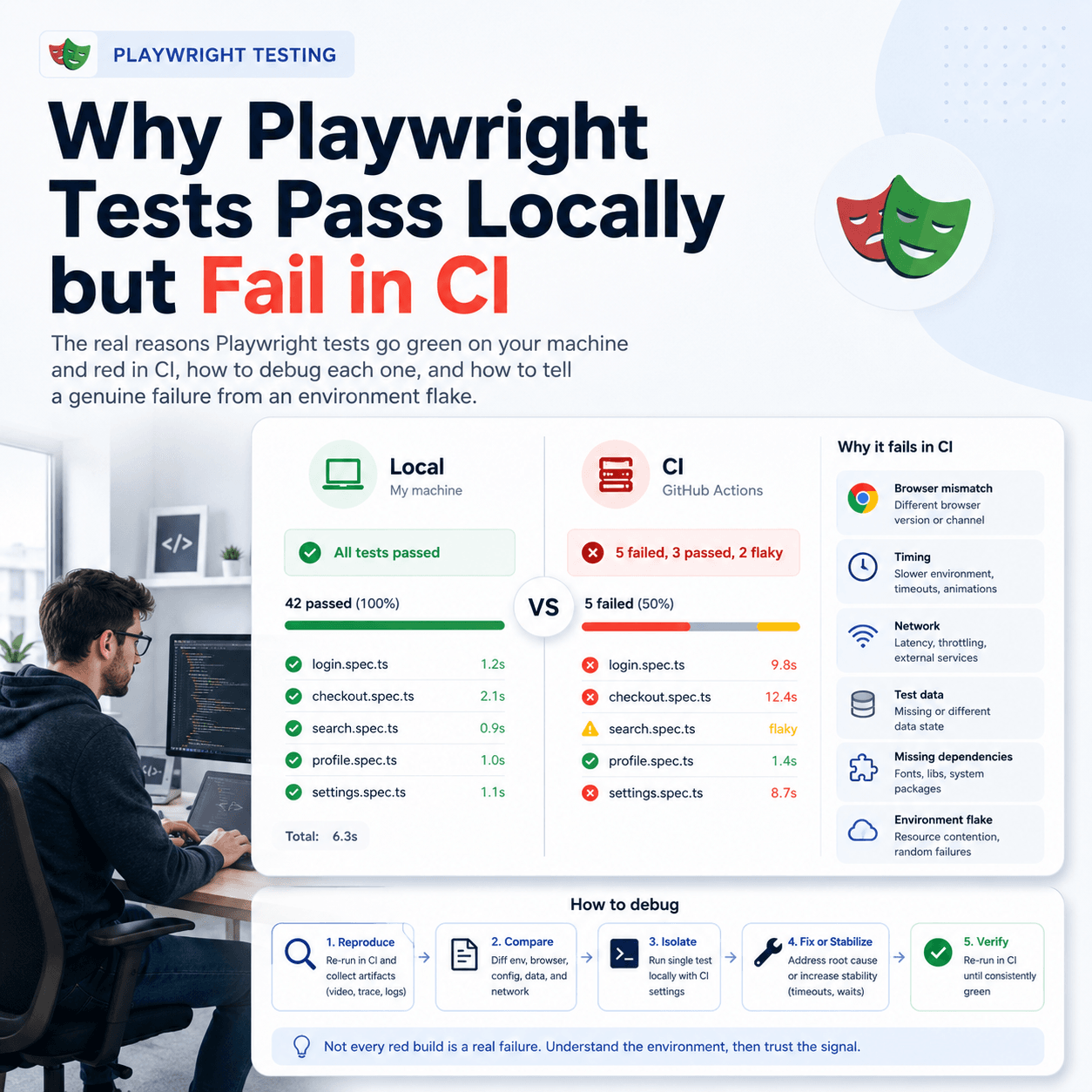
Why Playwright Tests Pass Locally but Fail in CI
The real reasons Playwright tests go green on your machine and red in CI, how to debug each one, and how to tell a genuine failure from an environment flake
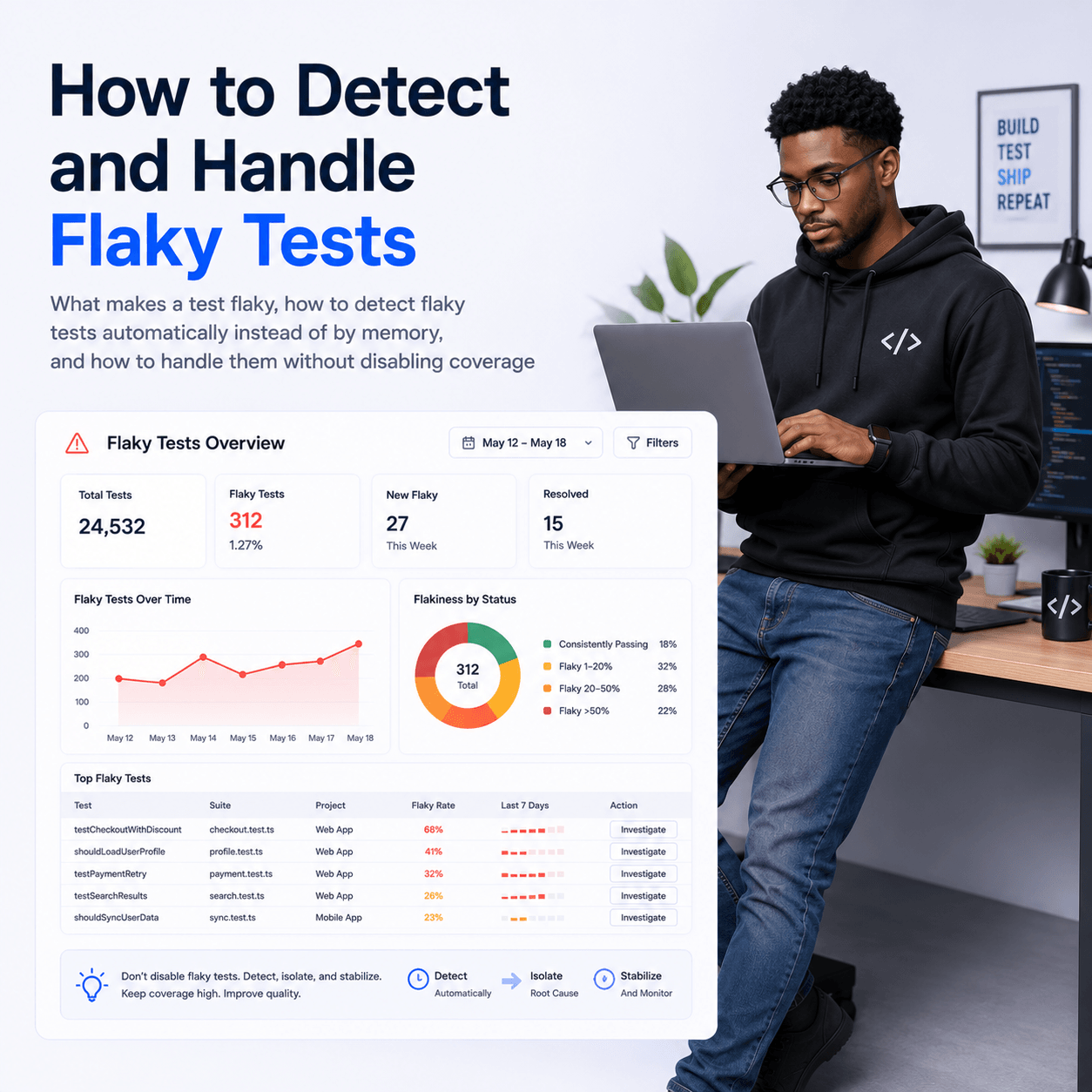
How to Detect and Handle Flaky Tests
What makes a test flaky, how to detect flaky tests automatically instead of by memory, and how to handle them without disabling coverage
How to Report Vitest Test Results to a Dashboard
Send Vitest results somewhere durable and team-visible, with the setup details specific to Vitest, so multiple test jobs consolidate into one history you can act on